
The IntagyaERP Blog
Practical notes on running a business and choosing ERP, grounded in the real market, no jargon.
 Planning
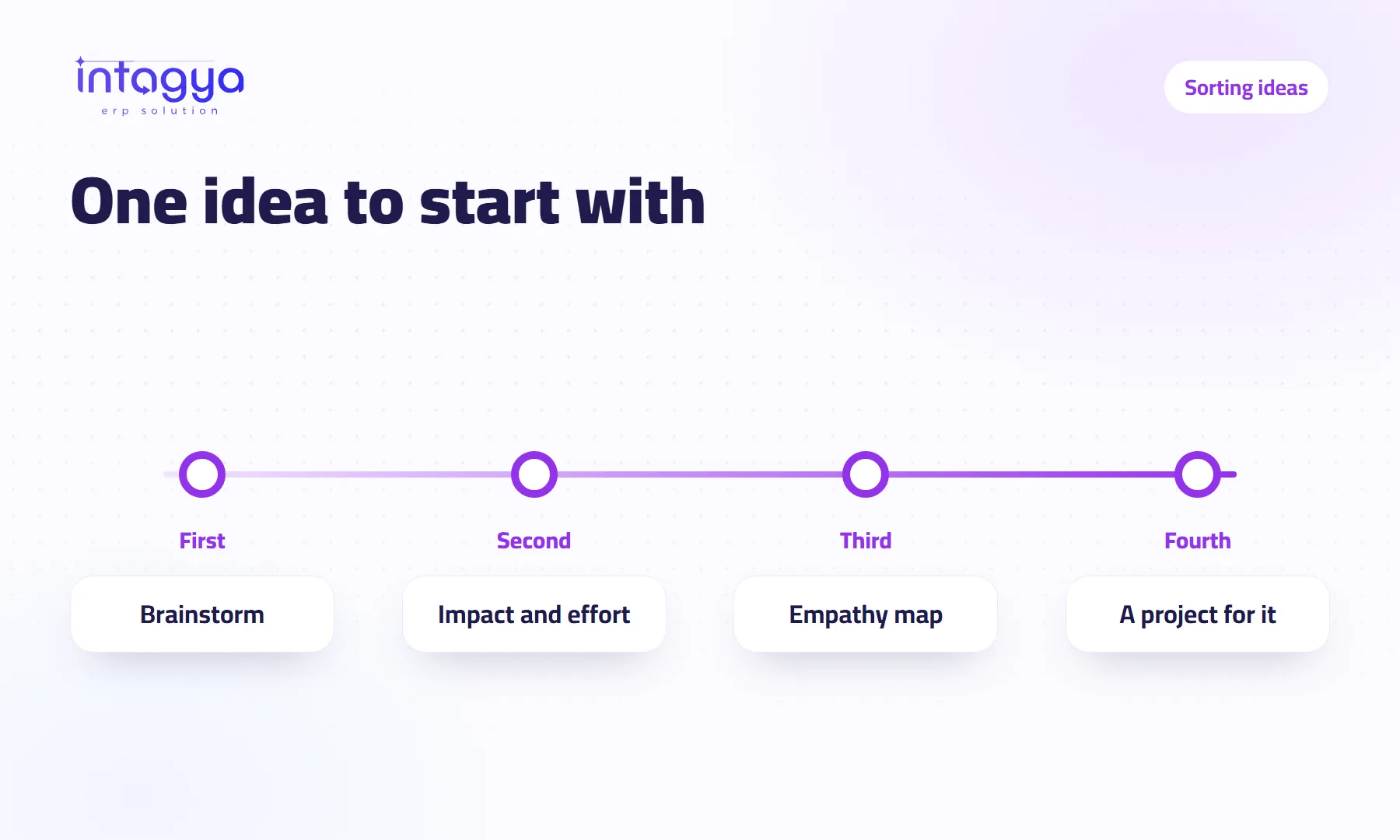
I have too many ideas for my company: which one do I start with?
Collect ideas in a brainstorm, sort them on an impact and effort board, and check them against an empathy map. Three boards in Intagya ERP's Planning Space.
 Planning
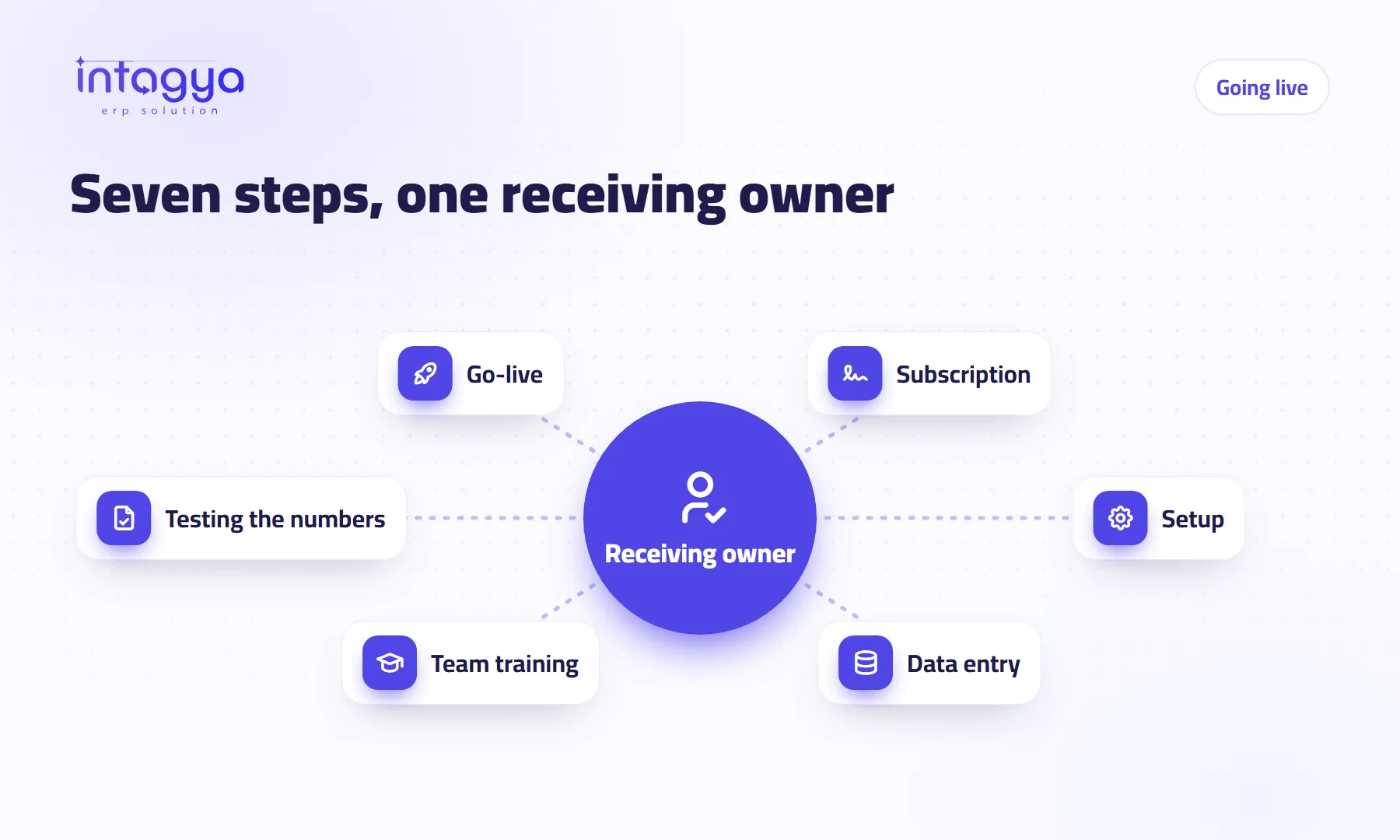
How do I launch an ERP in my company without chaos, and why one receiving owner?
The Intagya ERP launch plan is a seven-step map, each step with a side and an owner. The first is one receiving owner in your company; no project starts without one.
 Planning
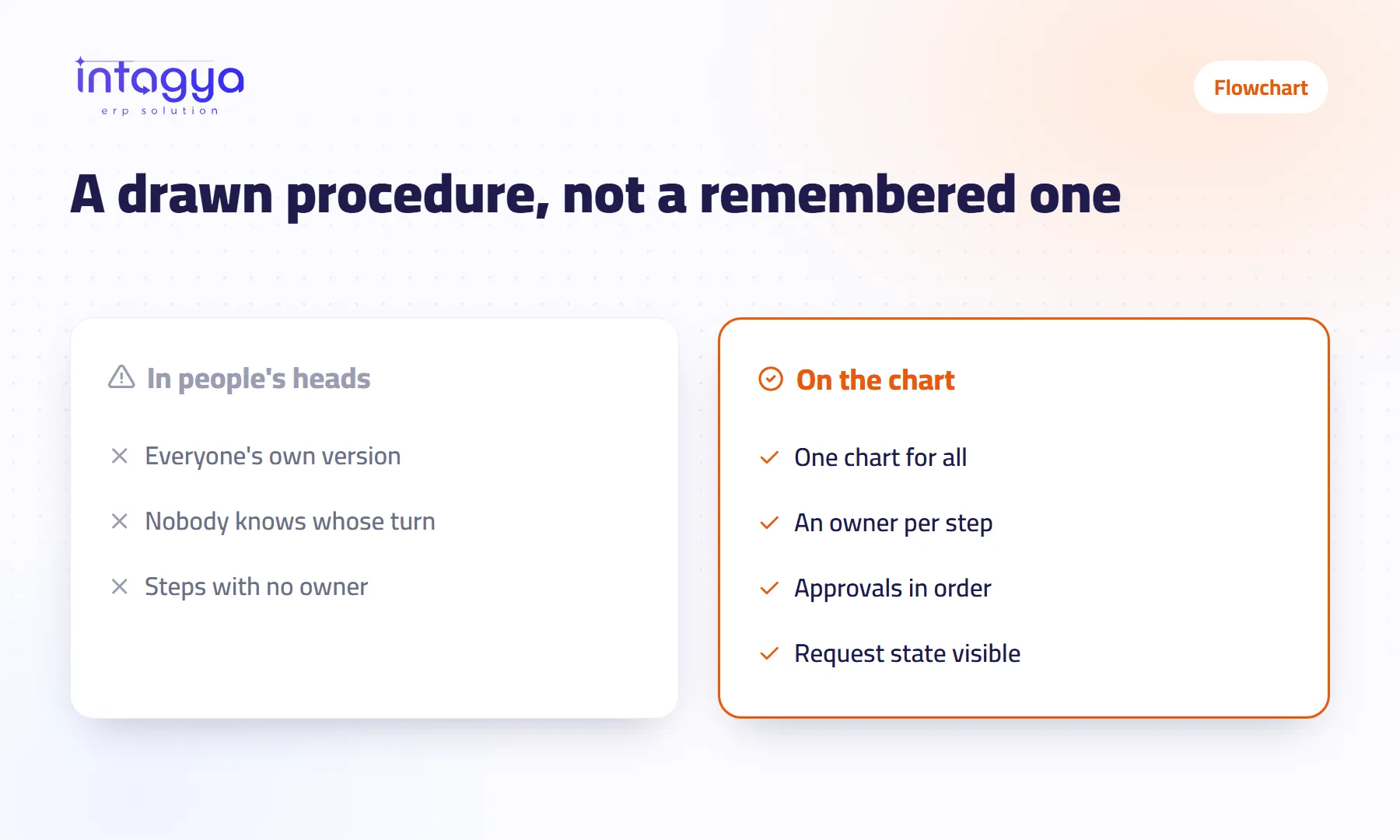
How do I draw how work flows in my company and turn it into an approval cycle?
Draw the procedure as a flowchart with steps and yes/no decisions, mark the steps that need approval, then turn the chart into an approval cycle in the same order.
 Planning
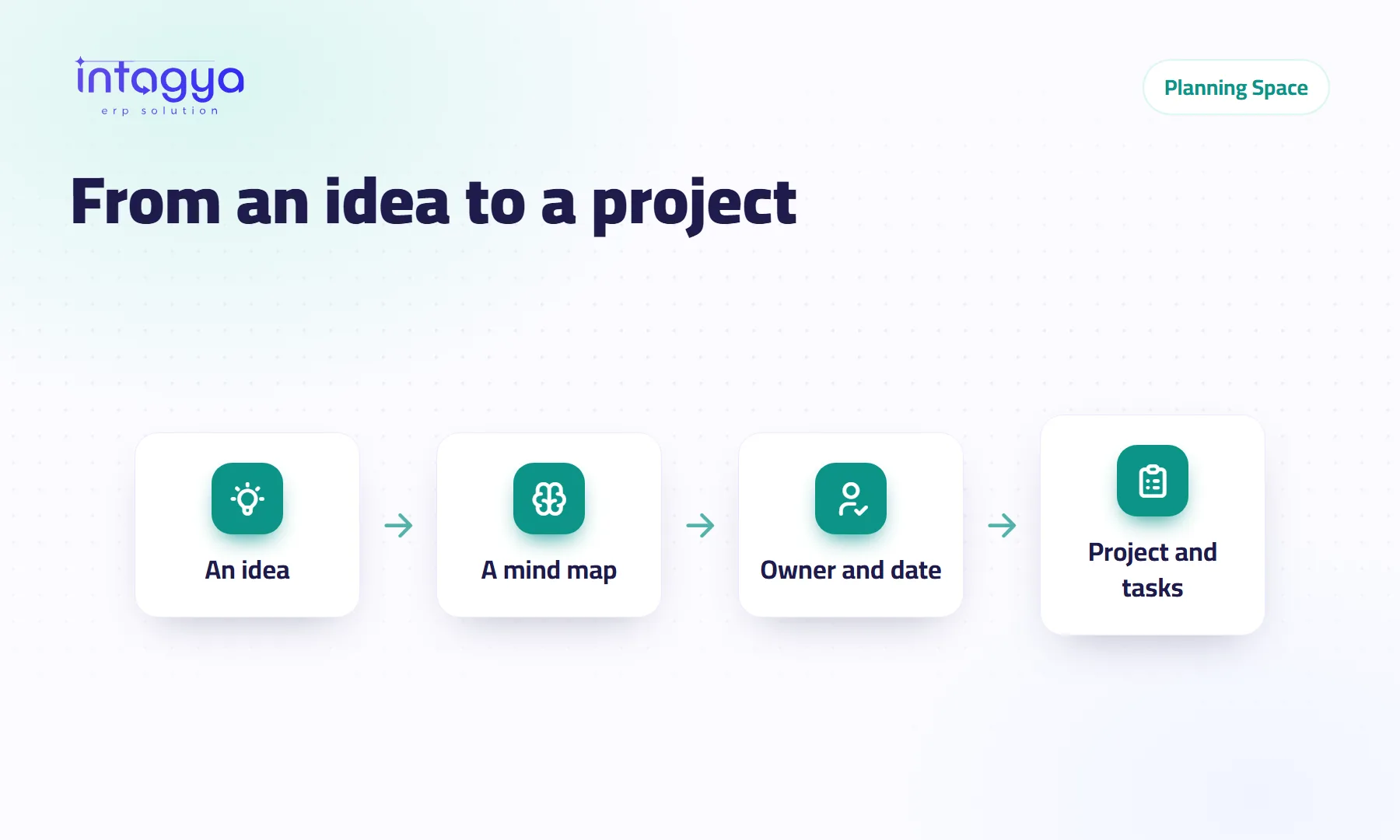
How do I plan a new project before I start it?
Draw the project as a mind map: the idea in the middle, the steps around it, each with an owner and a date. Then turn the map into a project with tasks in one click.
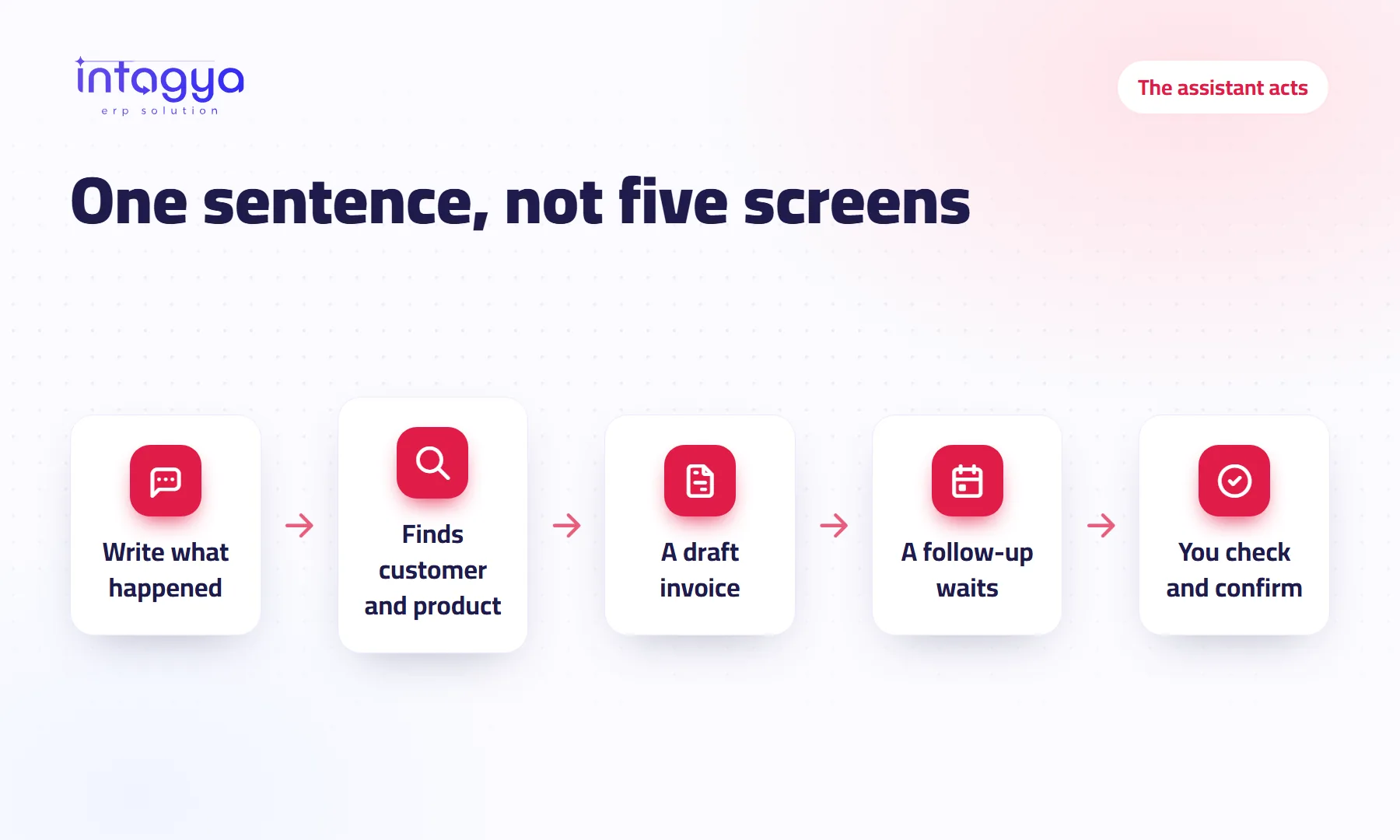 AI that does the work
Can AI create the invoice and log the follow-up for me?
One sentence on the home screen: the invoice waits as a draft, the follow-up waits for Confirm. What the Intagya ERP assistant does, and what it does not.
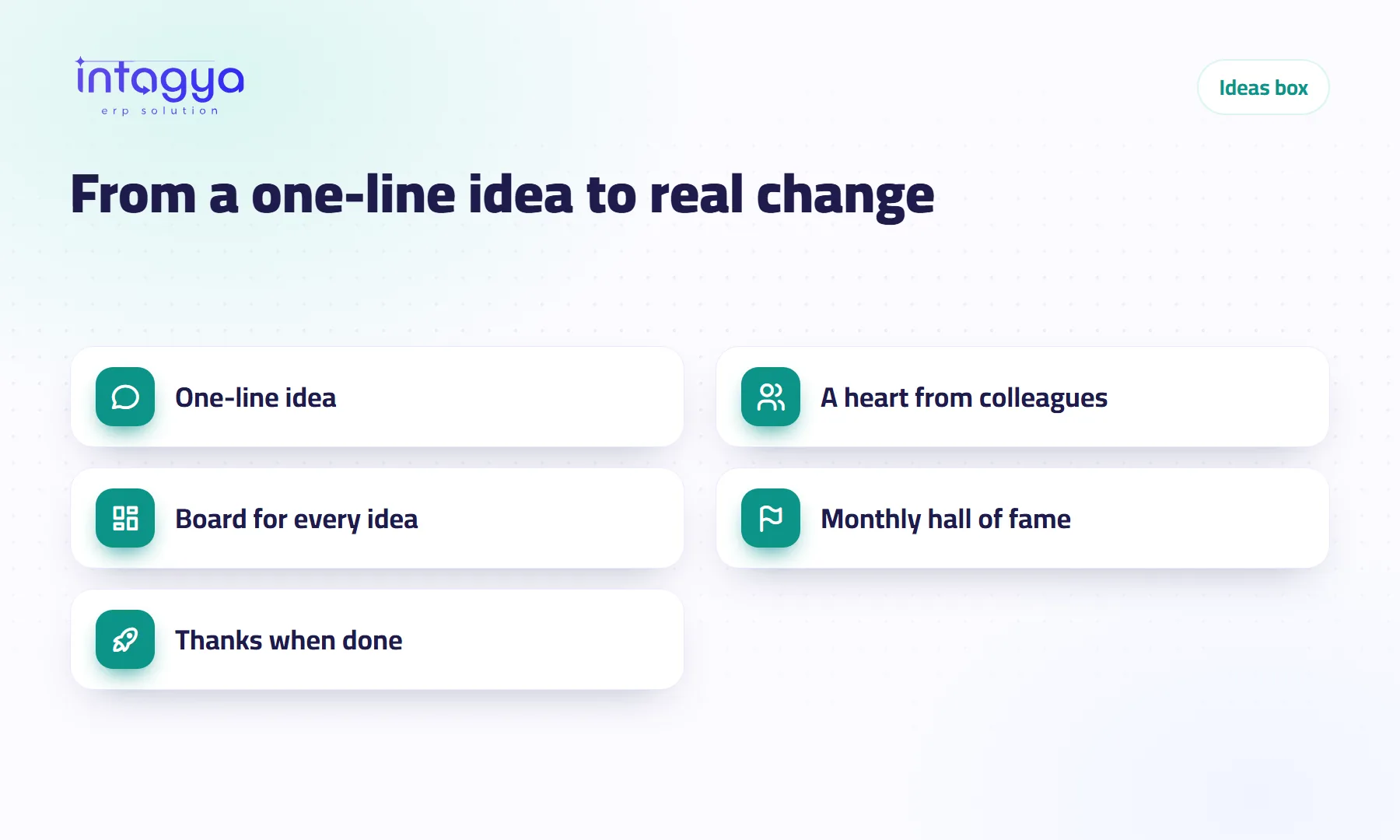 Team
Team
How do I collect my employees' ideas and know which ones are worth doing?
Your staff see every day what you don't. The Intagya ERP ideas box gathers their ideas in one place, lets the team pick the strongest with a heart, and shows what came true.
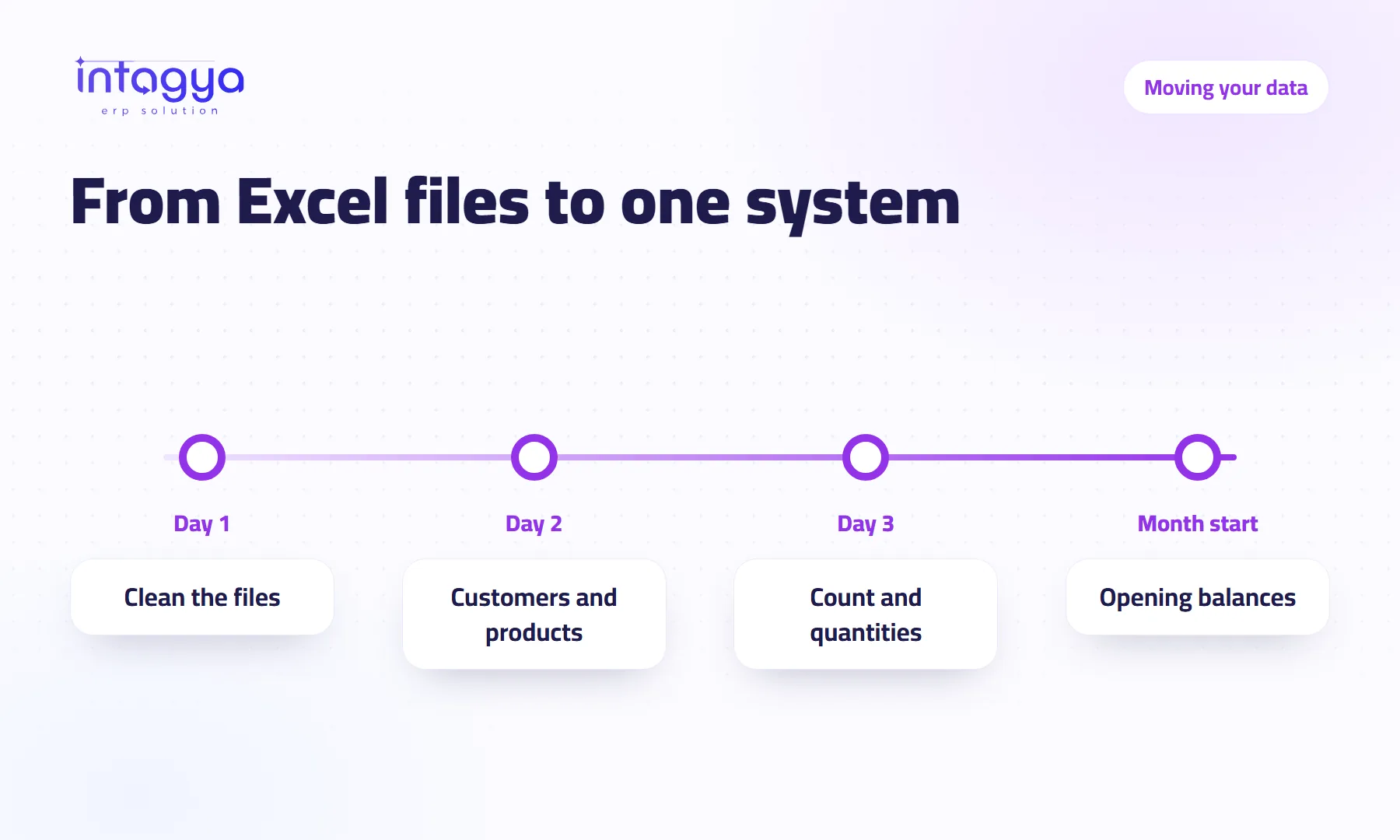 Digital change
Can I move my data from Excel or my old software into a new ERP?
Do not start from zero, and do not move everything. Bring customers, products and opening balances in from Excel in the right order, and keep old history where it is.
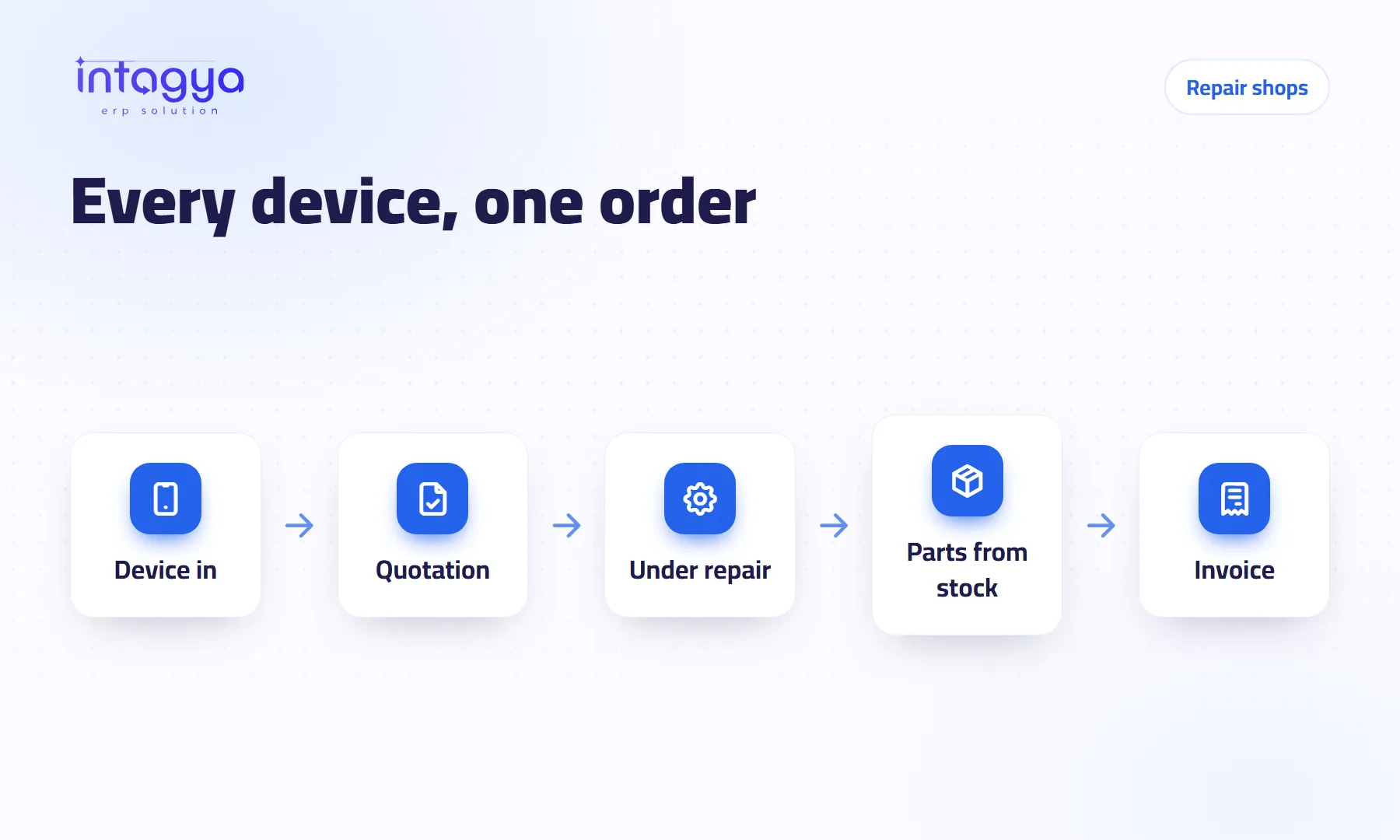 Repair and maintenance
How do I run a repair shop and know where every device stands?
A customer calls for the third time, and a spare part was fitted but never charged. Run your shop with one repair order per device, a status board and parts from stock.
 Company security
How do I control what each employee can see in our system?
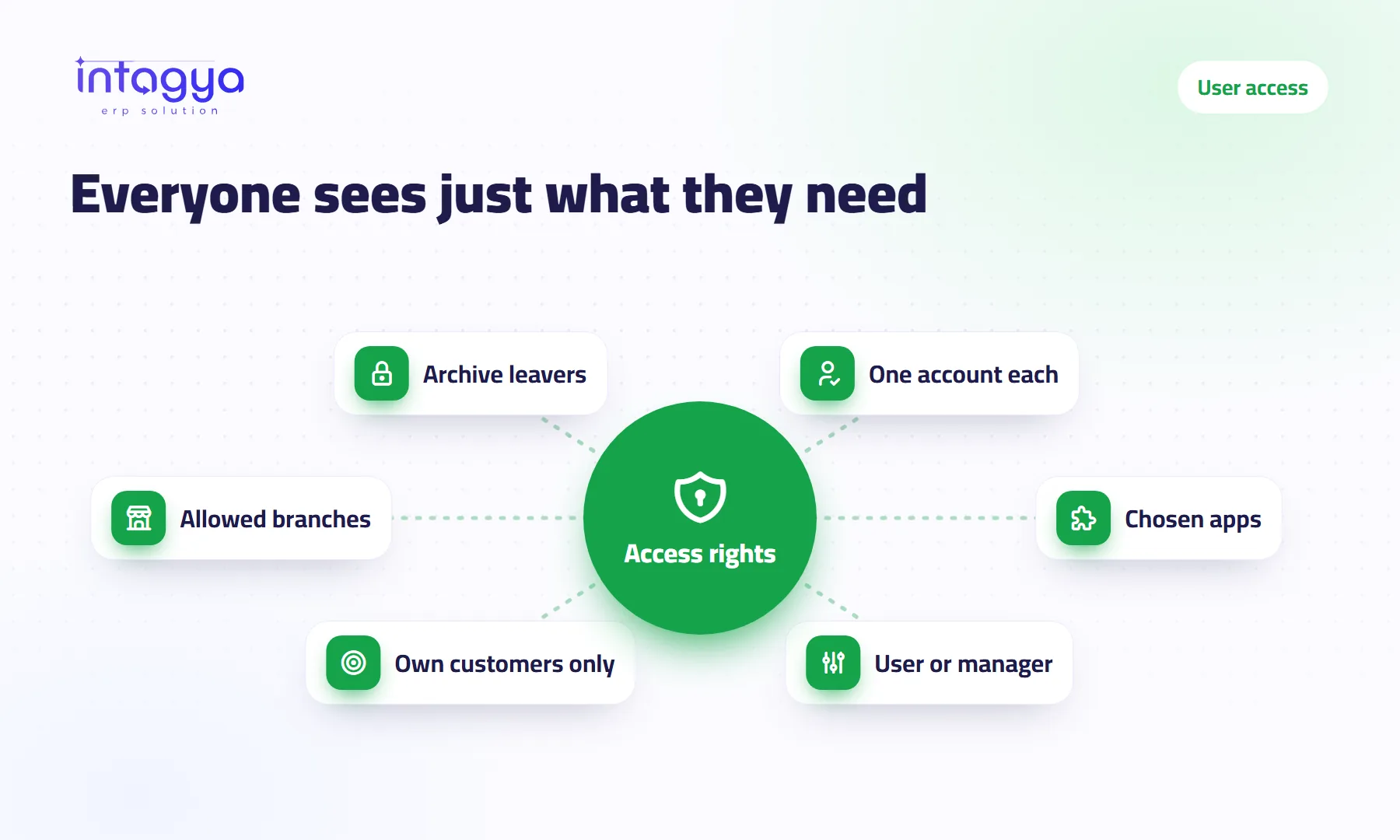
Not every employee needs to see profits, salaries and every customer. Give each user the apps and access level they need, and close a leaver's account without losing data.
 Domain and mail
Why do my company emails land in my customers' spam folder?
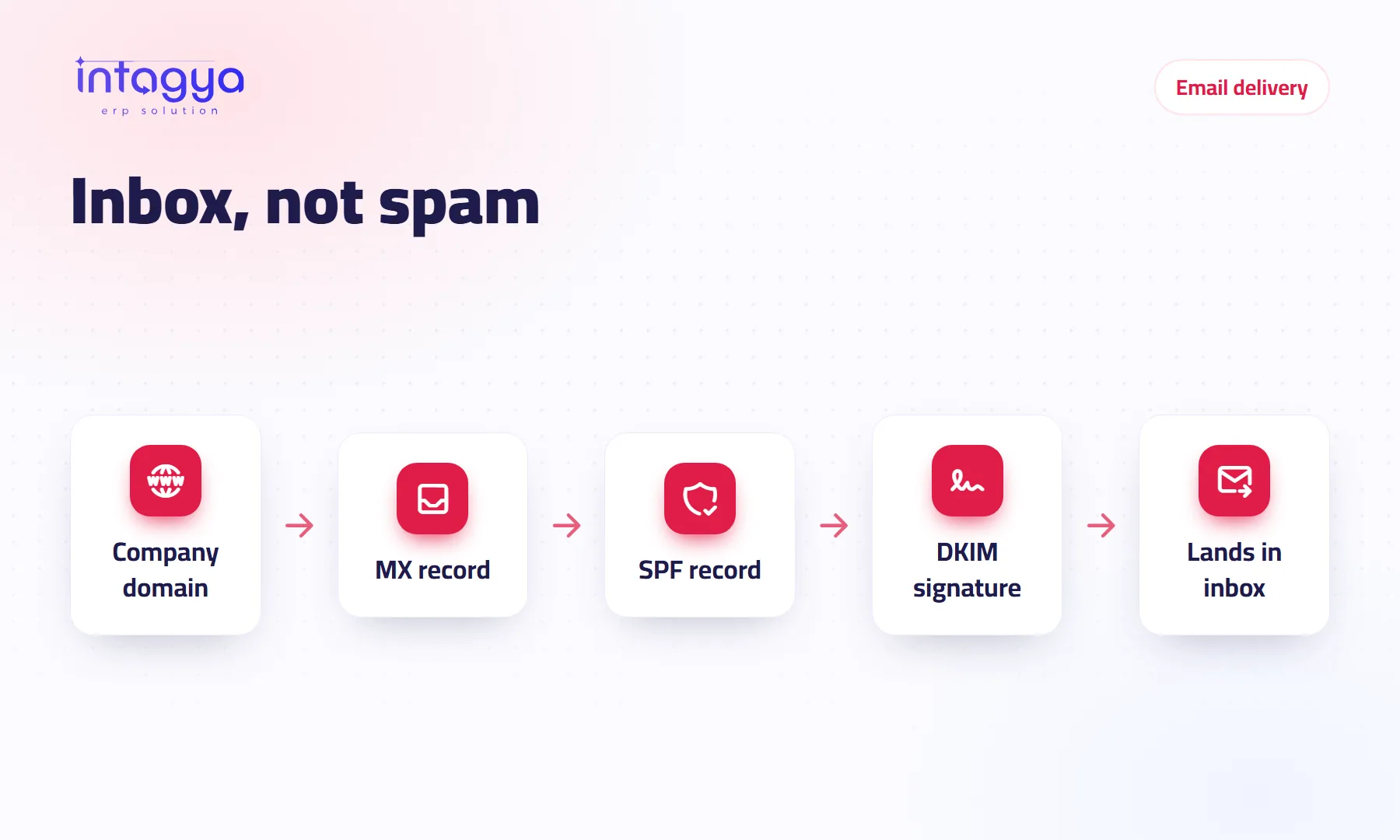
A quote the customer never saw because it was in spam. Learn the records that prove your mail is genuine, the sending habits that hurt you, and how to fix them.
 HR and payroll
How do I manage staff leave so half the team is not off in the same week?
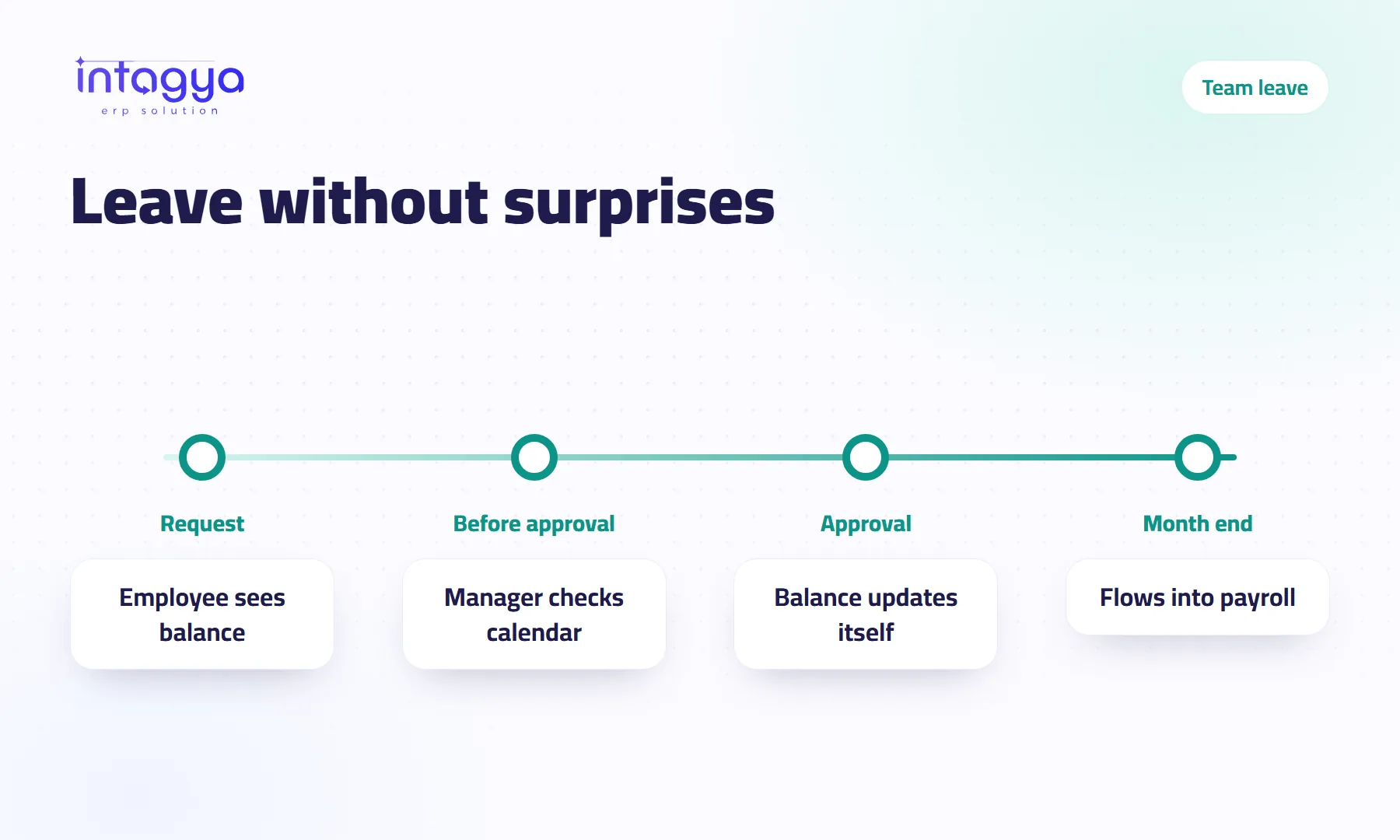
Leave requests on WhatsApp, balances nobody knows, a week when everyone is away. Organise leave with one request, a clear approval and a calendar the manager sees first.
 Inventory
How do I spot dead stock before it ties up my capital?
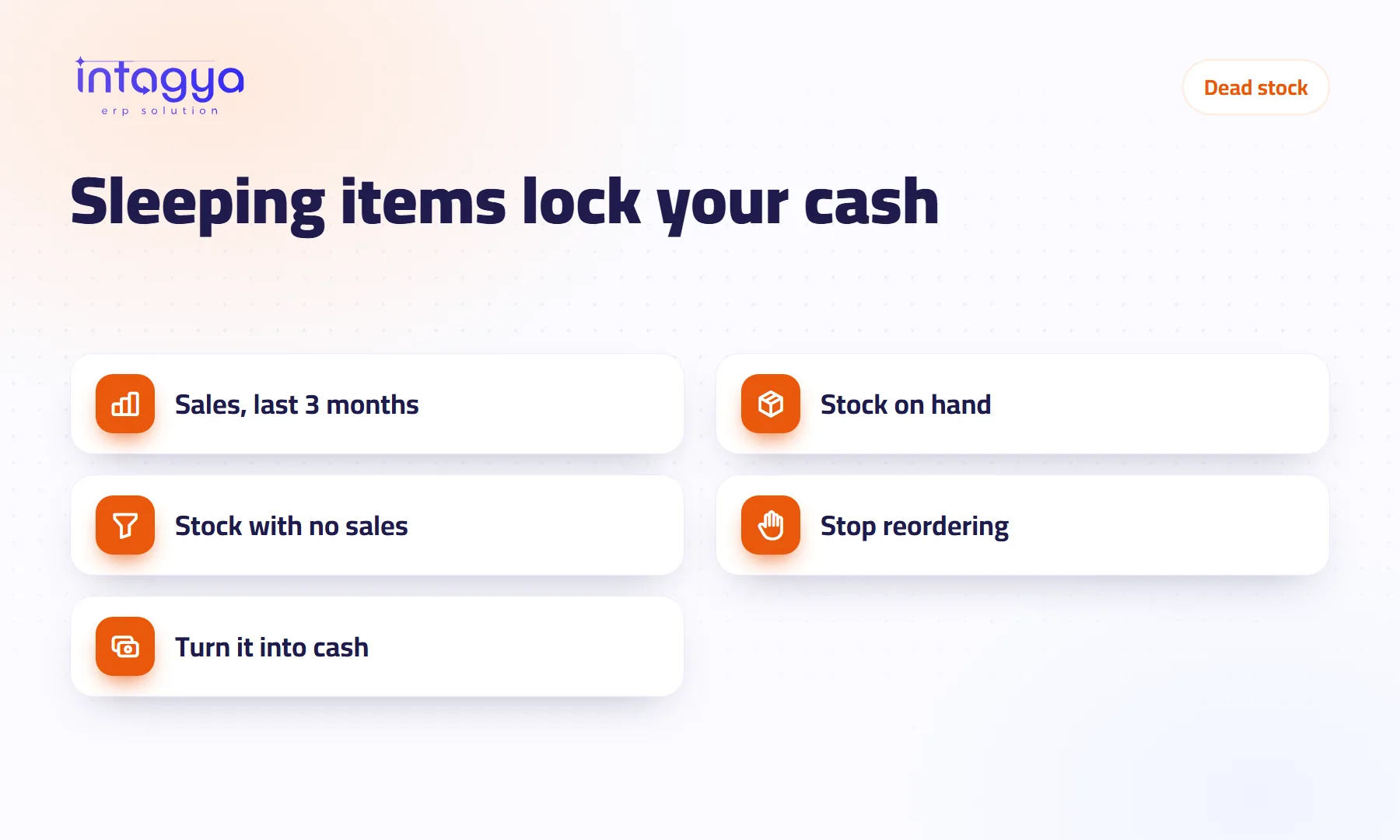
An item that has not sold in months is still being reordered? Find dead stock from sales and on-hand reports, stop reordering it, and turn it into cash before it loses value.
 Finance
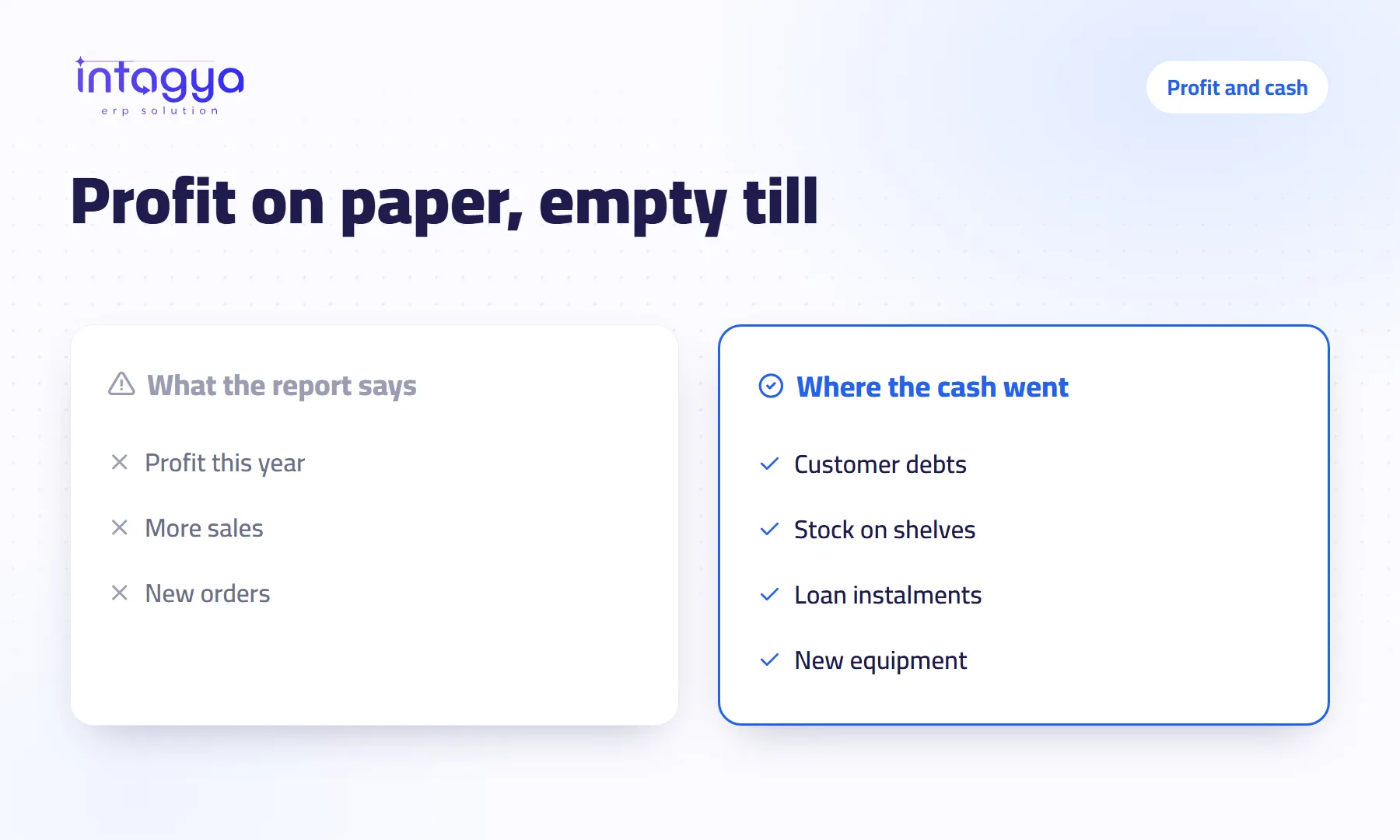
Why does my company show a profit when there is no cash?
Profit in a report is not money in the bank. See where your profit goes: customer debts, stock on shelves, loan payments, and how clear reports show it.
 Business OS
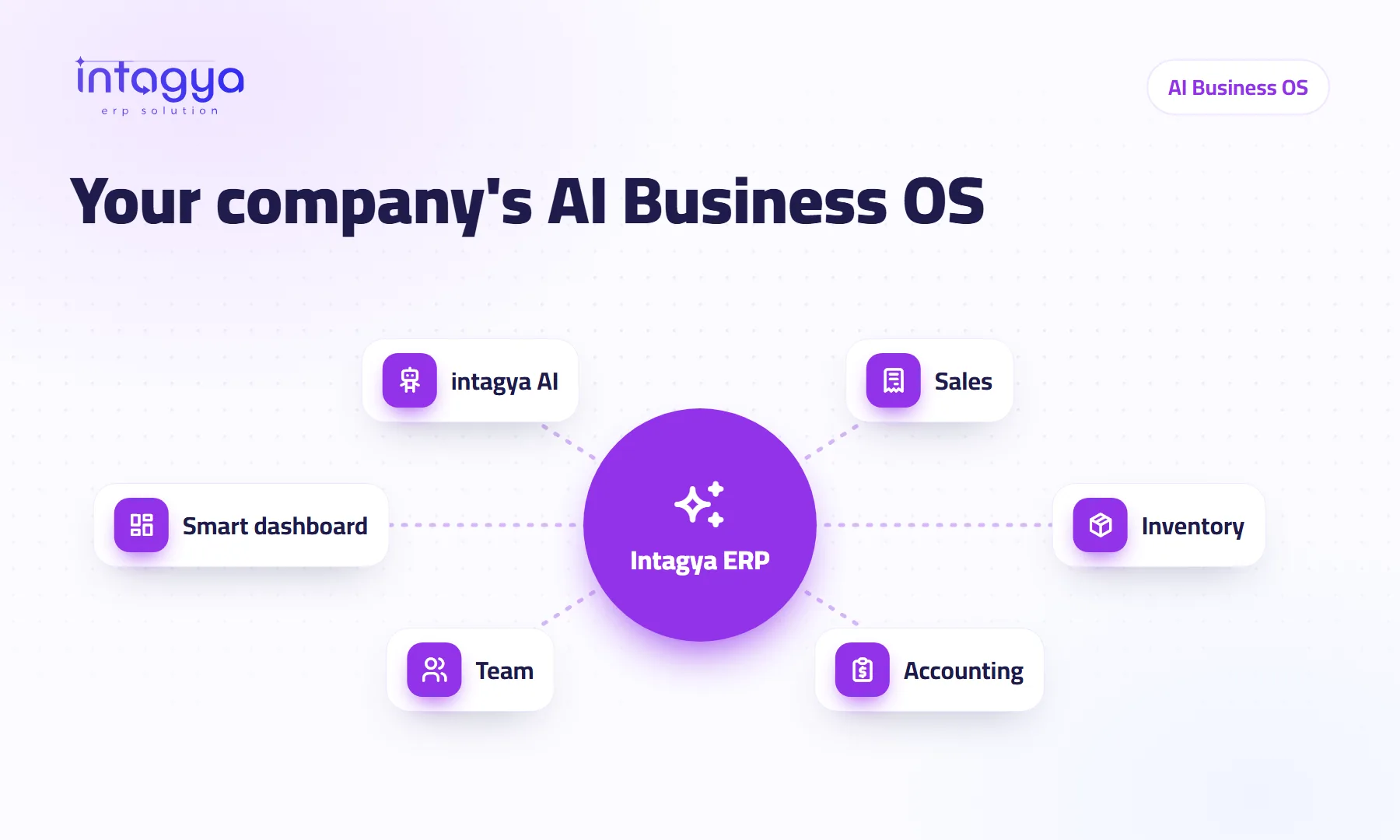
Am I looking for an ERP or for an AI business operating system (Business OS)?
People now search for a business operating system instead of an ERP. Is it something new or a new name? What does AI really add, and why Intagya ERP fits the description?
 AI and ERP
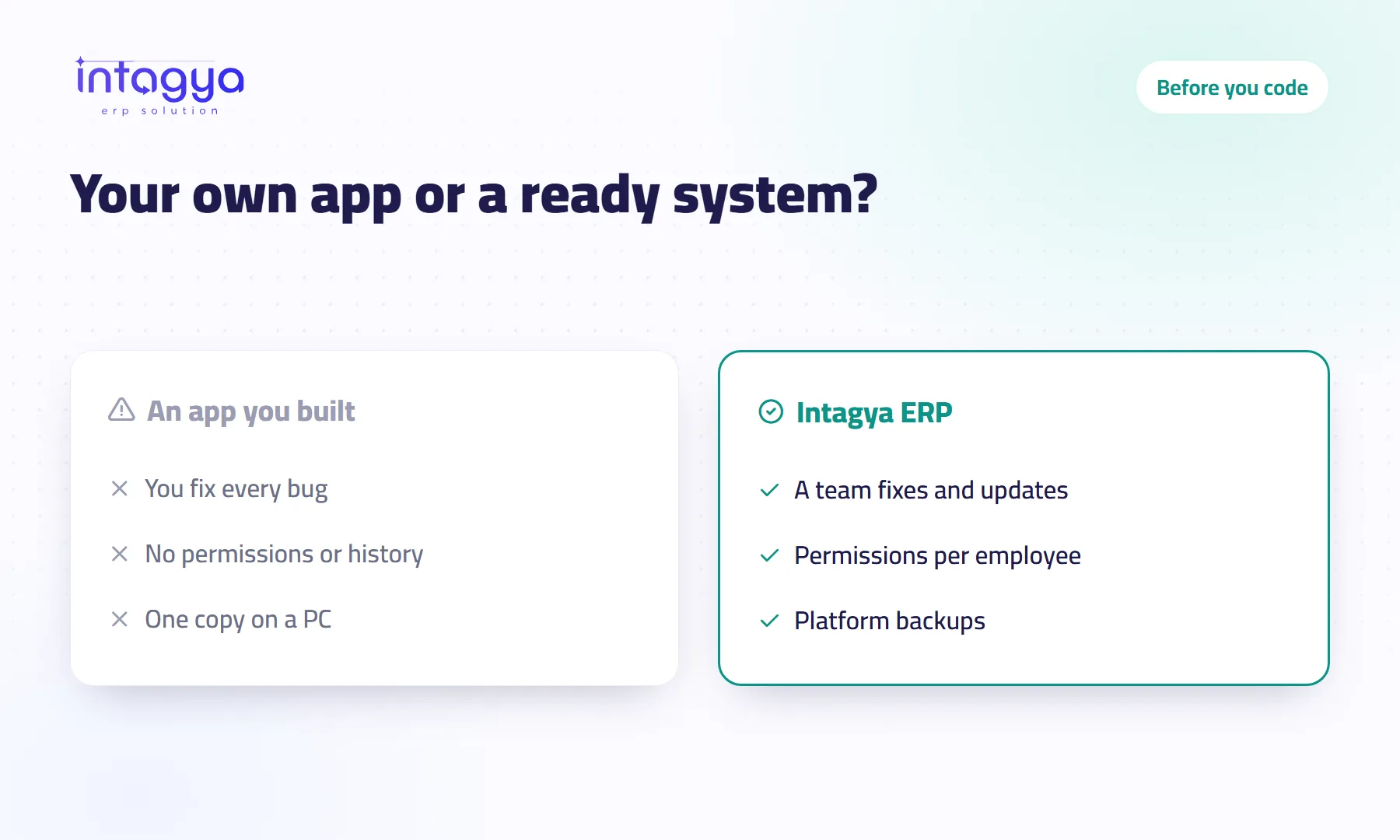
Should I build my own small app with AI instead of subscribing to an ERP?
AI can build you a screen in an evening, but the screen is the easy part. Entries, permissions, backups and fixing it under pressure decide if it can hold your money.
 AI
AI
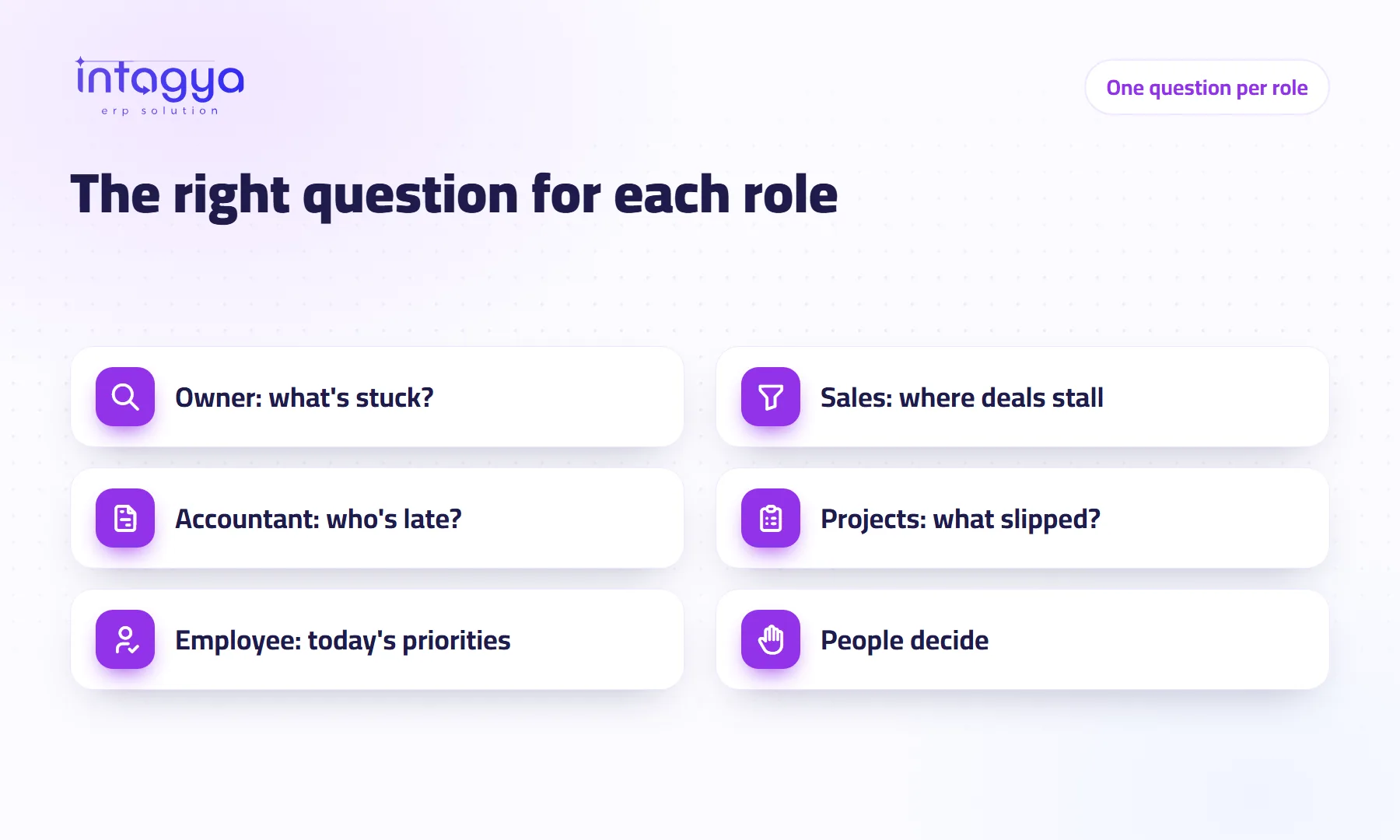
How does AI help managers and employees at work?
The owner, the accountant, the sales manager and the employee do not ask the same question. What each asks intagya AI, what they get, and what it does for none of them.
 AI
AI
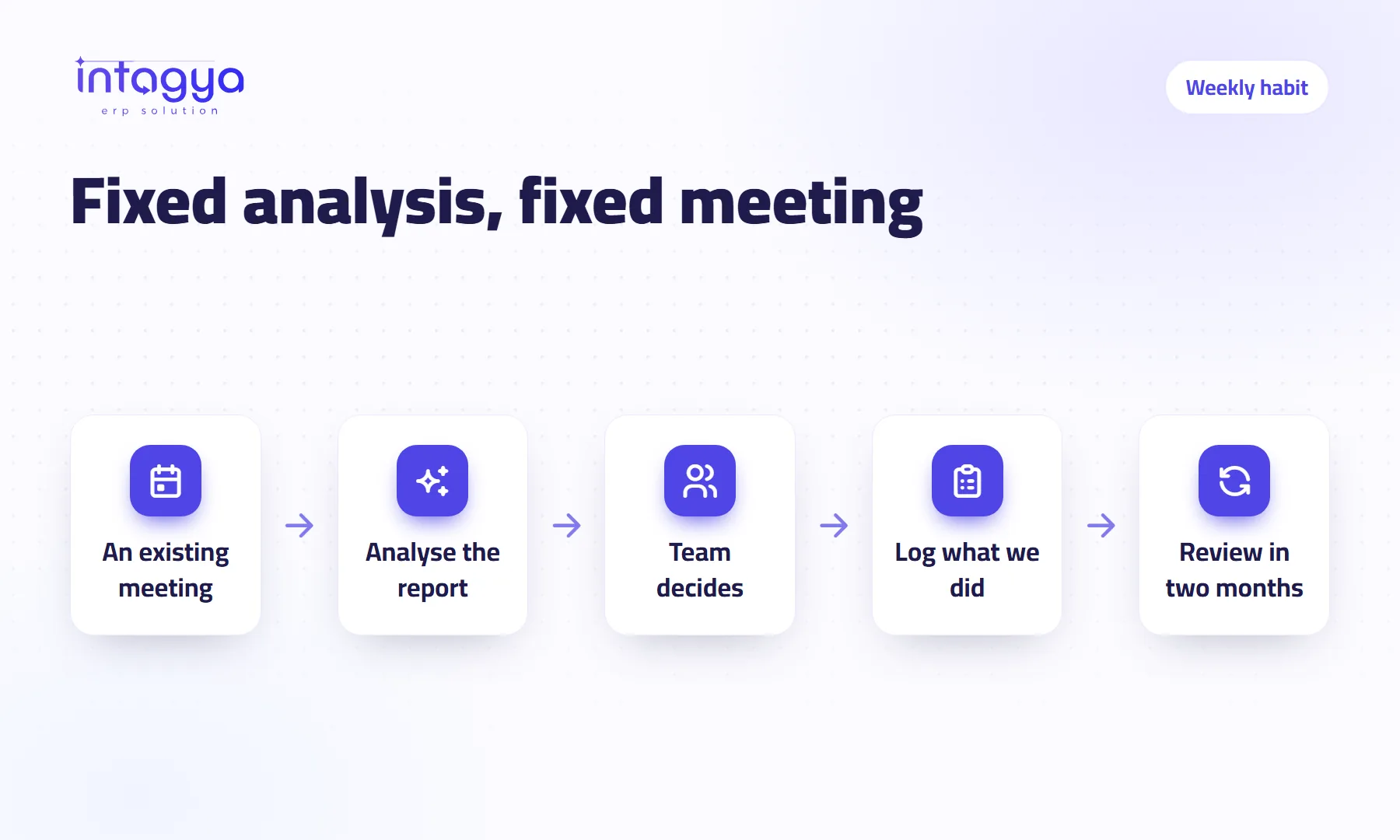
How do I make AI part of my company's daily work?
Do not wait for someone to remember it. Tie AI to meetings you already hold: Monday sales review, month-end receivables, with one owner, clear rules and a short log for each.
 Finance
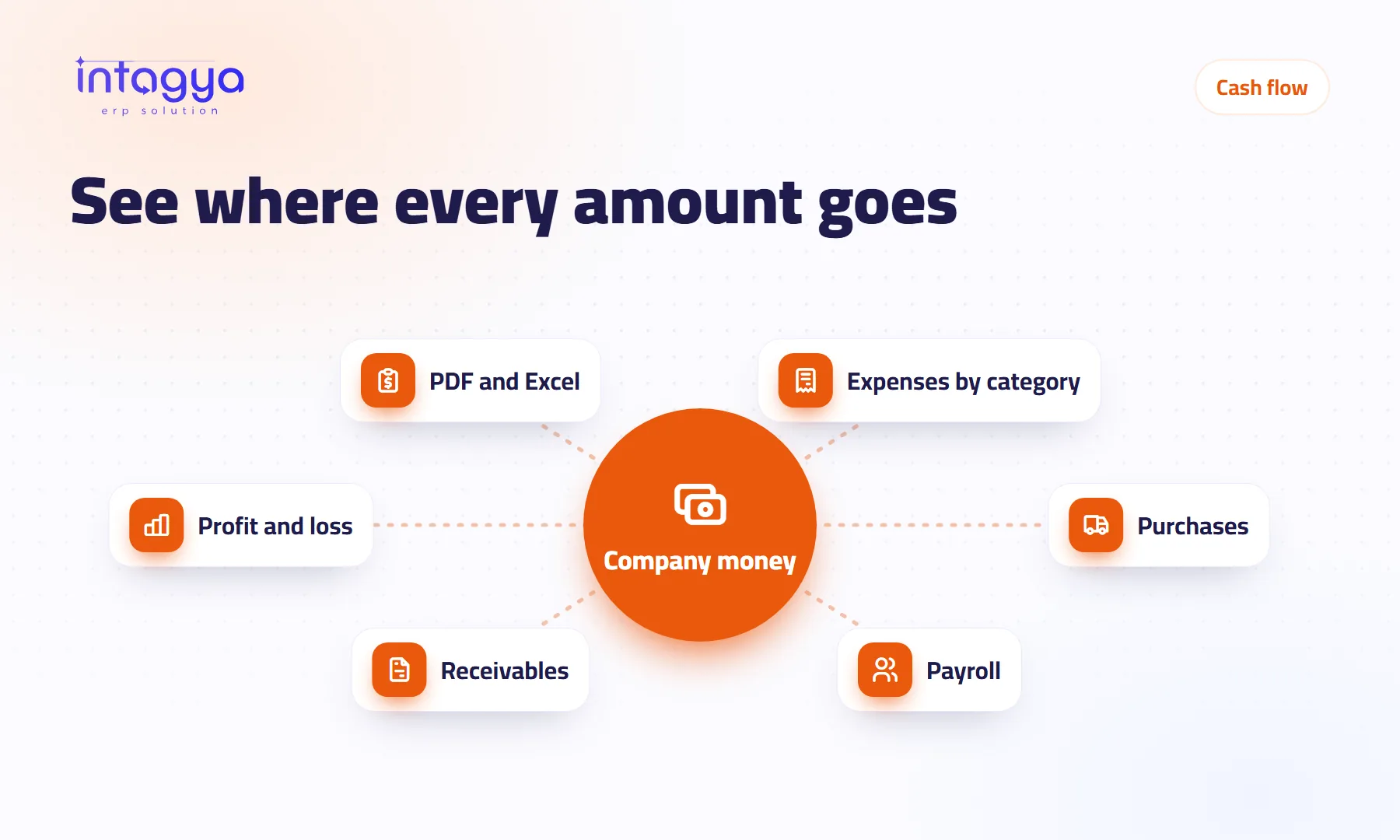
How do I know where my company's money goes every month?
Your bank balance tells you what is left, not where it went. Clear expense categories, recorded purchases and payroll, and a profit and loss you can read in twenty minutes.
 HR and payroll
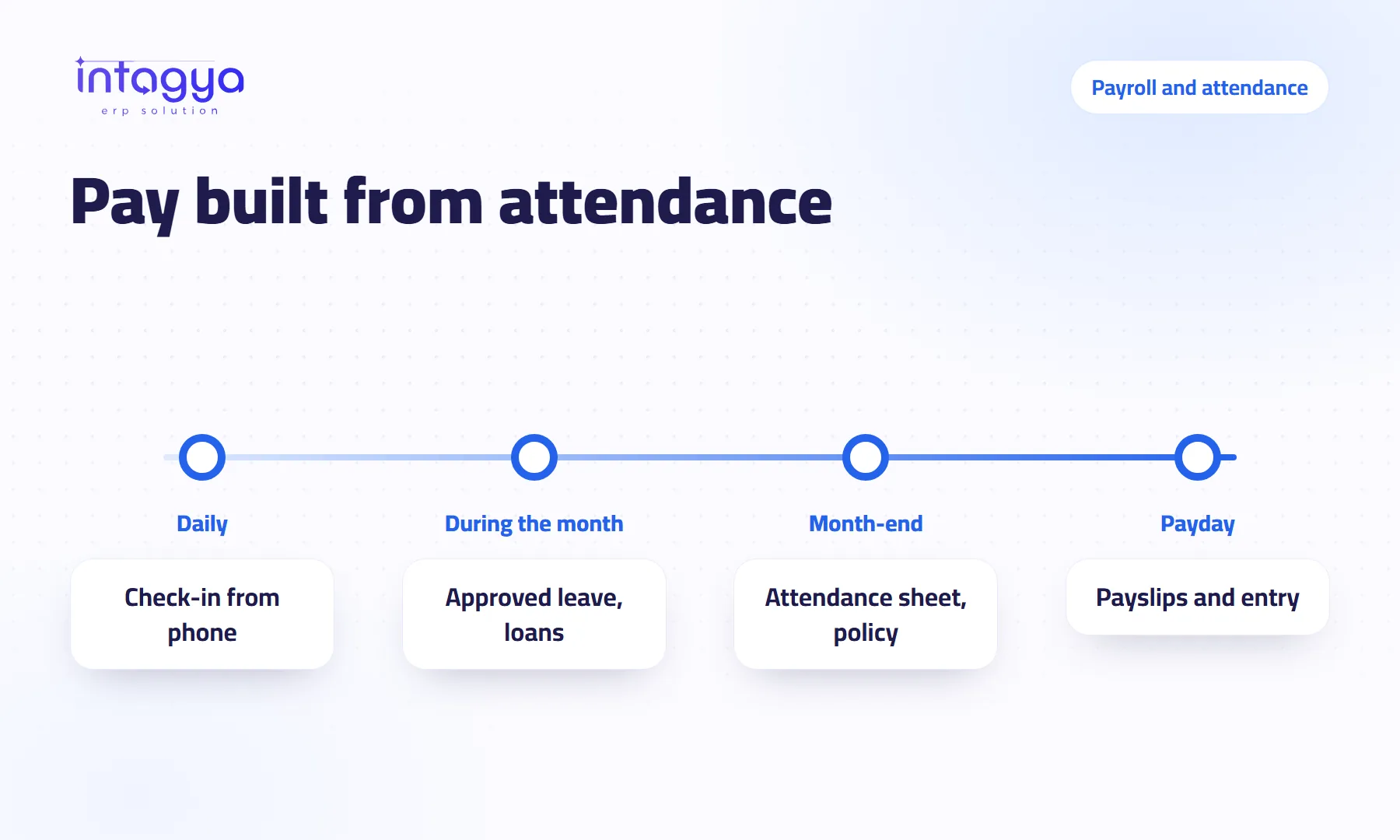
How can payroll and attendance be calculated automatically?
Check-in from the phone, one lateness, absence and overtime policy, and payslips built from the attendance sheet, loans and leave. Payroll becomes a review, not a manual sum.
 Purchasing
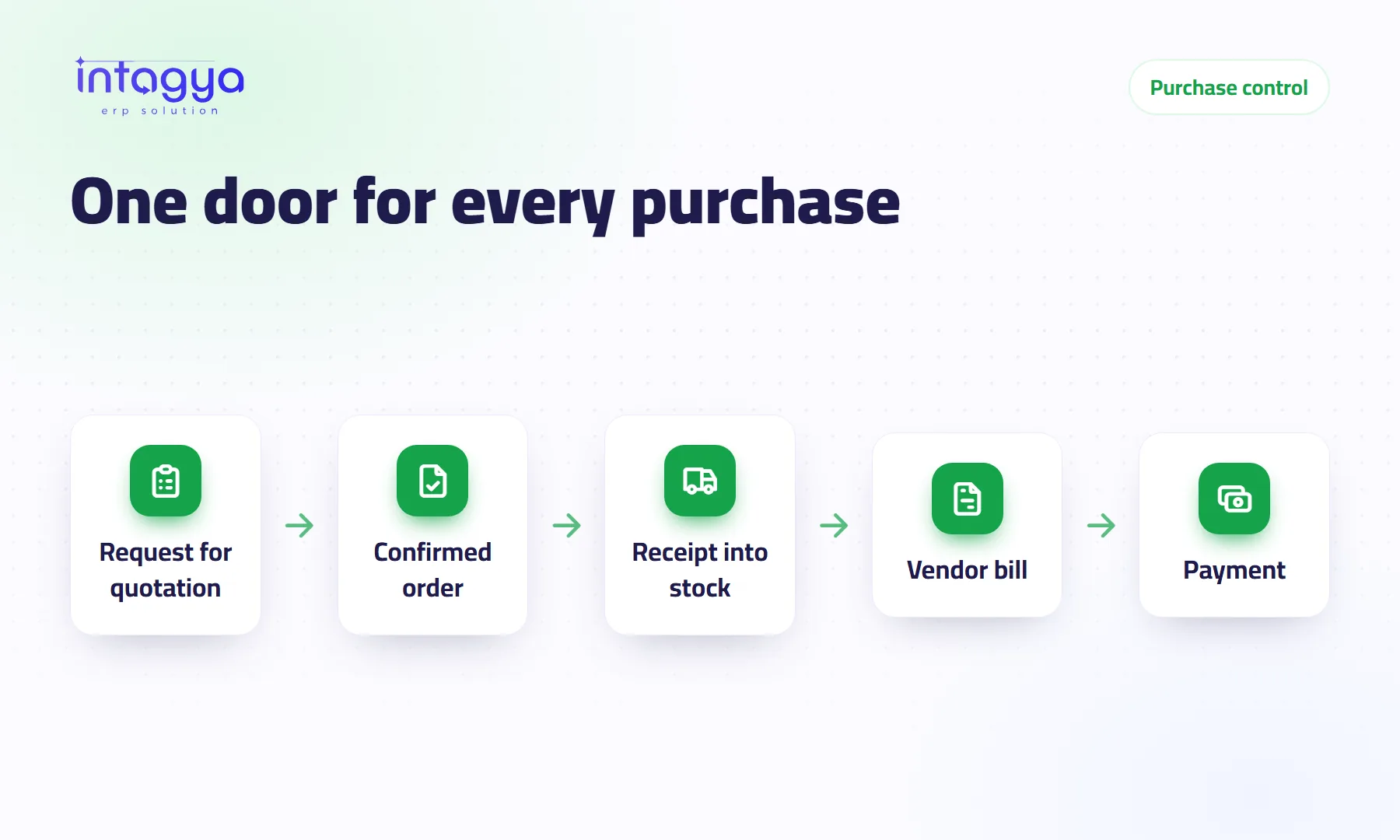
How do I track purchases and suppliers and stop buying the same thing twice?
Two people order the same item, and a supplier bills for goods that never came. Here is how every purchase follows one path from quote request to payment.
 Point of sale
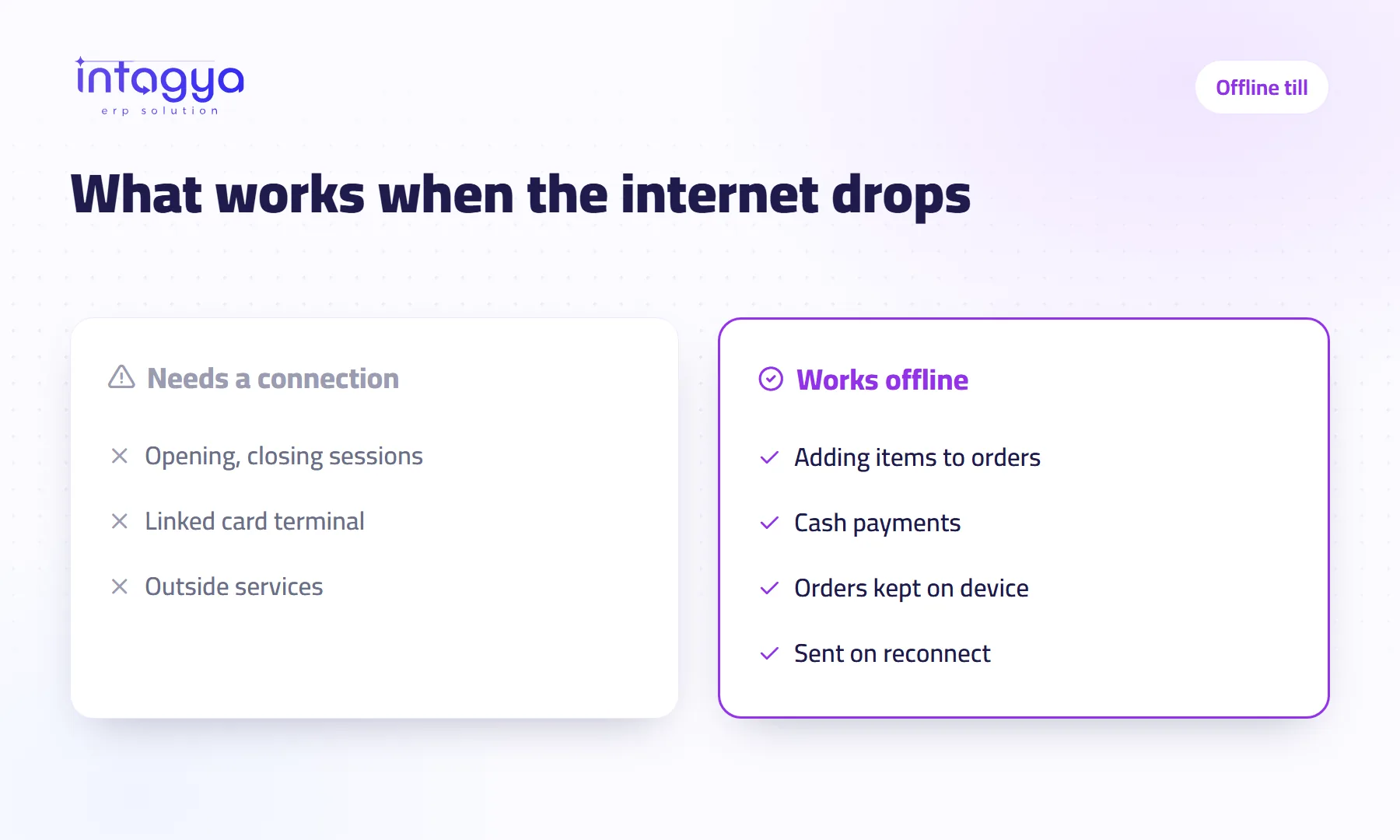
Does the point of sale keep working when the internet goes down?
The internet drops and the queue is long. What keeps working at the till, what stops, when the orders reach the system, and how to prepare your branch first.
 Inventory
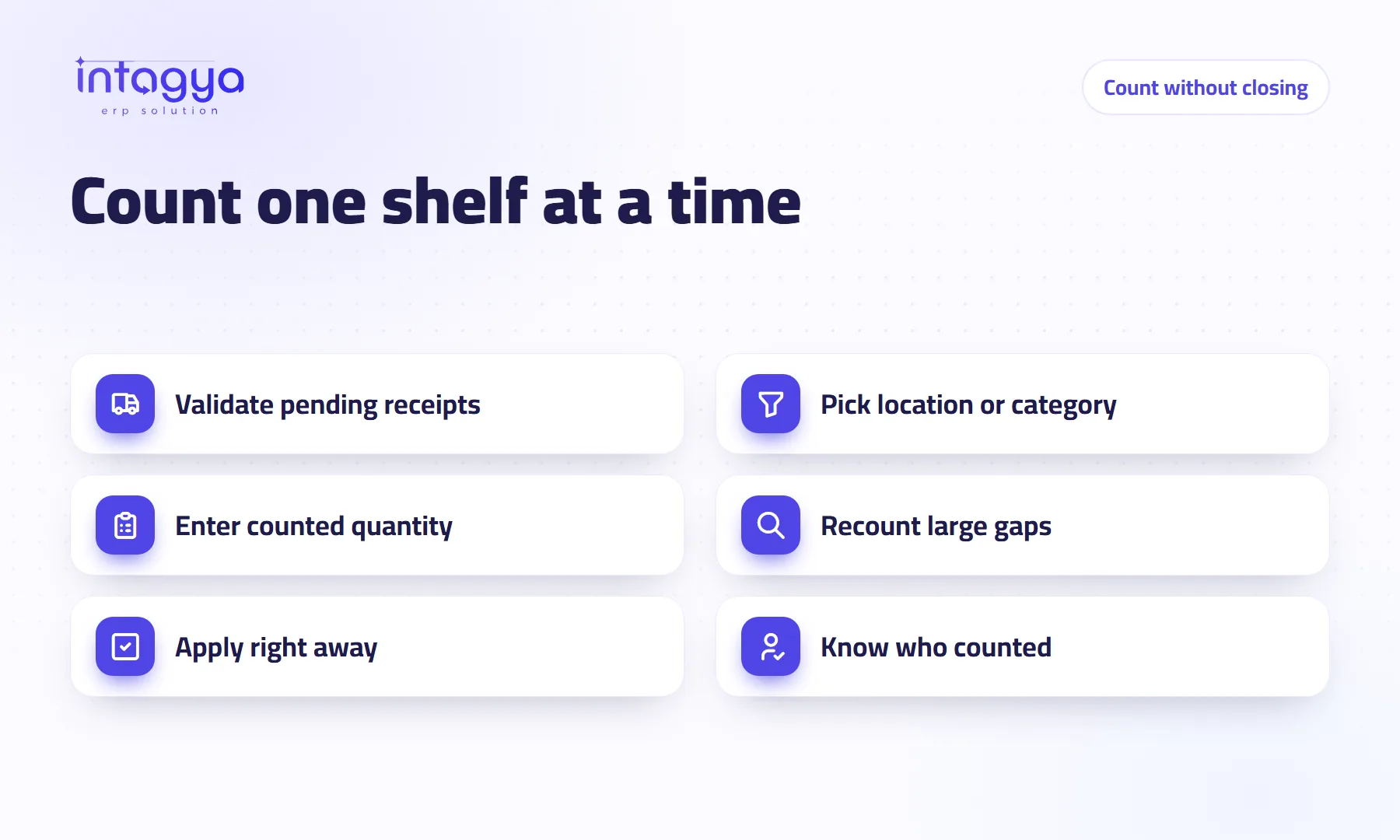
How do I count my stock without stopping sales?
You do not need to close for a whole day to count stock. Count one shelf or category at a time, apply the difference at once, and know who counted, while you keep selling.
 Accounting
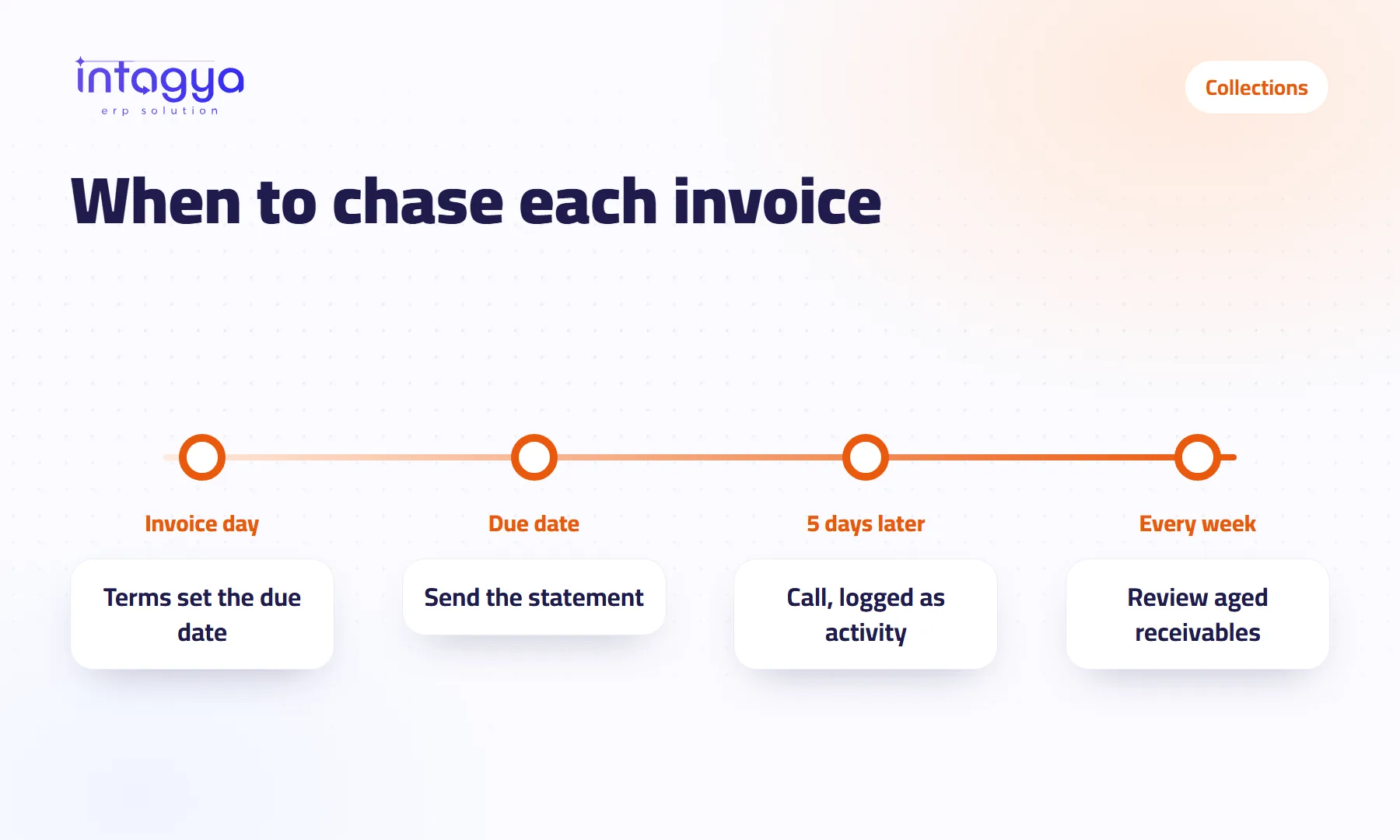
How do I see what customers owe and collect it on time?
Unpaid invoices and customers who promise, then pay late. Here is how to see who owes you, how much and since when, and chase each invoice on its due date.
 Branches and stock
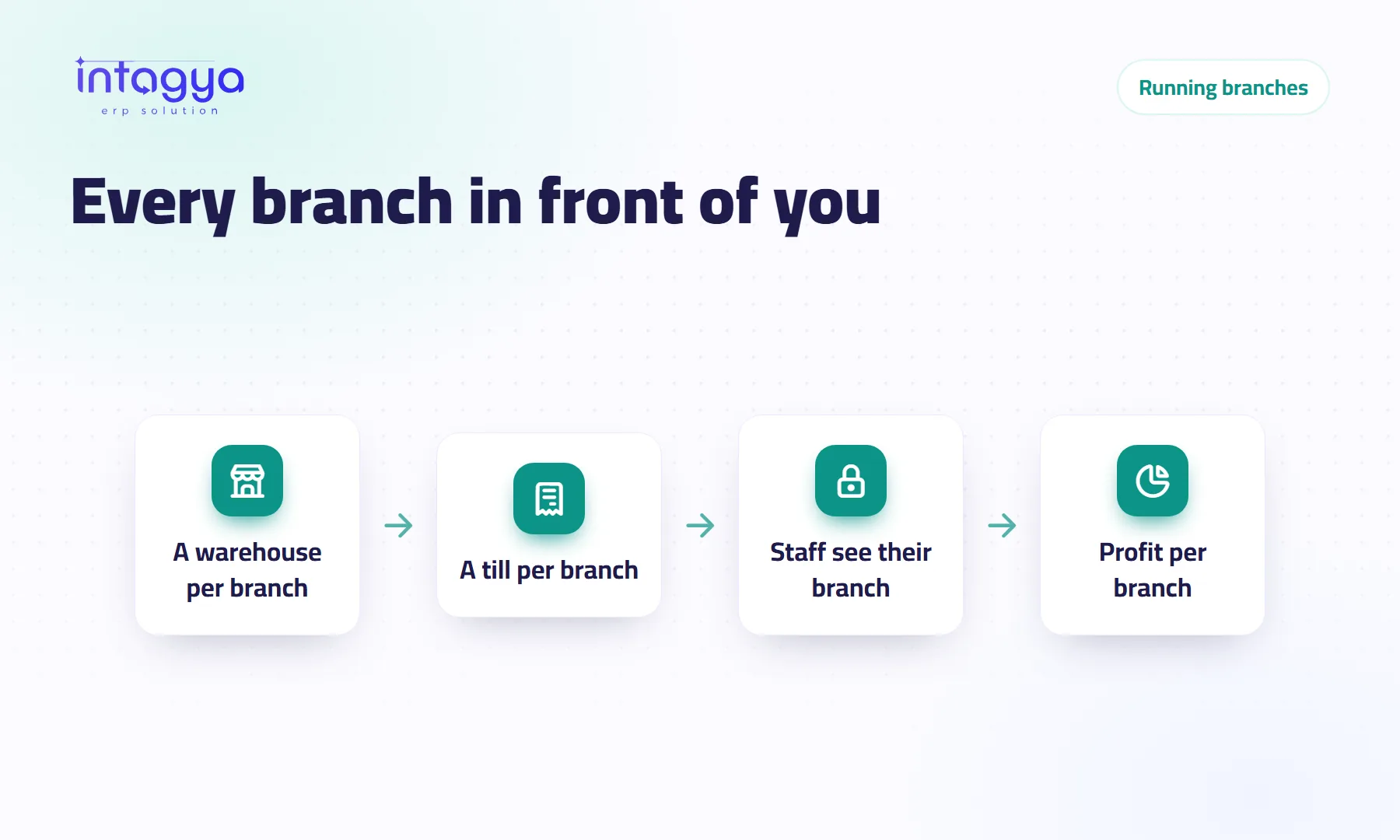
How do I run several branches from one screen?
A warehouse per branch, a point of sale per till, staff who see only their branch's stock, and analytic accounts that show each branch's profit, all from where you sit.
 Security and data
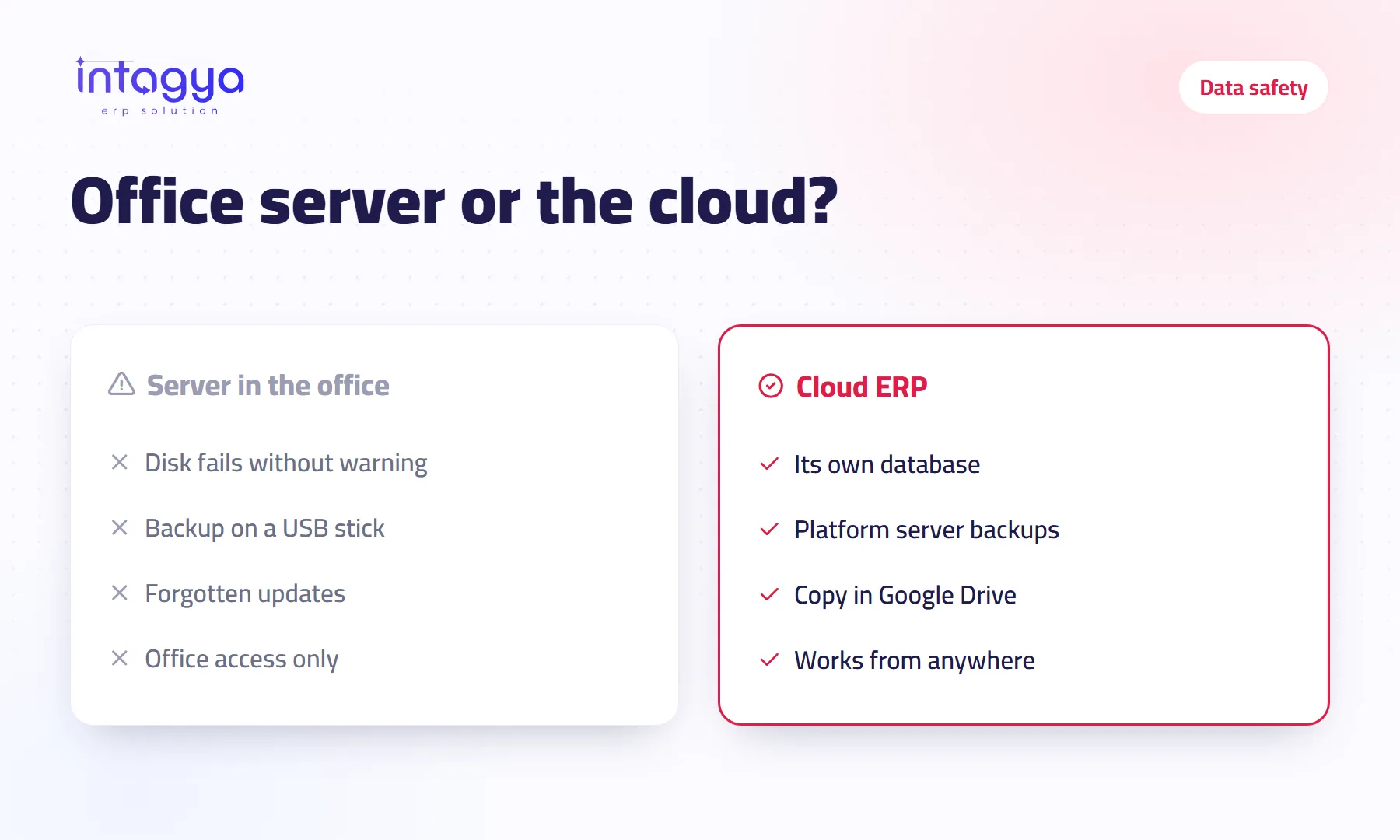
Cloud ERP or a server in the office: which is safer?
A server in the office feels like control; the cloud gives you someone who looks after the machine. An honest comparison of risks, and what to ask any cloud provider first.
 Accounting
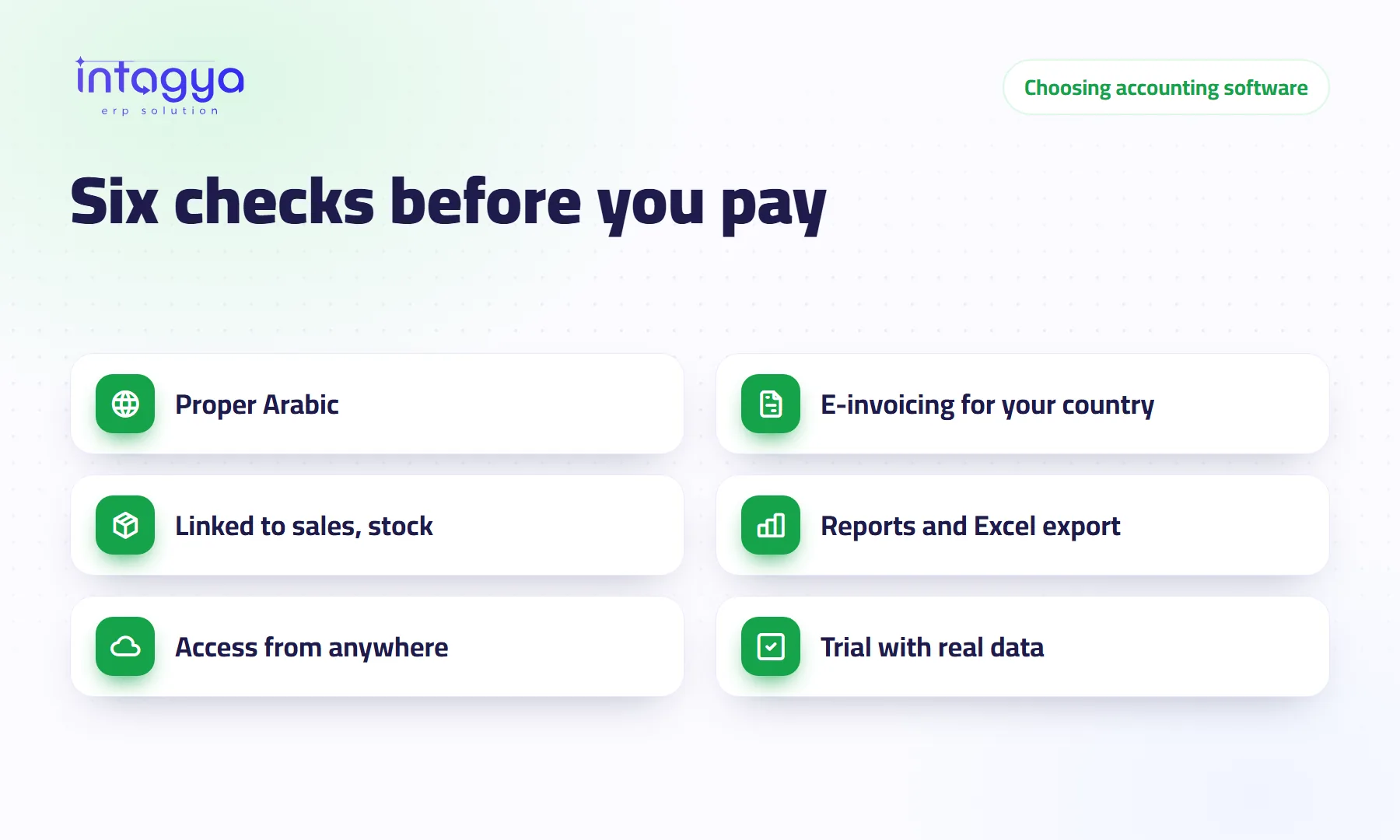
How do I choose the right accounting software for my company?
A practical checklist before you pay: Arabic, e-invoicing for your country, links to sales and stock, reports and export, access from anywhere, and a trial with real data.
 ERP basics
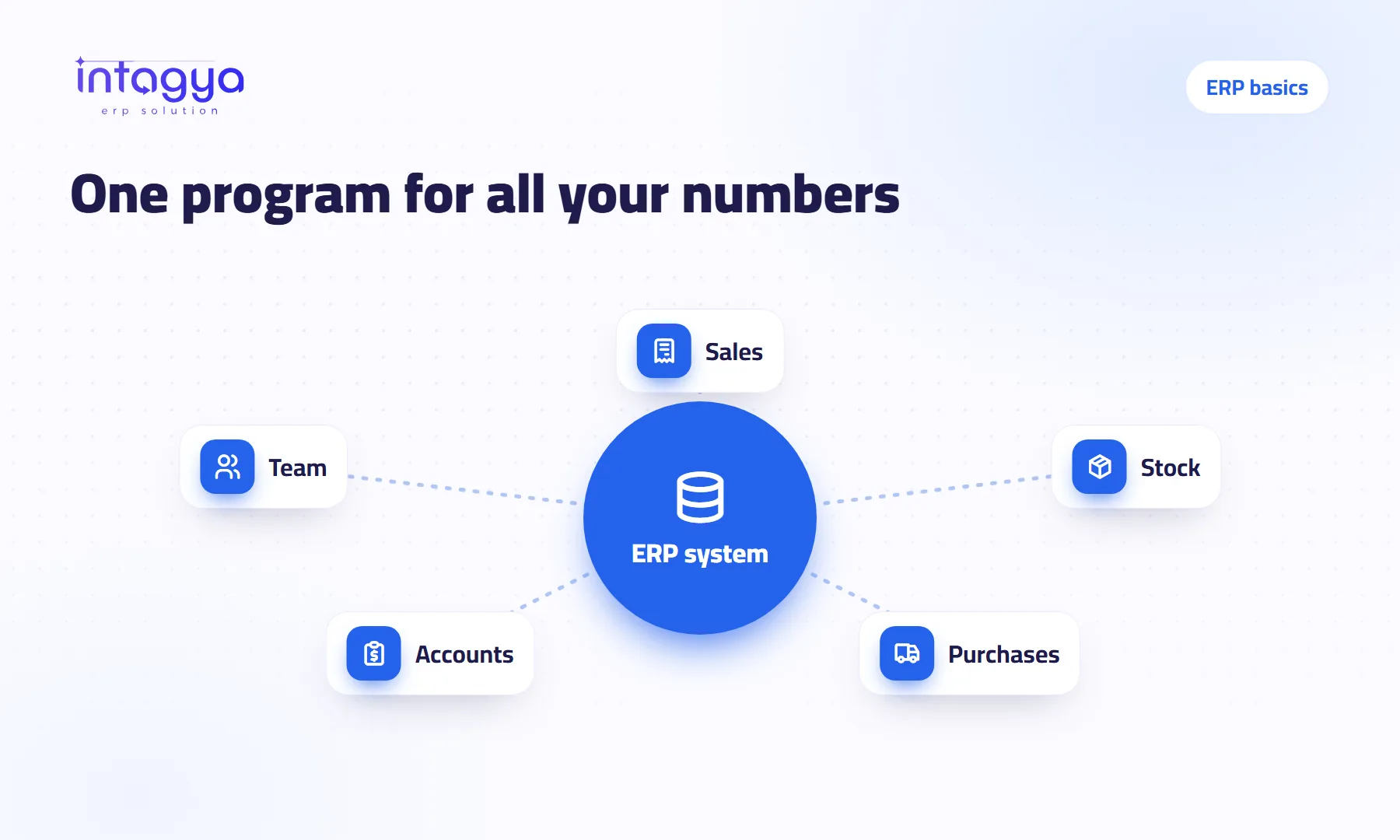
What is an ERP system, and does a small company need one?
An ERP system puts sales, stock, accounts and your team in one program. When does a small company really need one, and when is a notebook or a spreadsheet still enough?
 Comparisons
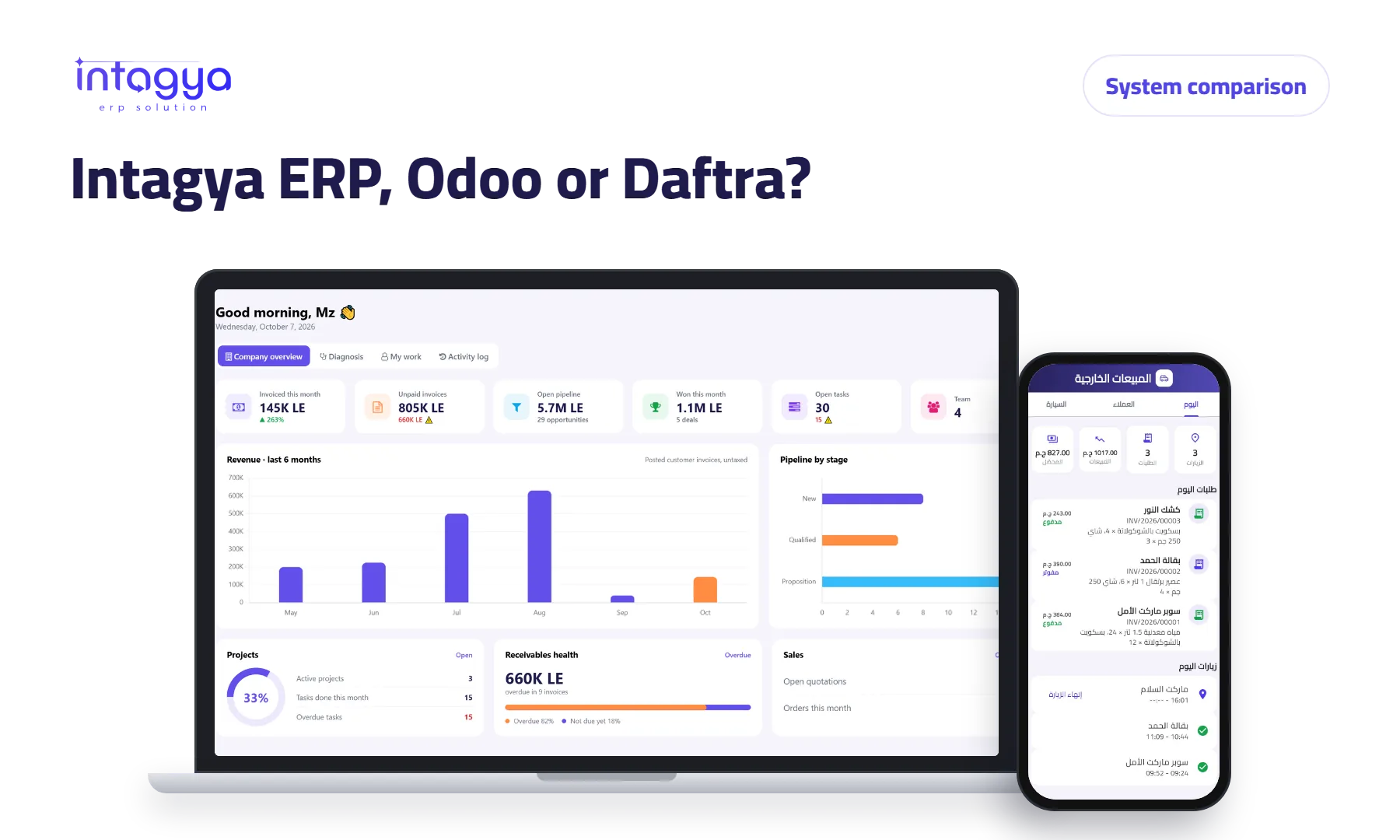
Intagya ERP, Odoo or Daftra: which system fits my company?
We compared the three systems on their published numbers: price per user, plan limits, e-invoicing, company mail and backup, for a company with five people.
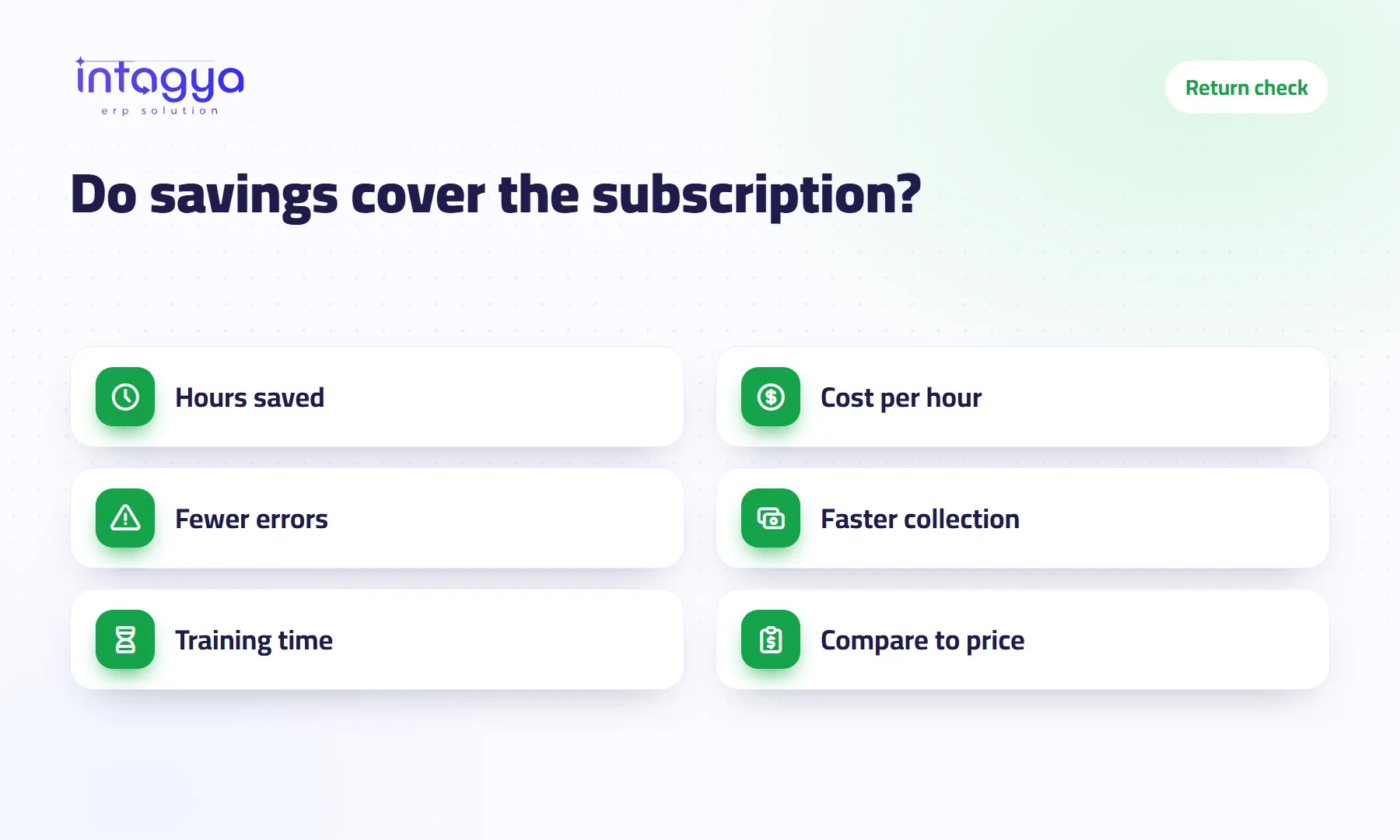 Return and cost
How do I know an ERP is worth what I pay for it?
A simple sum on your own numbers: hours saved times the cost of an hour, fewer errors and faster collection, with a hypothetical example.
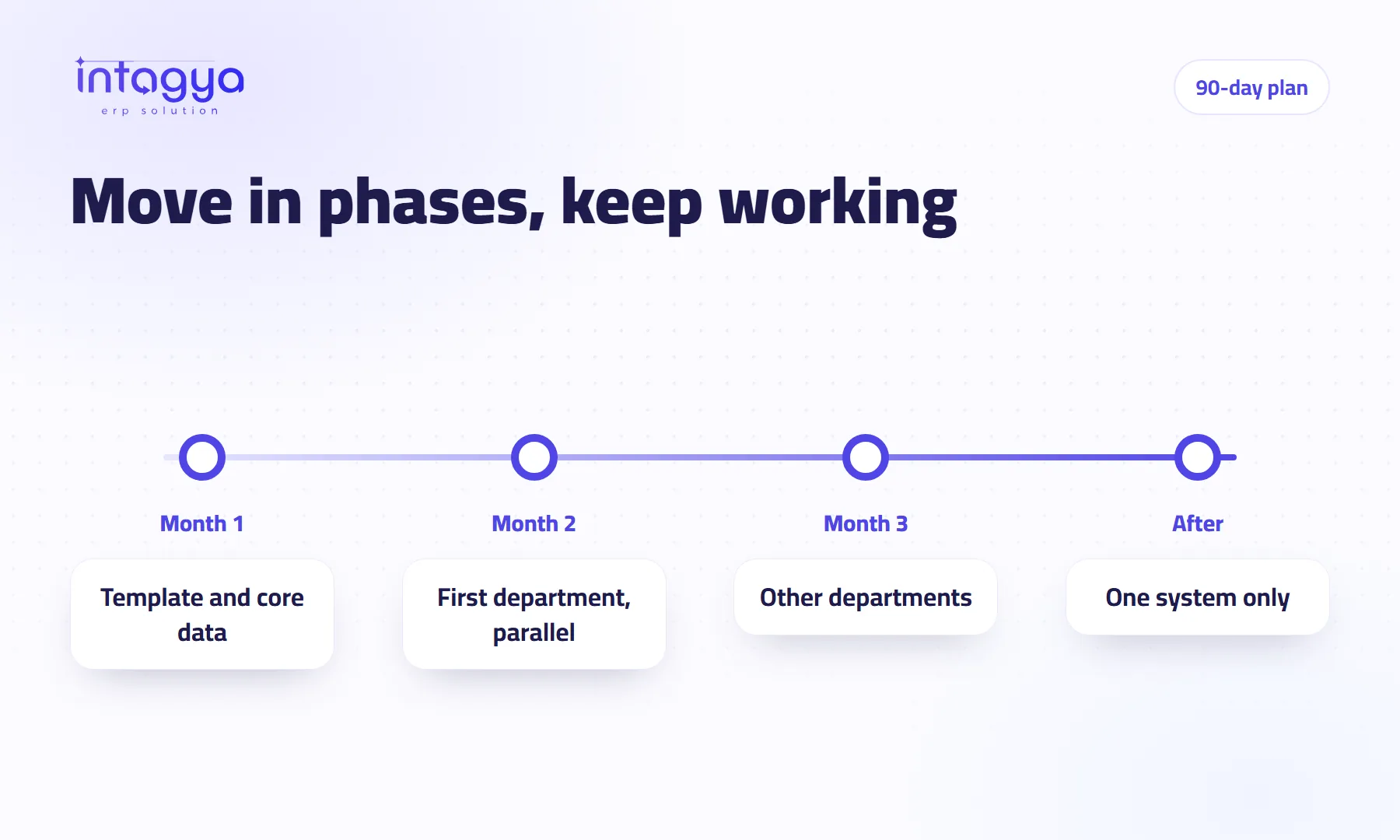 Digital change
How do I move my company to a digital system without stopping work?
A 90-day plan to move your company onto an ERP in phases: a ready sector template, core data first, one department goes live, and a short parallel run until the numbers match.
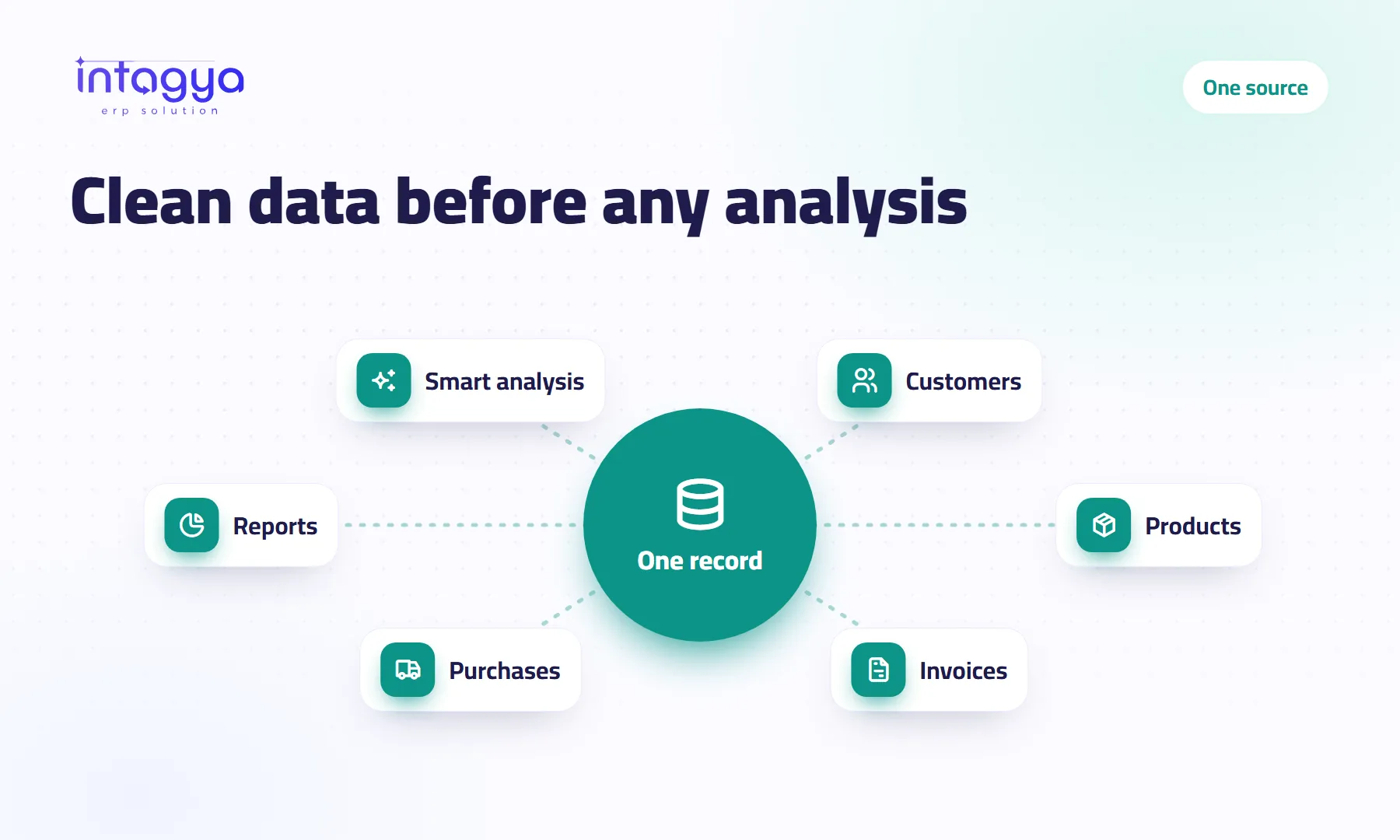 Data
Data
Why is AI no use to me if my data is messy?
If one customer is entered twice with two prices, AI will give you wrong numbers with confidence. How to keep one trusted record per customer and product.
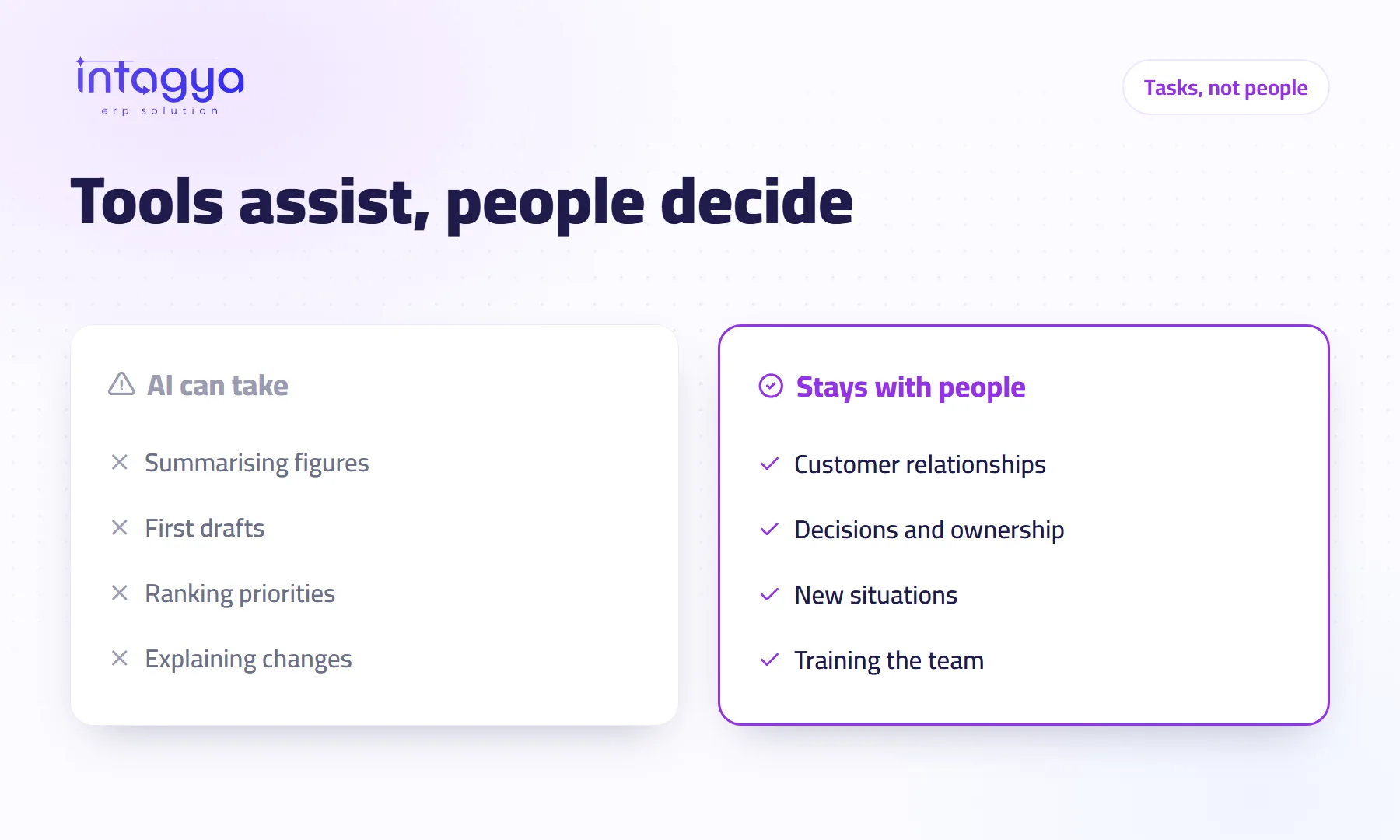 AI
AI
Will AI take my employees' jobs?
AI takes tasks out of an employee's day, not the employee. Where it really helps, where people stay essential, and how to talk to your team about it without scaring them.
 AI
AI
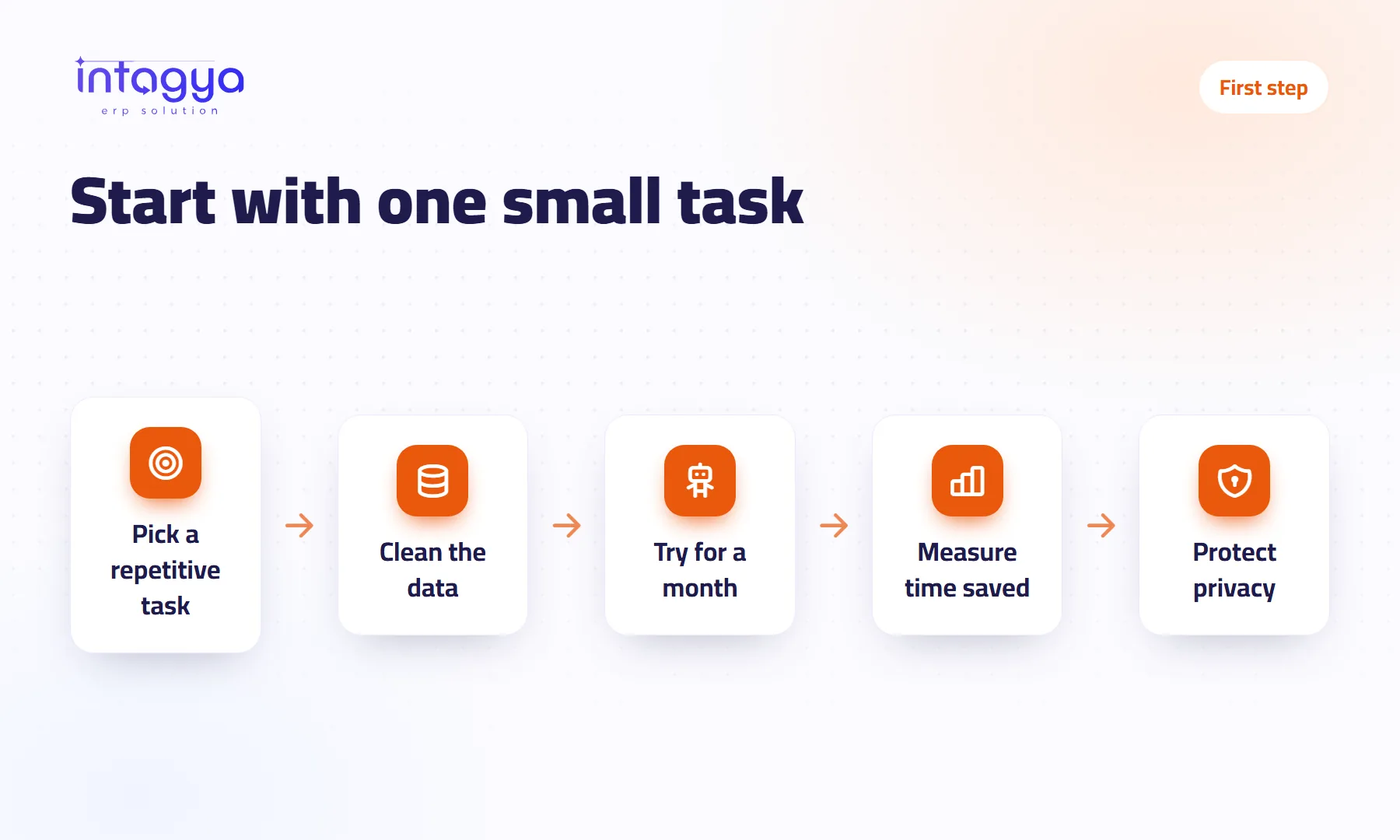
Where should my company start with AI?
Start with one dull task that repeats every week, data that sits in one system, and a one-month trial where you measure the time saved. No big project, no tech team.
 Approvals
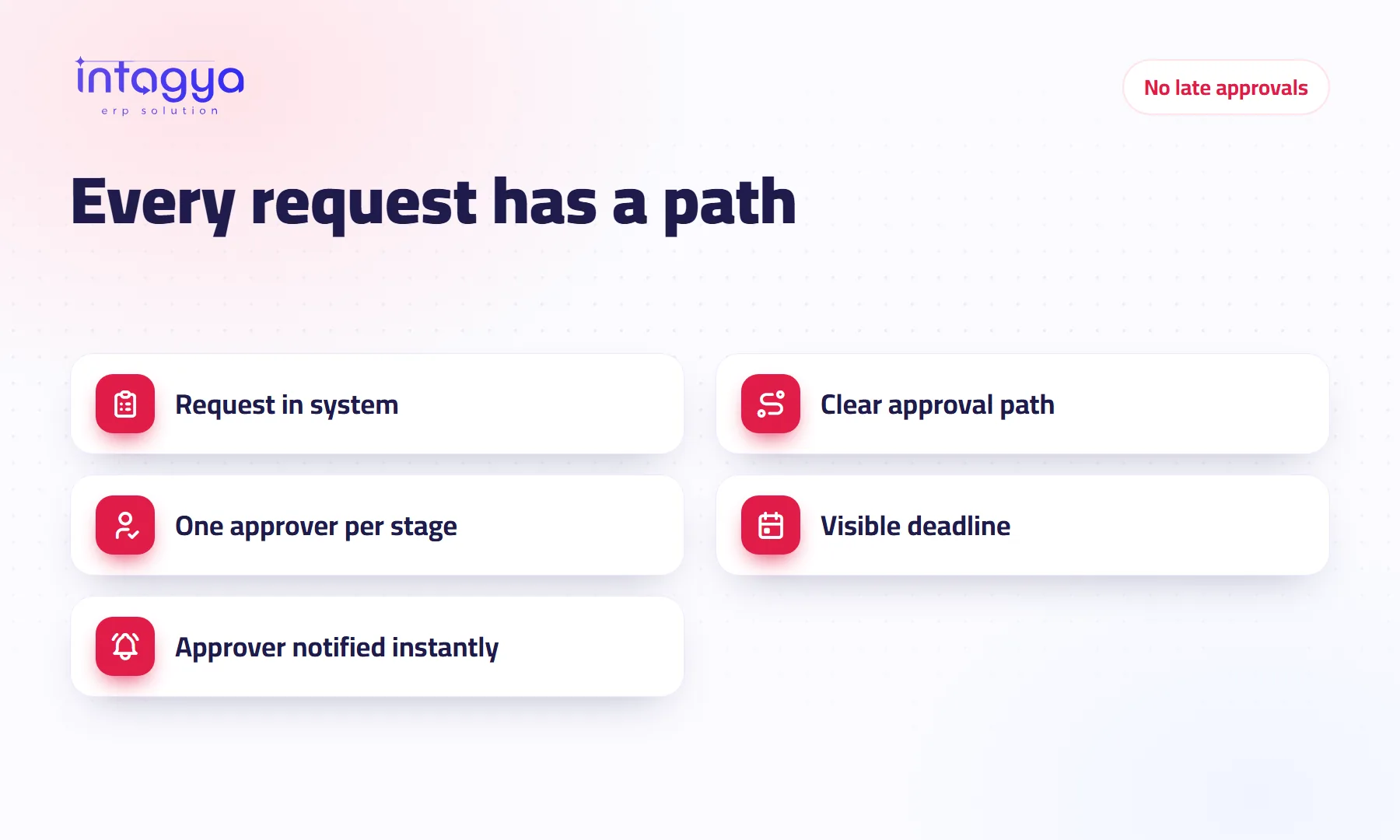
How do I end late approvals and paperwork in my company?
Requests waiting days for a signature? Move approvals, expenses and time off from paper and chat into one ERP system, with clear stages, an owner and a deadline for each.
 Accounting
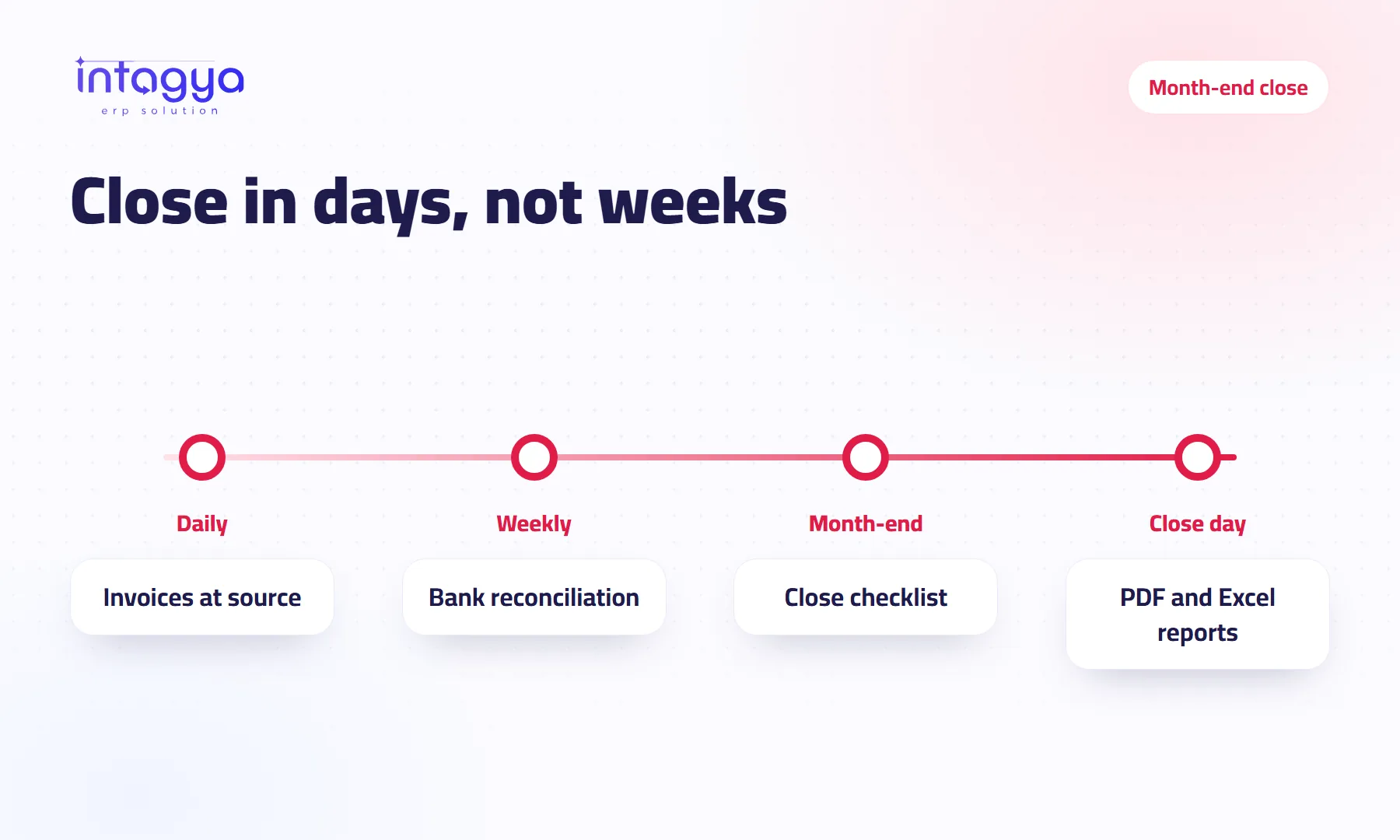
How do I close the month's accounts in days instead of weeks?
Month-end close taking weeks? A practical checklist: record invoices at the source, reconcile the bank as you go, and pull financial reports in PDF and Excel from one ERP.
 Team management
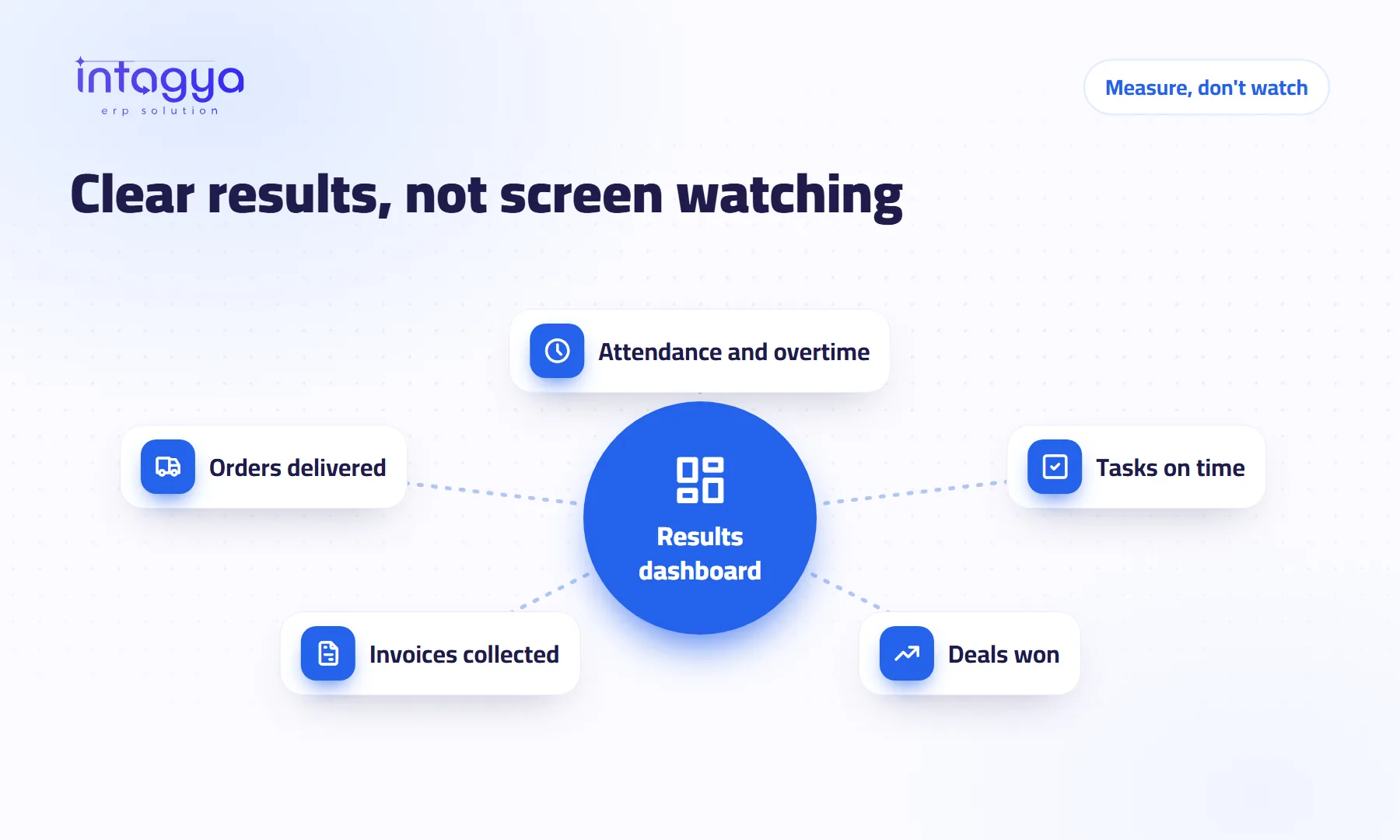
How do I know my team is productive without watching them all day?
You don't need to watch screens to know if your team is productive. Learn to measure outcomes instead: attendance, tasks done on time and dashboards in one ERP system.
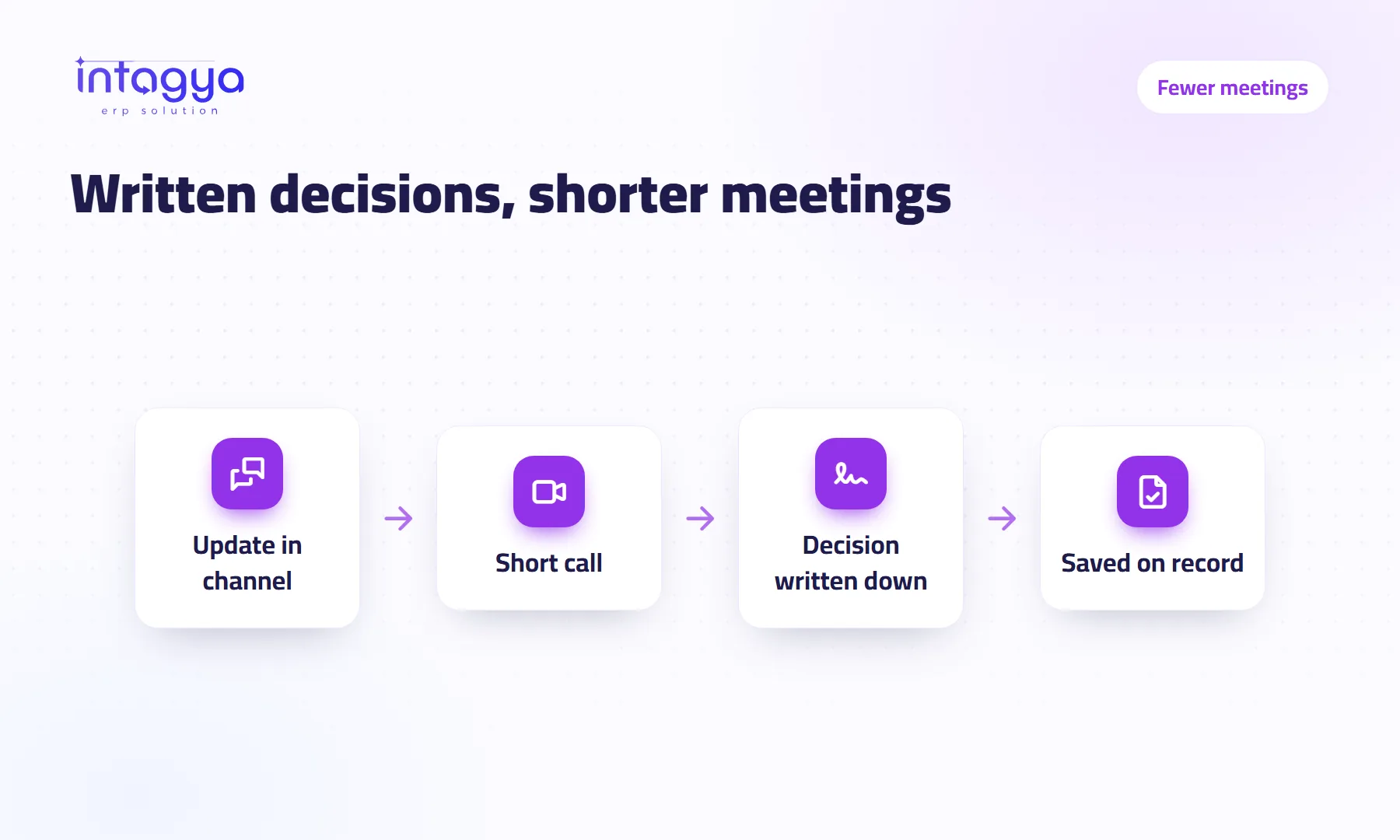 Team communication
How do I cut meetings without losing decisions?
Too many meetings eating the workday? Move updates into written channels, keep calls short, and write each decision on its record inside your ERP so nothing gets lost.
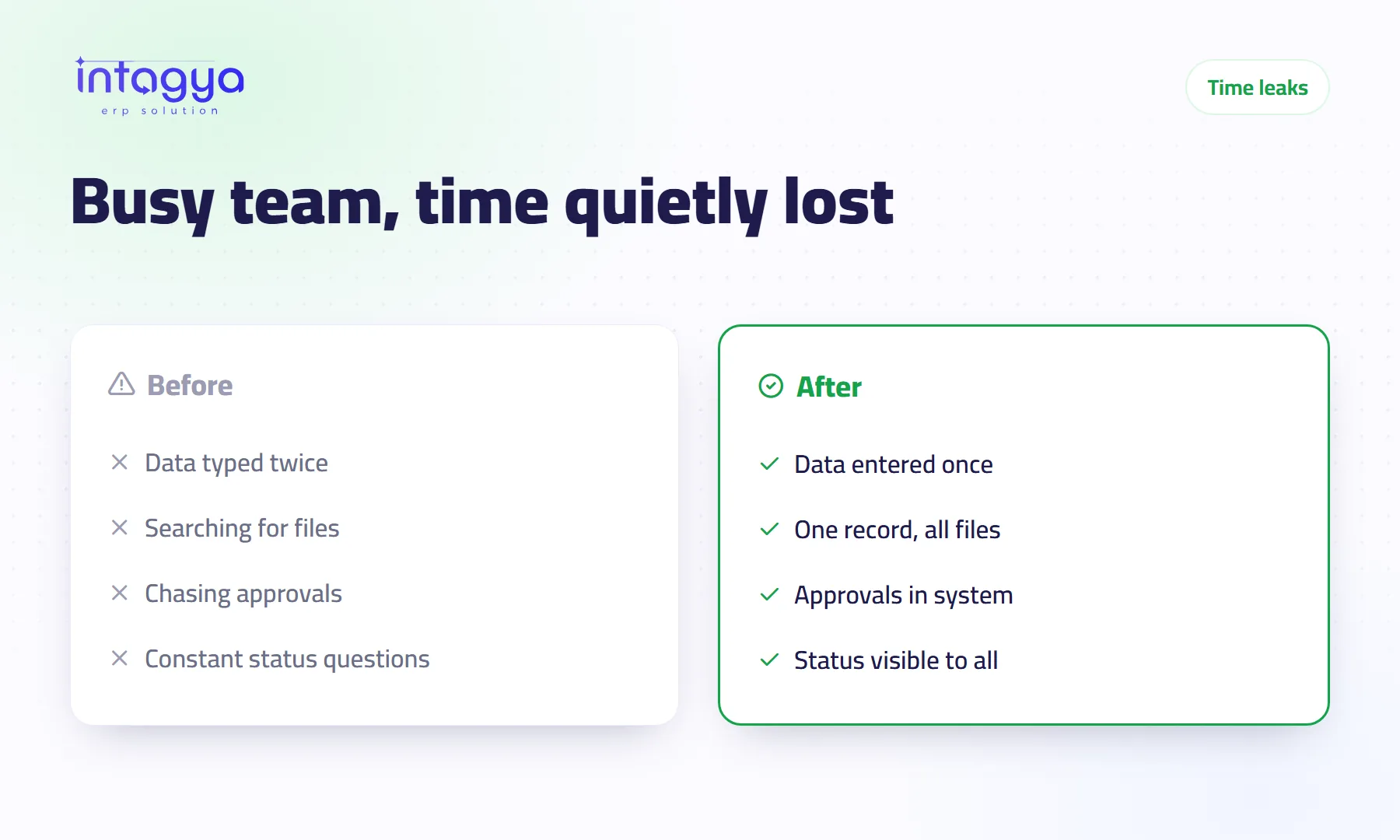 Productivity
Why does my team waste time even though they are busy all day?
Your team is busy but output stays low? Learn the common time leaks: re-typing data, hunting for files, chasing approvals, and how one ERP system helps you close them.
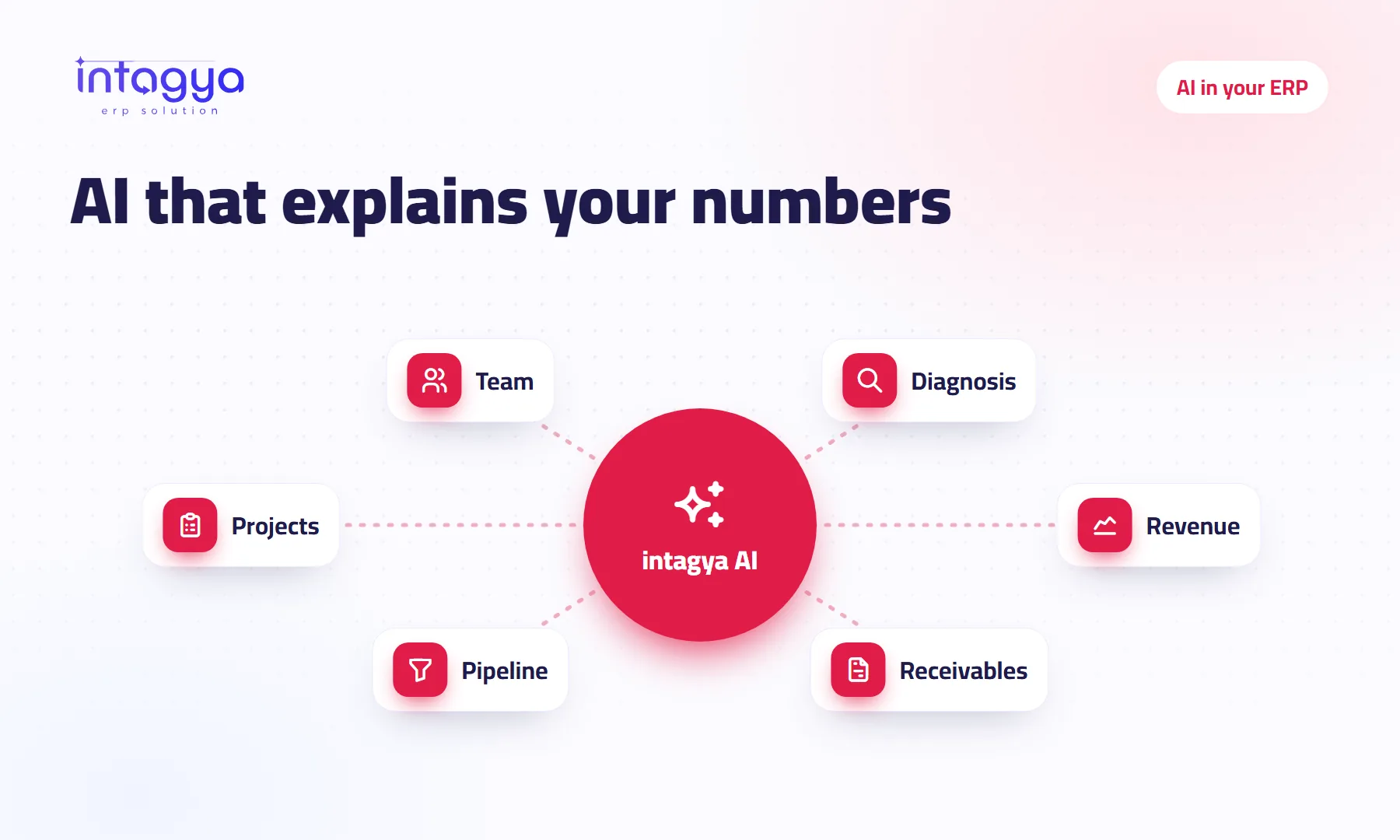 AI
AI
What can AI really do inside an ERP system?
Beyond the big promises: AI inside an ERP reads your company's figures, explains them and suggests next steps. Here is what intagya AI does, and its honest limits.
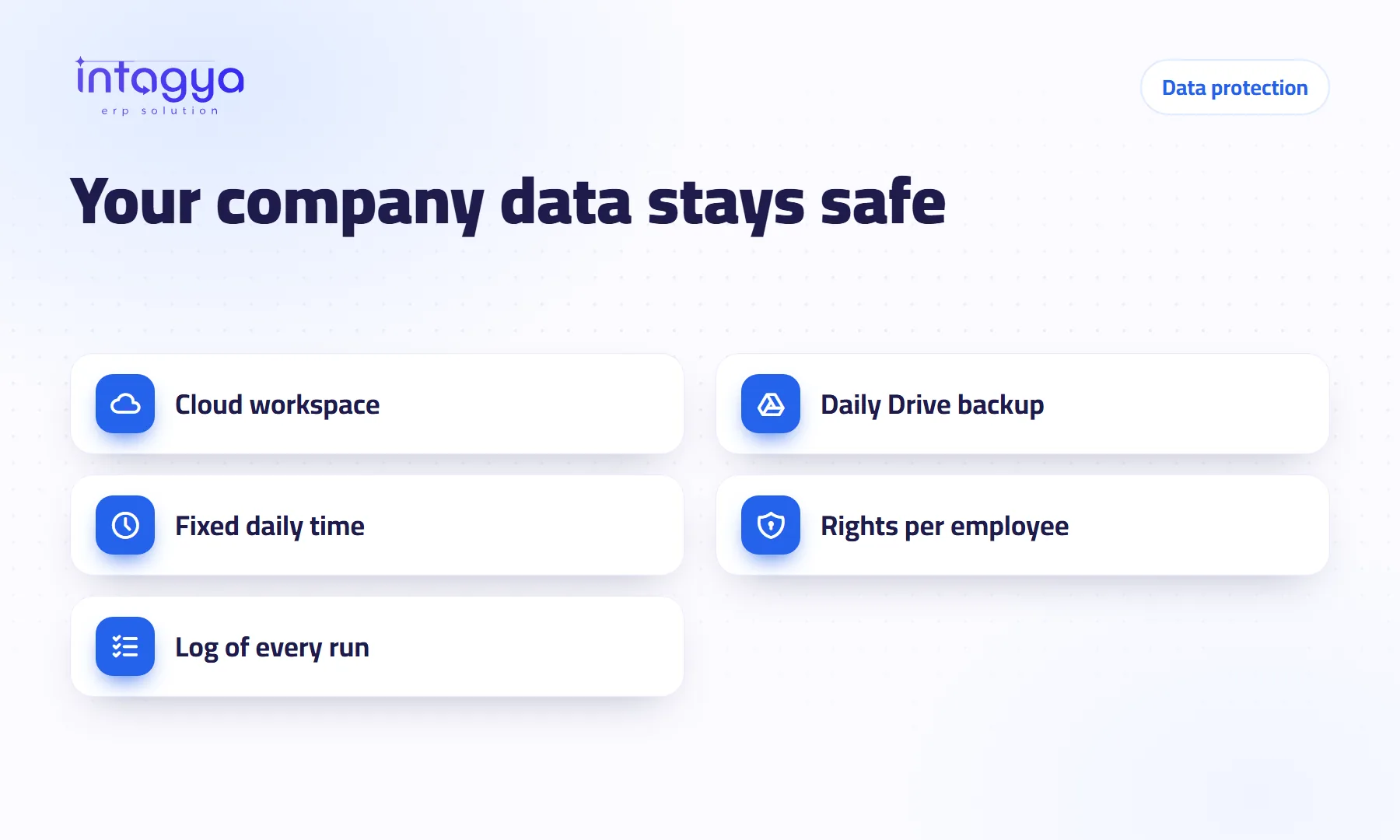 Data protection
How do I protect my company's data from being lost?
The accountant's laptop died with a year of records on it? A cloud system, a daily backup to your own Google Drive and clear access rights keep your data safe.
 Sales and CRM
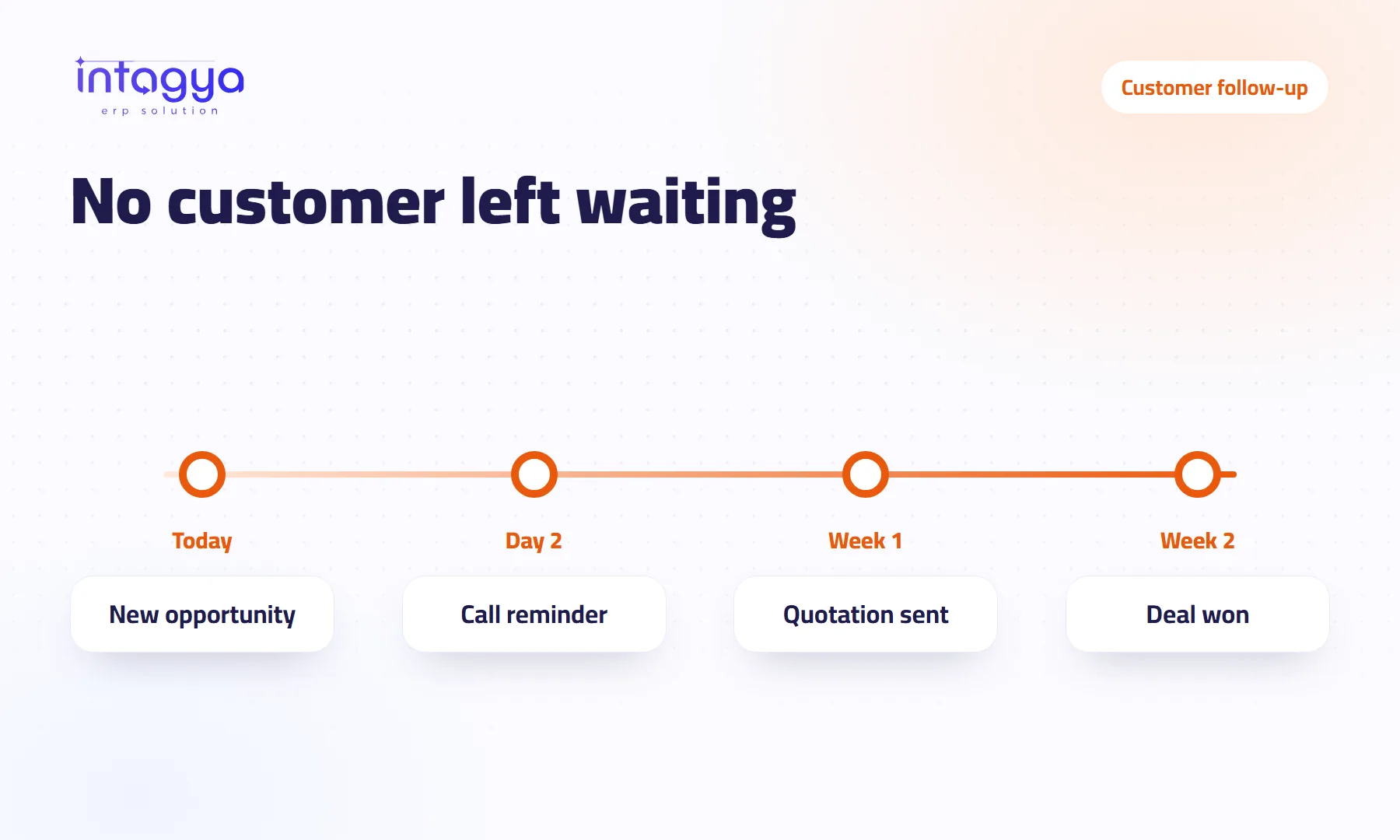
How do I make sure my sales team never forgets to follow up with a customer?
A customer said “call me next week” and nobody did? Scheduled activities, reminders and phone alerts that open the opportunity keep every follow-up alive in your CRM.
 Domain and mail
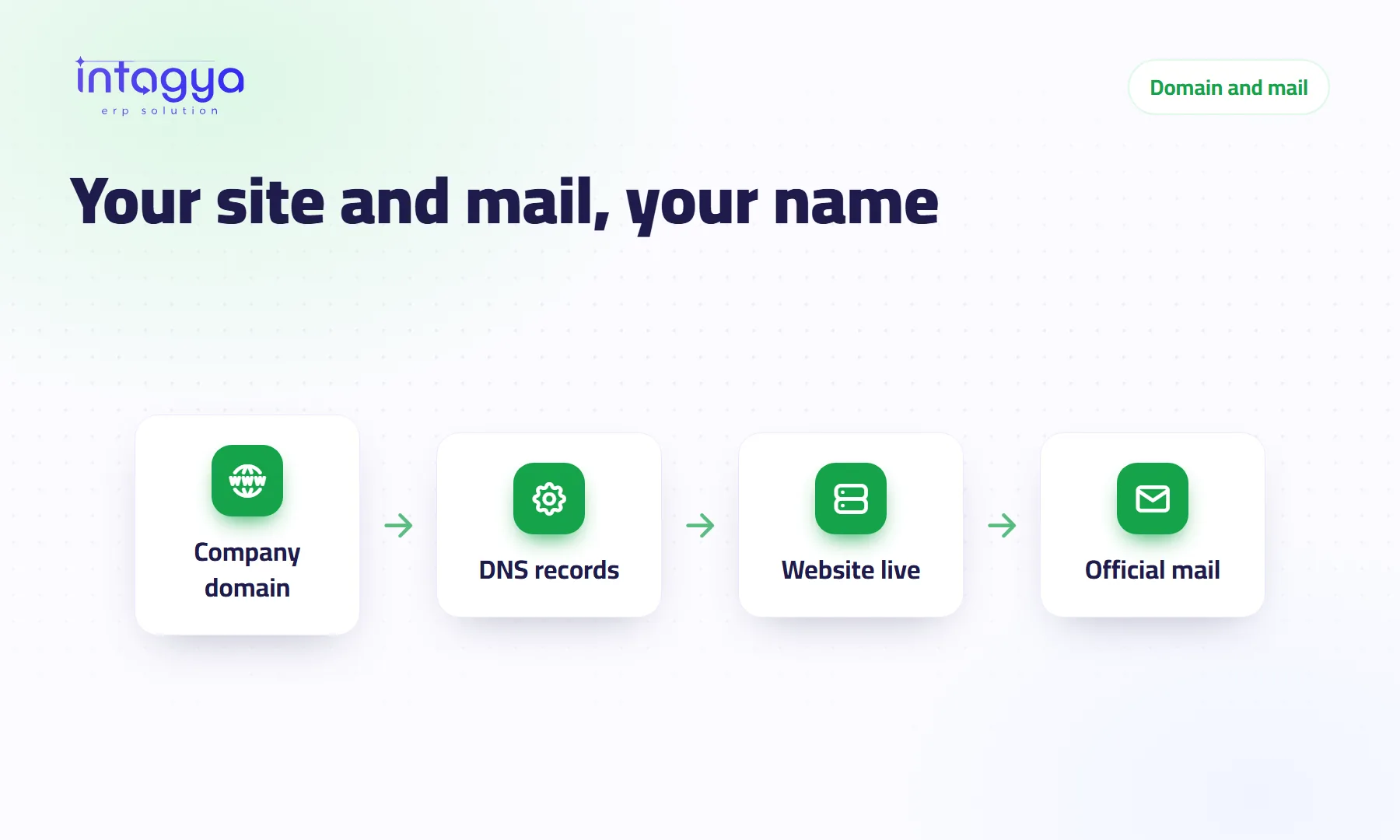
How do I connect my website and email to my company domain?
Want your site on your company name and mail from an official address? DNS records in plain words, and where to find the illustrated domain guide in Intagya ERP.
 Company security
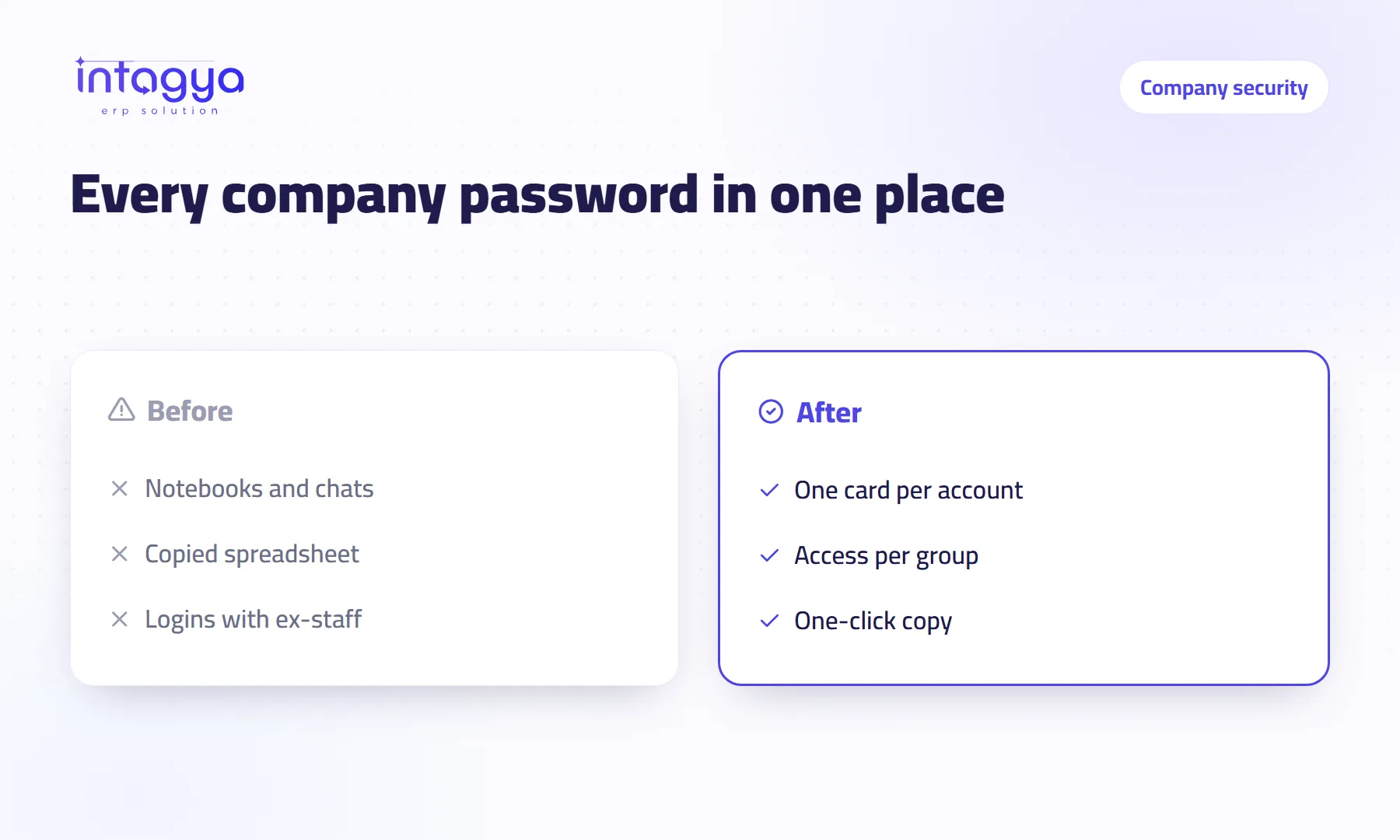
Where do I keep my company's account passwords safely?
The bank password in an old chat, the ad account with someone who left? Keep company passwords in one place inside your ERP and give each person only what they need.
 Marketing
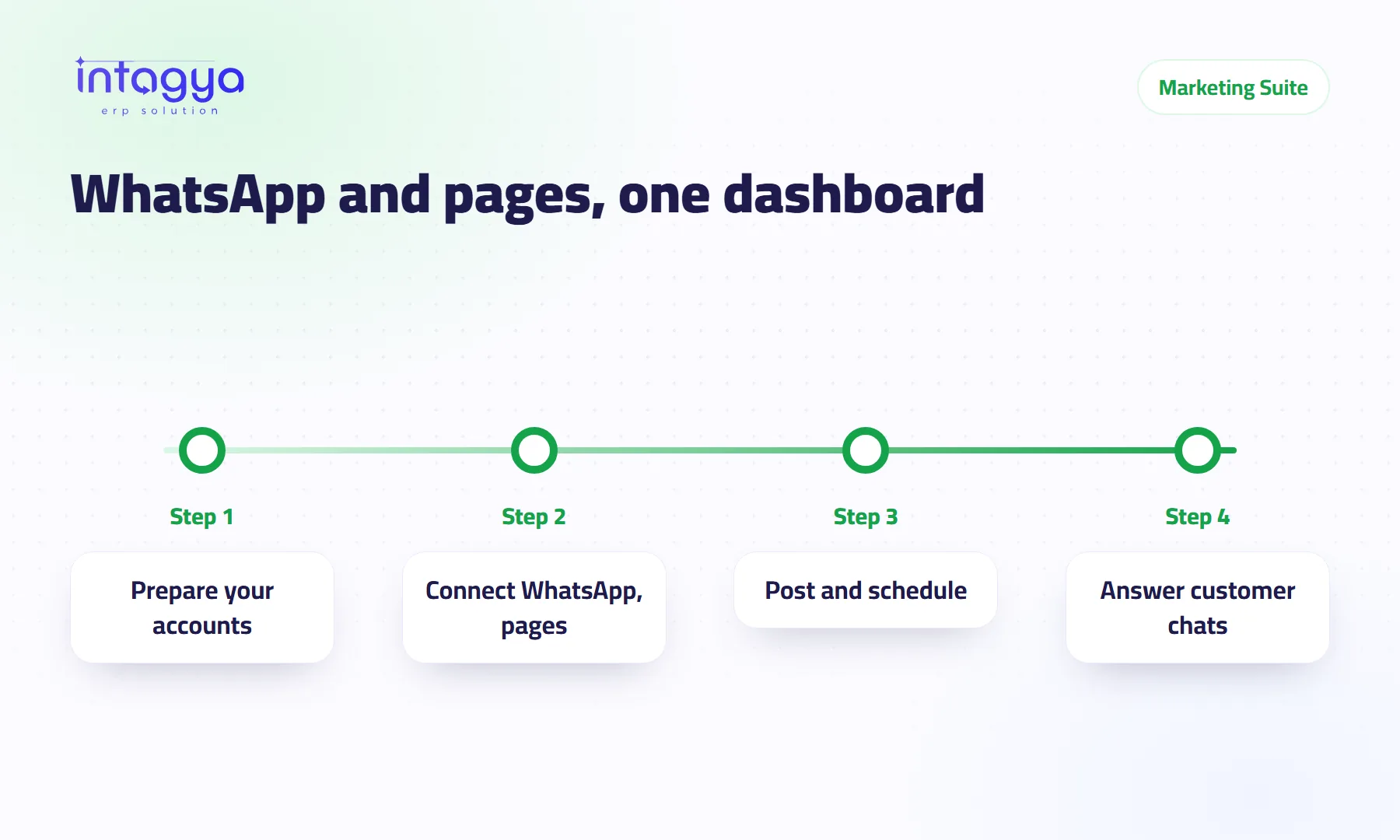
Can I manage WhatsApp and my social media pages from the ERP?
The Intagya ERP Marketing Suite brings WhatsApp Business and posting to Facebook, Instagram, X, LinkedIn and YouTube into one dashboard, using your own accounts.
 Dashboards
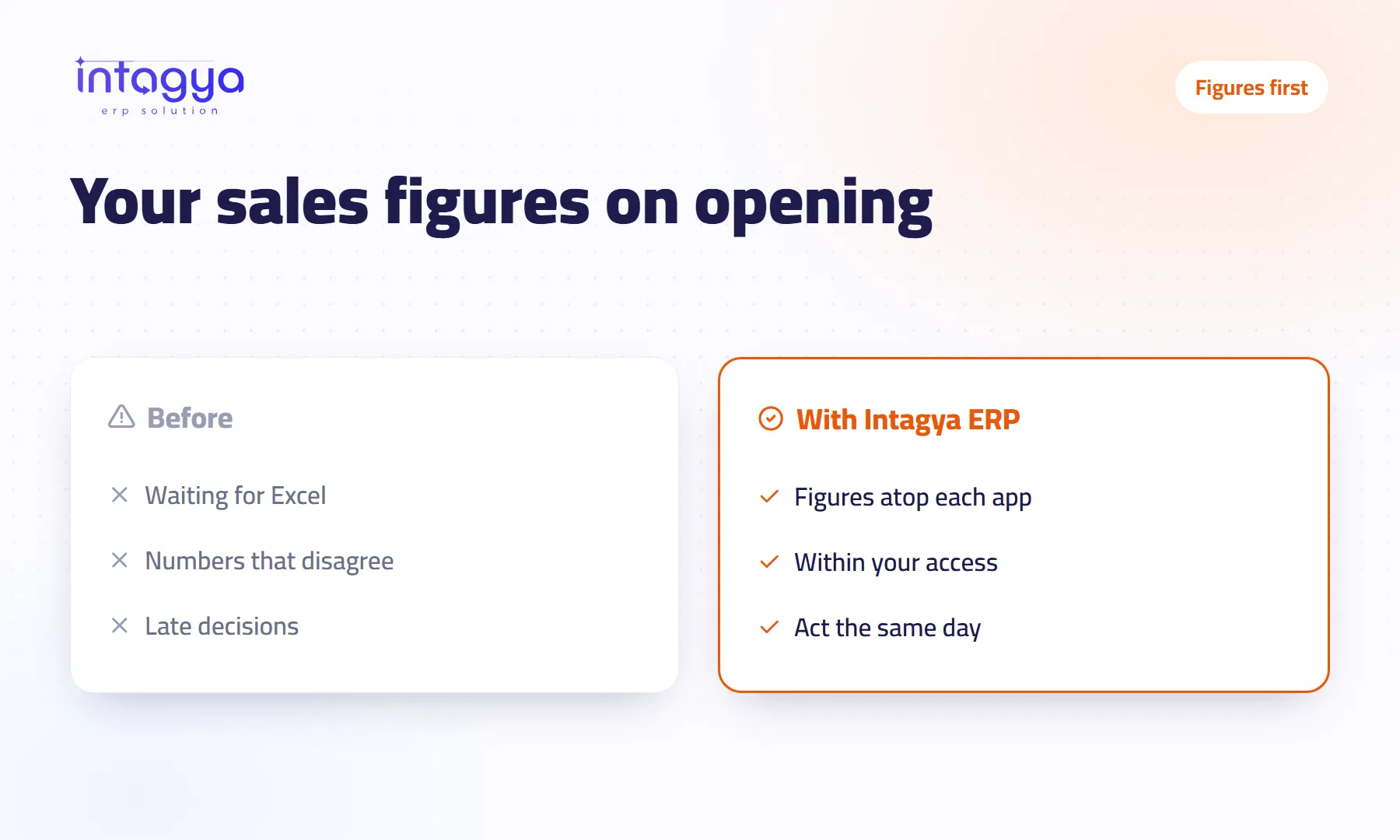
How do I see my sales and stock figures the moment I open the app?
Intagya ERP puts key figures above the Sales, Purchases, Inventory, CRM, Manufacturing and Projects lists, visible the moment you open the app.
 Task management
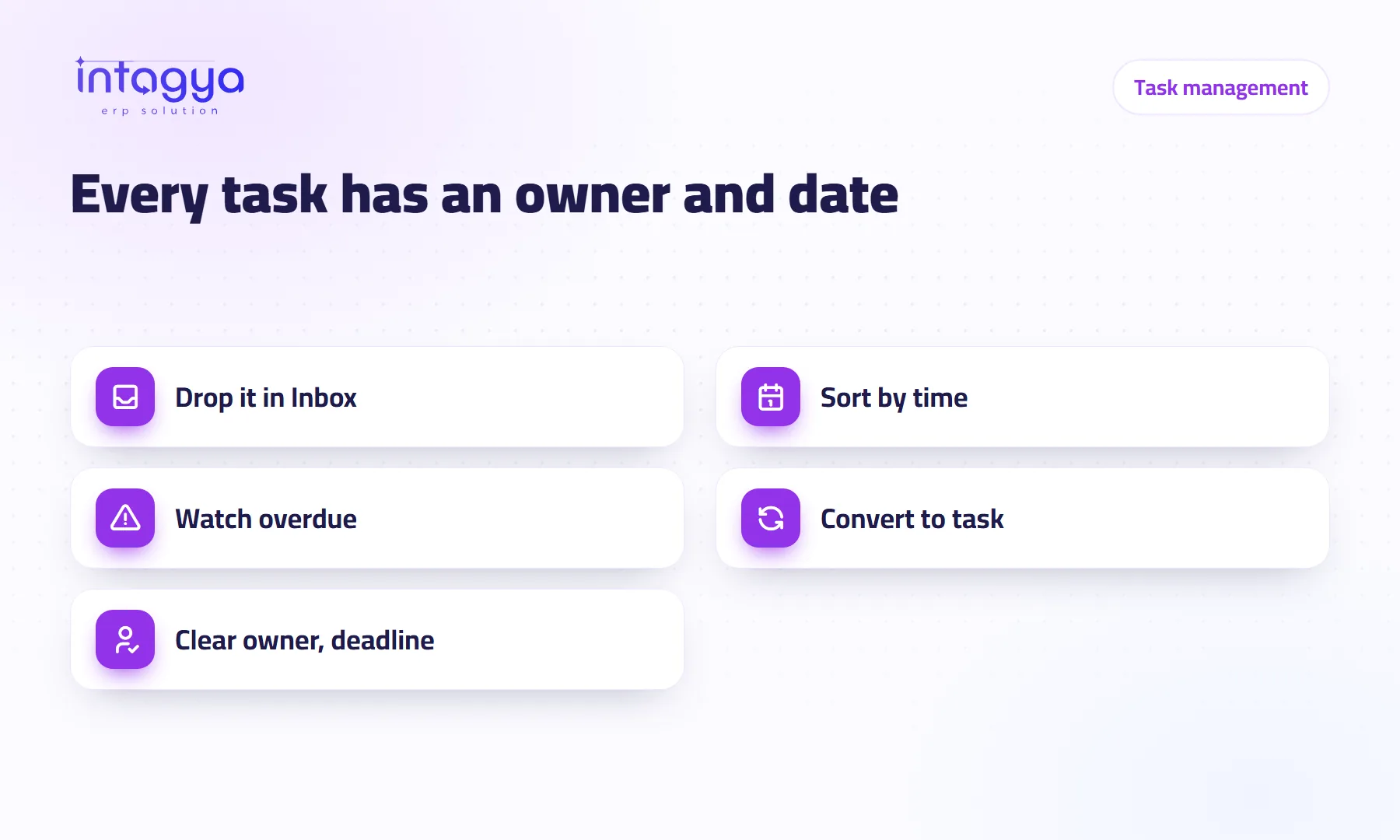
How do I make sure every small task in my company has an owner and a date?
The Intagya ERP to-do list sorts your work into Today, This week and This month, counts open, overdue and done, and turns a to-do into a project task in one click.
 Meetings and chat
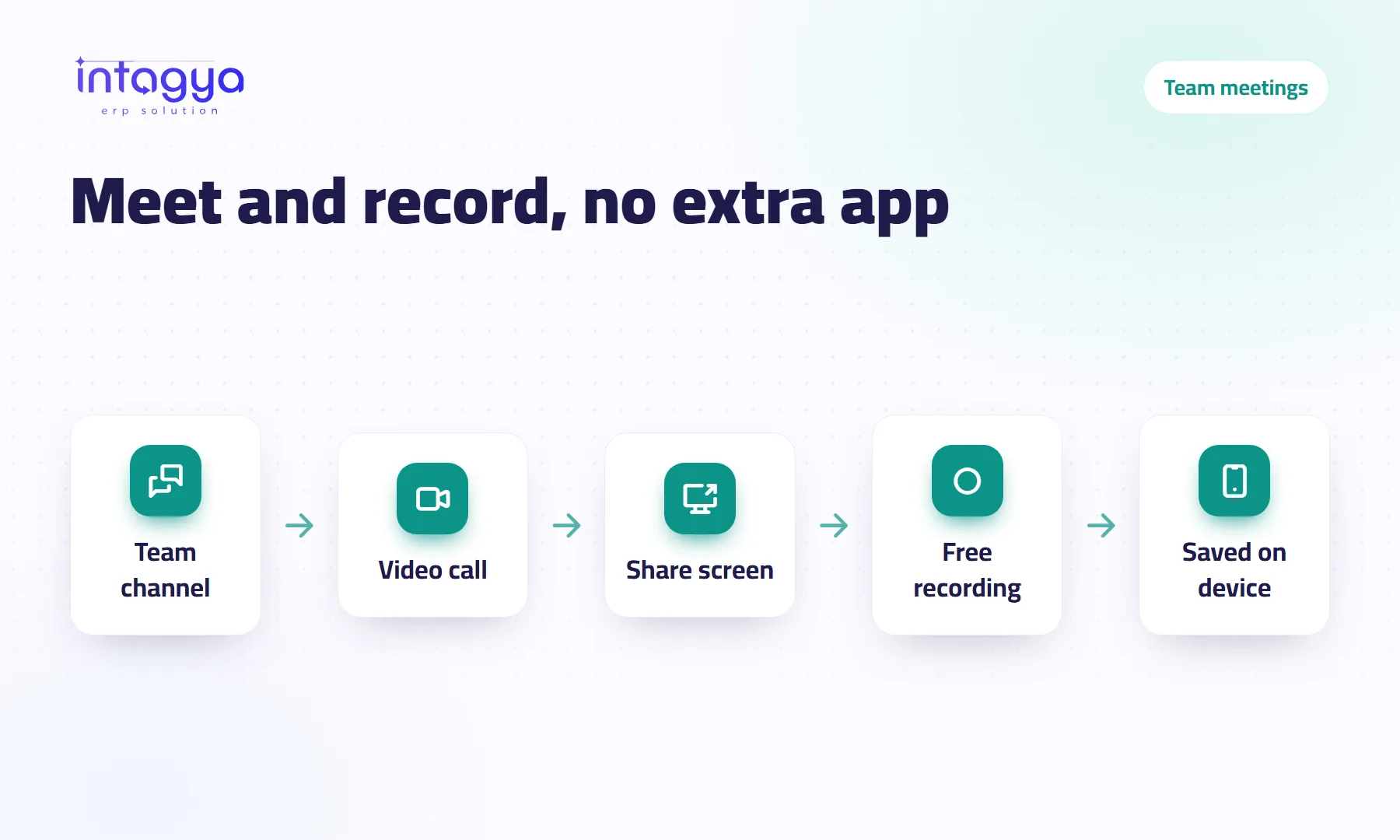
How do I hold team meetings and record them without an extra app?
Intagya ERP has chat, voice and video calls and screen sharing inside the system, plus a free Record button that saves the meeting to your own device.
 Email and communication
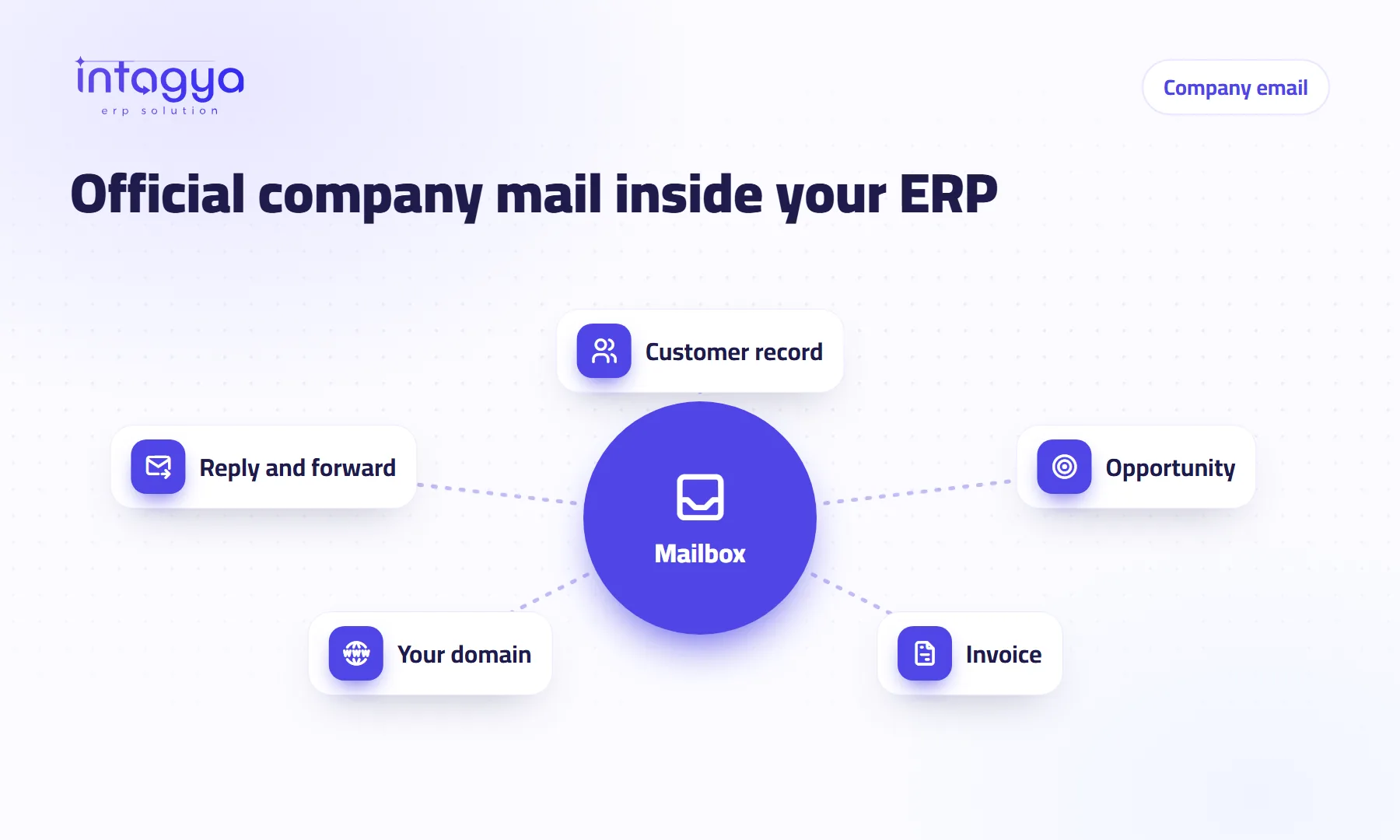
Can my company have an official email on its own name, right inside the ERP?
Yes. Intagya ERP has a real mailbox inside the system: read, send and reply, link each message to a customer, deal or invoice, and add hosted mail on your own domain.
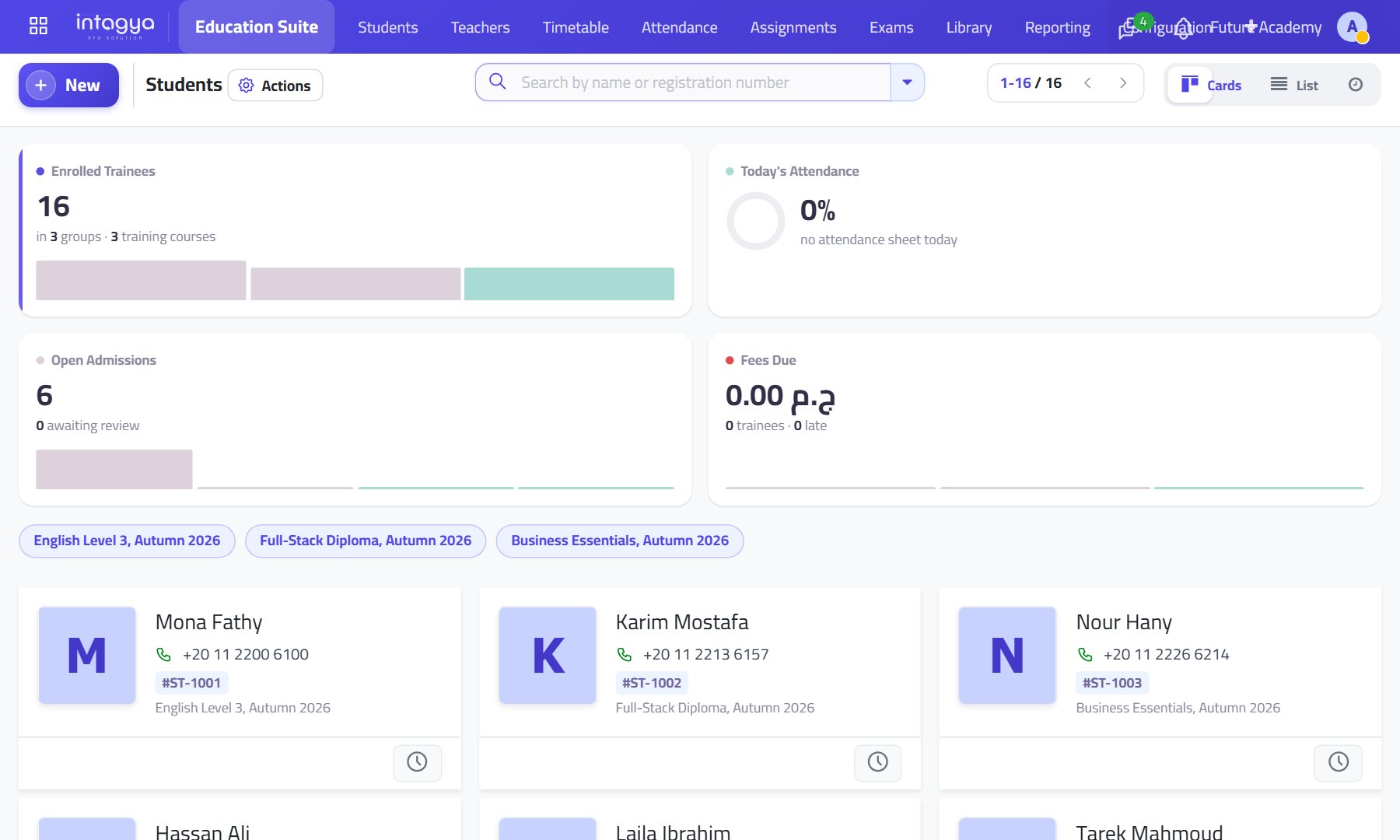 Education
Education: the student from application to results in one file
Admissions and enrolment, timetable, attendance and exams, and fees in instalments invoiced in accounting.
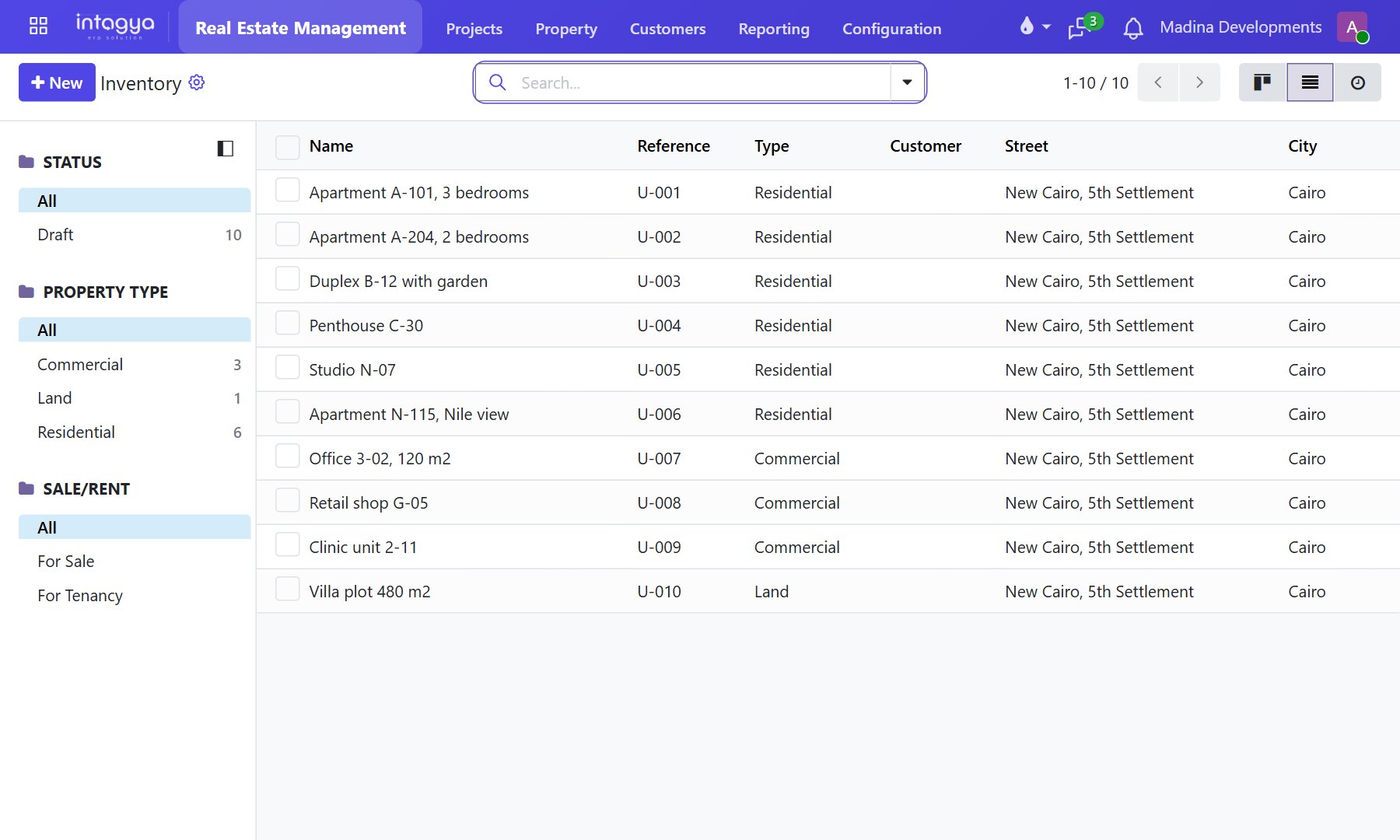 Real estate
Real estate: every unit with its status, every instalment on its date
Projects and units for sale and rent, payment plans with a down payment and instalments, broker commissions and maintenance requests.
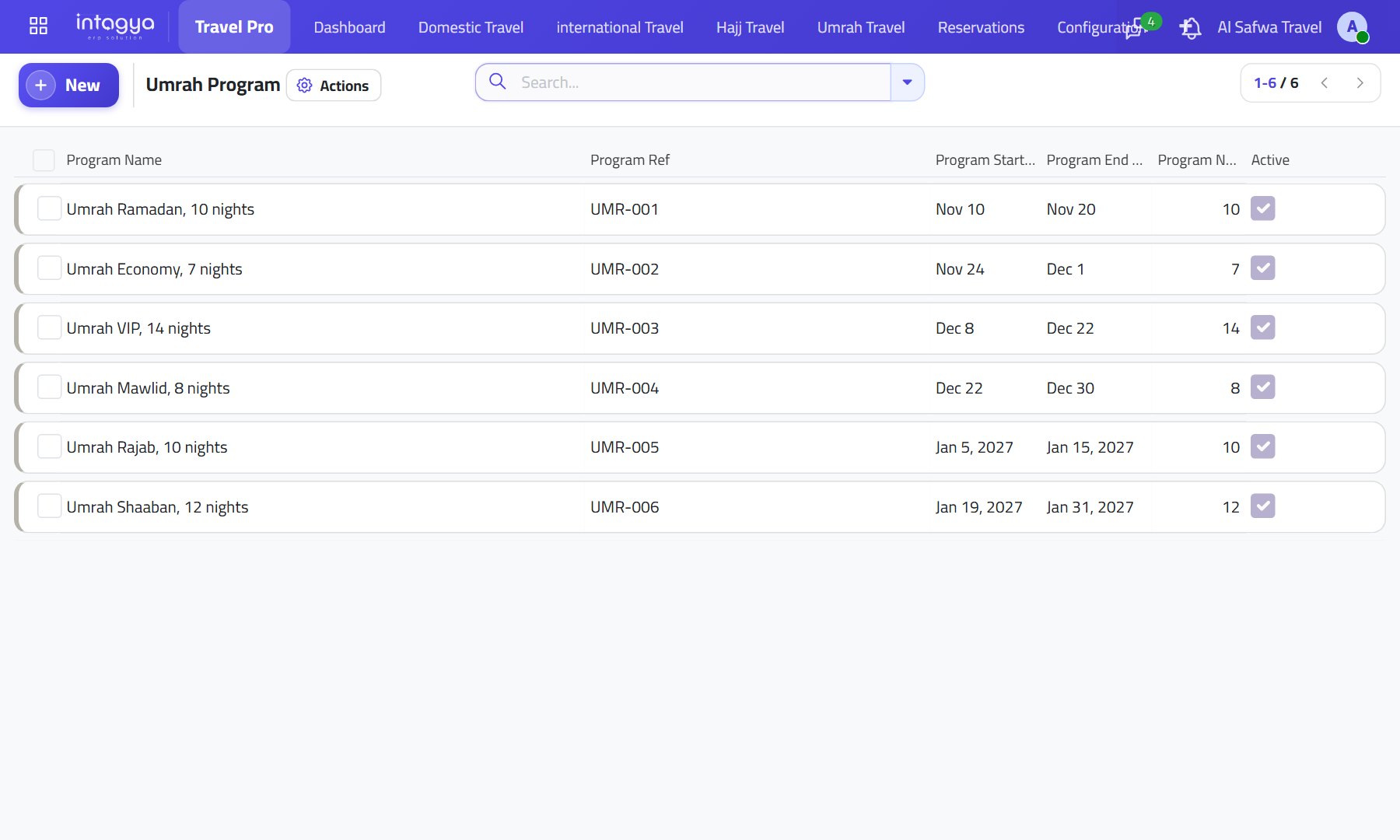 Travel
Travel and tourism: the program, the booking and the payment in one system
Hajj, Umrah and trip programs with hotels and prices, and flight and hotel bookings per traveller with payment status.
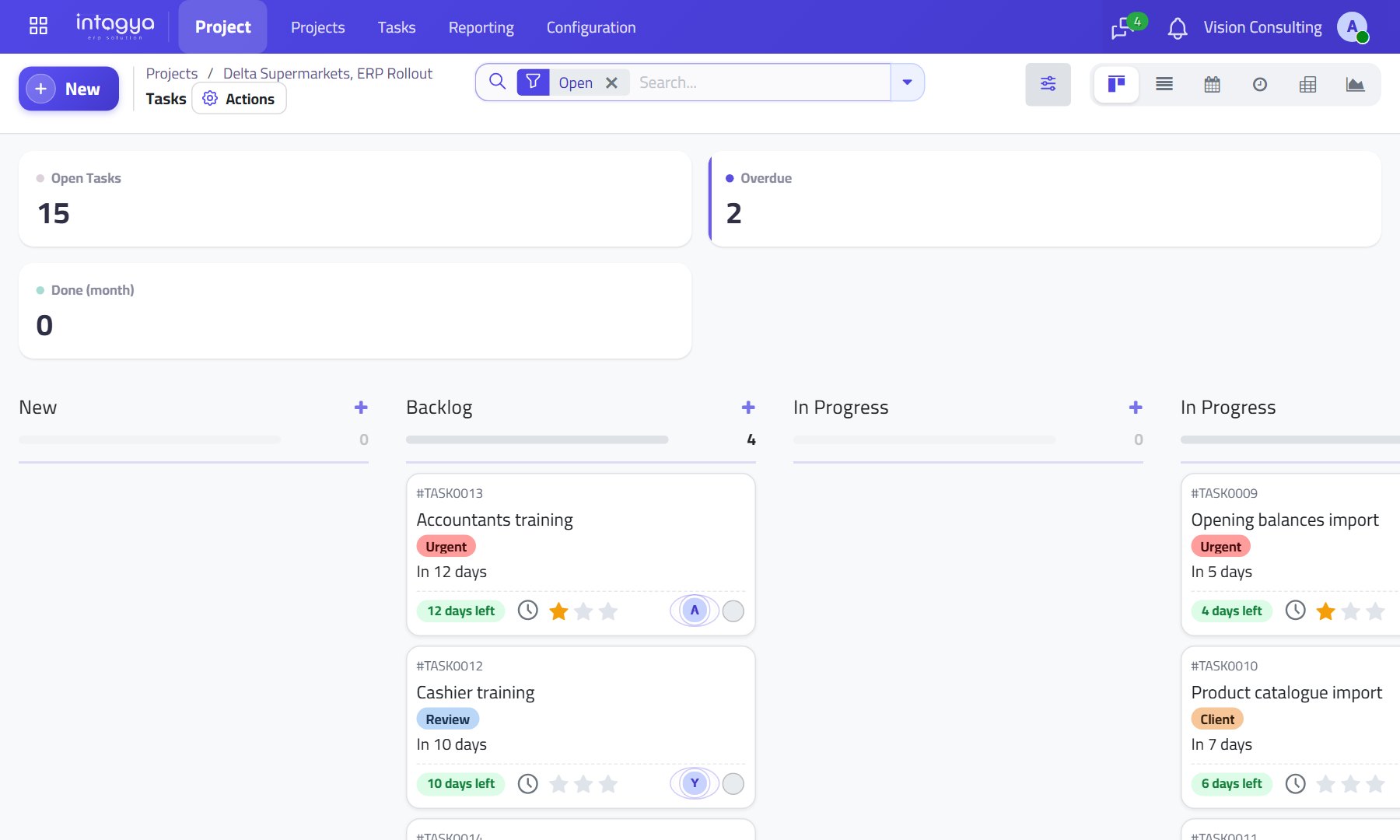 Services
Professional services: every hour of work finds its way to an invoice
A project per client with tasks and stages, services sold by quotation and then invoiced, and helpdesk tickets after delivery.
 Clinics
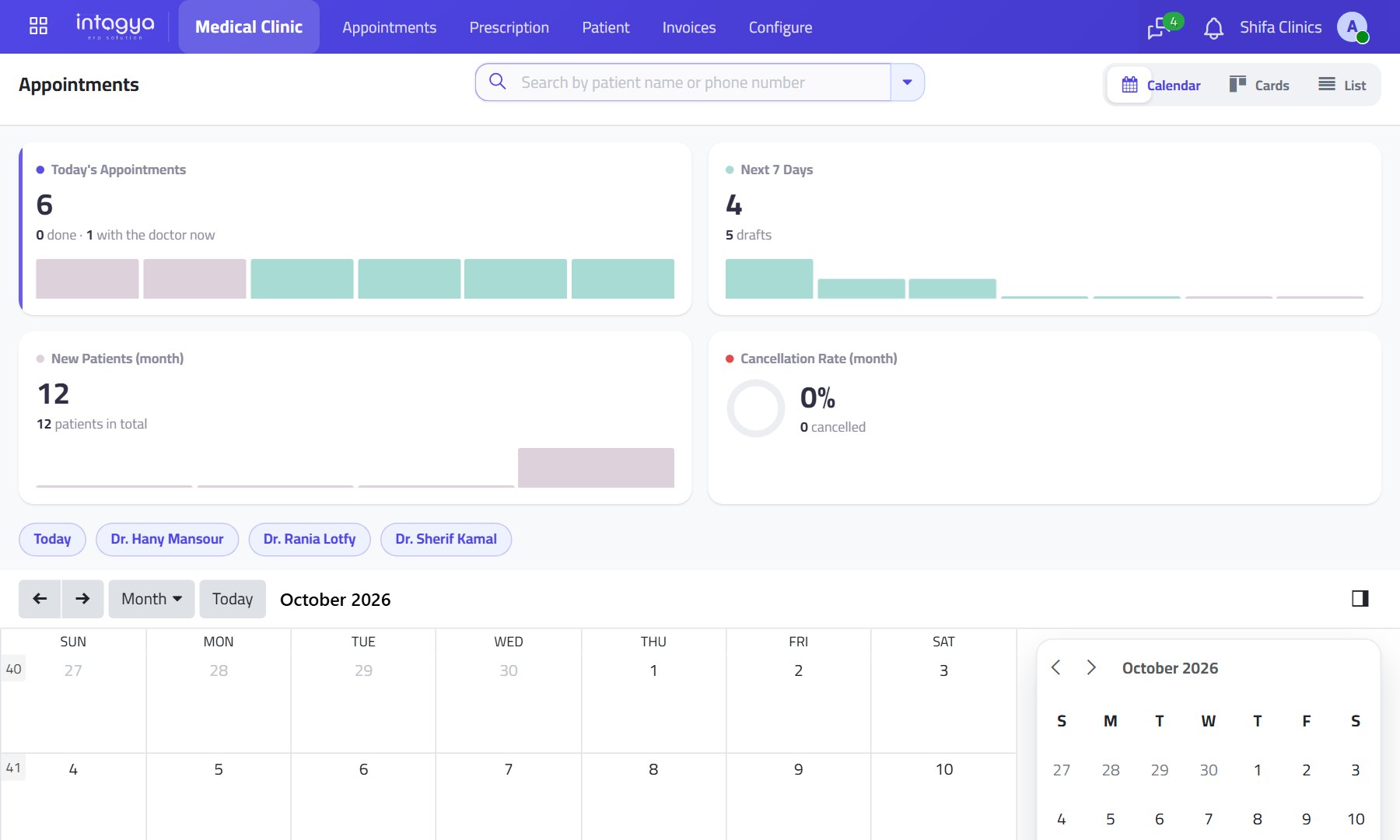
Clinics: one patient file from appointment to invoice
Appointments by doctor and shift, a prescription with medicines and doses that becomes an invoice, and a follow-up created by itself.
 Contracting
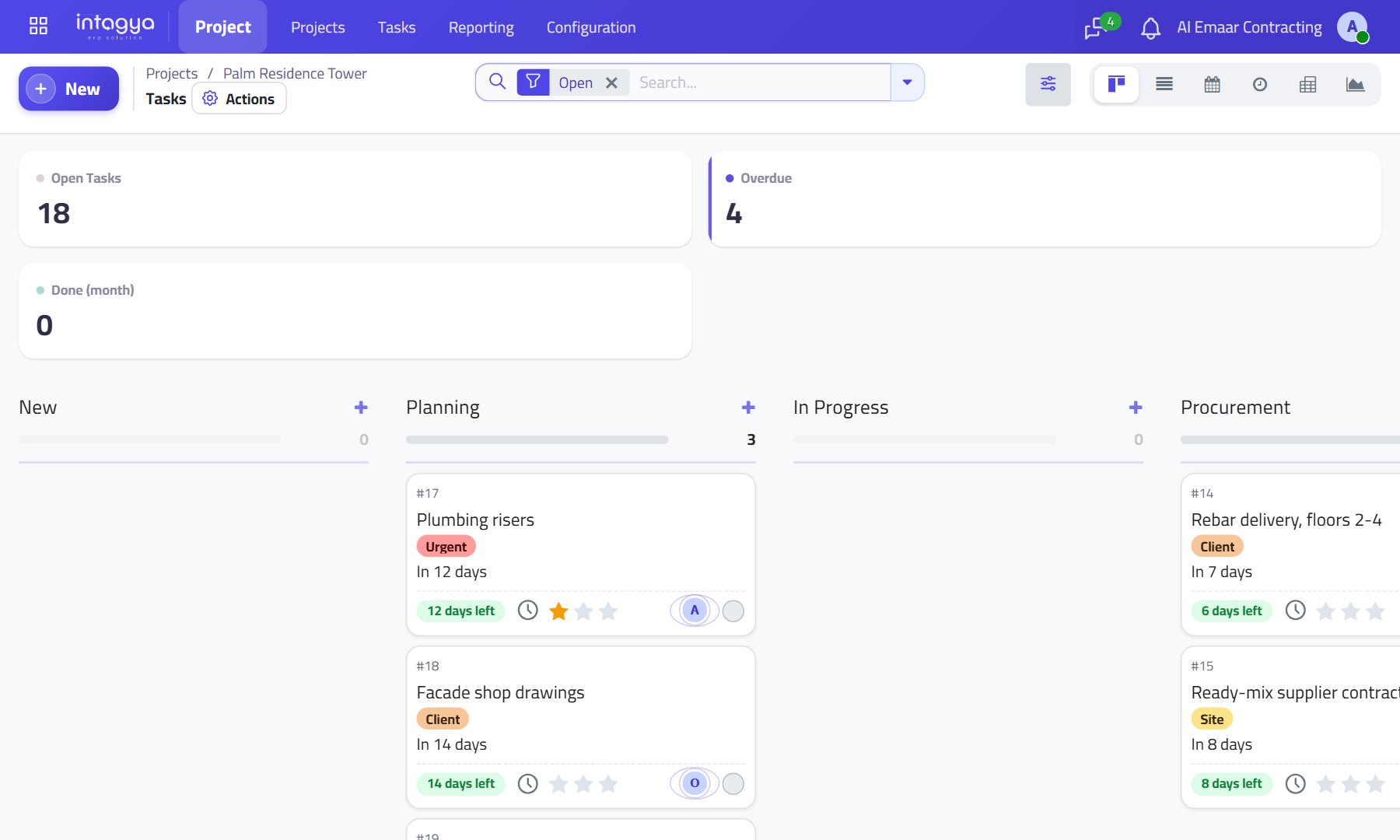
Contracting: every project with its tasks, purchases and progress bills
A task board per project, material purchases tied to the work, and billing by down payment and then by progress.
 Manufacturing
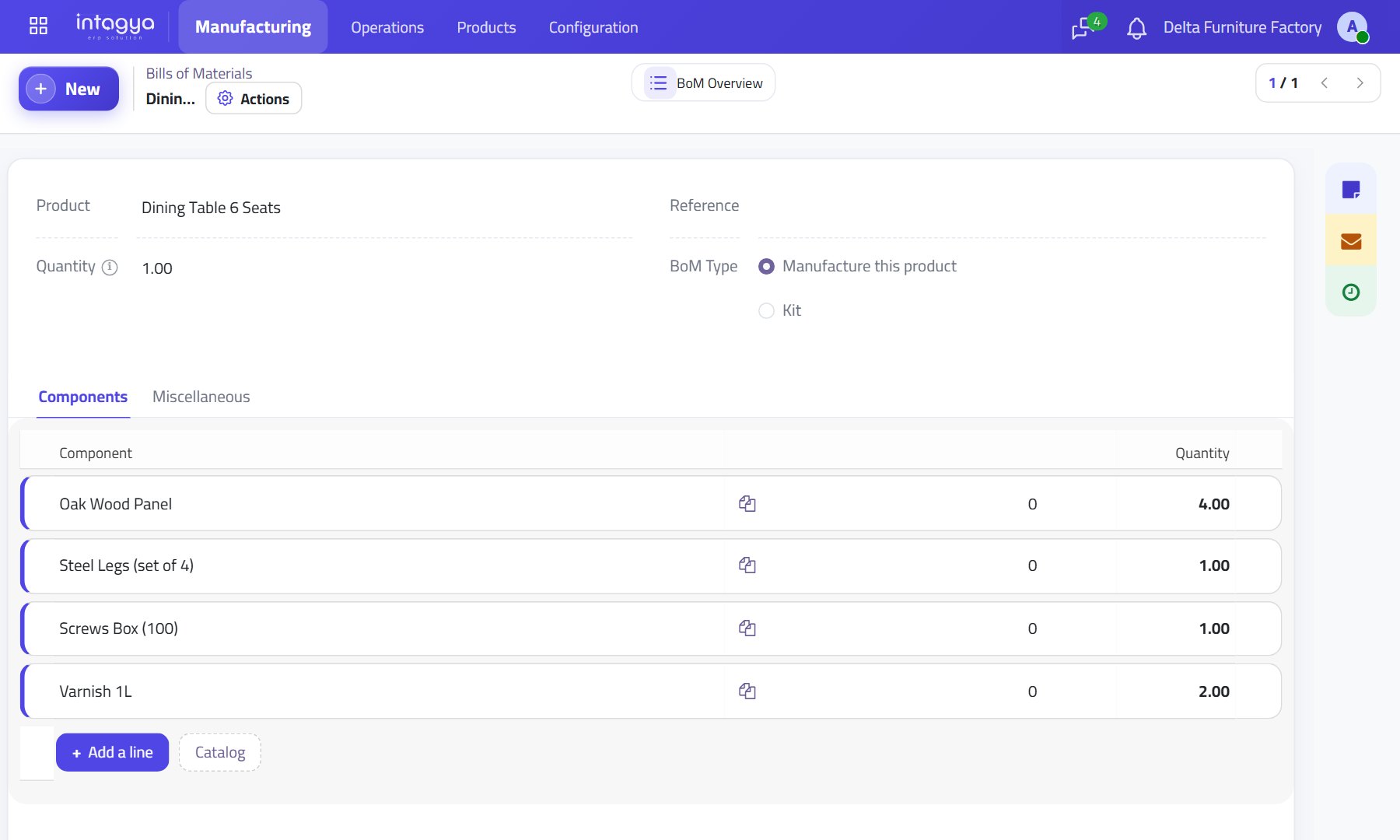
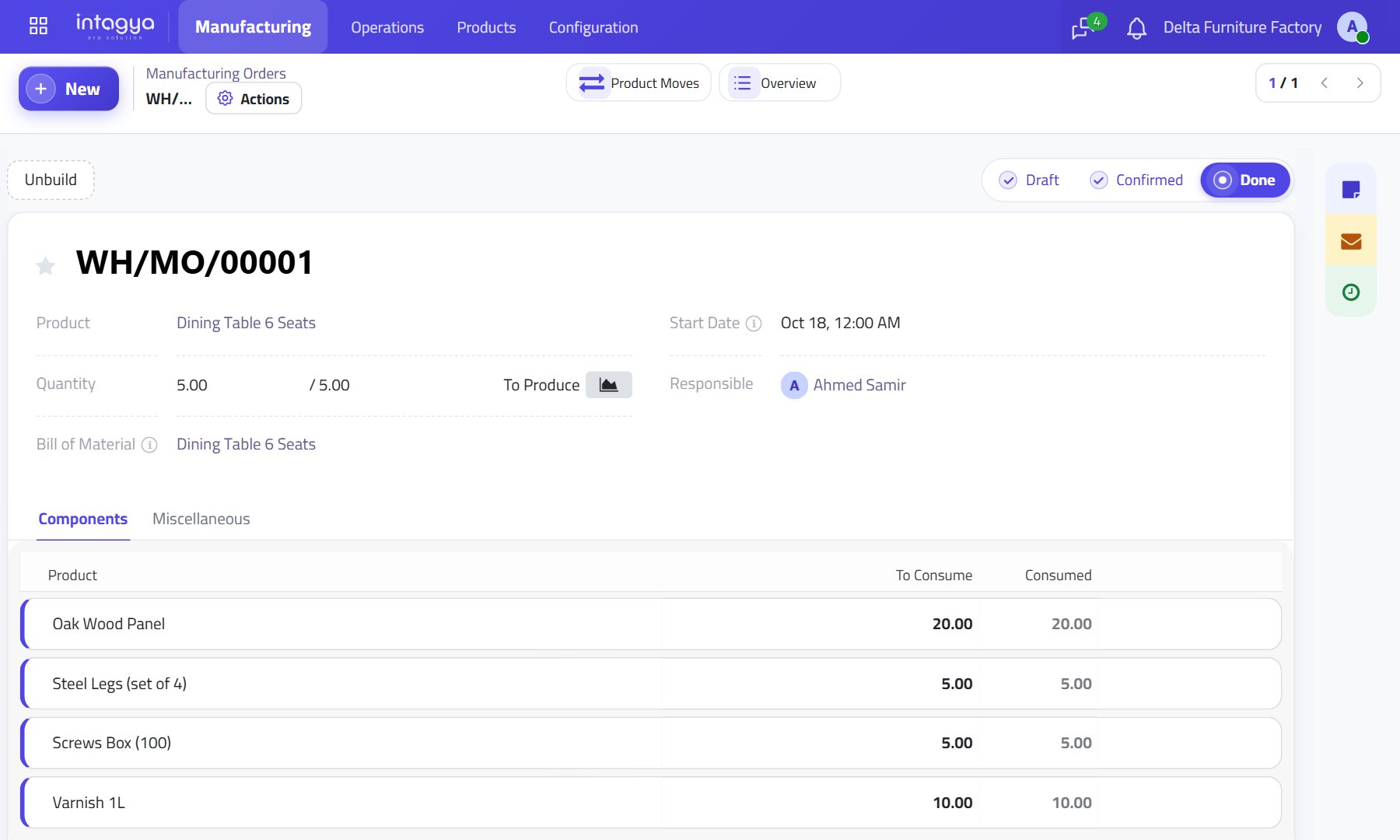
Manufacturing: an order that knows its materials before it starts
A bill of materials per product, an order that consumes materials and stocks the finished product, and cost from what was actually used.
 Wholesale
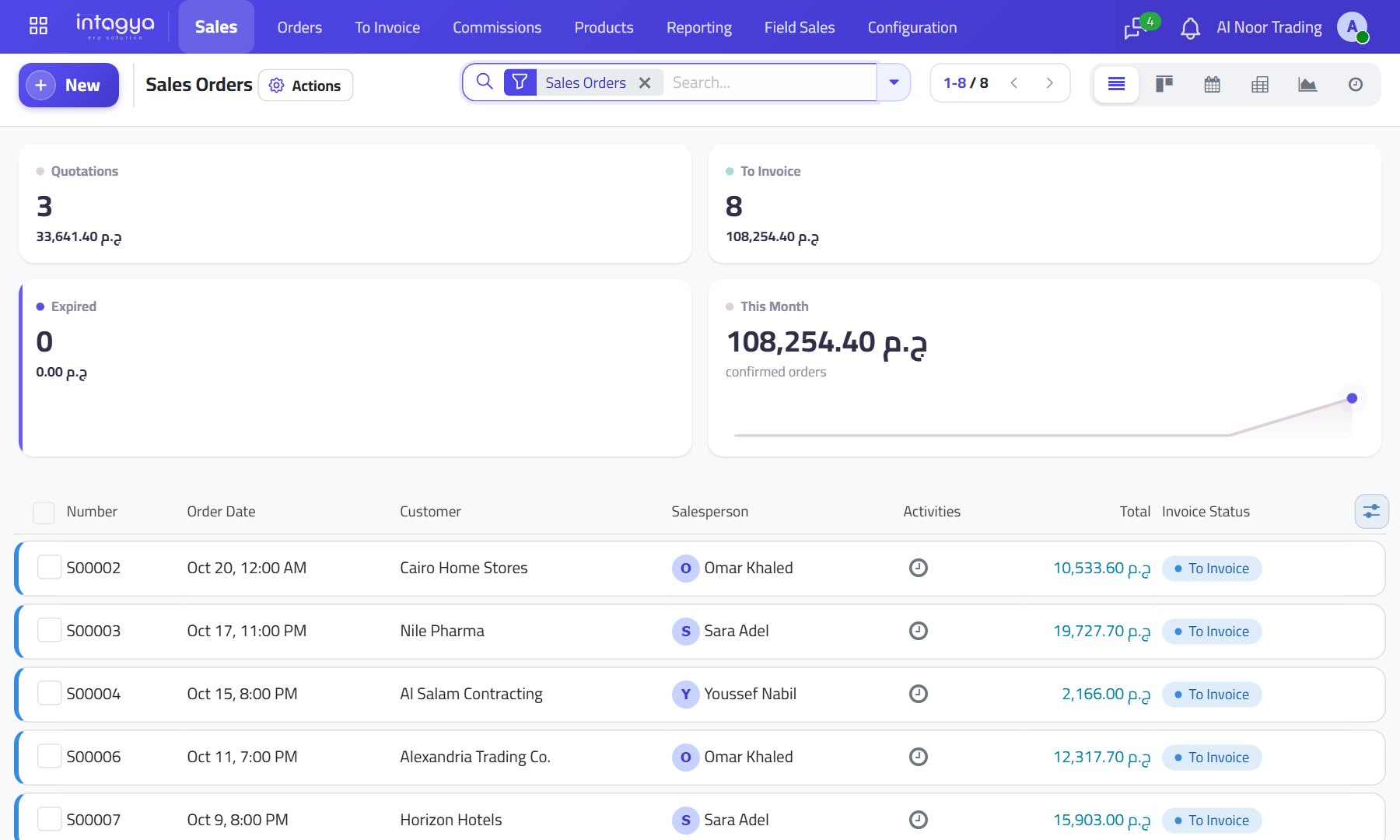
Wholesale and distribution: from quotation to collection with nobody typing twice
Sales, purchasing, inventory and accounting tied together, with a credit limit per customer and post-dated cheques tracked.
 Restaurants
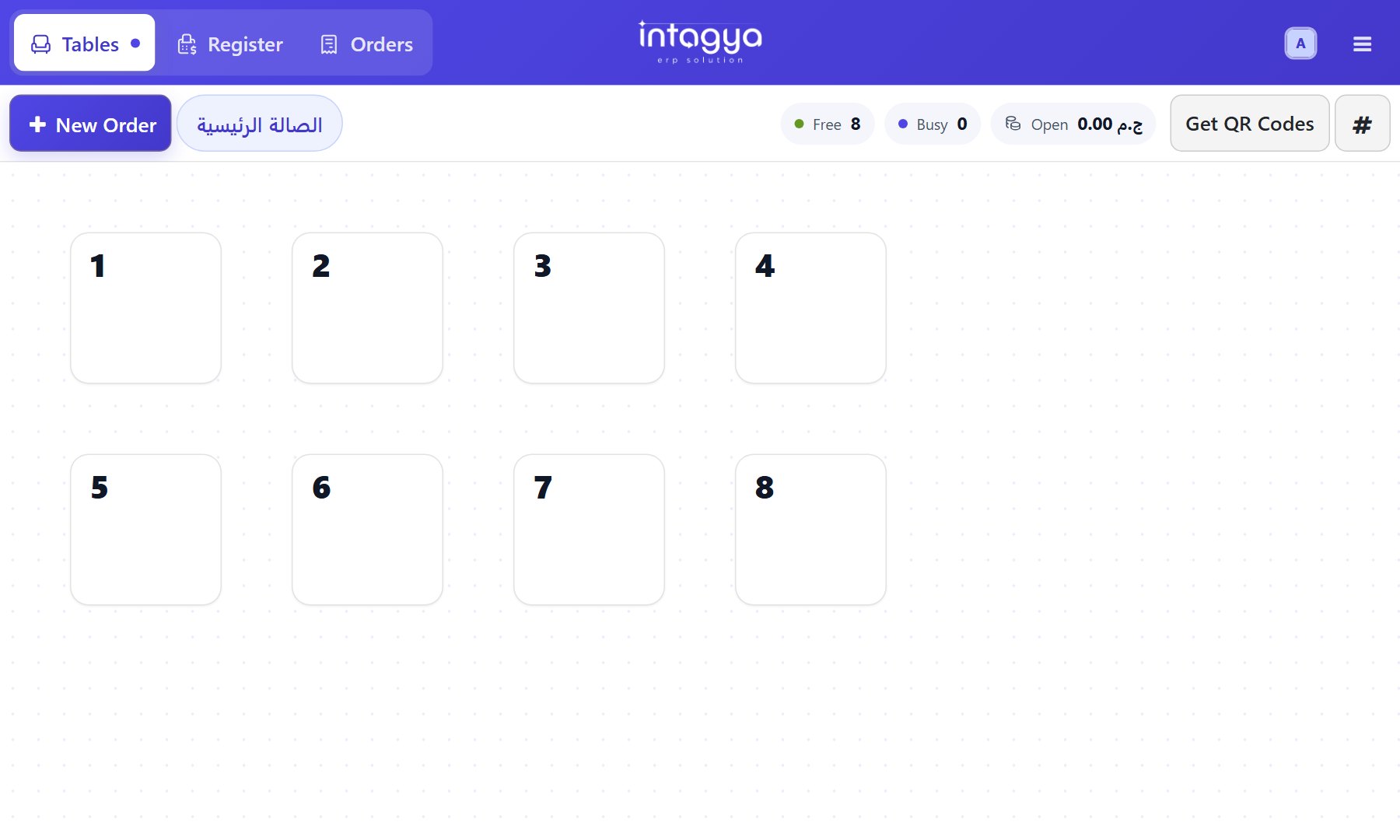
Restaurants and cafes: table, kitchen and accounts on one line
The waiter enters the order once: it reaches the kitchen screen, service charge is added and the sale posts to accounting.
 Shops & POS
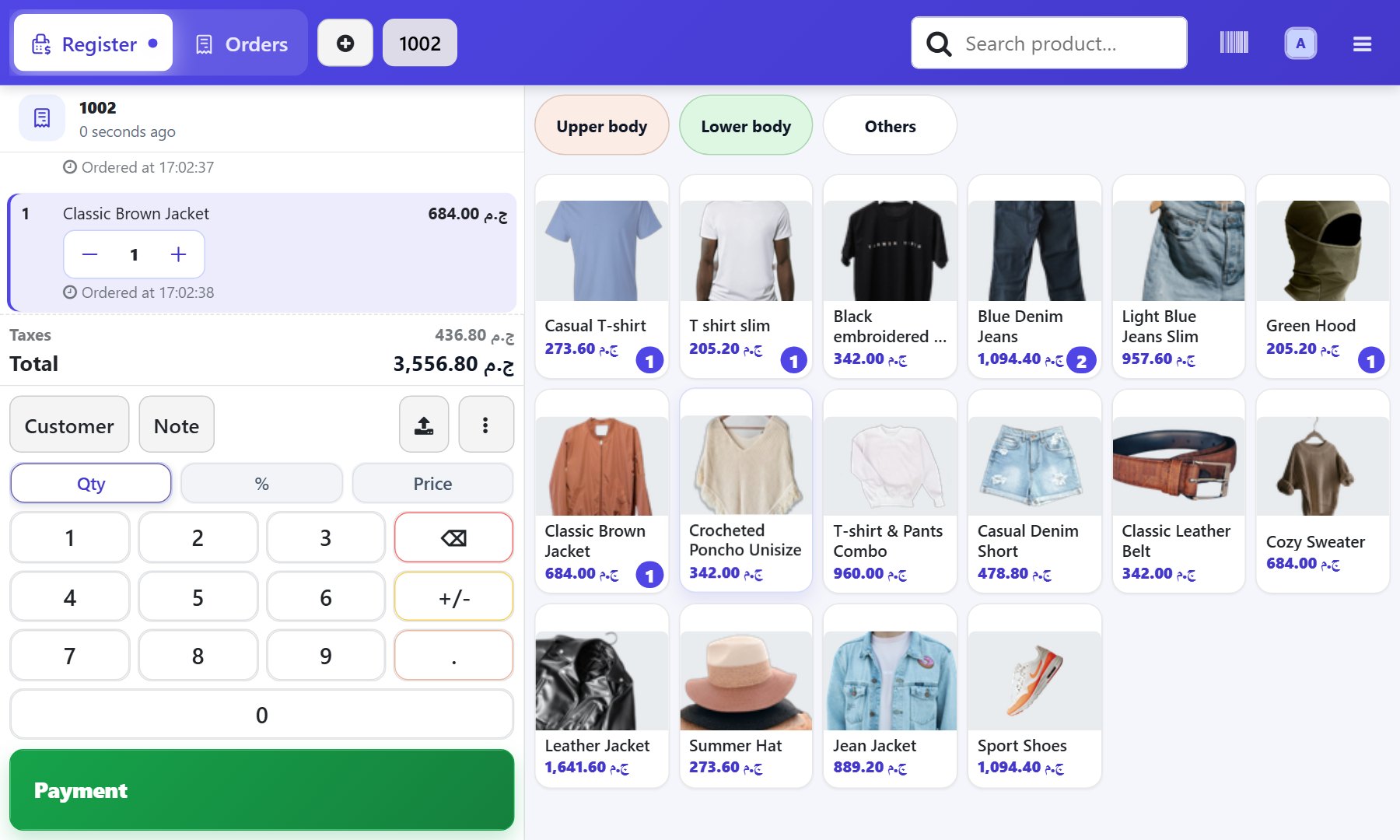
Shops and POS: a shop that knows its stock after every sale
Point of sale, inventory and accounting on one database: what the cashier records takes stock down and shows up in the books.
 Pricing
A powerful system that fits my company, at a fair price
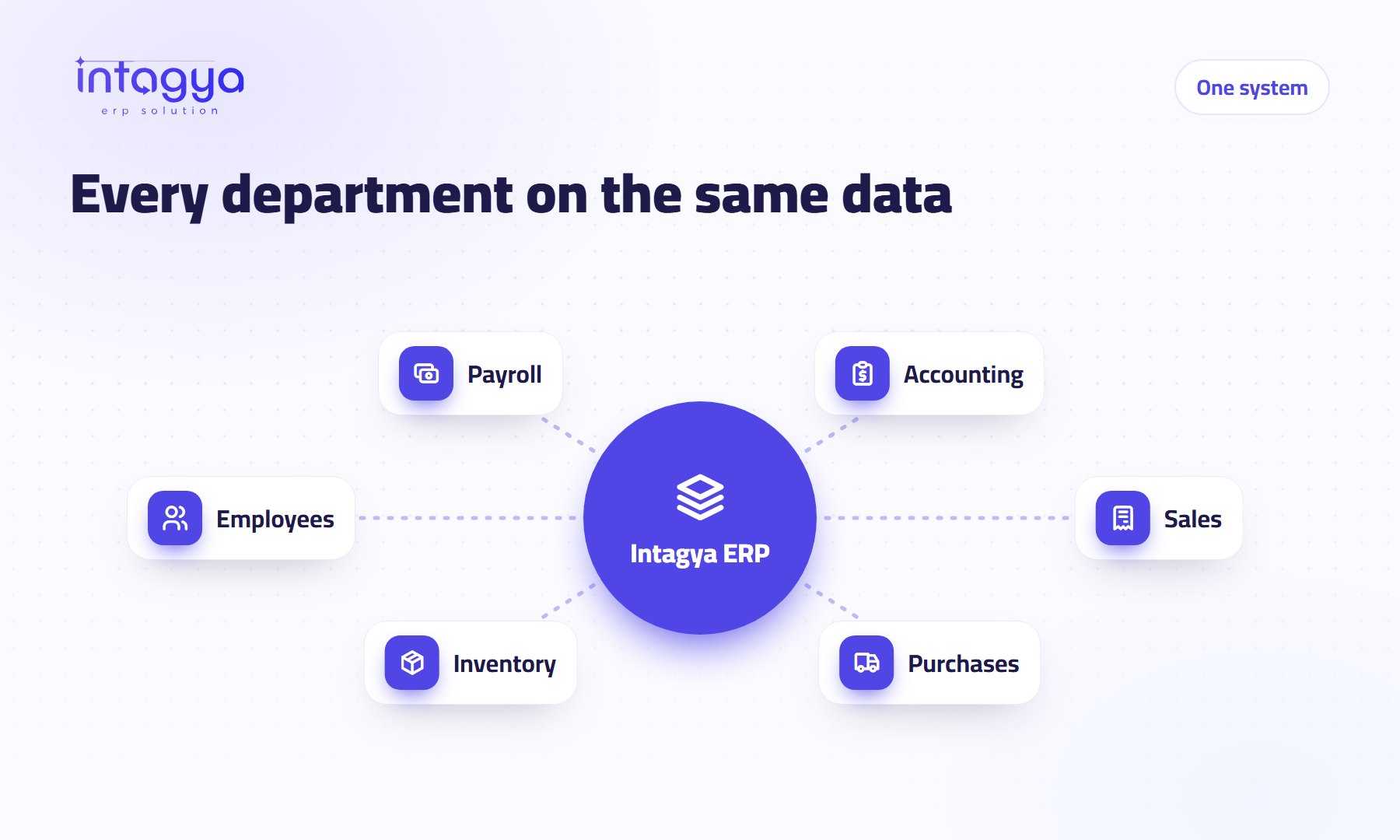
All your sector apps on every plan, a price set only by the number of users, and a custom plan if your needs differ.
 Mobile app
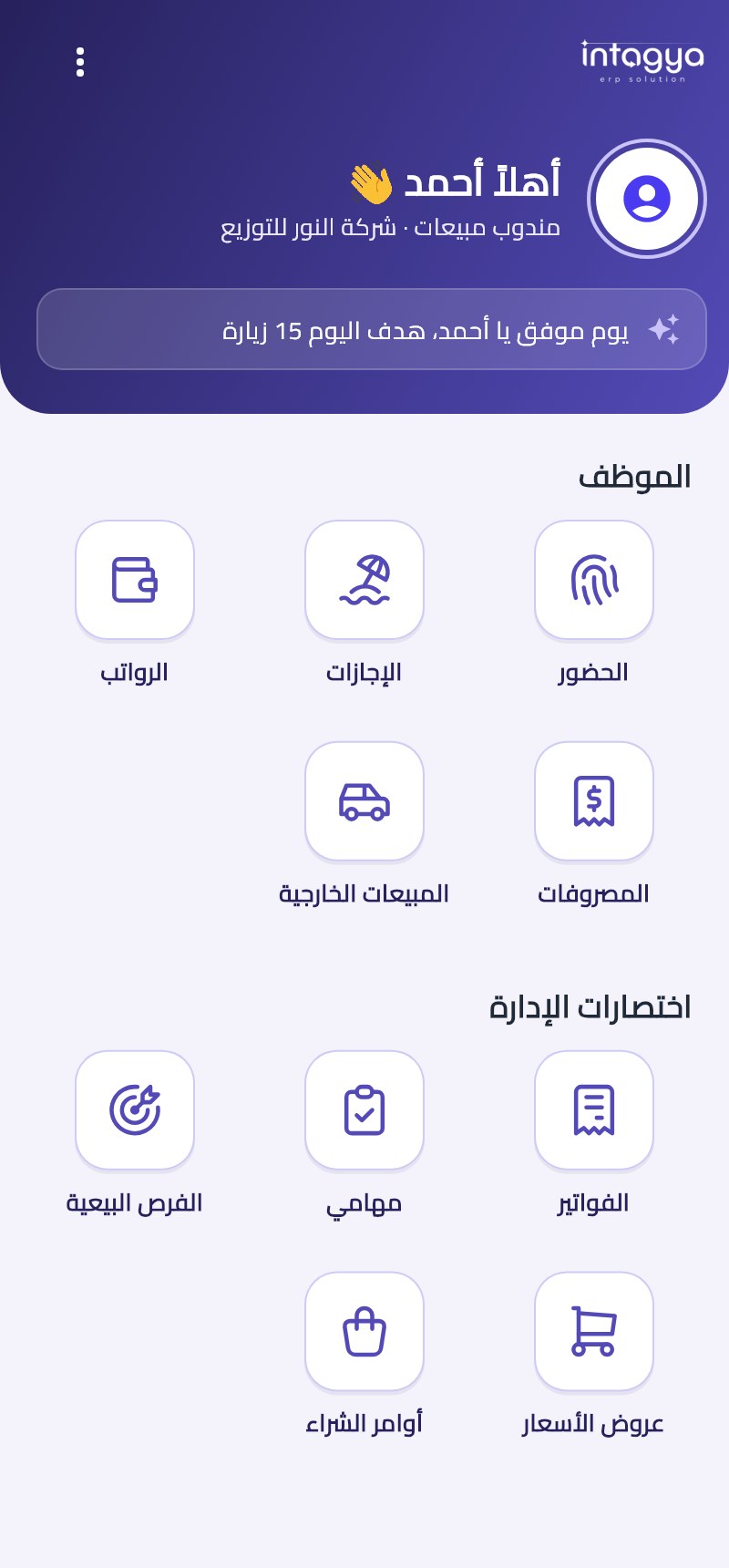
The Intagya ERP app: your whole company in your pocket
Attendance, time off and payslips for staff, selling and collecting for reps, indicators and invoices for managers. Free on every plan.
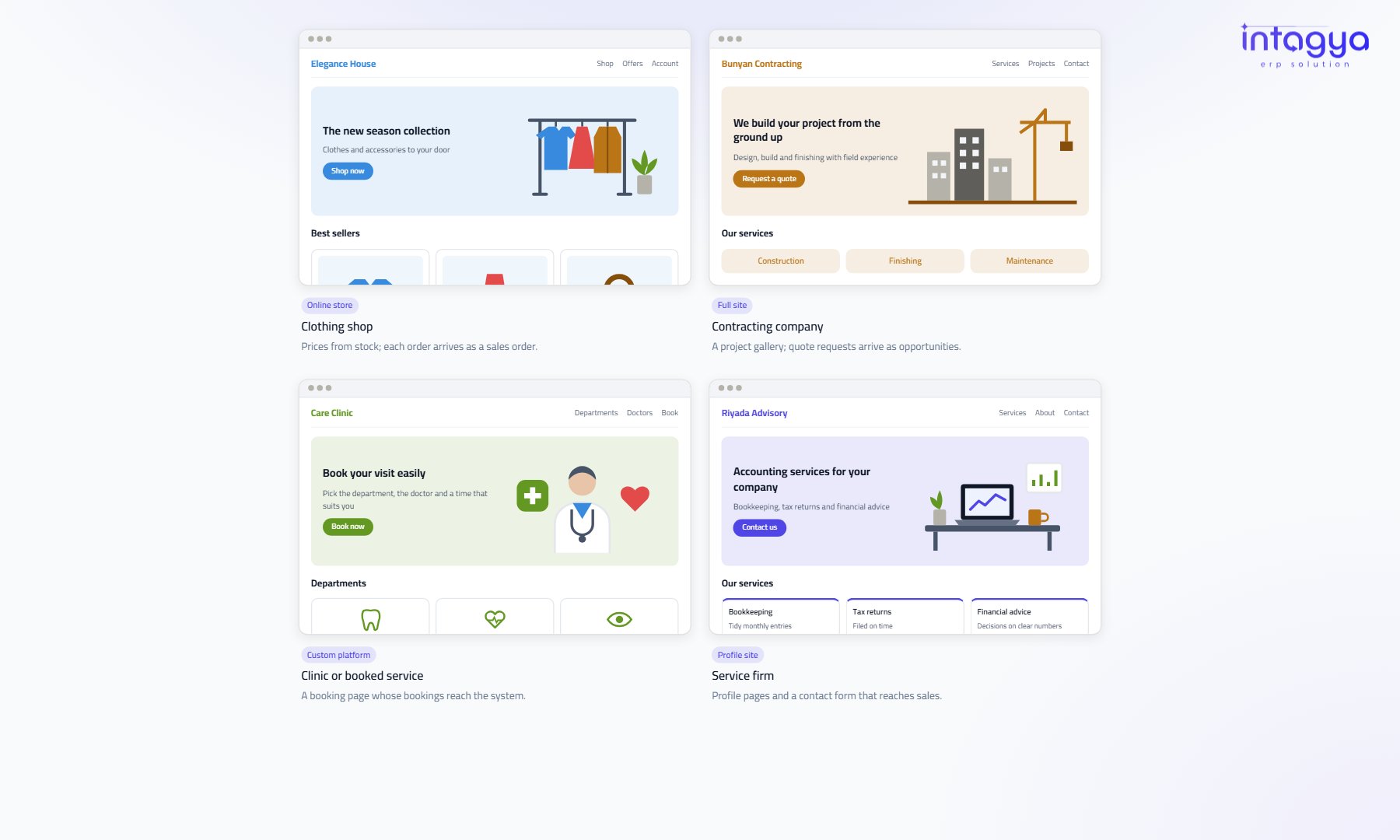 Website
Your company website as part of your system: website design by Intagya
Site messages become opportunities, the shop sells from the same products and stock, and customers see their invoices. A paid service, sold as prepaid working hours.
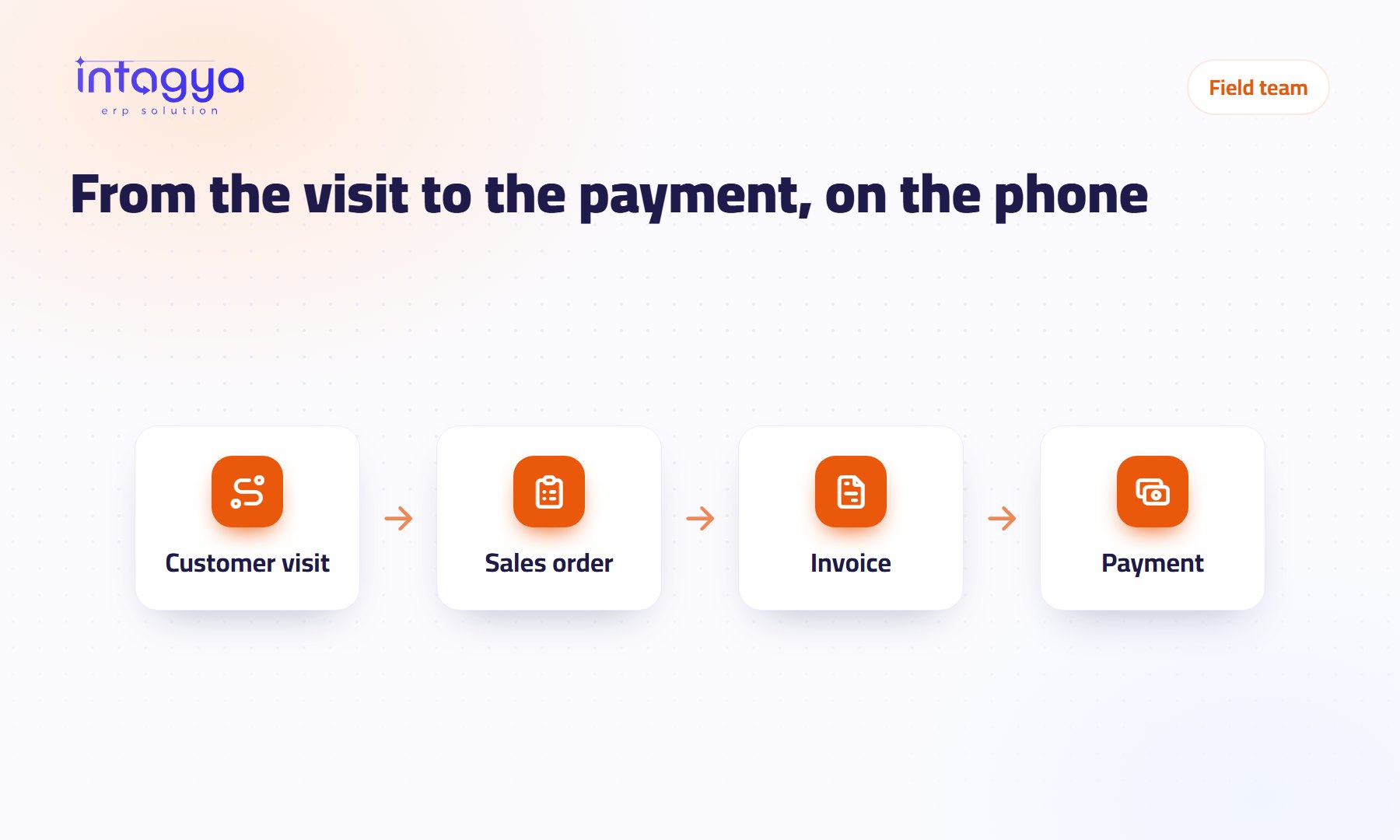 Mobile app
Your rep is on the road and the invoice is in their pocket: running a field team from the phone
An order becomes a sale, an invoice and a payment in one visit, with every van's stock in view and check-in only from the work site.
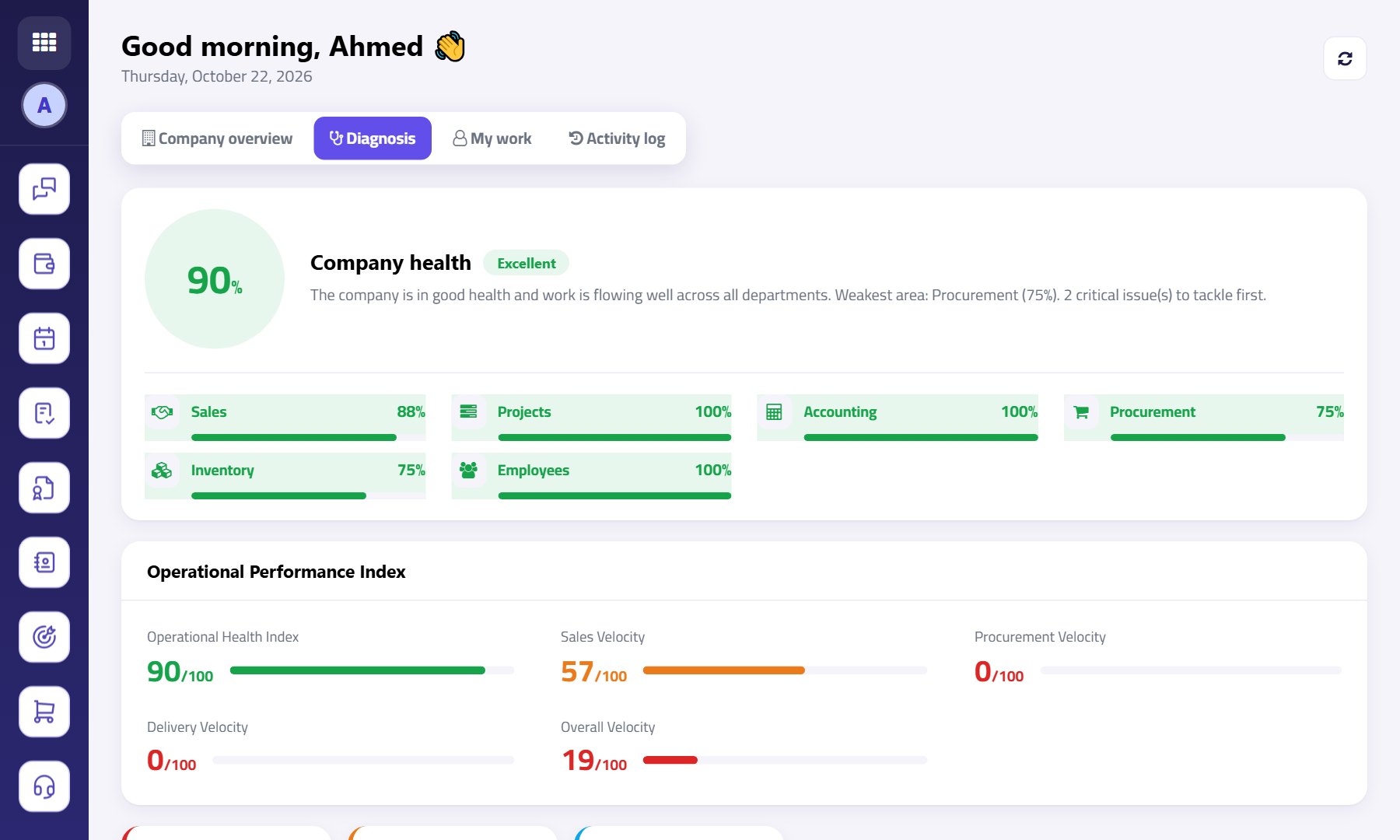 Dashboard
A dashboard that tells you where your company is stuck, before it costs you
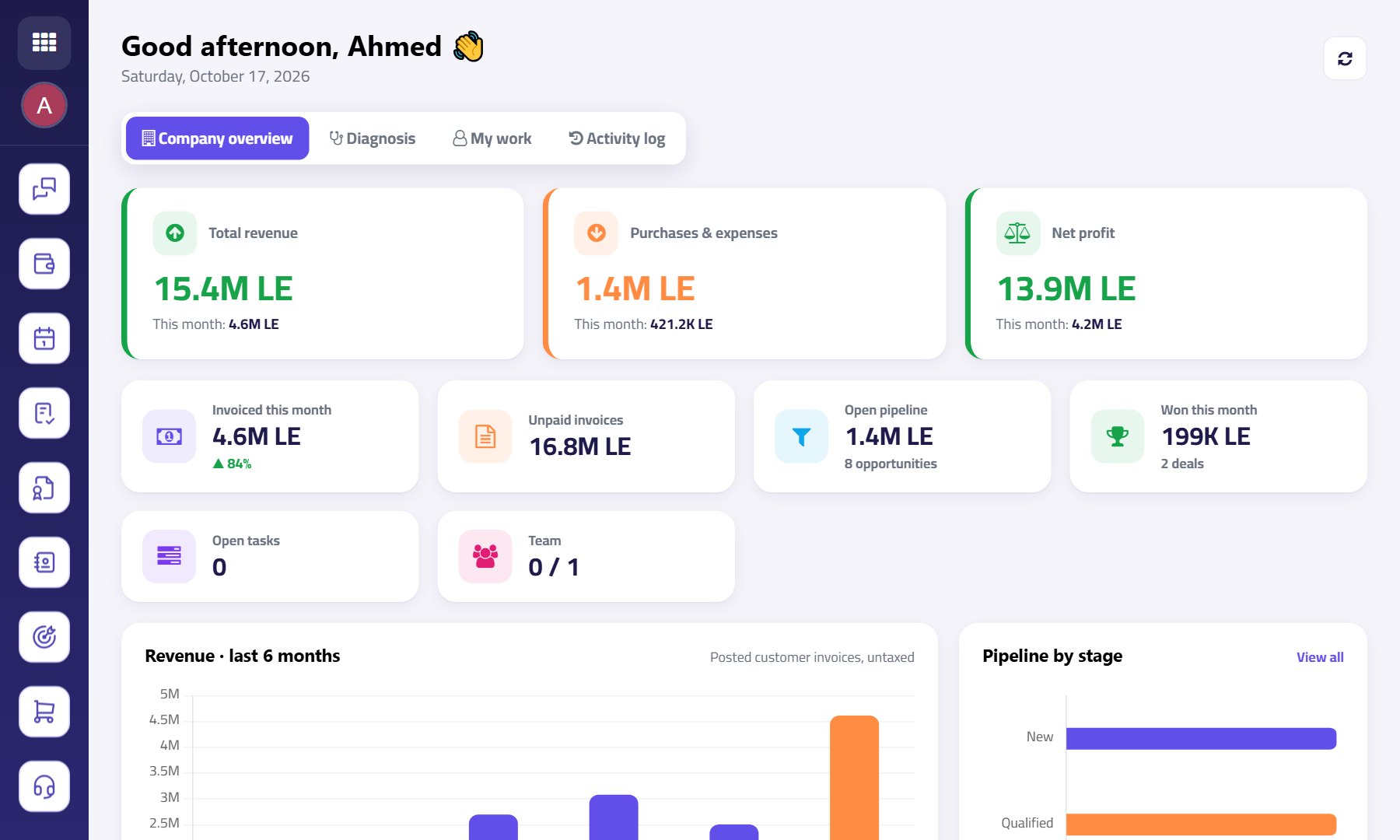
A report tells you how much you sold. The diagnosis tells you where work piles up, who to call today, and what to do.
 Choosing ERP
Before you choose an ERP: seven questions to ask the vendor
Comparing systems on the demo and feature count isn't enough. These are the questions that matter after you sign.
 Manufacturing
How to find the real cost of a product in your factory
A product's cost isn't just materials. Scrap, labor and overhead move the number more than you'd think.
 Operations
Five signs your company has outgrown Excel
The problem isn't Excel. It's the moment your company runs on scattered files instead of one system.
No article matches these words. Try a shorter word or another topic.