
How do I make sure every small task in my company has an owner and a date?
| Intagya ERP
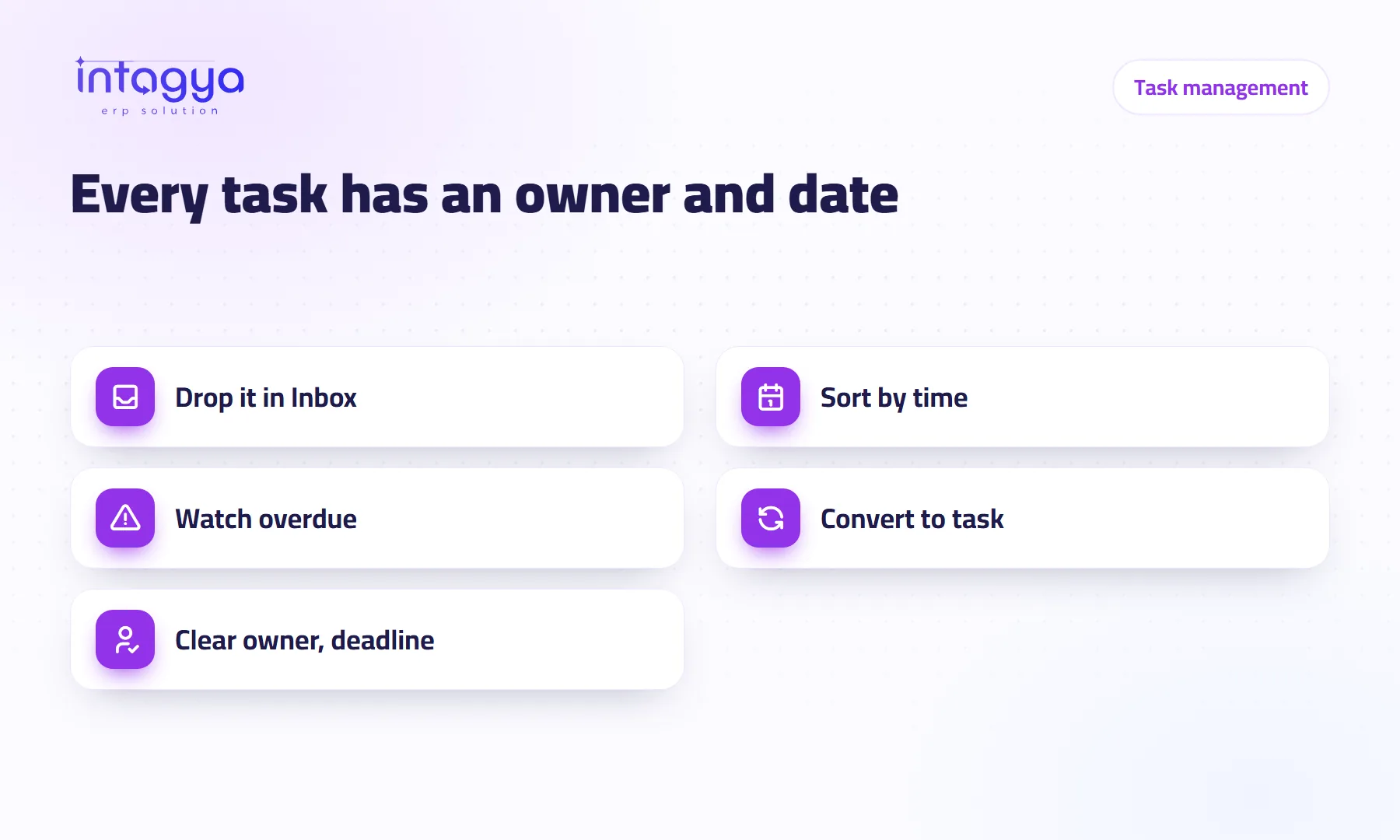
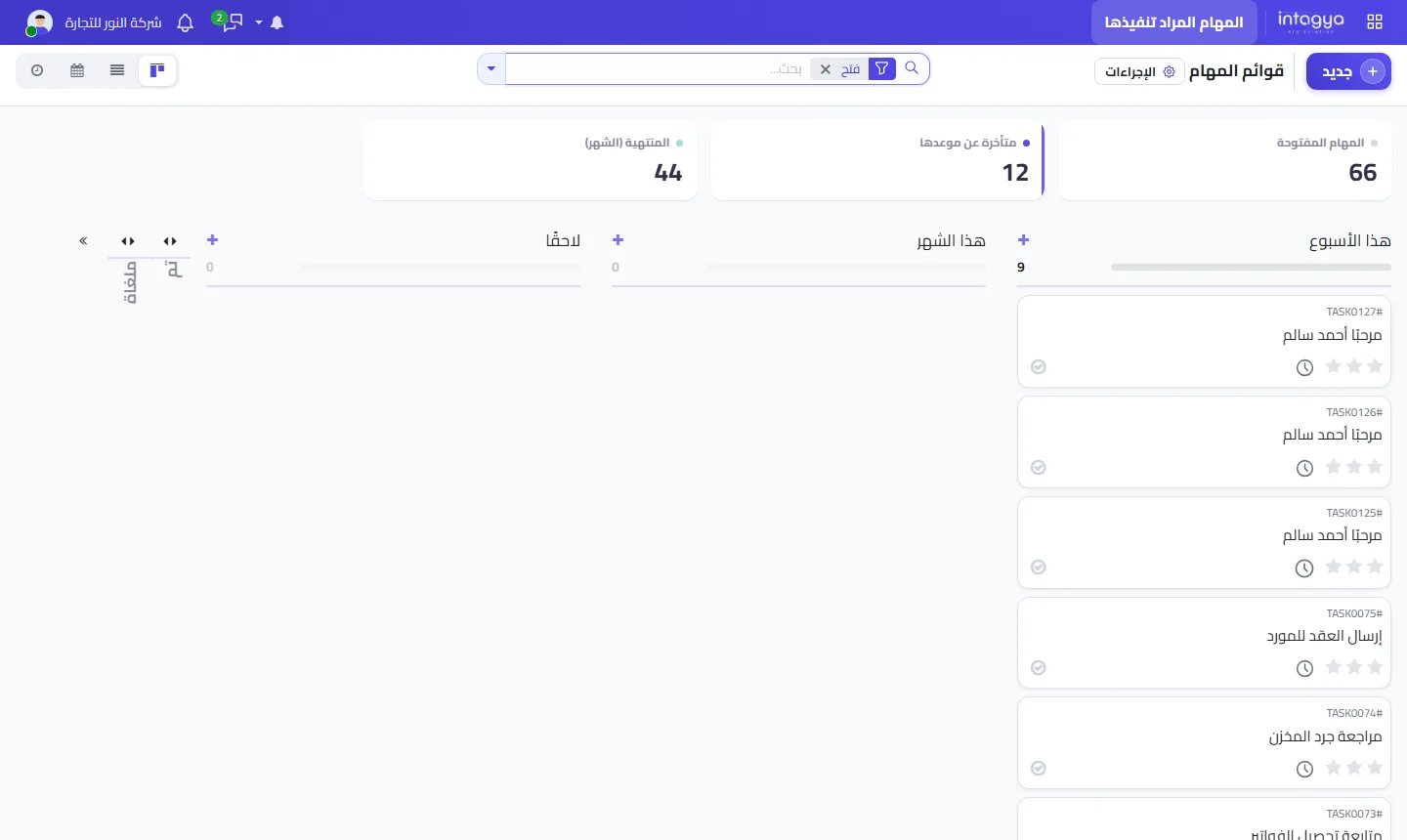
Write every small task in one place and give it a time frame. Intagya ERP has a personal to-do list with Inbox, Today, This week, This month and Later columns, plus counters for open, overdue and done this month. When a to-do grows, a visible Convert to Task button turns it into a project task with an owner and a deadline.
Why do small tasks get lost in a company?
Because nobody writes them down. The manager tells the purchasing clerk in the corridor to call the new supplier today. She nods, the phone rings, a customer walks in. A week later he asks about the supplier, and she realises it never happened.
Nobody was careless. The task just had nowhere to live.
Big jobs get projects and meetings. Small ones, sending a contract, checking a stock count, chasing an unpaid invoice, live in memory and in chat threads. And they are the ones that end up keeping a customer waiting.
What is the simplest way to manage each employee's daily tasks?
One list per person, sorted by time. In Intagya ERP every new to-do lands in Inbox, then the person moves it to Today, This week, This month or Later. Each morning they look at Today and nothing else.
I would skip elaborate priority schemes with colours and levels. For most small companies, time is enough: when does this need to be done?
How do I spot overdue tasks before they cause trouble?
Read the counters at the top: open, overdue, done this month. The middle one is the one to watch. When it climbs, someone has more than they can carry, or things were put in their Today that are not really theirs.
When should a small to-do become a project task?
When it needs more than one person, or follow-up that others can see. The to-do list has a visible Convert to Task button, available when the Projects app is in your workspace. Once converted, the item sits inside the project with an owner and a deadline the team can see.
Example: send the contract to the supplier starts as a personal to-do. Then it turns out accounts must review it and the manager must sign. That is the moment to convert it into a task in the supplier project, instead of three loose messages.
If a task comes up during a call, put it in Inbox right away, even in three words. Sorting can wait until the end of the day. Writing it down cannot.
What does a manager gain from a clear to-do list per person?
You stop asking what happened with this. A written to-do has an owner, anything late shows up as a number, and done this month tells you what was actually finished rather than how busy things felt.
Be honest with yourself, though. The list will not work unless the manager uses it first. If you hand out instructions in the corridor and never write them down, your team will do the same.
Do I need a separate to-do app?
No. The to-do list is part of Intagya ERP, next to projects, sales and purchasing. A task that starts small grows inside the same system instead of moving between two tools.
Where do I start tomorrow morning?
Before you open your email, write into Inbox everything you promised someone this week. Move only three of them to Today. At your next meeting, ask everyone to put their actions in their own list before they leave the room.
Try task management free for 14 days
FAQ
What columns does the to-do list have?
Inbox, Today, This week, This month and Later.
Does Convert to Task always work?
It works when the Projects app is installed in your company workspace.
Can my colleagues see my personal list?
The list is for organising your own work. When a task needs the team, convert it into a project task the right people can see.
Is this your business?
Want to see IntagyaERP on your own workflow?
Book a demo, tell us how your business runs, and watch the system handle a real scenario from your company.
Book a demo