
What can AI really do inside an ERP system?
| Intagya ERP
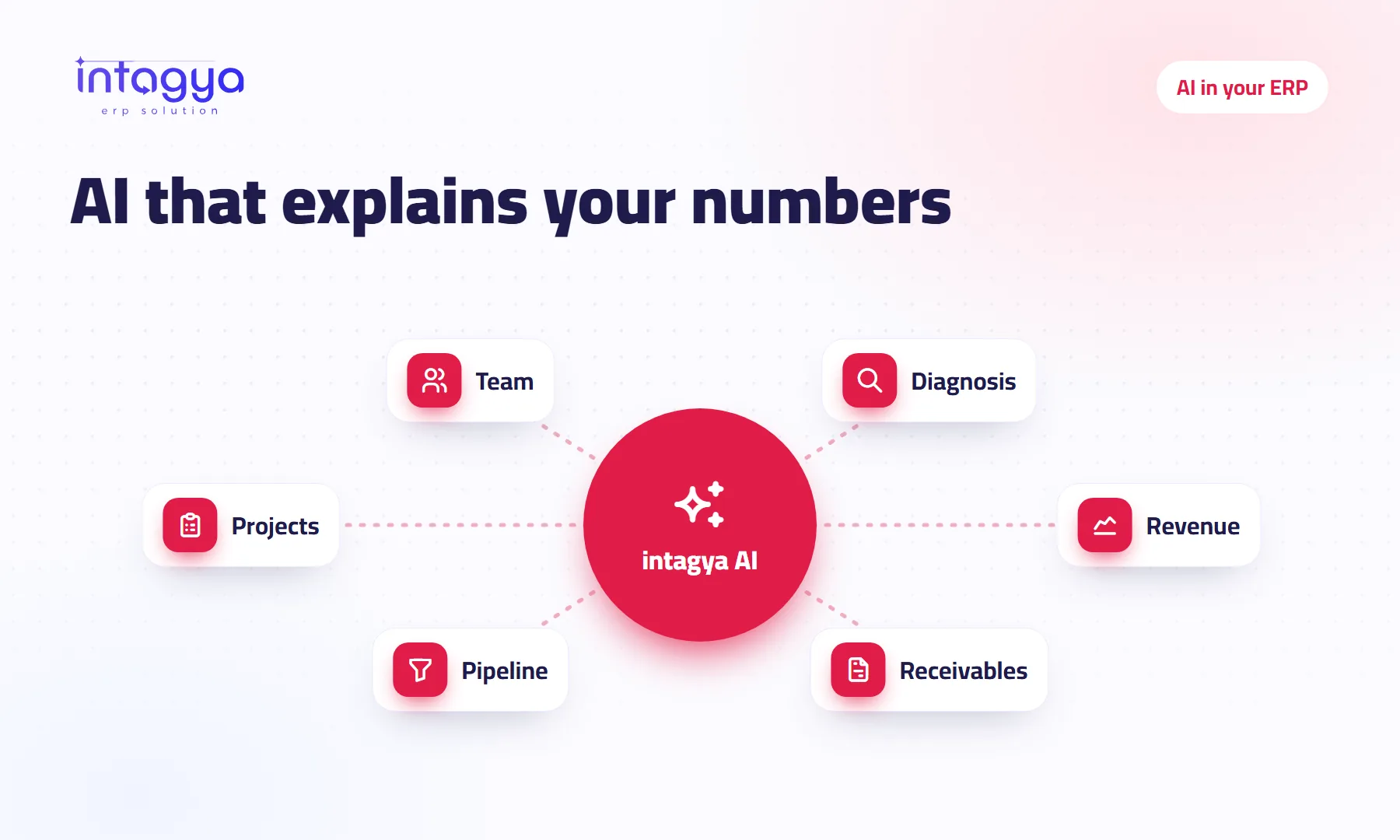
It reads your company's figures, explains them and suggests questions and next steps, but it does not run the company or change your data. In Intagya ERP, intagya AI analyses the smart dashboard reports, such as revenue, receivables, pipeline and projects, and answers in Arabic. It posts no entries and sends no invoices; you decide and you act.
Will AI run my company for me?
The owner of a small firm sat with a software salesman who promised that AI would “run the stock and the accounts on its own”. A month later his invoices were still in a desk drawer.
No, it will not run your company, and it is better to know that up front. What AI does today is simpler than the pitch and more useful: it reads a lot of figures quickly, explains them in plain language, and points at things you had not noticed.
What does intagya AI do inside Intagya ERP?
It analyses your company's smart dashboard reports. Each report has an Analyse with intagya AI button: the diagnosis that shows where work is stuck, revenue, receivables, pipeline, projects and team. Next to them is a small panel with suggested questions in Arabic and a box for your own.
What questions can I ask it about my company?
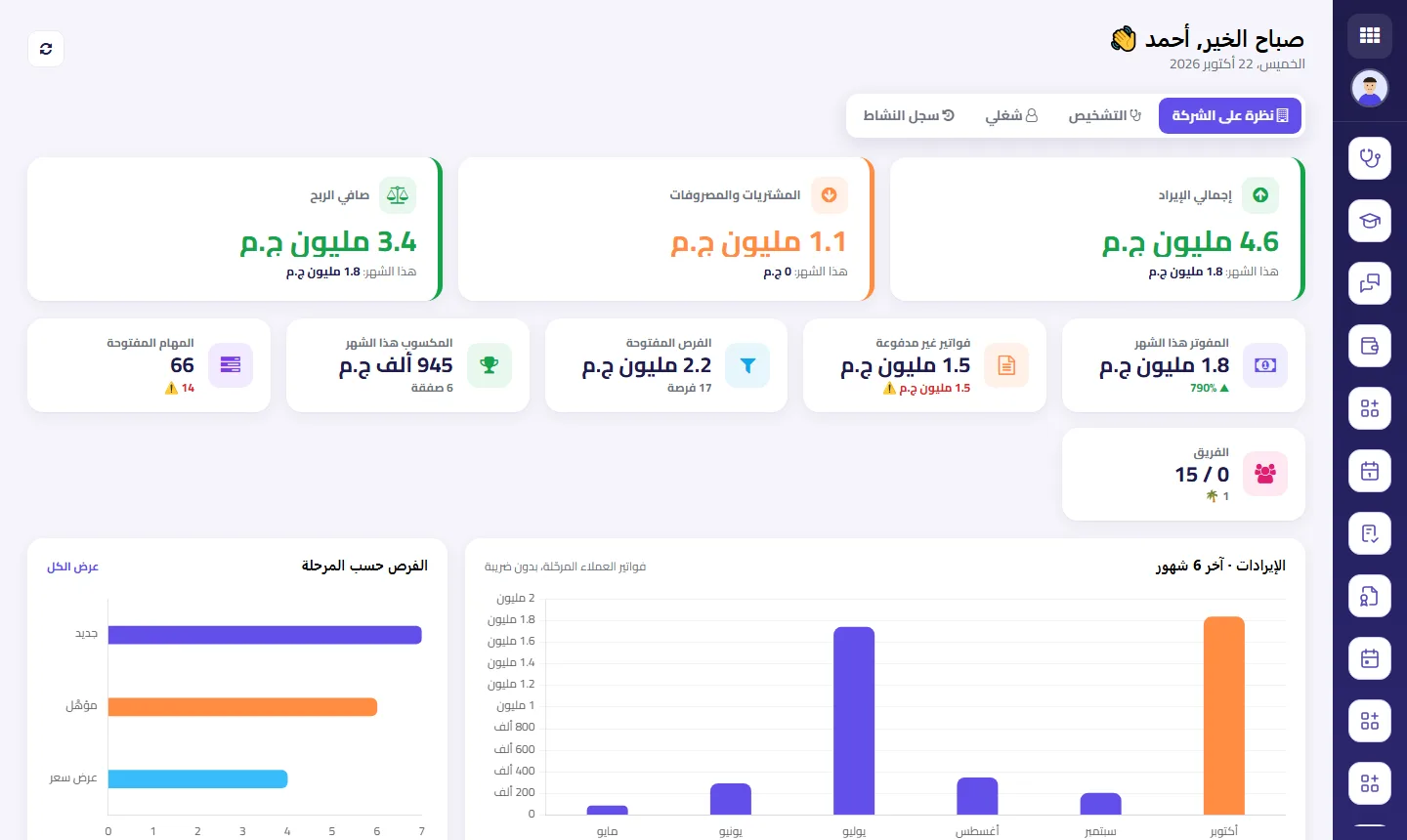
Ordinary ones, the kind you would ask your accountant over morning coffee. Look at the chart in the screenshot: revenue jumps in July and drops in August. The obvious question is why. Others like it:
- Which unpaid invoices should I chase first this week?
- At which sales stage do opportunities stall most?
- What is holding up the team's open tasks?
What does AI not do inside the system?
It posts no entries, sends no invoices and changes no data by itself. It reads, explains and suggests. You decide.
The bigger limit: it only knows what has been recorded. If half your invoices are still on paper, it will analyse the other half, and sound confident doing it. So my view is simple: do not start with AI while your invoices are still on paper. Record first, then ask.
Nor does it replace your accountant. It helps you ask him a better question.
Is my company data safe when I use AI?
intagya AI sends only aggregated figures for analysis, such as total revenue or the number of opportunities, never detailed customer or invoice records. It follows the dashboard's own rules: company figures show only to users allowed to see them in the system.
Should I trust everything the AI says about my numbers?
Not blindly. Treat it like a sharp new hire who does not know your company yet. It may see the August dip and offer general reasons, while you know the real one: your biggest customer pushed his order back a month. Only you have that knowledge.
Use what it says as the start of your thinking, not the end. If it flags a late invoice, open the invoice and check. If it suggests something that does not fit your market, ignore it without a second thought. Over time you will learn where its answers help and where you still want your accountant's view.
When is AI actually useful for my business?
When your figures are recorded as things happen and you have little time to read them. Picture a manager opening the dashboard on Sunday morning and asking about receivables: within minutes he knows whom to call today, without waiting for the accountant to build a spreadsheet. That is the whole of it, and it is a lot.
Before subscribing, open the smart dashboard and check whether the numbers match what you know about your company. If they do not, fix the recording first.
intagya AI is a paid add-on, as a ready package or with your own OpenAI or Anthropic key. Tomorrow, write down three questions you ask your accountant every month and try them on your own figures.
See the intagya AI add-on and pricing
FAQ
Can intagya AI edit invoices or journal entries?
No. It only reads, explains and suggests; it changes no data.
Does it understand questions in Arabic?
Yes. The suggested questions are in Arabic and you can type your own in Arabic.
Does it send all my company data for analysis?
No. Only aggregated figures from the dashboard reports, not detailed records.
Can I try it before subscribing?
Yes, the add-on has a free trial.
Is this your business?
Want to see IntagyaERP on your own workflow?
Book a demo, tell us how your business runs, and watch the system handle a real scenario from your company.
Book a demo