
How do I choose the right accounting software for my company?
| Intagya ERP
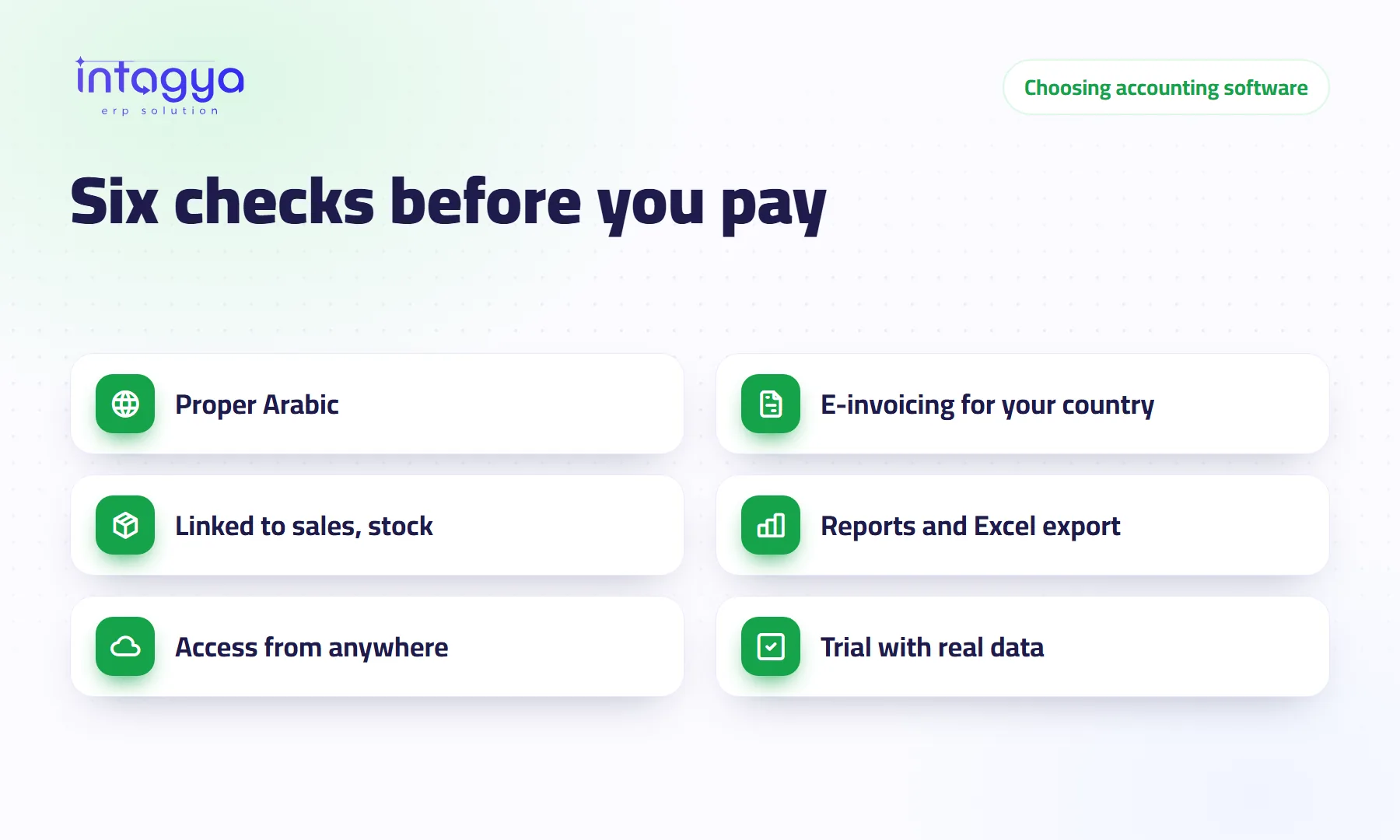
Pick the accounting software that passes six tests: it really works in Arabic, it supports the e-invoicing your country requires, it takes invoices from sales and stock without retyping, it gives financial reports you can export to PDF and Excel, you can open it from anywhere, and you can try it with your own data before paying.
An accountant at a small contracting firm bought the cheapest program on the market. Six months later the tax authority required e-invoices, and the program did not support them. So he went back to copying invoices into the tax portal by hand, one by one.
Price matters, but it is the last question, not the first. These are the questions that, in our experience, separate software that serves you for years from software you drop after one season.
Does the accounting software really work in Arabic?
Open the invoice screen, a journal entry and the profit and loss report, and read the terms. If you find word-for-word translations your accountant does not understand, you will pay for them daily in small mistakes. Print an invoice too: does it come out properly in Arabic with your company name and logo?
Does it support e-invoicing in my country?
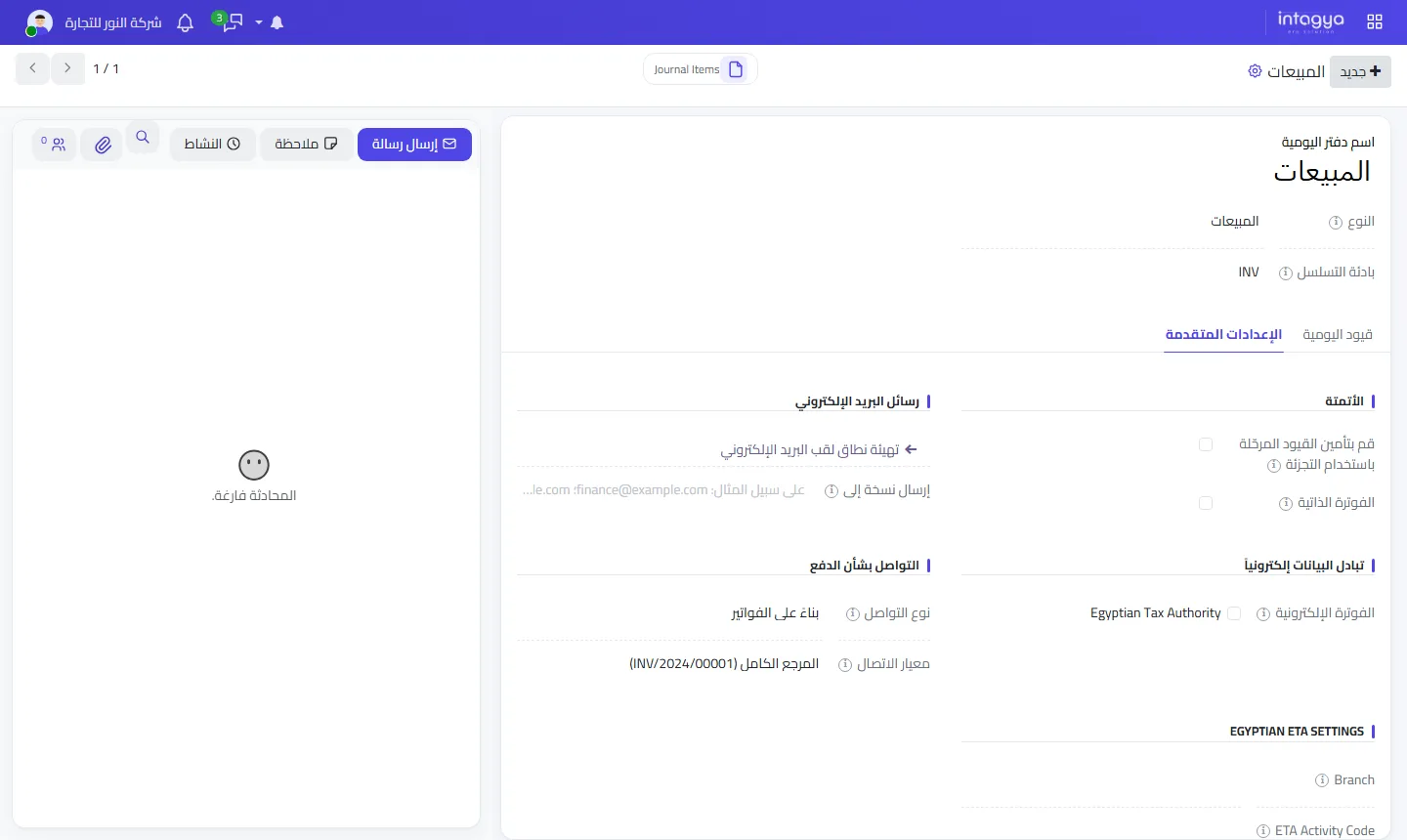
In Egypt, Saudi Arabia and Jordan this is the first condition, because e-invoicing is mandatory there for a wide range of companies. Do not settle for a vendor's “yes”: ask where you enter the connection details and how the program knows an invoice was accepted.
Intagya ERP installs the e-invoicing module for your company's country in every new workspace: the Egyptian Tax Authority system in Egypt and ZATCA in Saudi Arabia. It also supports JoFotara for Jordan. Sending does not start on its own: it switches on for the sales journal once you complete your company's tax authority details, so invoices do not fail before you are ready.
Why should accounting software connect to sales and stock?
Because any number you type twice will disagree one day. If sales live in one program and accounts in another, your accountant spends month end matching figures instead of reading them.
The right software turns a quotation into a sales order and then an invoice, reduces stock on delivery and posts the entry itself. That is the difference between standalone accounting software and an ERP system with accounting inside. If you sell goods, the second one costs you less over time.
Which reports should accounting software give me?
At least: balance sheet, profit and loss, aged receivables, a statement for each customer and supplier, and a tax report. More important, you should be able to export them yourself.
Ask: can I send this report to Excel for my auditor? Can I export all my data if I decide to leave? Software that locks your data in is not a partner. In Intagya ERP the financial reports sit in one menu and export to PDF and Excel.
Do I need cloud software or a program installed in the office?
For most small companies, cloud fits better: you open it from home or a client's site and never worry about the machine or updates. It has conditions, mainly a stable internet line and a backup you own. We cover that trade-off in a separate article.
How do I test accounting software before I pay?
Do not judge from a demo. Take one real week of invoices, enter them in the trial, then pull the profit report for that week and compare it with what you know. Ask support a real question from your work and see when and how the answer comes.
- Interface and invoices in correct Arabic.
- E-invoicing for your country, with a clear setup path.
- Direct links to sales, purchases and stock.
- Financial reports with PDF and Excel export.
- Works in the browser and on a phone.
- A free trial long enough to test a real week.
Have your accountant try the software before you sign. He will live with it every day, not you.
Your first step: put last week's invoices in one folder, open an Intagya ERP trial workspace and give it to your accountant for two days. If he has to ask you about every screen, the software is not for you.
FAQ
Does e-invoicing in Intagya ERP work from day one?
The module is installed in new Egypt and Saudi workspaces, but sending starts once you enter your company's tax authority details on the sales journal. In Jordan, JoFotara is pre-selected when sending once its settings are complete.
Can I move my balances from my old program?
Yes. You can load customer, supplier and product balances from Excel files. Start with opening balances on a clear date, such as the first of a month.
Is accounting software without stock enough for me?
If you only sell services, it may be. If you sell goods, a system that links stock and accounts keeps the two numbers from drifting apart.
Where can I see subscription prices?
On the pricing page; the price follows the number of users.
Is this your business?
Want to see IntagyaERP on your own workflow?
Book a demo, tell us how your business runs, and watch the system handle a real scenario from your company.
Book a demo