
Why do my company emails land in my customers' spam folder?
| Intagya ERP
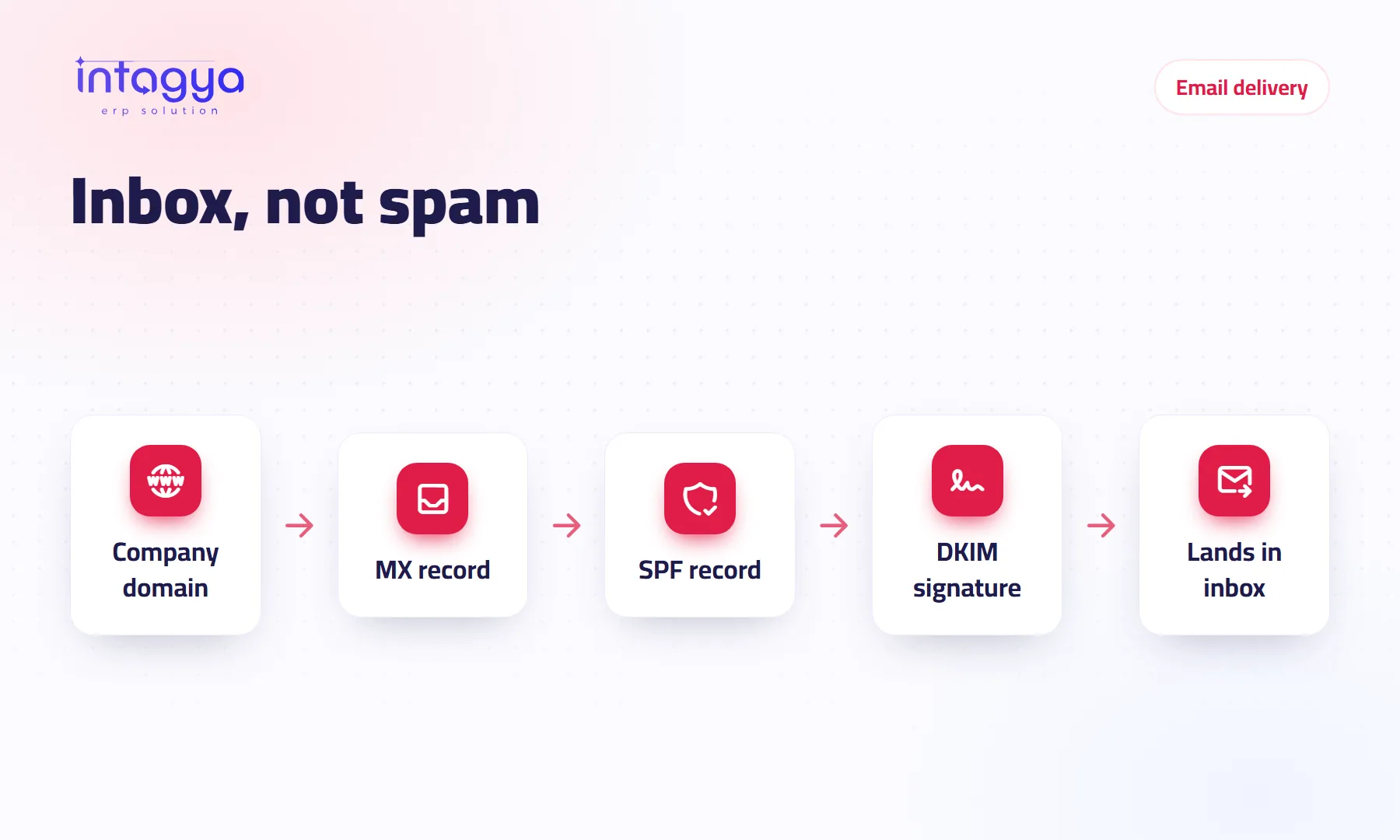
Your emails usually land in spam because your company domain does not prove to mail servers that you own it. The fix is the right domain records: MX to receive mail, SPF to say who may send in your name, and DKIM to sign your messages. Then come habits: do not send bulk mail from your everyday mailbox, and do not write like an advert.
A sales rep sends a quote on Sunday and waits. On Thursday she calls the customer, who says nothing arrived. Two minutes later he finds it in spam, next to two earlier emails from the same company.
Three emails lost, and nobody knew.
Why does my customer's mailbox treat my emails as spam?
Because the customer's mail server does not trust them. When a message arrives from an address on your domain, the server asks: does this sender really own this domain? If the domain records give no clear answer, it treats the message with suspicion.
Anyone can type your company name in the sender field. Your records are what set you apart from a fraudster.
Which records should my company domain have?
Three basic types, each answering one question:
- MX: where is mail for this domain received?
- SPF: which servers may send mail in this domain's name?
- DKIM: a digital signature on every message proving it was not changed on the way and left an authorised server.
You add these records in the control panel of the company you bought the domain from, not in your mail program. They can take from a few minutes to a few hours to show up worldwide.
A domain has exactly one SPF record. If you add a second one for another service instead of merging them, both can fail.
How do I know my records are right?
The simplest test: send an email to a personal address on a well-known mail service, then open the message details. If SPF and DKIM both pass, you are on the right track.
If your mail is hosted from inside Intagya ERP, the domain screen itself lists every record you need with its value and purpose, and a “Check now” button tests them and tells you which ones are in place and which are still missing.
Does the way I write an email affect delivery?
Yes, though less than people think. Records come first. After that, small things add up:
- One big image and almost no text.
- A subject line in capitals or full of exclamation marks.
- Shortened links that hide where they go.
- A heavy attachment in the first email to someone who has never written to you.
Write the way you would write to a colleague: a clear subject, a greeting, the reason for the email, your name. Readers and servers both like that.
Should I send marketing campaigns from my everyday mailbox?
I would not. If you send hundreds of promotional emails from the sales mailbox and some recipients mark them as spam, the reputation of the whole domain can suffer, and even invoices and quotes start arriving late.
Keep the two apart. Everyday mail is for dealing with customers; campaigns go through channels made for marketing. And do not write to people who never agreed to hear from you.
What if my mail is with another provider and I want to move it?
Move the mailboxes first, then change the MX record. If you change MX before the new mailboxes are ready, new mail goes to a place nobody is watching. The domain screen in Intagya ERP warns you about this when the domain still receives mail elsewhere.
And if you do not want to move at all, you can link your existing mailbox to the system for free and read it from inside.
How does Intagya ERP help my emails get delivered?
Hosted mail on your company domain is a paid add-on bought inside the system: pick a package, add the domain, and the system shows the records you need and checks them, then you create the mailboxes. Any email can be linked to a customer, opportunity or invoice. The user guide has a step-by-step, illustrated section on pointing your domain at your website and mail.
Today, send one email from your company address to your personal one and open its details. If SPF and DKIM do not both pass, fix that before the next campaign or quote goes out.
FAQ
Is an MX record enough?
No. MX only handles receiving mail. For your emails to be delivered you also need SPF and DKIM.
How long do the records take to work?
Usually from minutes to a few hours after you add them at your domain provider.
Can my mail land in spam even with correct records?
Yes, sometimes, because of the content, heavy bulk sending or recipients' reports. Correct records reduce this a lot but cannot rule it out.
Is hosting on my own domain free?
Linking your existing mailbox is free. Hosted mailboxes on your company domain are a paid add-on; prices are on the plans page.
Is this your business?
Want to see IntagyaERP on your own workflow?
Book a demo, tell us how your business runs, and watch the system handle a real scenario from your company.
Book a demo