
Sales and stock
From the till to the warehouse to the customer follow-up: the questions shops and traders ask, and how one system answers them.
 Selling on Amazon
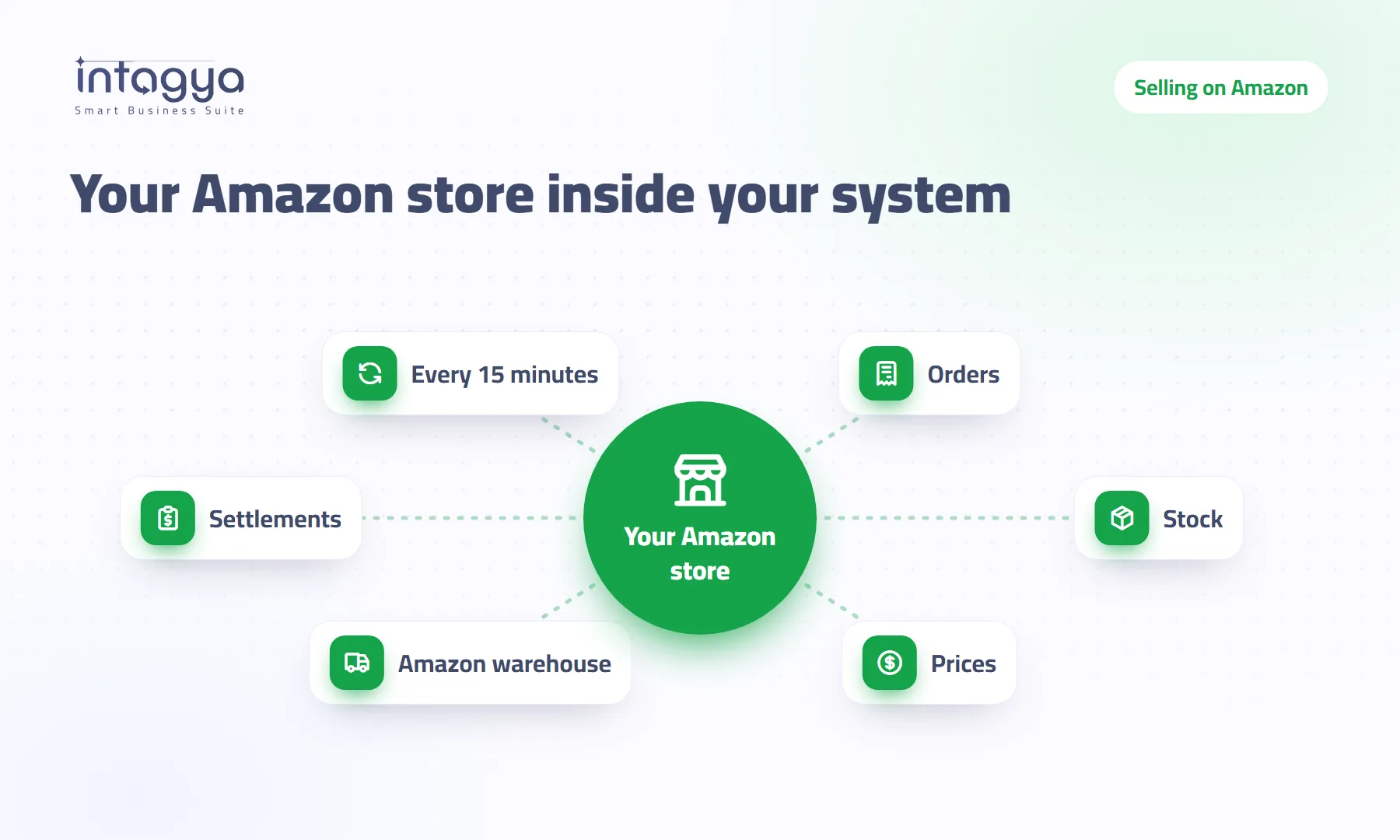
How do I link my Amazon store to my accounting and stock?
You copy Amazon orders by hand every evening, then sell an item that already ran out. Link the store: orders come in by themselves and Amazon stock follows yours.
 Contracts
How do I turn an accepted proposal into a contract without retyping it?
The customer said yes, so why write it all again as a contract? One button moves the customer, lines, text and payment terms, and invoices follow what you wrote.
 Quotations
How do I turn a quotation into a full written proposal in my company's name?
Write the whole proposal inside the quotation: free sections, prices and payments from the order lines, and a PDF in your identity, with no side file to forget.
 Inventory
How can stock moves tell you why returns went up?
Record a short reason for each return when you validate it, then group moves by reason to see frequency, estimated cost and the change on the last period.
 Point of Sale
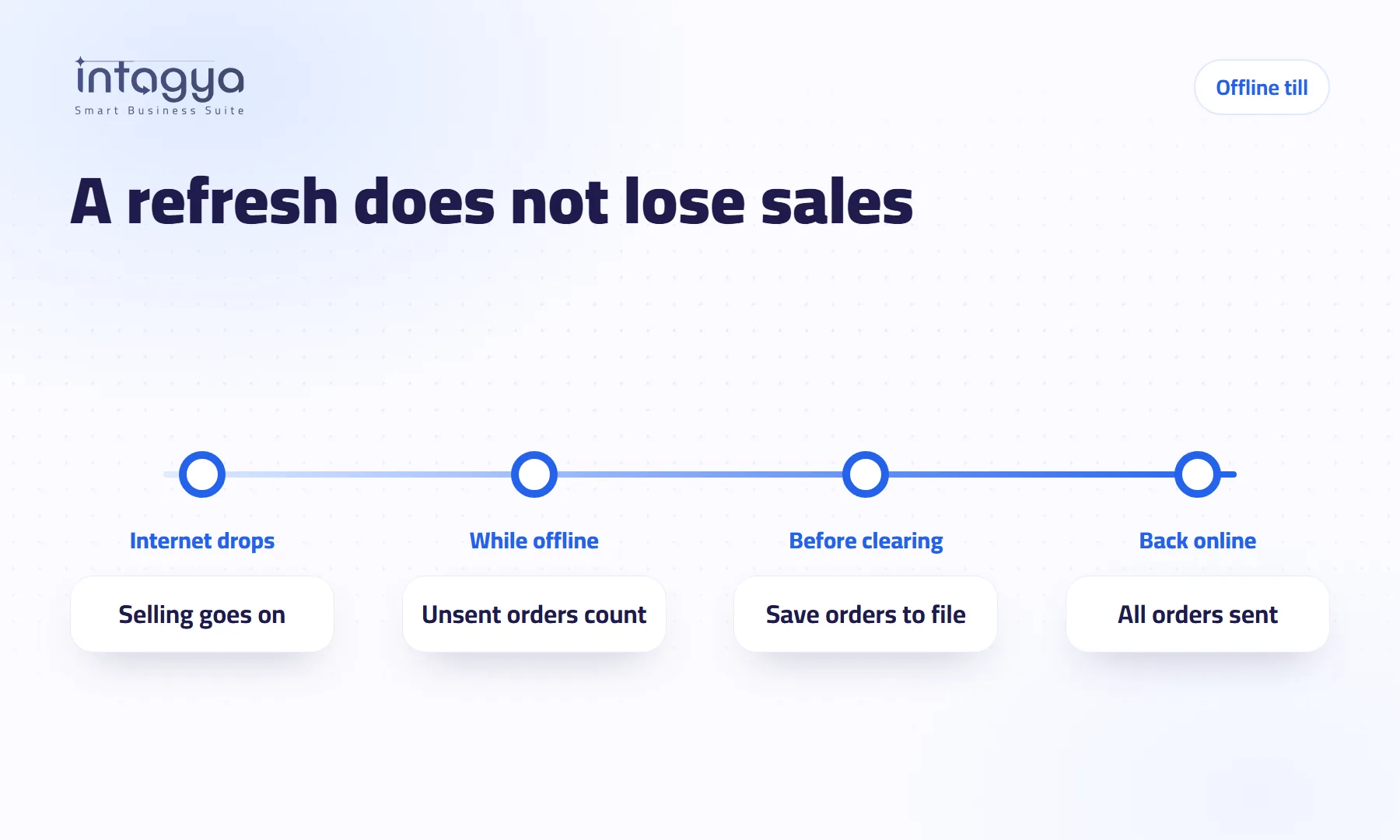
Does a sale get lost if the cashier presses Refresh while the internet is down?
The internet dropped and the cashier pressed Refresh: are tonight's orders gone? We tried it ourselves: what happened, when sales really get lost, and the one-file fix.
 Inventory
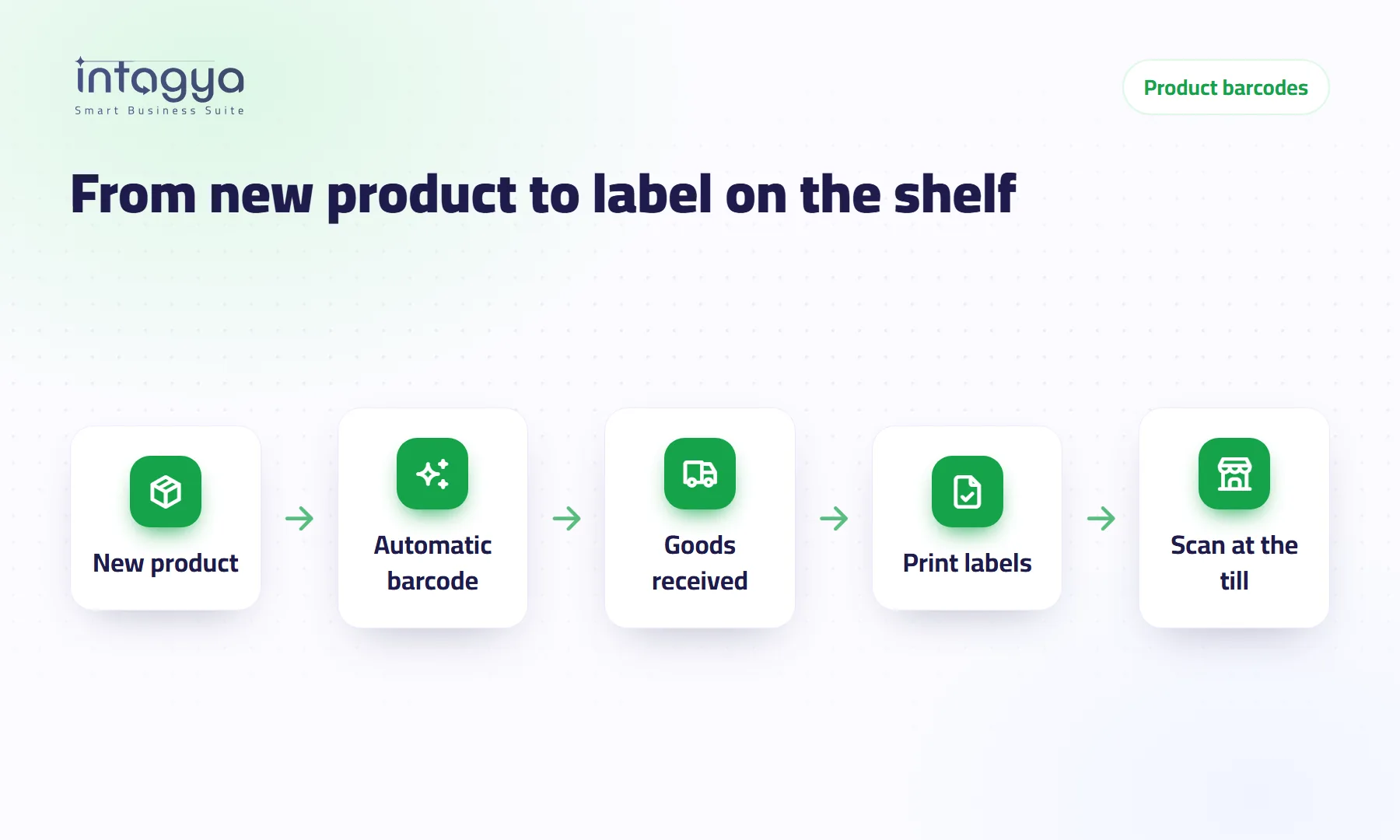
How do I put a barcode on products that do not have one?
Goods you pack yourself or buy without a barcode? In Intagya ERP every new product gets one automatically, old ones in one click, and labels print from the receipt.
 Inventory
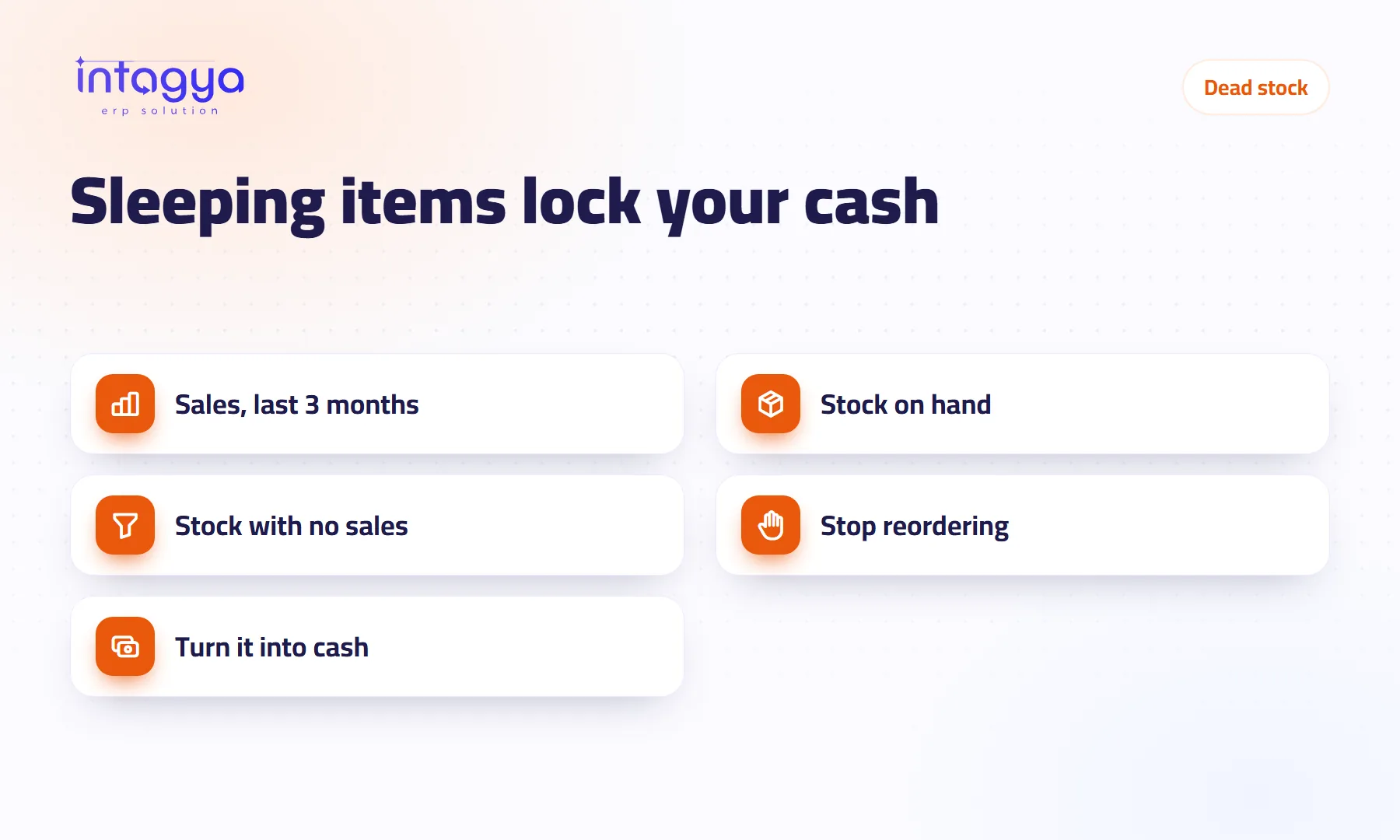
How do I spot dead stock before it ties up my capital?
An item that has not sold in months is still being reordered? Find dead stock from sales and on-hand reports, stop reordering it, and turn it into cash before it loses value.
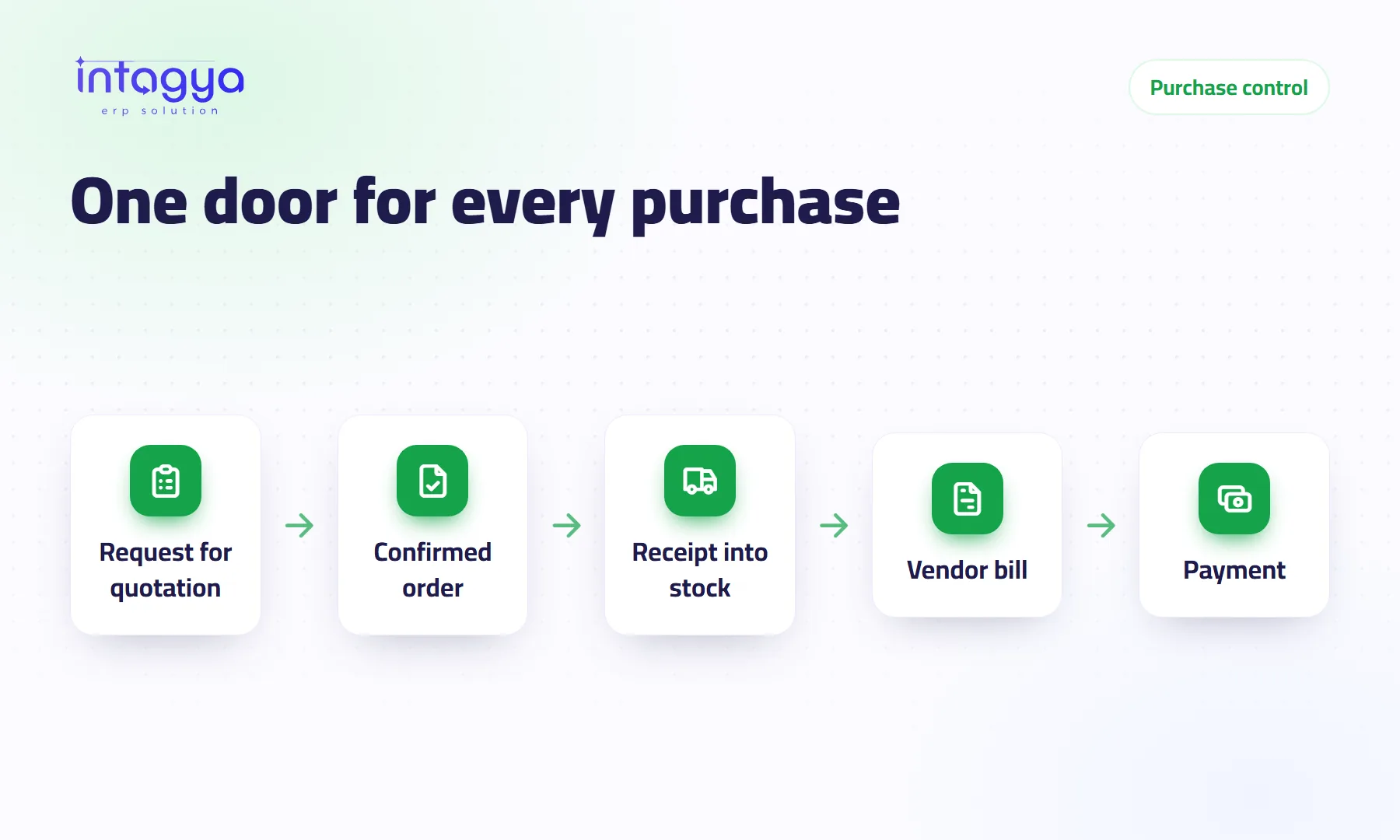 Purchasing
How do I track purchases and suppliers and stop buying the same thing twice?
Two people order the same item, and a supplier bills for goods that never came. Here is how every purchase follows one path from quote request to payment.
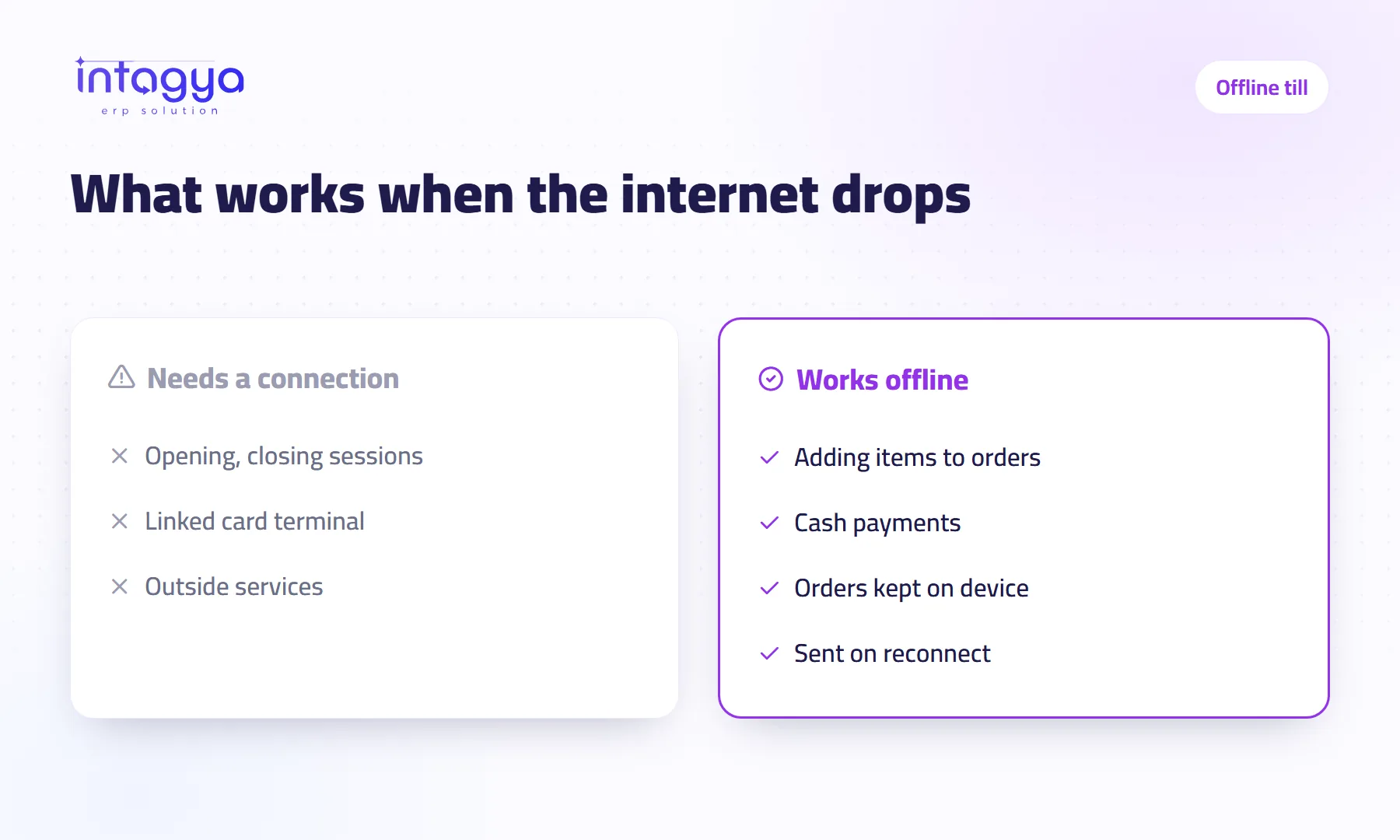 Point of sale
Does the point of sale keep working when the internet goes down?
The internet drops and the queue is long. What keeps working at the till, what stops, when the orders reach the system, and how to prepare your branch first.
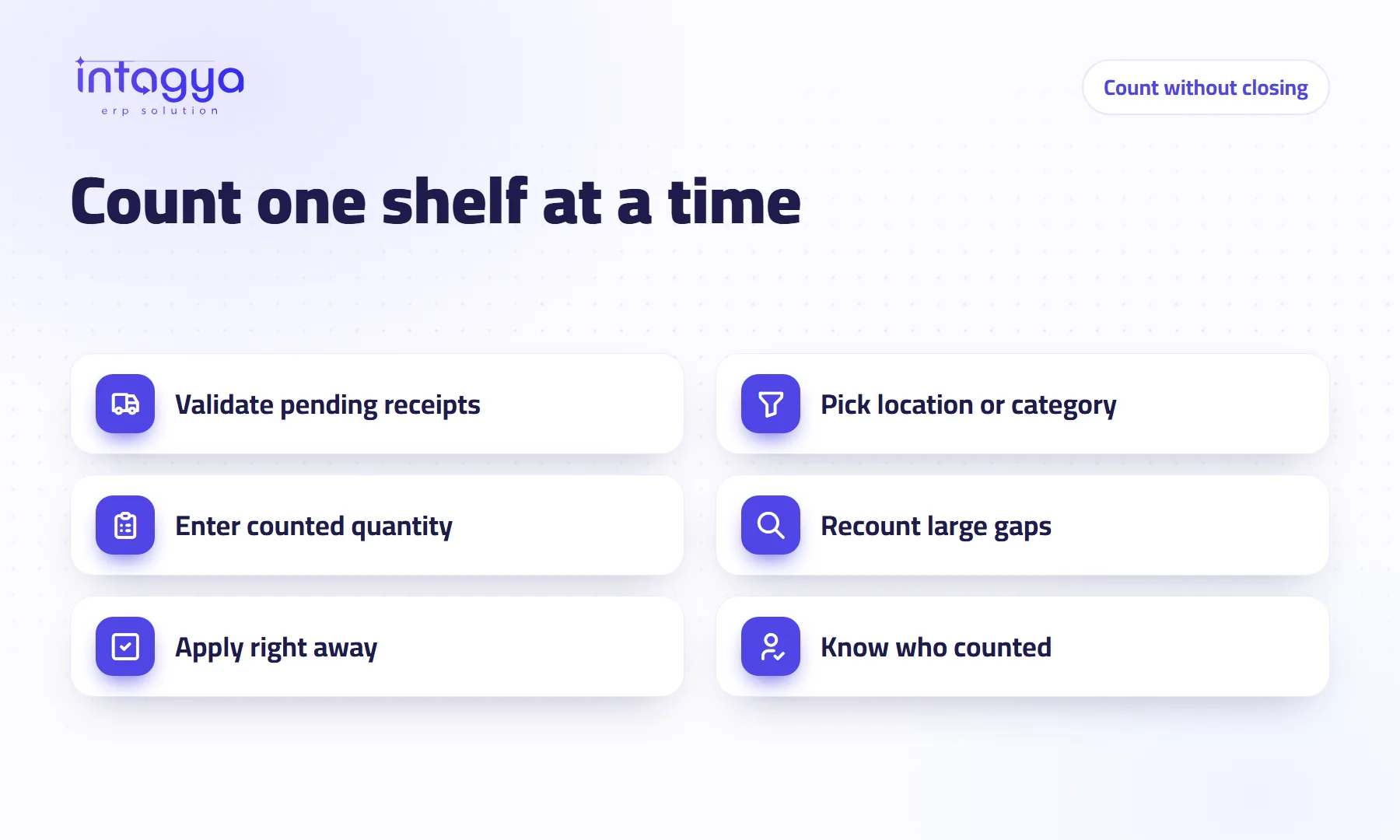 Inventory
How do I count my stock without stopping sales?
You do not need to close for a whole day to count stock. Count one shelf or category at a time, apply the difference at once, and know who counted, while you keep selling.
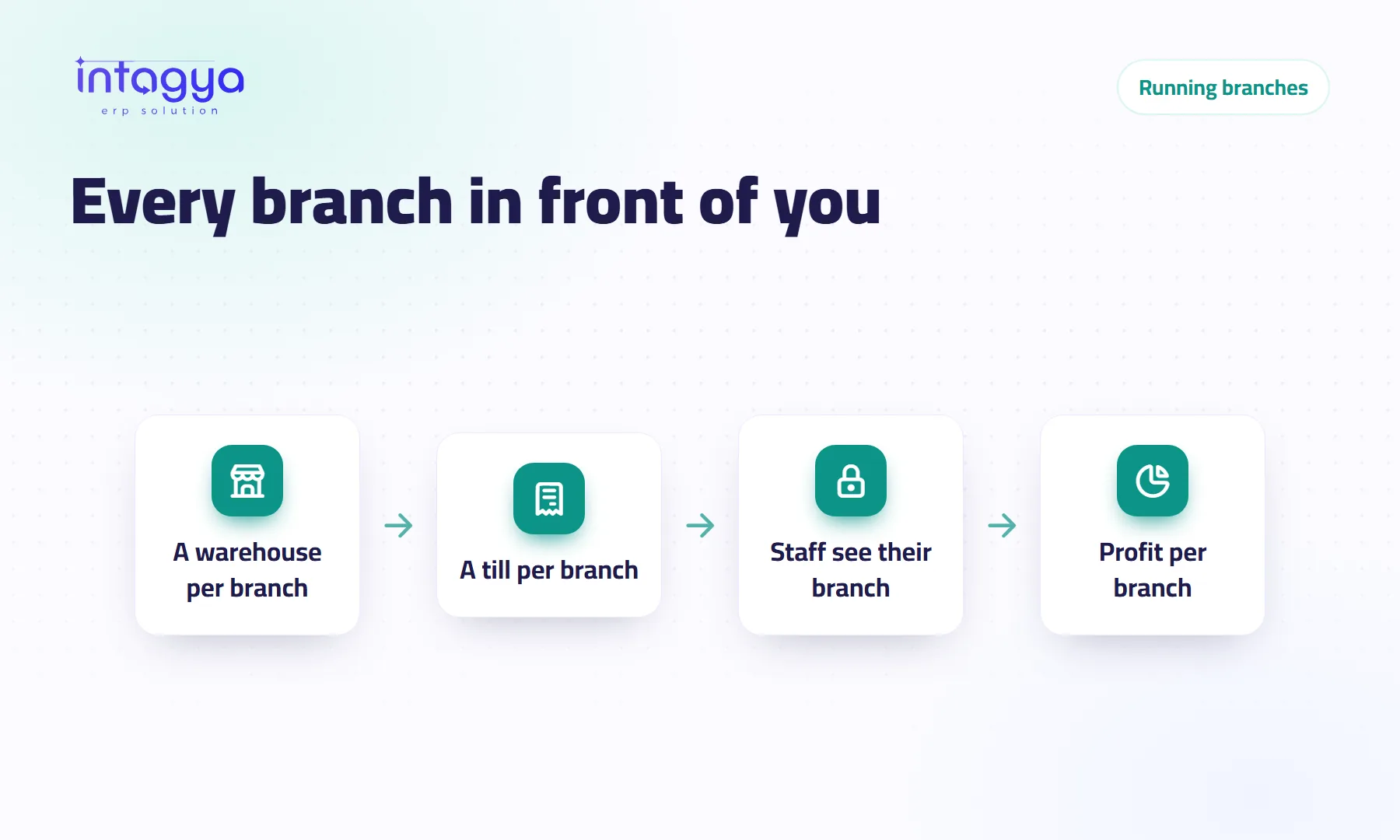 Branches and stock
How do I run several branches from one screen?
A warehouse per branch, a point of sale per till, staff who see only their branch's stock, and analytic accounts that show each branch's profit, all from where you sit.
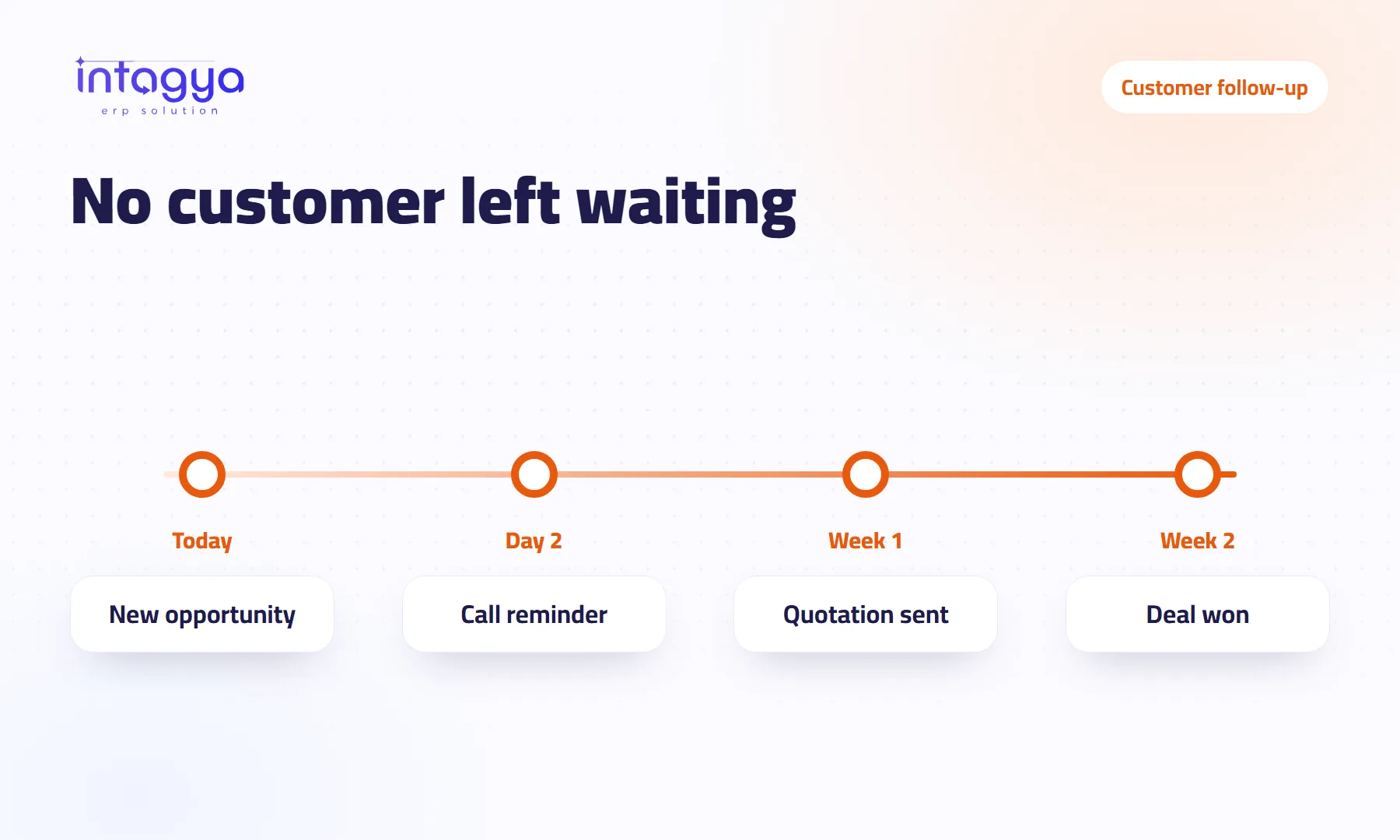 Sales and CRM
How do I make sure my sales team never forgets to follow up with a customer?
A customer said “call me next week” and nobody did? Scheduled activities, reminders and phone alerts that open the opportunity keep every follow-up alive in your CRM.
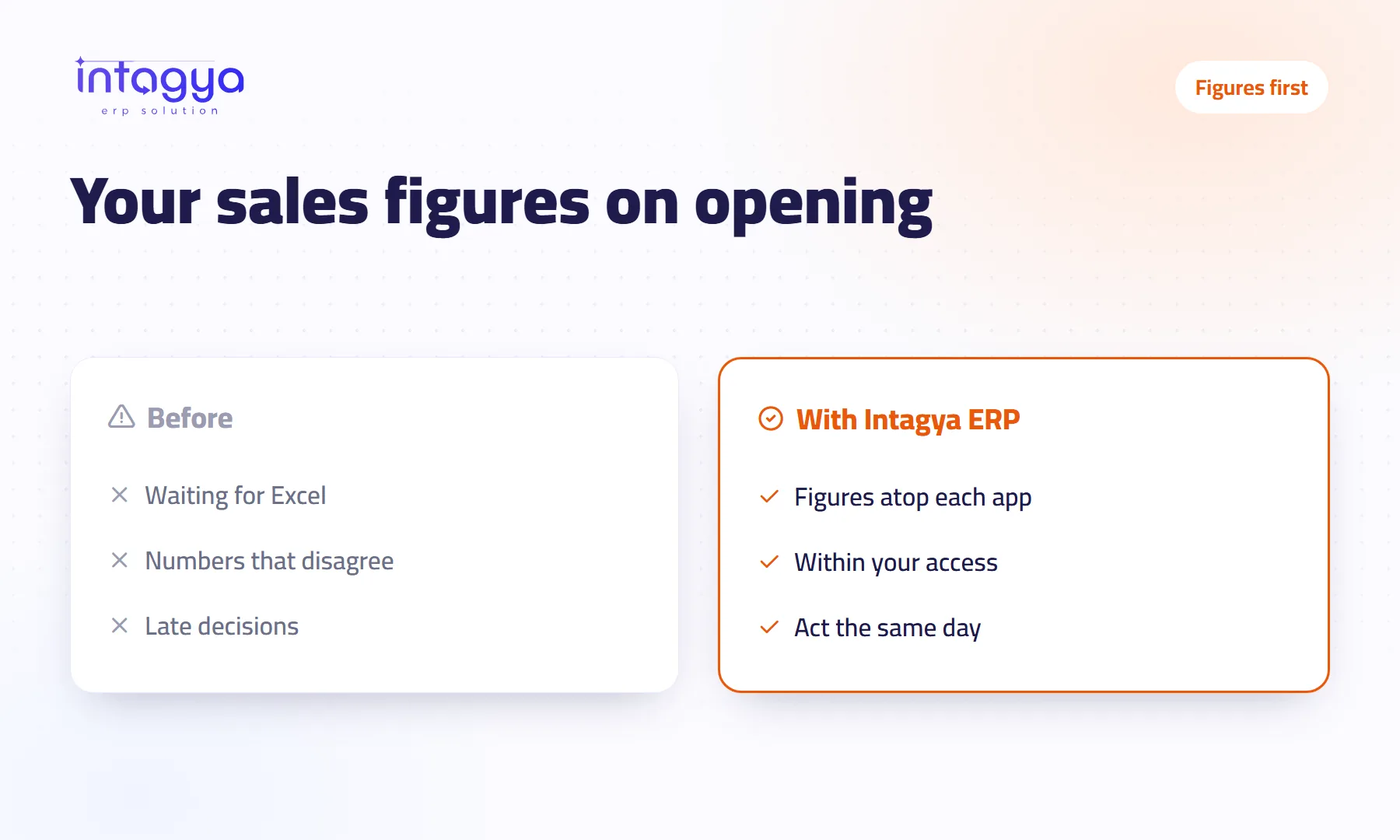 Dashboards
How do I see my sales and stock figures the moment I open the app?
Intagya ERP puts key figures above the Sales, Purchases, Inventory, CRM, Manufacturing and Projects lists, visible the moment you open the app.
Try the system on your own business
14 days free with every app, no credit card.
Start your free trial