
Restaurants and cafes
Your restaurant from table to kitchen to the books
For restaurants and cafes: see your floor at a glance, orders reach the kitchen with no paper, and every bill posts to accounting by itself.
Does this sound familiar?
Orders lost between floor and kitchenA slip falls or a call goes unheard, and the dish is late.
You cannot see who is waitingA busy floor hides who waits for service and who waits for the bill.
Accounts wait for month endDaily sales reach the accountant late.
What changes with Intagya ERP
Your account is set up from your sector's template at sign-up
- Orders reach the kitchen screen instantly, with no paper and no shouting.
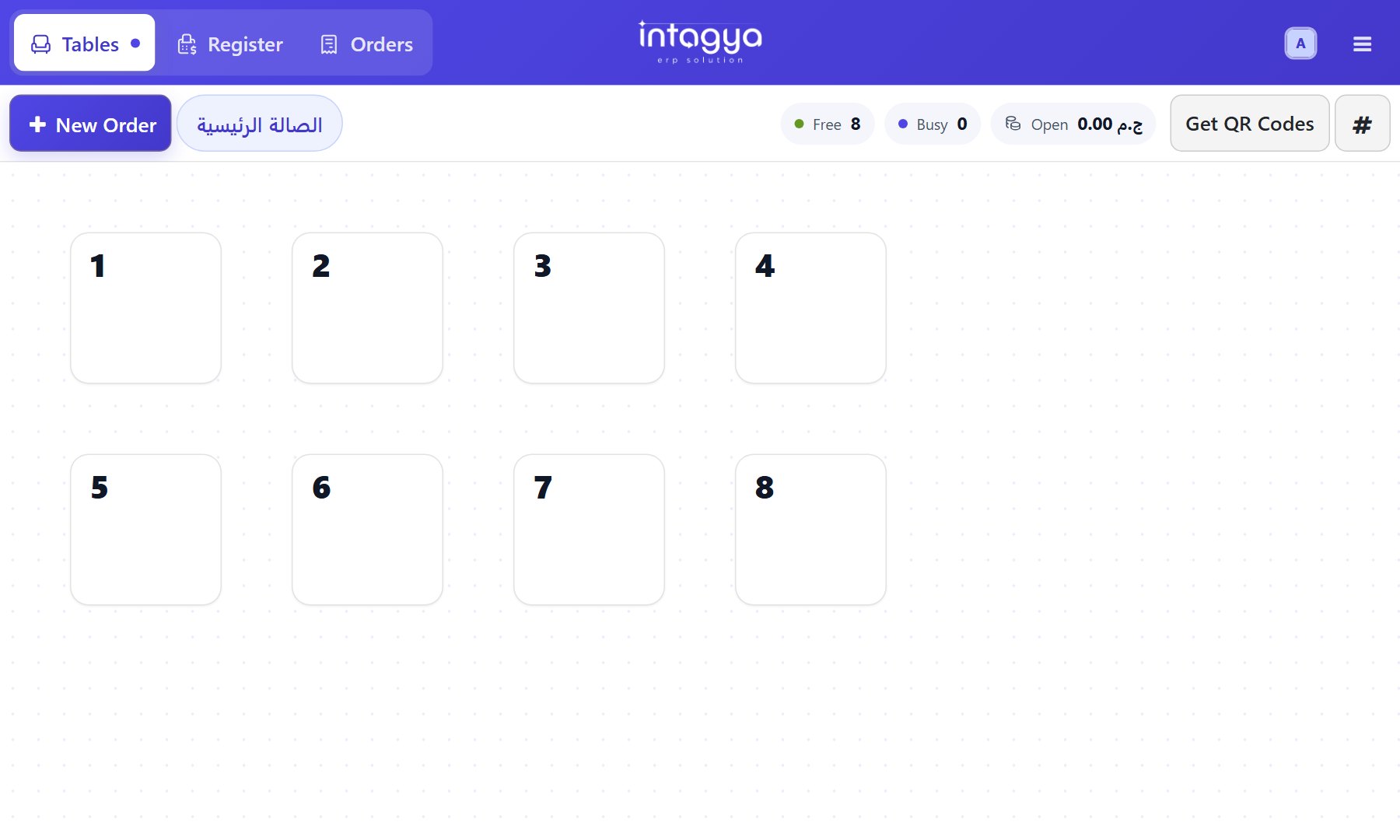
- See your floor and tables at a glance: who is free and who is waiting.
- Every sale posts to accounting by itself, and service charge is added automatically.
Floor and table planKitchen screenA ready menu from day oneStaff payroll in the same system
Common questions
Do orders go straight to the kitchen?
Yes. An order shows on the kitchen screen the moment it is taken, with no paper and no calling out.
Is service charge added automatically?
Yes. Service charge is added by itself, and every sale posts to accounting with no manual entry.
Does selling continue if the internet drops?
Yes, if the session was open before the drop: orders are kept on the device and sent when the connection returns.
Read before you decide
Intagya ERP, Odoo or Daftra: which system fits my company?
We compared the three systems on their published numbers: price per user, plan limits, e-invoicing, company mail and backup, for a company with five people.
Restaurants and cafes: table, kitchen and accounts on one line
The waiter enters the order once: it reaches the kitchen screen, service charge is added and the sale posts to accounting.
Does the point of sale keep working when the internet goes down?
The internet drops and the queue is long. What keeps working at the till, what stops, when the orders reach the system, and how to prepare your branch first.
How can payroll and attendance be calculated automatically?
Check-in from the phone, one lateness, absence and overtime policy, and payslips built from the attendance sheet, loans and leave. Payroll becomes a review, not a manual sum.
Why does my company show a profit when there is no cash?
Profit in a report is not money in the bank. See where your profit goes: customer debts, stock on shelves, loan payments, and how clear reports show it.
How do I run several branches from one screen?
A warehouse per branch, a point of sale per till, staff who see only their branch's stock, and analytic accounts that show each branch's profit, all from where you sit.
Try the system on your own business
14 days free with every app, no credit card.
Start your free trial