
Does the point of sale keep working when the internet goes down?
| Intagya ERP
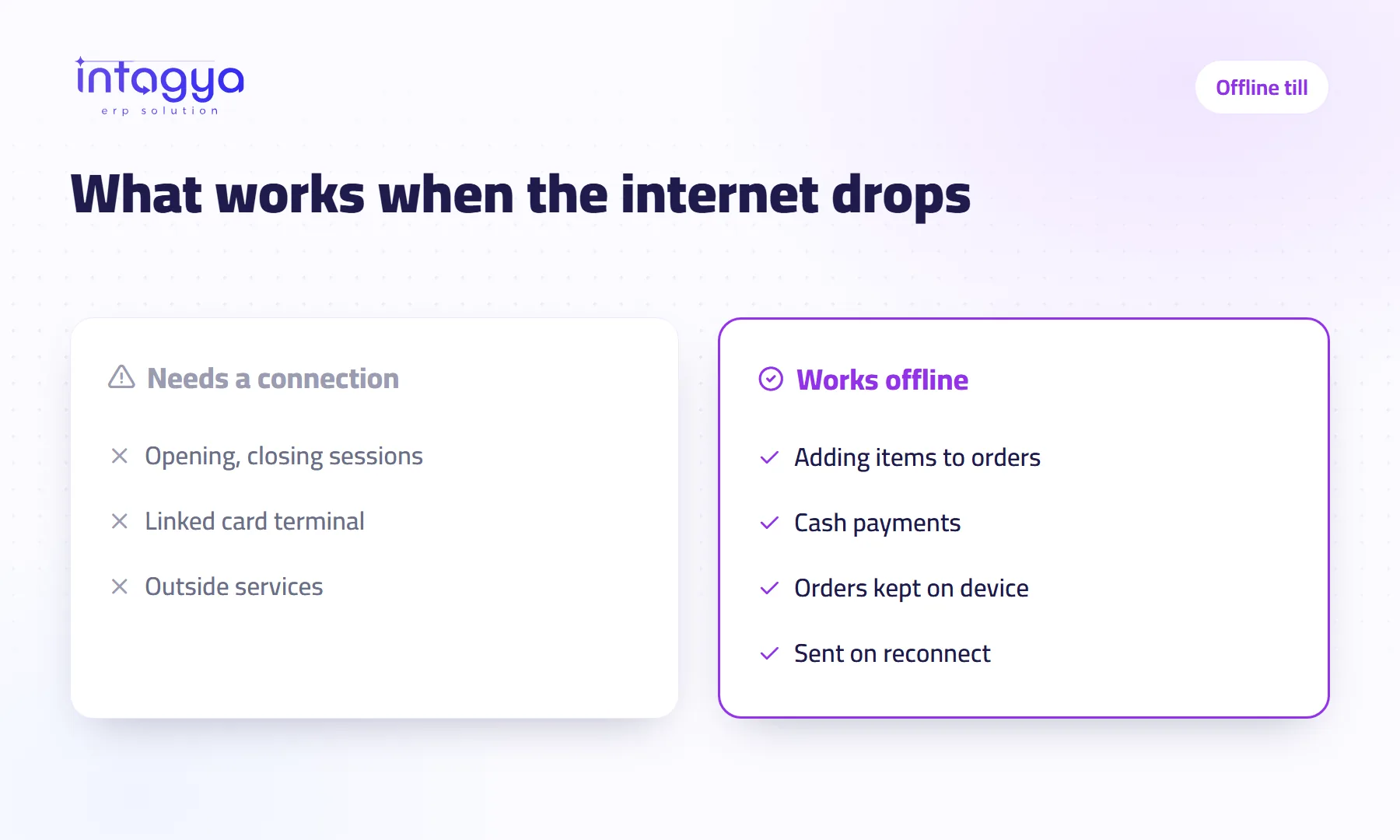
Yes. The till keeps selling during an internet outage as long as the session was opened before the connection dropped. Orders are kept on the device and sent to the system automatically when the connection returns. Opening or closing a session, a card terminal linked to the system, and anything sent to an outside service all need a connection.
Thursday evening in a pastry shop. The queue reaches the door, and the router lights go out. The cashier looks at the manager. The manager looks at the screen.
Many shop owners ask this before choosing a system, and they are right to ask. The answer is yes, with conditions you should know before the outage, not during it.
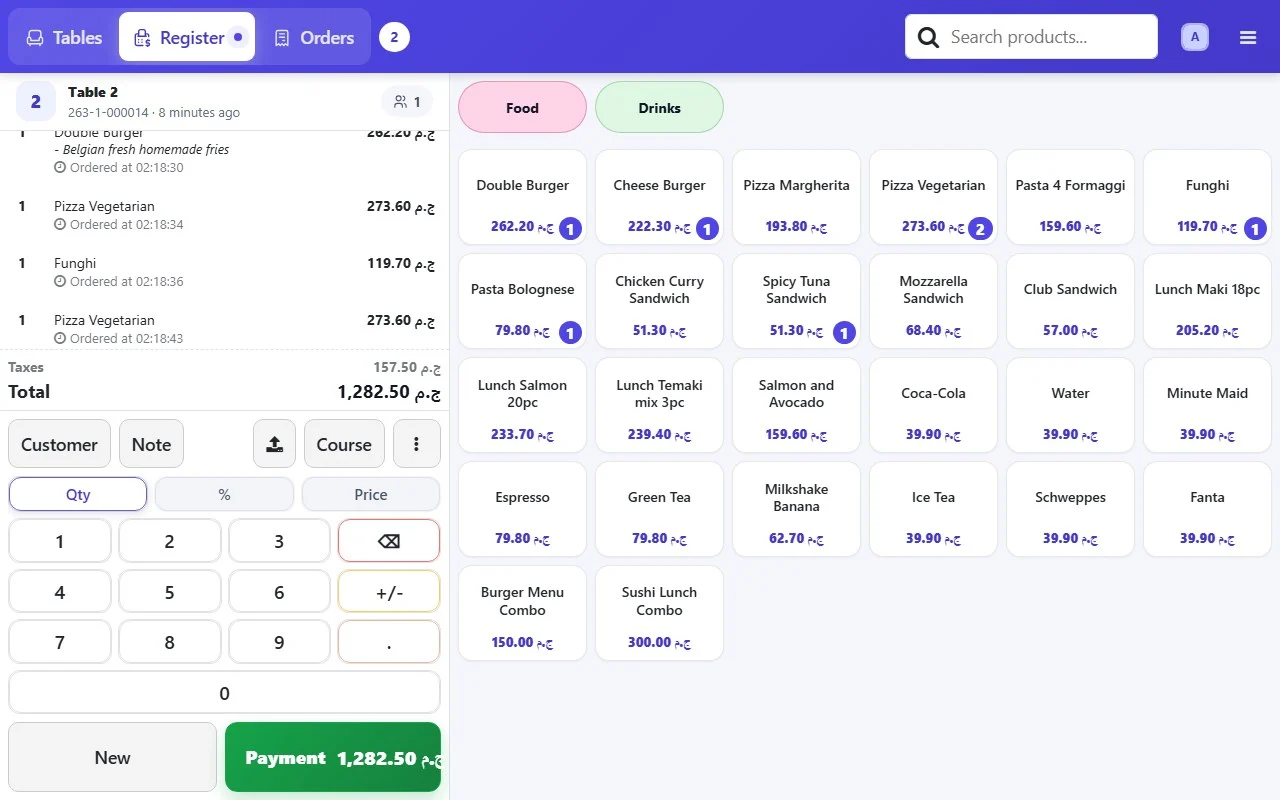
What happens at the till when the internet suddenly drops?
It keeps selling. When a till session opens, the device loads what it needs to sell, such as products and prices, so the cashier can add items, take the money and close the order with no connection.
The order is not lost. It is kept on the device and waits for the connection to return.
When do the orders reach the system after the connection comes back?
They are sent automatically when the connection returns, with nobody typing them again. Stock and sales reports then update as if each sale had gone through on time.
Know what that means during the outage. The manager at the office cannot see this branch's sales, and the stock balance in the system does not reflect what sold in that hour. For a short outage you will not notice. If it lasts a whole day, the figures are a whole day behind.
What does not work at the till without internet?
Any step that has to talk to the server or to an outside service. The main ones:
- Opening a new session: if the session was not open before the outage, you cannot sell.
- Closing the session and the end-of-day cash count.
- A card terminal linked to the system. A standalone terminal on its own SIM is between you and your bank.
- Anything sent to an outside service, such as e-invoicing if your receipts are reported there, waits for the connection.
- A price change or new product added at the office will not reach the till during the outage.
How do I prepare a branch before the internet goes down?
The most important decision is a simple one: open the till session at the start of the day while the internet works, not when the first customer walks in.
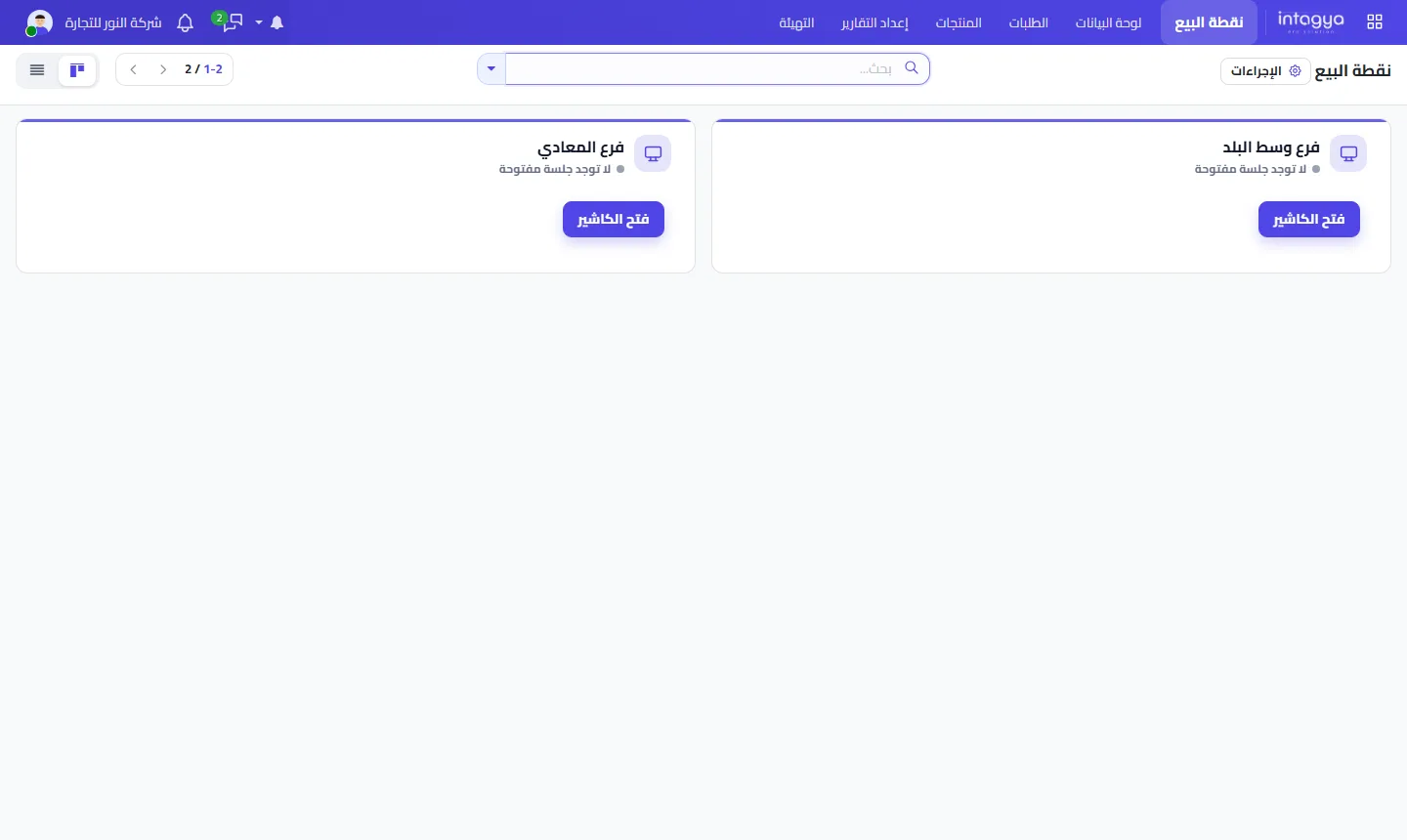
In this picture neither branch has an open session. If the internet dropped now, neither could sell. Open the session in the morning, and any outage after that is an annoyance, not a stop.
- Open the session at the start of the day while you are online.
- Do not close the till page or clear the browser data during an outage.
- Keep a backup connection, such as a data SIM in the branch phone.
- Write three lines for the cashier: what to do, who to call, and when to switch to the backup connection.
A backup connection costs far less than an hour of lost sales on a busy night. Put it in the branch before you need it.
Will I lose sales if the device breaks during an outage?
This is the real risk, and we will say it plainly. Orders not yet sent live on that one device. If the device fails or its browser data is wiped before the connection returns, those orders can be lost.
So do not let an outage drag on. The sooner you reconnect, even through a phone, the sooner the orders reach the system and are safe.
Can I install the till as an app on the device?
Yes. In Intagya ERP you can install Intagya POS as its own app on a tablet or computer; it opens straight into the point of sale without loading the whole system. That makes the cashier's morning easier. It is not an offline feature in itself, though: working without internet is done by the point of sale, as described above.
How can I test this myself before I rely on it?
Do not take our word for it. Try it. In Intagya ERP the point of sale works with inventory and accounting in the same system, so you see the full result of the test.
Open a till session in your trial workspace, then turn off the device's Wi-Fi. Ring up two test orders in cash. Reconnect, and open the orders list from another device. If both orders are there, you know what will happen next Thursday night.
Start your free trial and test the till
FAQ
Can I open the till if the internet is already down?
No. Opening a new session needs a connection. That is why we advise opening it at the start of the day while you are online.
Does stock reflect sales made offline?
Yes, once the connection returns. When the orders reach the system, stock goes down by what sold and the sales show in the reports.
Can I work without internet for a whole day?
It is built to get you through an outage, not to run offline for days. The longer the outage, the later your figures, and the longer orders sit on a single device.
Do card payments work during an outage?
A card terminal linked to the system needs a connection. Cash works, and a standalone terminal on its own SIM depends on its own connection.
Is this your business?
Want to see IntagyaERP on your own workflow?
Book a demo, tell us how your business runs, and watch the system handle a real scenario from your company.
Book a demo