
How do I control what each employee can see in our system?
| Intagya ERP
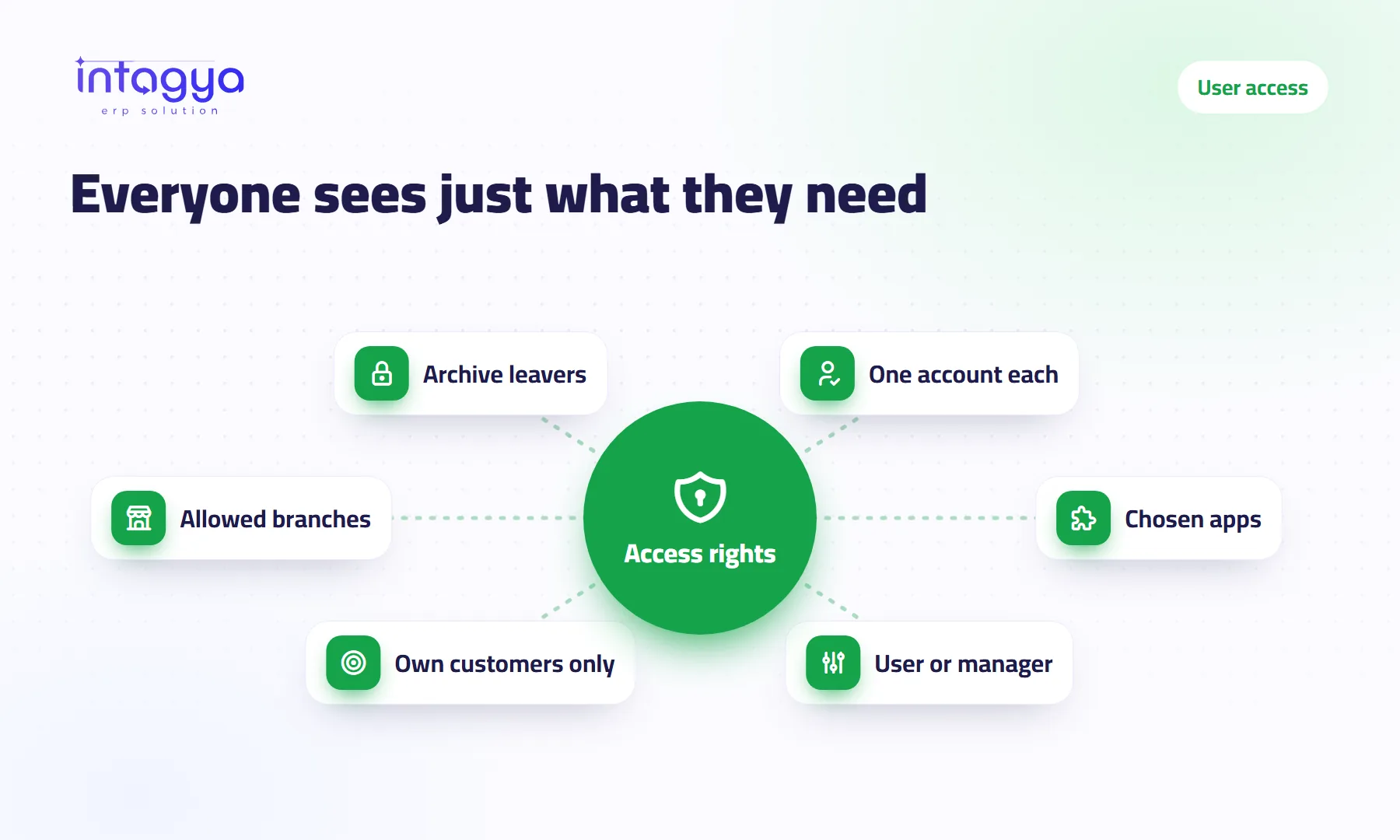
You control what each employee sees from the user settings: for every user you choose which apps they can open and their level in each one, such as regular user or manager. In sales, a rep can be limited to their own customers and documents. When someone leaves, you archive their account: they can no longer sign in and their work history stays.
A small distribution company gave every employee the admin account in its old software, because it was “easier”. A year later a sales rep left for a competitor. In his last week he exported the whole customer list with their special prices, and nothing stopped him.
Why not just give everyone full access and be done with it?
Because the convenience today costs you later. Full access means any mistake, or any bad intention, reaches everything: prices, salaries, profits, customer data.
There is a simpler reason too. An employee who sees twenty apps and needs two gets lost among them. Showing less makes their work faster.
How do I give each employee only the apps they need?
Go to Settings, then Users, and open the employee's account. You see the installed apps. For each one you pick a level: no access, user, or manager. An app they have no access to does not even appear for them.
A made-up example for a company of eight:
- Storekeeper: Inventory as user, nothing in accounting.
- Accountant: invoicing and accounting, read access to sales.
- Sales reps: Sales and CRM, each on their own customers.
- Sales manager: Sales as manager, sees the whole team.
- Owner: everything.
Can a sales rep see only their own customers?
Yes. The Sales app has a level that limits a user to their own documents: the quotations, orders and opportunities assigned to them. The sales manager gets a higher level that shows the whole team.
My advice: start every new rep on this level. Widening access later is easy. Taking it away once someone is used to it feels like an accusation.
Before granting any access, ask: what happens if this person makes a mistake on this screen? If the answer is expensive, they do not need it.
How do I find out who changed a price or deleted something?
Most important records, such as customers, orders and invoices, keep a log underneath showing who changed key fields and when, next to messages and notes. When a customer asks why their price changed, you open the order and look.
That is one more reason to give each employee their own account. An account shared by three people makes the log useless, because you cannot tell who did what.
I have several branches: can each branch see only its own data?
If you set up your branches as companies in the system, you choose which companies each user may access. Staff in branch one work in their branch, while management sees all branches and switches between them.
What do I do when an employee leaves?
Archive their account on their last day, not a month later. An archived account cannot sign in, but everything it did stays under its name: orders, invoices, notes.
- Hand their customers and open opportunities to a colleague.
- Archive their account in the system.
- Change the passwords of shared accounts they knew, such as social pages and the general mailbox.
Step three is the one everybody forgets. That is exactly why passwords should not live in chats or notebooks.
How does Intagya ERP help me set access rights?
In Intagya ERP every employee has their own account, and each account has its apps and its level in each app, with sales limited to a rep's own documents and a list of allowed branches. The figures strips above the lists are computed with the user's own rights, so nobody sees a number they are not entitled to. The password manager keeps company credentials and shares them only with the people who need them.
Set aside half an hour this week: open the user list and check who has manager or admin rights. If you find more than two or three people, start there.
Read: where do I keep company passwords safely?
FAQ
Can the accountant see sales without editing them?
You can give them a Sales level that fits their work, and keep full editing for the sales team and its manager.
Should I delete a leaver's account?
No. Archive it: they cannot sign in and everything they recorded stays under their name.
Can I change access rights later?
Yes, at any time from the user settings; the change applies from their next sign-in.
Is this your business?
Want to see IntagyaERP on your own workflow?
Book a demo, tell us how your business runs, and watch the system handle a real scenario from your company.
Book a demo