
Will AI take my employees' jobs?
| Intagya ERP
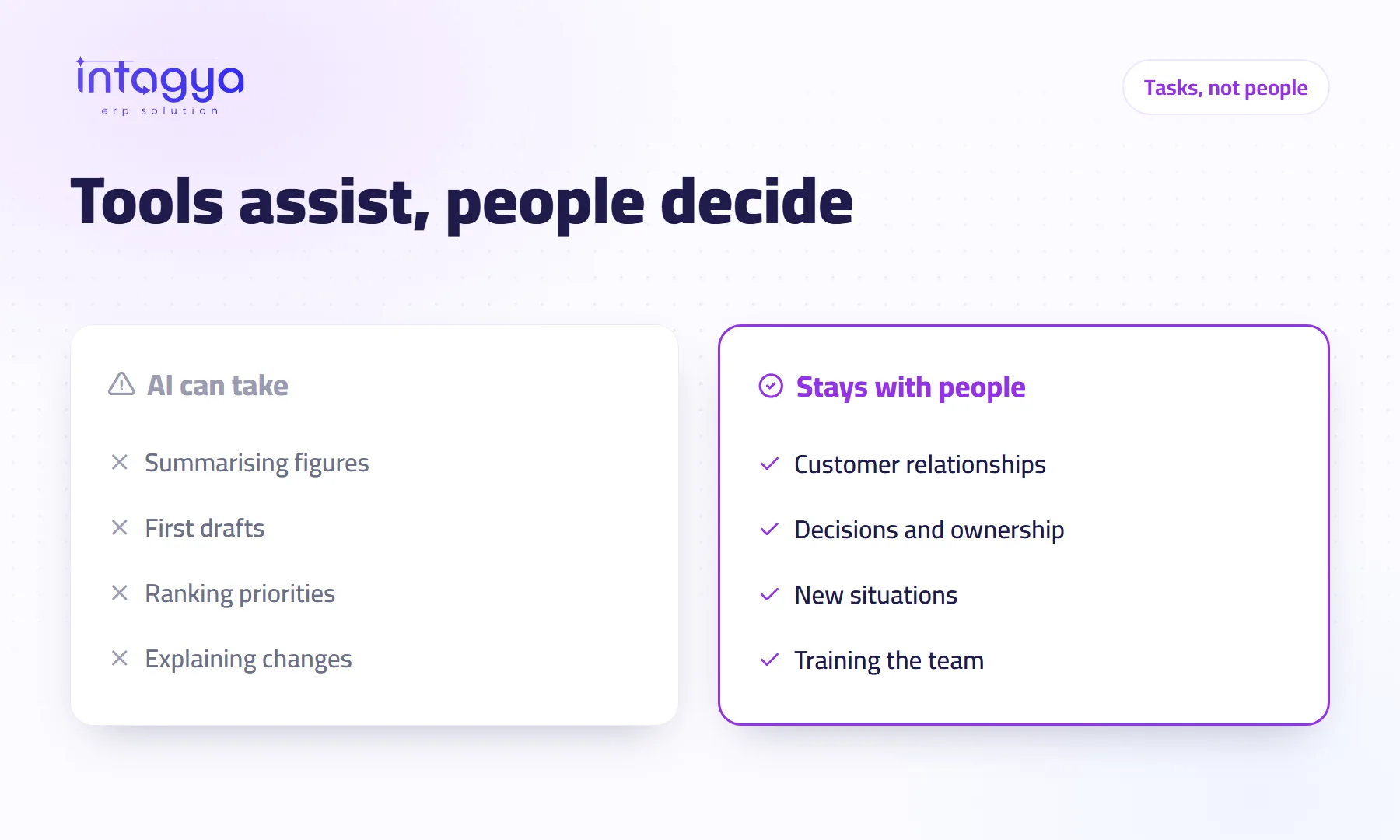
In most small and mid-size companies, no. AI takes repetitive pieces such as summaries, first drafts and explaining figures, but negotiating with a customer, approving spending and handling a situation nobody has seen before stay with your people. The better question is what you will do with the hours it frees up.
An accountant at a contracting firm overheard her manager talking about an AI tool. She spent the rest of the week asking colleagues: “Are they going to let me go?” Nobody told her anything. The silence did more damage than any tool could.
If you own the business, this article is for you before it is for your staff.
What is the difference between AI taking a task and taking a job?
A job is a bundle of tasks, and the tool is good at only some of them. That accountant reconciles figures, explains to the manager why collections are late, calls a customer who has been stalling for two months, and decides what to do when a supplier sends the same invoice twice. A tool may help with the first explanation. The rest is her work.
Which tasks can AI really help with?
Repetitive work with a fixed shape that is easy to check:
- Turning the month's numbers into a short paragraph a manager can read in a minute
- Explaining why a key figure such as receivables moved
- Suggesting which customers to chase first
- Drafting a reply an employee reviews before sending
Notice the word “draft”. In every one of these, a person checks the result.
Where do my people stay essential?
Wherever there is a relationship, a responsibility or a surprise. A tool does not carry the consequences of a decision. It does not calm an angry customer on the phone. It does not know that one supplier is always late in the holiday season, or that a certain customer only pays when someone he knows calls him.
There is also a limit worth admitting: these tools are sometimes wrong and sound sure of themselves. The person who catches the mistake is the employee who knows the work. Let that person go and nobody catches it.
What should I do with the time AI saves?
Point it at work that brings in money or keeps a customer. A hypothetical example: a salesperson saves two hours a week on his report and spends them calling customers who have not ordered in three months. Saved time turns into sales instead of worry.
How do I talk to my team about AI without scaring them?
Early and plainly. Say the goal out loud: less dull work, not fewer people. Then bring them in.
- Ask each person to name one task they would gladly drop
- Let the person who owns that task run the trial
- Give training time inside working hours, not after
- Share the result with everyone, even if it disappoints
The person who does the task today is the best judge of the tool. Do not run the trial over their head.
Is a tool enough without a system that organises the work?
No. AI works well when the work is organised: tasks with an owner and a date, invoices recorded, customers in one list. In Intagya ERP the smart dashboard gives you a company overview and its Diagnosis tab shows where work is stuck. The intagya AI add-on adds a button that explains reports and suggests next steps, without posting entries or changing data. The decision stays with your employee.
What to do tomorrow: gather the team for ten minutes, tell them what you plan to try and why, then ask which task they want gone. Being straight with them for ten minutes saves you weeks of rumours.
Read: where should my company start with AI?
FAQ
Should I cut staff after adopting AI?
Do not decide that upfront. Point the saved time at sales, collections and service first, then look at the results.
Who checks what AI suggests?
The employee who owns the task. The tool suggests; that person decides.
Does the team need long training?
Usually not. A few hours on one tool and one task, then they learn on the job.
Is this your business?
Want to see IntagyaERP on your own workflow?
Book a demo, tell us how your business runs, and watch the system handle a real scenario from your company.
Book a demo