
I have too many ideas for my company: which one do I start with?
| Intagya ERP
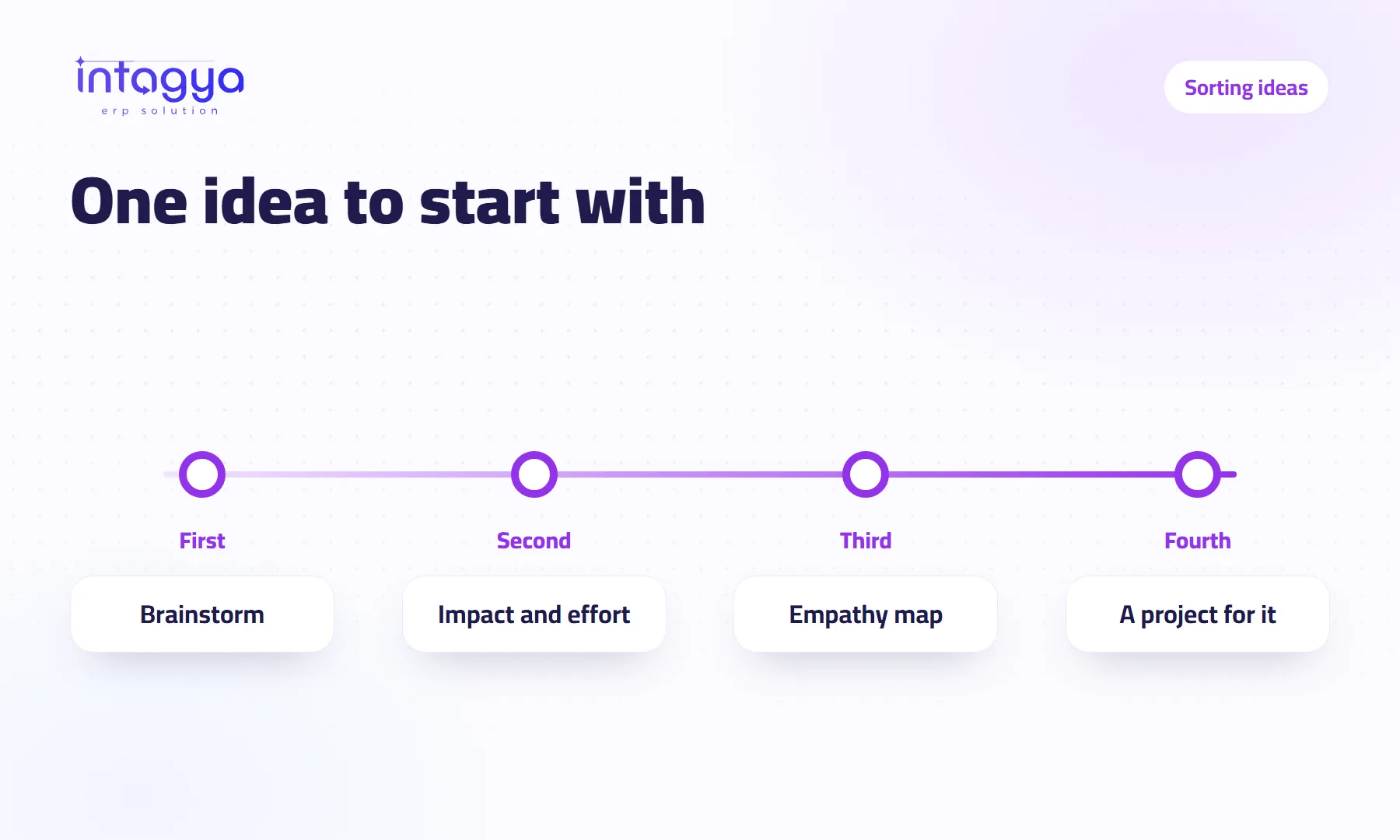
Start with the idea that has a big impact for little effort. In the Planning Space app of Intagya ERP you first collect ideas as sticky notes on a brainstorming board, then move them onto the “Impact and effort” board with its four squares: quick wins, big projects, small tasks, not now. The empathy map helps you pick what matters to the customer, not just what you like.
The owner of a trading company comes back from a trade fair with a full notebook: an online store, same-day delivery, a loyalty scheme, a new branch, an app for the sales reps. He starts all five at once. Three months later none of them is finished.
The ideas were not bad. The order was missing.
Why is it so hard to pick one idea?
Because every idea looks important when you think about it alone. Comparing does not happen in your head; it happens when all the ideas sit in one place and you ask each one the same question. So we suggest three boards, in order.
How do I collect my team's ideas in a brainstorm?
Open the “Brainstorming session” template and give each idea a sticky note. No debate and no rejecting at this stage. The goal is to get everything out of people's heads and onto the board.
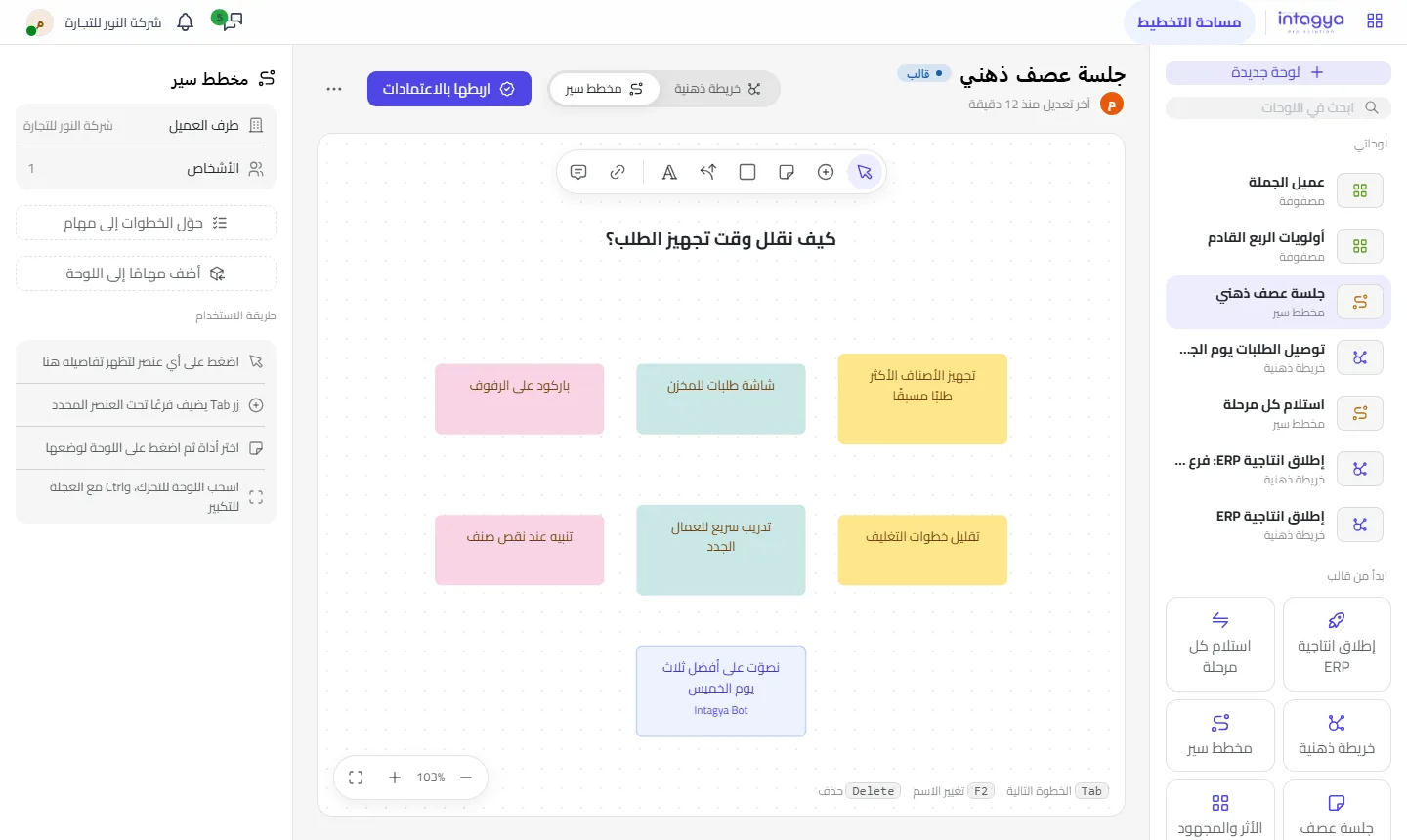
Add free text to write the question you are meeting about, and comments on notes for anyone who wants to explain an idea. If the ideas came from the ideas box in the first place, any idea there can be turned into a mind map.
How do I sort ideas by impact and effort?
Move the ideas onto the “Impact and effort” board. It has four squares:
- Quick wins: big impact, little effort. Start here.
- Big projects: big impact, big effort. They need a plan and a project.
- Small tasks: little impact, little effort. Give them to whoever has time.
- Not now: little impact, big effort.
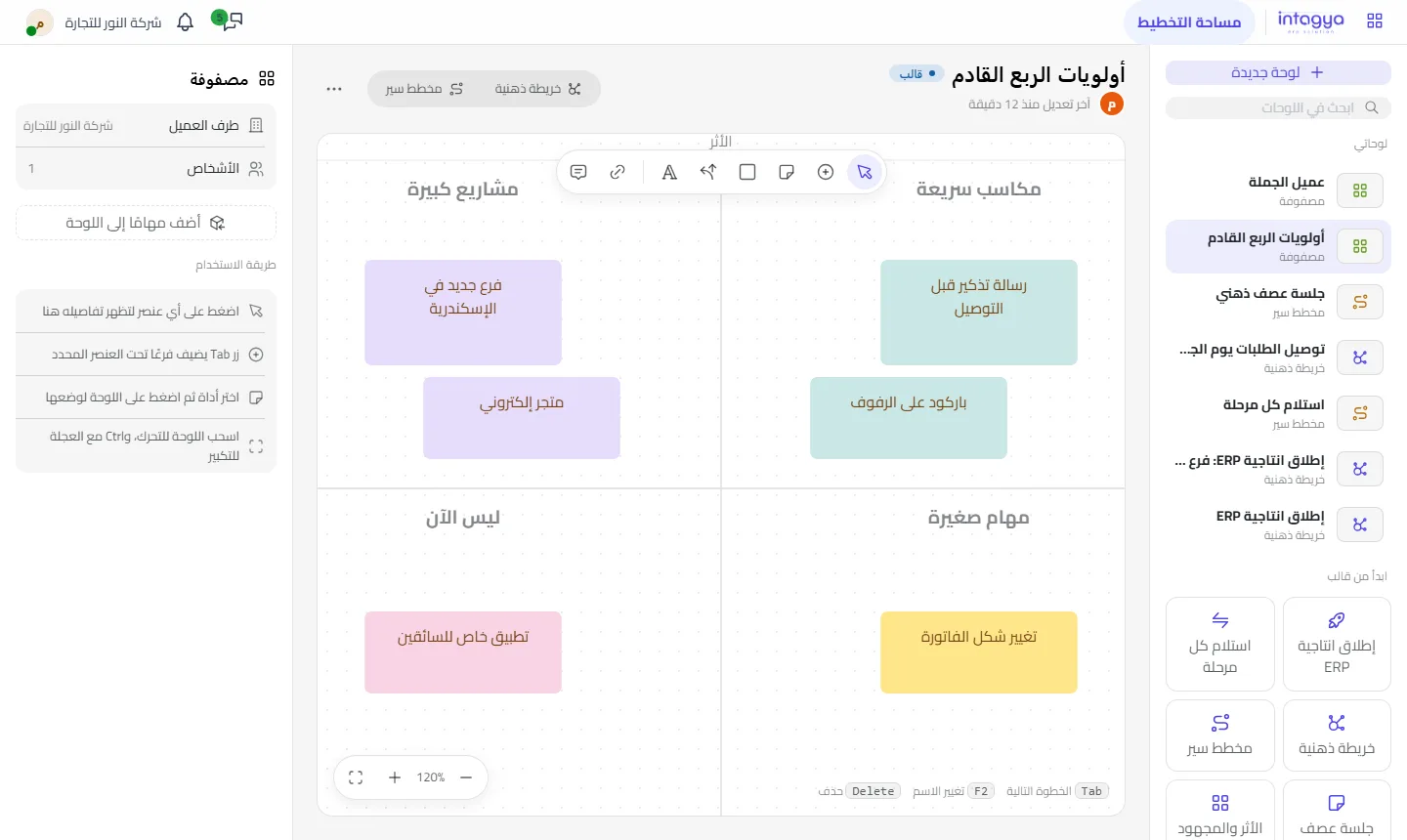
In the trade fair example, “a follow-up message to the customer after each order” might land in quick wins and “the online store” in big projects. That is the team's judgement, not a fixed rule; what is quick for you may be big for someone else.
“Not now” is not a bin. Go back to it every three months; some ideas get cheaper when something in the company changes.
How do I know an idea really matters to the customer?
With an empathy map. Put the customer in the middle and fill four squares: what they say, think, do and feel. Many ideas we got excited about fall apart here, because nothing the customer says or does shows they need it.
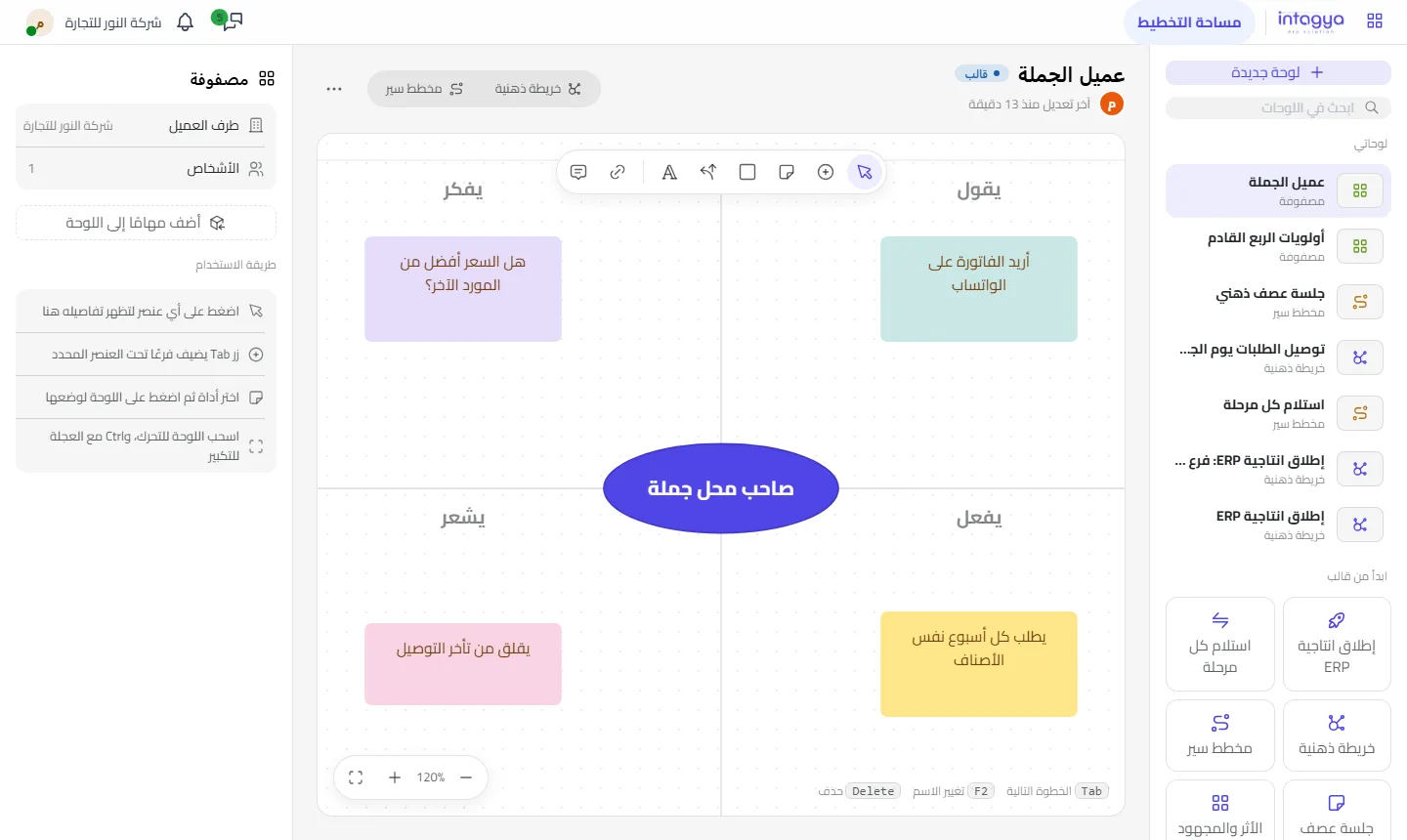
Our plain view: if you cannot fill the “says” square with words from real customers, you are guessing. Call three customers before you go on.
Once I pick an idea, what do I do with it?
Turn it into work. Draw the chosen idea as a mind map with its steps, owners and deadlines, then turn it into a project in one click. A small idea may only need to become one task, or a personal item in your To-do.
Does the whole team see these boards?
No, not until you share them. Every board is private to its owner until shared with colleagues they choose. You can zoom, fit the board to the screen, or save it as an image or PDF to show in a meeting.
Tomorrow, take your list of postponed ideas and put it on an impact and effort board with your team in half an hour. Pick one quick win and start it this week.
Try the planning boards for free
FAQ
What is the difference between quick wins and small tasks?
Both take little effort, but quick wins have a big impact and small tasks a small one.
Can I rename the squares?
The board comes with the four squares ready, and you add sticky notes, free text and comments on it.
How do I move a chosen idea into action?
Draw it as a mind map and turn it into a project, or turn a single branch into a task.
Do I need the ideas box to use these boards?
No. The boards work on their own; the ideas box adds turning any idea in it into a mind map.
Is this your business?
Want to see IntagyaERP on your own workflow?
Book a demo, tell us how your business runs, and watch the system handle a real scenario from your company.
Book a demo