
Why does my team waste time even though they are busy all day?
| Intagya ERP
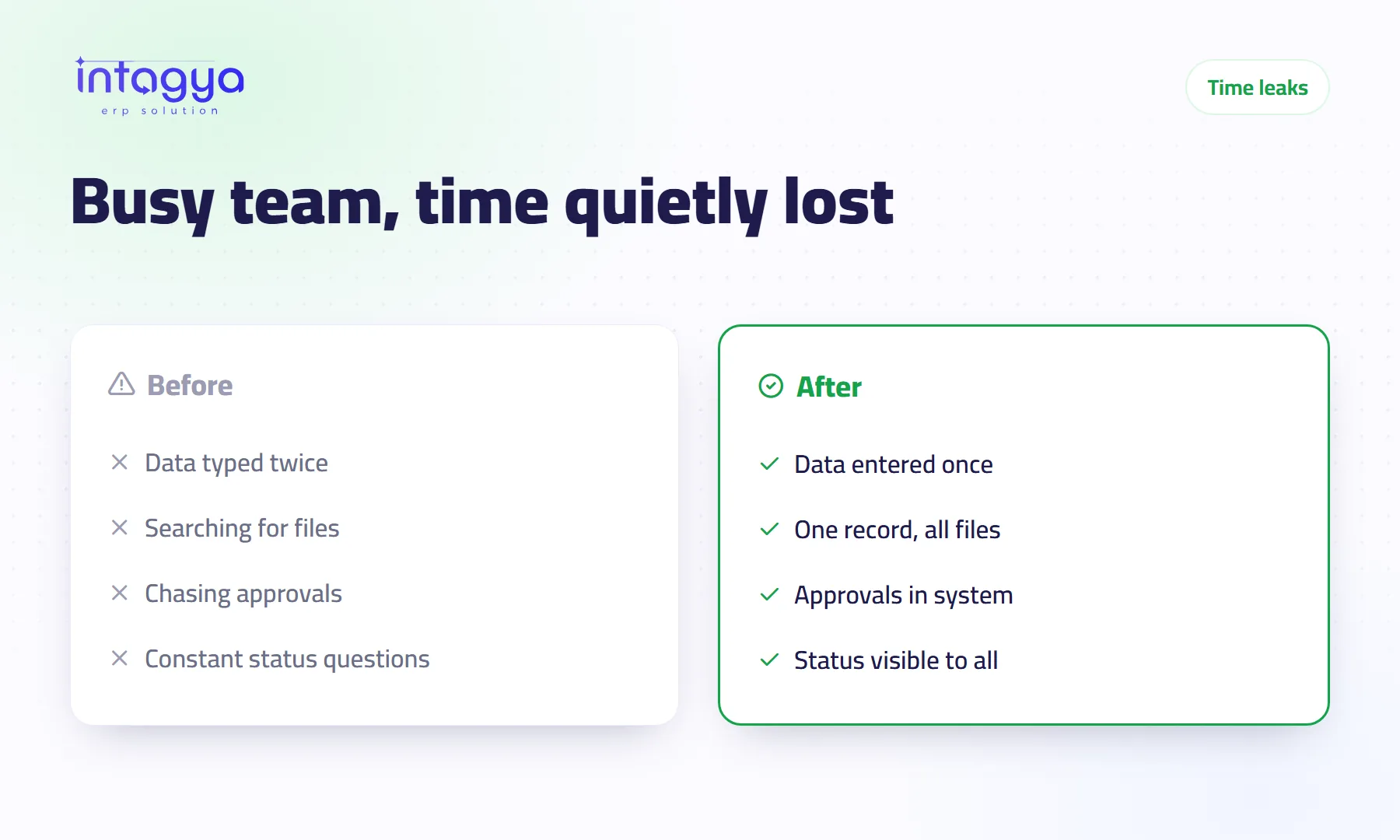
Busy teams usually lose time on work no report shows: copying the same data between sheets and programs, searching for a file or a figure, waiting for approvals and answering status questions. Start by measuring where the hours go, then move the work into one system where data is entered once and progress is visible to everyone.
Why doesn't a busy team mean a productive team?
It is four in the afternoon. The sales manager asks in the group chat whether a customer's shipment has left. The warehouse clerk drops what he is doing, opens the spreadsheet, then calls the driver. Ten minutes, one question. Tomorrow the same question comes back.
Busy measures movement. Productive measures results. Your team can be genuinely hard-working and still lose its day to the way work is set up.
Take a hypothetical company with 10 employees where each person loses one hour a day to searching, copying data and asking for updates. That is ten working hours a day that never show up in any report.
What are the most common time leaks in a company?
Sit with almost any business owner and you will hear about the same four leaks:
- Re-typing data: a sales order goes into a sheet, then the invoicing program, then the warehouse file.
- Hunting for files: the quote is in someone's inbox, the contract on a laptop belonging to a colleague on leave, the latest price in an old chat.
- Chasing approvals: a request waits for a manager's signature and the employee keeps nudging.
- Status questions: Has the customer paid? Has the supplier delivered? Each one breaks someone else's focus.
None of these is laziness. They are all symptoms of how work flows.
How do I find out where my team's time really goes?
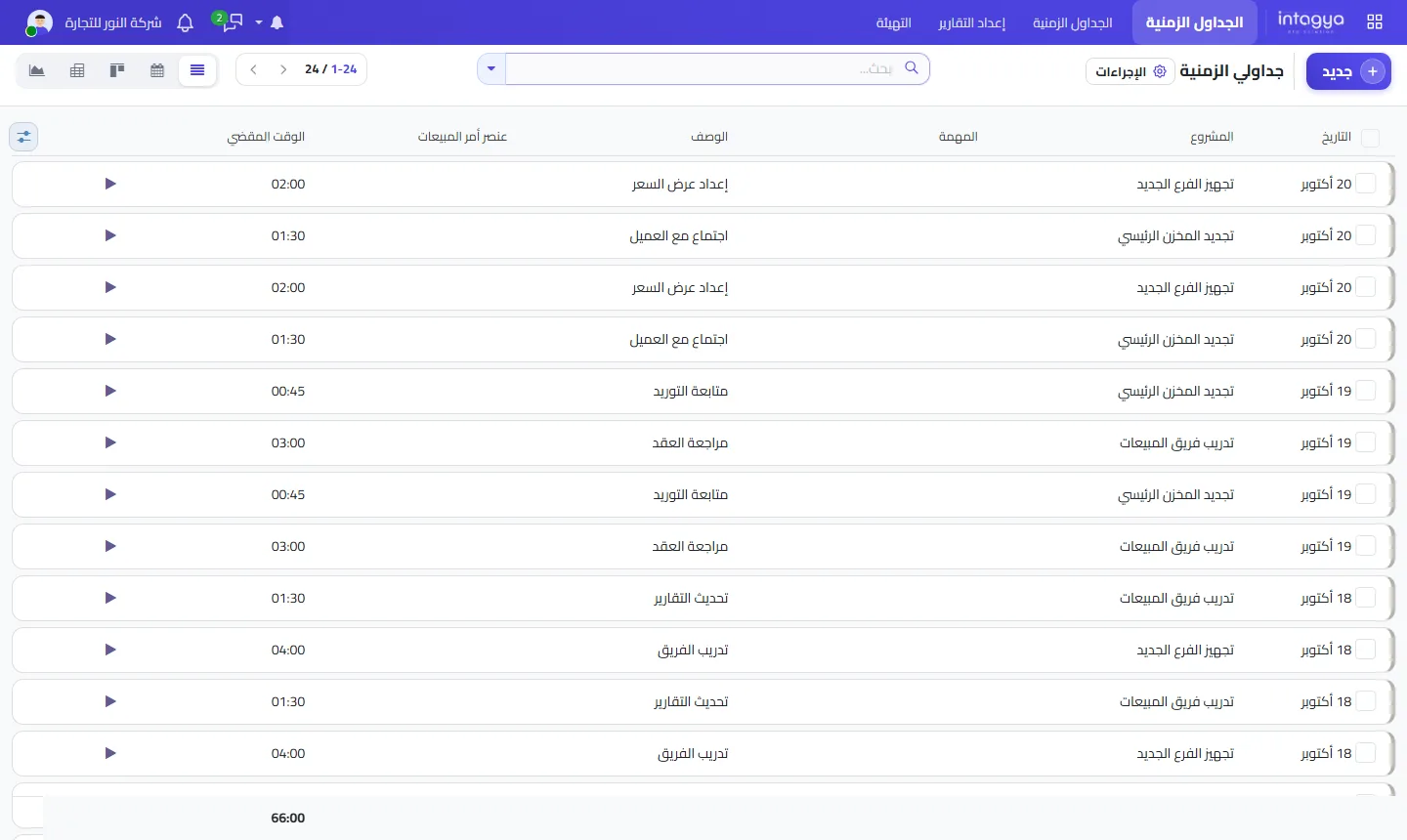
Track time against projects and tasks for at least two weeks. When each person logs what they worked on and how long it took, the real picture appears: which project runs over, which kind of work keeps repeating, and how much time disappears into meetings and follow-ups.
Don't use timesheets to police every minute; people will simply log numbers that please you and you lose the real picture. Use them to spot patterns. If updating reports eats several hours a week, that is work you can shorten.
How do I stop my team entering the same data twice?
Have every department work on one record instead of separate copies. In an ERP system a quotation becomes a sales order, then a warehouse delivery, then an invoice, and nobody types the customer or the products again. Each team picks up where the previous one stopped.
How do I cut down status questions and file searches?
Make the status visible without asking. When a request or task has one record holding its stage, owner, attachments and messages, anyone can open it and find the answer.
One small habit helps a lot: when someone asks about a request, send them the link to the record instead of typing the answer. Within two weeks they will check the record first.
Fix your biggest leak first, give it a month, then move on. People who try to fix everything at once usually end up fixing nothing.
How does Intagya ERP help close these leaks?
Intagya ERP brings sales, purchases, inventory, invoicing, projects and tasks into one workspace for your company, so data is entered once and flows between teams. The Timesheets app logs time against projects and tasks, a strip of key figures sits at the top of the Sales, Purchases, Inventory and Projects lists, and approvals, activities and reminders live inside the system rather than in side chats.
What to do tomorrow morning: ask three people on your team one question. Which task do you repeat every day that feels pointless? Write the answers down. That is your real list of leaks; start with the biggest.
Try Intagya ERP free for 14 days
FAQ
Does tracking time mean I don't trust my team?
No. The aim is to see where time goes by project and type of work, not to police every minute. Say that clearly to the team from day one.
How long before I see results?
Two weeks of time tracking usually shows the main patterns; give yourself about a month to close the biggest single leak.
Do I need every app from the start?
No. Start with the apps that close your biggest leak, such as Sales and Invoicing or Projects and Timesheets, and add the rest later.
Is this your business?
Want to see IntagyaERP on your own workflow?
Book a demo, tell us how your business runs, and watch the system handle a real scenario from your company.
Book a demo