
How can payroll and attendance be calculated automatically?
| Intagya ERP
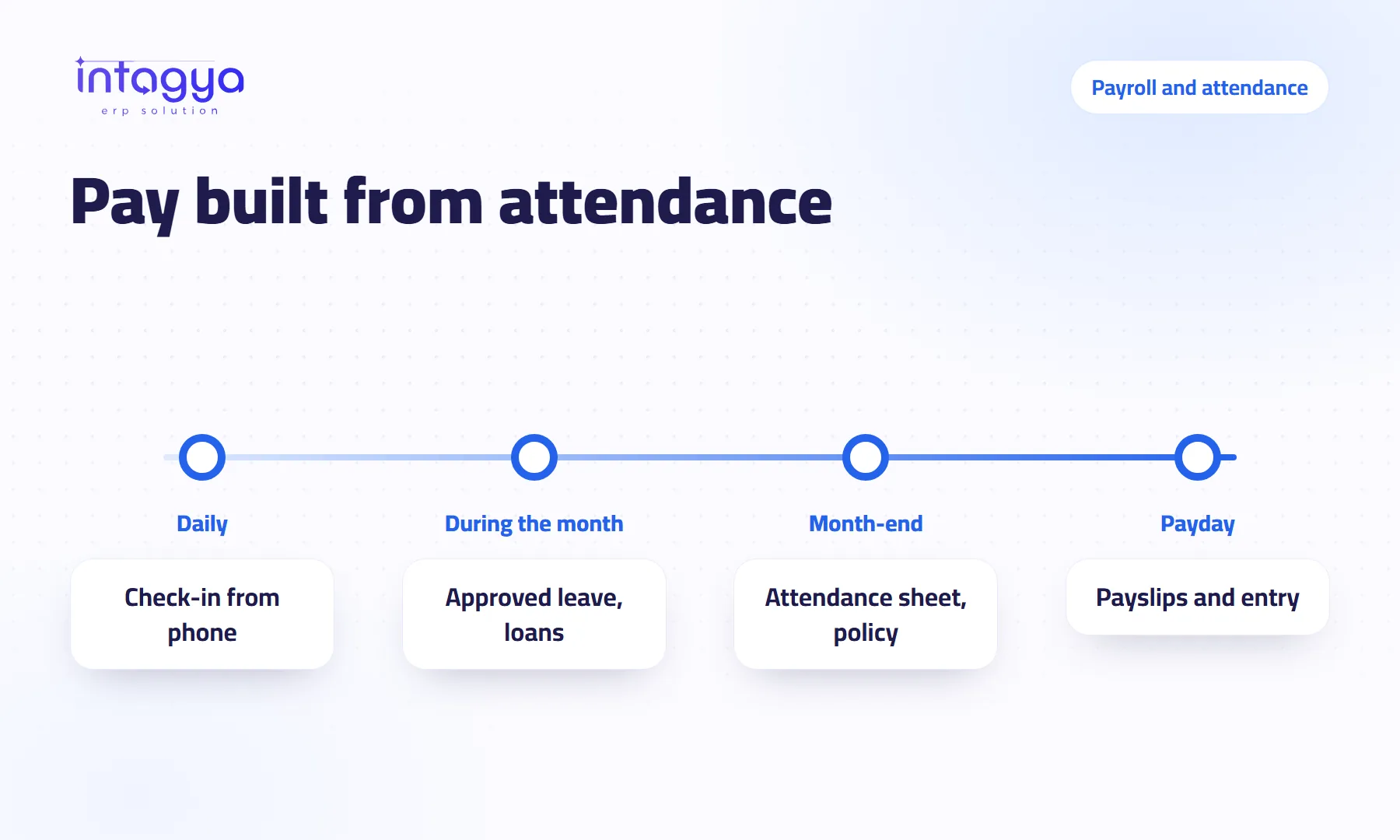
It happens when attendance is recorded in the same system that runs payroll. Employees check in and out from the system or the phone app, and the attendance sheet turns lateness, absence and overtime, following a policy your company sets, into allowances and deductions on the payslip, along with loan instalments. You set the rules once and review the payslips before confirming them.
Why does payroll take days every month?
It is the 27th. The HR officer opens the attendance file exported from the fingerprint machine and copies late minutes into the payroll sheet, line by line. Then she messages the manager on WhatsApp: “Did you approve Khaled's leave on Tuesday?” And waits.
It takes days because attendance lives in one place, leave in another, loans in the accountant's notebook, and one person stitches them together by hand. Every manual copy is a chance for a mistake, and payroll mistakes never go unnoticed. The employee finds them before you do.
How do I record check-ins without a notebook or a spreadsheet?
From the Attendance app inside the system, or from the Intagya ERP Android app. The employee taps check in on arrival and check out on leaving, and the record shows up for the manager right away.
If your team works across several sites, you can give each employee a list of allowed sites and a radius in metres around each one. A check-in from outside that area is refused. If you set no sites, check-ins are accepted from anywhere. Your call.
How do lateness, absence and overtime turn into money on the payslip?
Through an attendance policy you write once and an attendance sheet computed per employee for each period. The policy holds overtime rules for working days, weekends and public holidays, each with a threshold before it counts and a pay rate, plus step rules for lateness and for absence.
A policy you might choose, purely as an example: up to fifteen minutes late is forgiven, beyond that is deducted, and overtime counts only after the first hour. Those figures are illustrations; your policy is yours to set.
The sheet compares planned hours with actual hours, leaves out approved time off and public holidays, applies the policy, and the result lands on the payslip as allowances and deductions. Nobody retypes it.
What about time off, loans and expenses?
Time off is requested by the employee and approved by the manager in the system, so an approved day never shows up as an absence.
A loan or advance is recorded with monthly instalments; each instalment is deducted on the payslip and marked paid when the payslip is confirmed. Other deductions have their own record and reach the salary too.
Expenses take a different road: the employee submits them with a photo of the receipt, a manager approves, and accounting reimburses. Keep them out of the salary. Each stays clearer that way.
Will the system handle social insurance and tax for my country?
Each workspace runs the salary structure of its own country, just like its taxes and chart of accounts. For a number of Arab countries there are ready rules for social insurance, for income tax where the country has one, and for end-of-service where it applies.
To be straight with you: ready rules are a starting point, not legal advice. Rates and caps change, and every company has special cases. Sit down with your accountant before the first month, check the rates and settings together and adjust what needs adjusting. If your country has no ready structure, salary rules can be built by hand, which is a job for an accountant who knows local law.
How does payroll reach the accounts without retyping?
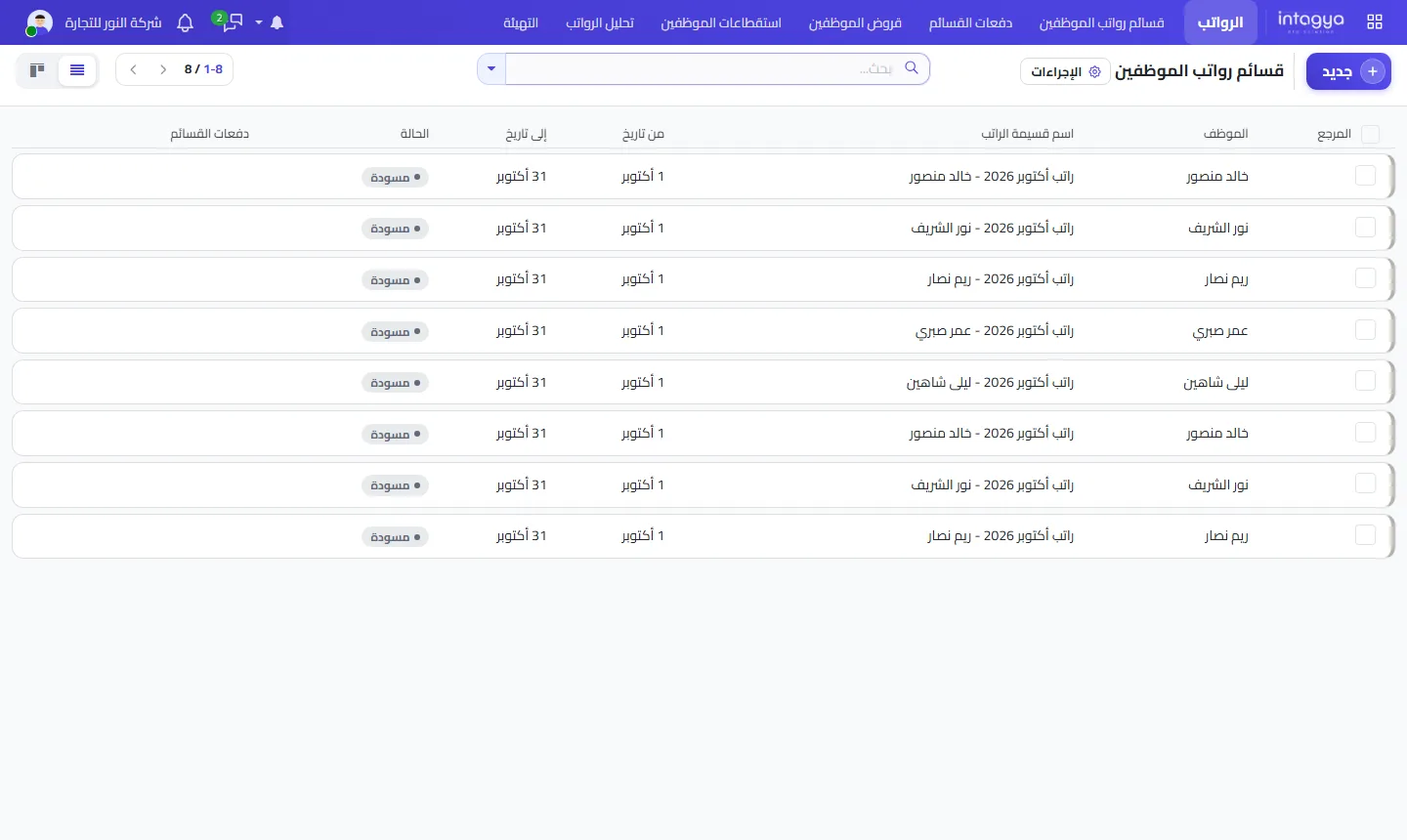
When payslips are confirmed, the salary entry is posted to the journal you choose, with the employee on every line. Generate everyone's payslips in one batch, review the drafts, then confirm. Employees see their own payslip in the phone app instead of asking HR for it.
Run the first month both ways: calculate payroll the way you do today, let the system calculate it too, and compare employee by employee. Any gap you find now is cheaper than one an employee finds in their bank account.
Where do I start with Intagya ERP?
In Intagya ERP, employees, attendance, time off, payroll and expenses share one database, depending on the apps in your sector template, with an Android app for check-ins and payslips.
Tomorrow morning: write your current attendance policy on one page, the way it is really applied, not the way the handbook says. How many late minutes do you let go? When does overtime start? That page is the first thing you will enter into the system.
Read the step-by-step user guide
FAQ
Can employees see their payslip on the phone?
Yes. The Android app shows an employee's payslips when the Payroll app is installed in your workspace.
What if someone forgets to check in or out?
A manager corrects the record in the Attendance app before the period's sheet is computed, so the sheet uses the right data.
Are the insurance and tax rates always right without review?
Do not count on it. The ready rules are a good start, but review them with your accountant before the first month and whenever the law changes.
Can a loan be repaid over several months?
Yes. The loan is recorded with monthly instalments, and each one is deducted from that month's payslip automatically.
Is this your business?
Want to see IntagyaERP on your own workflow?
Book a demo, tell us how your business runs, and watch the system handle a real scenario from your company.
Book a demo