
How do I run several branches from one screen?
| Intagya ERP
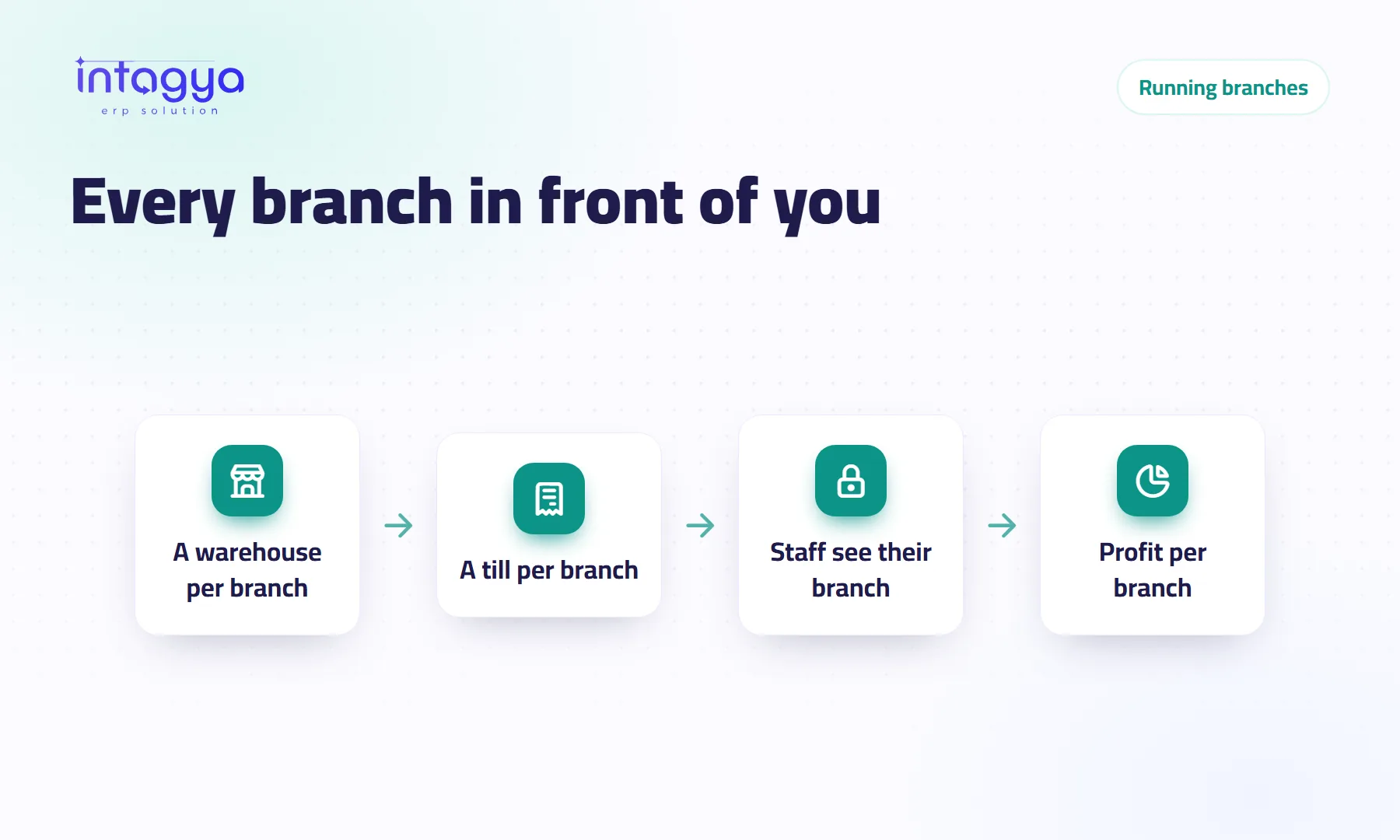
Make each branch its own warehouse inside one system, link each branch's point of sale to that warehouse, limit each employee to their branch's stock, and tag income and costs with an analytic account per branch. In Intagya ERP this depends on the apps in your sector template, and you see it all from your own login.
The owner of three homeware shops spends two hours in his car every evening. He stops at the first branch to pick up the sales sheet, then the second, then the third. At home he adds it up on a calculator. When a supplier asks how much of an item he has across all shops, he calls three people and waits.
That is not bad management. It is management without a system that brings the branches together. It can be fixed.
Can I see all my branches in one system?
Yes. The simplest way is to keep one company in the system and make each branch its own warehouse, with a name and a code. Intagya ERP puts no cap on warehouses, so you add a branch the day you open it.
From then on every product has a known quantity in every branch, and every sale or purchase is recorded against the warehouse it left or entered.
How do I see each branch's stock without phoning anyone?
From the stock report in Inventory: pick a product to see its quantity in each warehouse, or group the report by warehouse to see what each branch holds. If one branch runs short while another has too much, create an internal transfer between the two warehouses, and both balances stay right.
At the top of the Inventory and Sales lists there is a strip of key figures, computed with the user's own access rights. You see the whole company; an employee sees what they are allowed to see.
Can branch staff see the other branches' warehouses?
Not if you do not want them to. Intagya ERP adds an “Allowed warehouses” field to the user form. Give the second branch's storekeeper only his branch's warehouse, and he sees nothing else: not the other quantities, transfers or locations.
Leave the field empty and the user sees every warehouse, as by default. Nothing changes until you decide.
Before you restrict anyone, load each branch's opening stock and check it with the branch staff. Restricting access on wrong numbers hides the error instead of fixing it.
How do I separate each branch's sales and tills?
If your branches are shops and Point of Sale is part of your sector template, create one point of sale per branch and link it to that branch's warehouse. Every cashier session opens and closes under that point of sale, so you know each branch's daily sales, who was on the till and what they handed over.
If you sell through quotations and sales orders rather than a till, set the warehouse on the order and group the sales report by warehouse.
How do I know each branch's profit?
With analytic accounting, which is switched on in new Intagya ERP workspaces. Create one analytic account per branch and tag income and costs with it: the branch rent, its electricity, its staff salaries. At month end, the analytic report shows each branch's profit on its own.
Be honest with yourself here: the report is only as good as the tagging. If the accountant forgets to link the rent bill to its branch, that branch looks better than it is. Make it a rule from day one.
What if each branch is a separate legal company?
If each branch has its own commercial registration and tax records, those are companies, not branches, in accounting terms. The system supports more than one company, but the setup for taxes, journals and access differs from case to case. Talk to us before you start rather than building it alone in a hurry.
Take one step tomorrow: in a trial workspace, create a warehouse per branch, load the stock for twenty fast-moving products, and ask one person in each branch to record a single day of sales. In the evening, open the stock report from home. If all three branches are in front of you, you just saved tonight's drive.
Try Intagya ERP free for 14 days
FAQ
Is there a limit on branches or warehouses?
There is no cap on warehouses in Intagya ERP. The price follows the number of users; details are on the pricing page.
Can I move goods from one branch to another?
Yes, with an internal transfer between the two warehouses. The item leaves one and enters the other, and both balances stay right.
Is Point of Sale in every workspace?
It depends on the sector template you picked at signup. Retail and restaurant templates usually start with it, and you can add it later.
Can a branch manager see only his branch's numbers?
For stock, yes, through the allowed warehouses field. Separating the other figures depends on access rights and setup, so review it with us first.
Is this your business?
Want to see IntagyaERP on your own workflow?
Book a demo, tell us how your business runs, and watch the system handle a real scenario from your company.
Book a demo