
How does AI help managers and employees at work?
| Intagya ERP
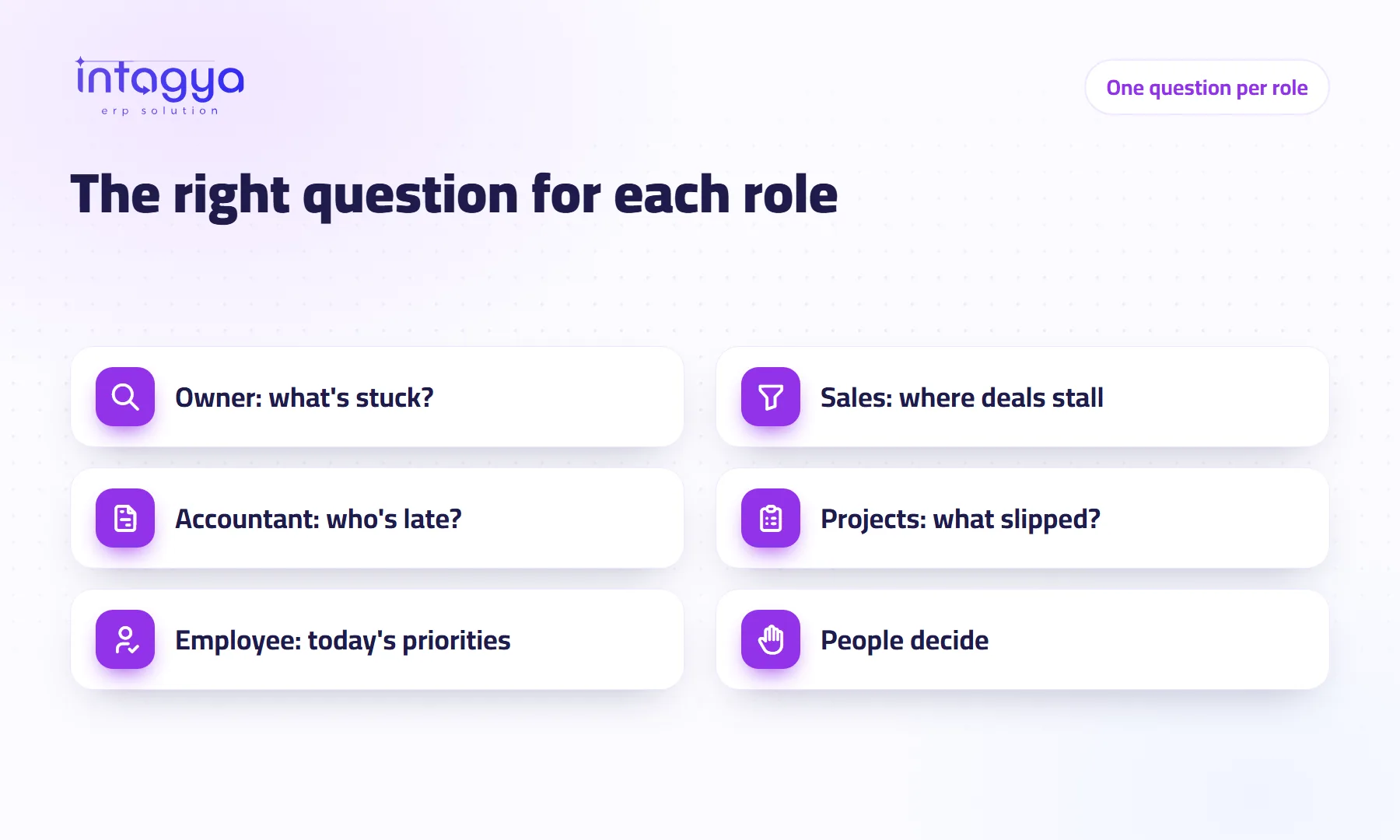
It helps each person within their own access rights. The owner asks where work is stuck, the sales manager about the pipeline and sales, the accountant about late payers, the project manager about projects, and the employee about their own work: what to finish first today. In every case intagya AI reads, explains and suggests, and changes nothing.
Morning meeting at a distribution company. The general manager wants to know why three orders shipped late. The sales manager is worried about a big deal that has not moved in two weeks. The accountant has a long list of unpaid invoices. The new sales rep has no idea who to call first.
Four people, four different questions. Useful AI answers each one's own question.
Does every employee see all the company figures through AI?
No, and that is deliberate. In Intagya ERP, intagya AI follows the smart dashboard's own permissions: company figures go to dashboard managers who have access to the app the figures come from, and employees ask about their own work. The tool does not open a door that access rights keep shut.
What does the owner or general manager ask?
The key question: where is work stuck right now? There is a ready suggestion for it, “Where is my bottleneck right now?”, built on the diagnosis report that shows where work is held up.
What comes back: a direct answer in a line or two, a few short points, then a step to take today. That is how the answers are designed. The real gain for a manager is not the fact itself; it is walking into the meeting with a specific question instead of “How is everything?”.
How does a sales manager use AI?
To see where deals stall. They analyse the pipeline by stage, compare sales with last month and ask for this month's best-selling product. If opportunities pile up at the quotation stage, the problem may be pricing or response time, not a lack of leads.
One caveat: the tool only sees what was recorded. A rep who keeps customers in his phone leaves the analysis half blind. If you want analysis worth reading, make logging every new opportunity in the system a rule with no exceptions, even when it starts as a short call.
What does AI give the accountant?
A list to start the day with. “Which customers are late paying?” draws on the receivables report and returns the biggest late payers to call, with an explanation of how receivables changed.
And a clear limit: intagya AI posts no entries, reconciles no bank accounts and sends no reminders to customers. It cuts reading time. The accounting work stays with the accountant.
What about project managers and regular employees?
A project manager analyses the projects and team reports to see what slipped and who is carrying more than they can, before the customer complains.
An employee does not see company figures, but can ask: “What should I finish first today?” intagya AI reads their own open and overdue tasks, activities, time off and opportunities, and suggests an order for the day. A small question that saves a new hire a lot of guessing.
Do not ask everyone to use the tool. Ask each role for one question at one fixed moment, and start with the role that loses the most time gathering numbers.
What does AI not do for any of them?
- It changes no data: no entries, no invoices, no messages to customers.
- It does not read emails, phone numbers or notes; only aggregated figures go for analysis.
- It does not know what was never recorded.
- It does not judge an individual employee.
That last one is my own view and I stand by it: the team report is good for raising a question, such as why tasks pile up in one department, not for passing judgement on a person. Judgement needs a manager who knows the circumstances.
How do I roll AI out across the roles in my company?
intagya AI is a paid add-on in Intagya ERP, working from the smart dashboard with analysis buttons and a side panel of suggested questions in Arabic. Tomorrow morning: write down four roles in your company and, next to each, the question that person asks a colleague or the accountant today and then waits a day or more to hear back. Those are your starting questions.
Read: How do I make AI part of my company's daily work?
FAQ
Can an employee see colleagues' salaries or sales figures through intagya AI?
No. Employees ask about their own work; company figures are for dashboard managers with access to the app itself.
Does intagya AI answer in Arabic?
Yes. The suggested questions are in Arabic and answers come in plain Arabic for readers across the Arab world; ask in English and it answers in English.
Can it misread my figures?
It may suggest general reasons that do not know your company's circumstances. Check the figure in the report before any decision.
Is this your business?
Want to see IntagyaERP on your own workflow?
Book a demo, tell us how your business runs, and watch the system handle a real scenario from your company.
Book a demo