
How do I cut meetings without losing decisions?
| Intagya ERP
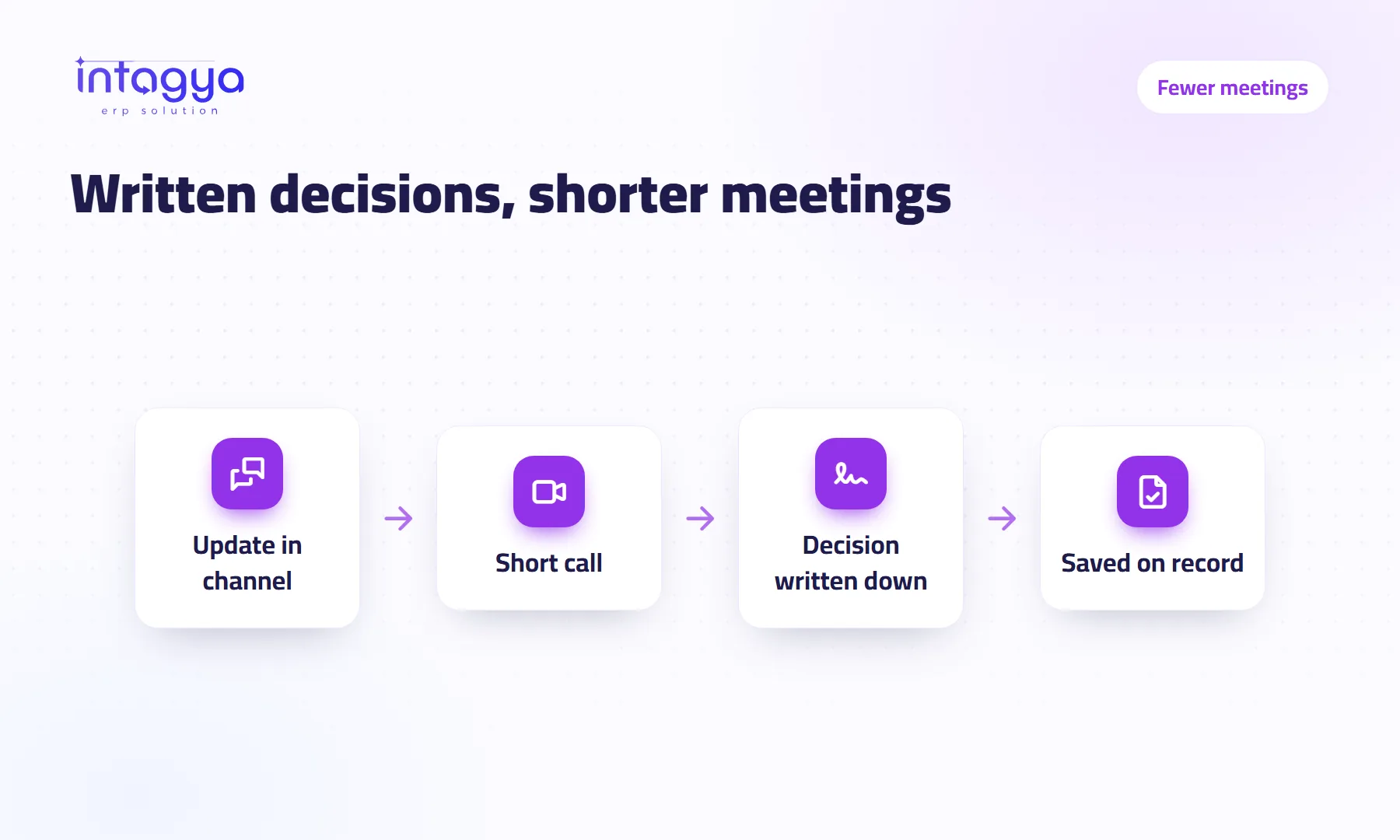
You cut meetings by moving routine updates into written channels people read on their own time, and keeping meetings for decisions that truly need discussion. Keep calls short with one goal, and write the decision straight onto the record it belongs to: the order, the task or the customer. That way the decision survives, even for people who were not there.
Why does my company have so many meetings?
The morning meeting starts at nine. At half past, the accountant is still waiting for his turn to say one sentence: the invoice went out. Then he walks back to his desk, thirty minutes lighter.
Meetings multiply when information only travels if people get together. There is no single place where everyone can see what happened, so a meeting becomes the only way to learn the status.
A hypothetical example: a team of 6 meets for half an hour a day just for updates. That is 3 working hours a day, most of it needing no discussion at all.
Which meetings can I actually cancel?
My view is simple: the daily status meeting goes first. So does any other meeting whose only job is passing on information. Ask of every recurring meeting: do we leave with a decision? If not, it is a written message dressed up as a meeting.
- Daily update meetings: replace with a short post in the team channel.
- Where are we meetings: answered by task and order stages in the system.
- Numbers review meetings: answered by a dashboard everyone can see.
- Meetings worth keeping: solving a problem, settling a disagreement, planning new work.
How do I move updates into written channels without chaos?
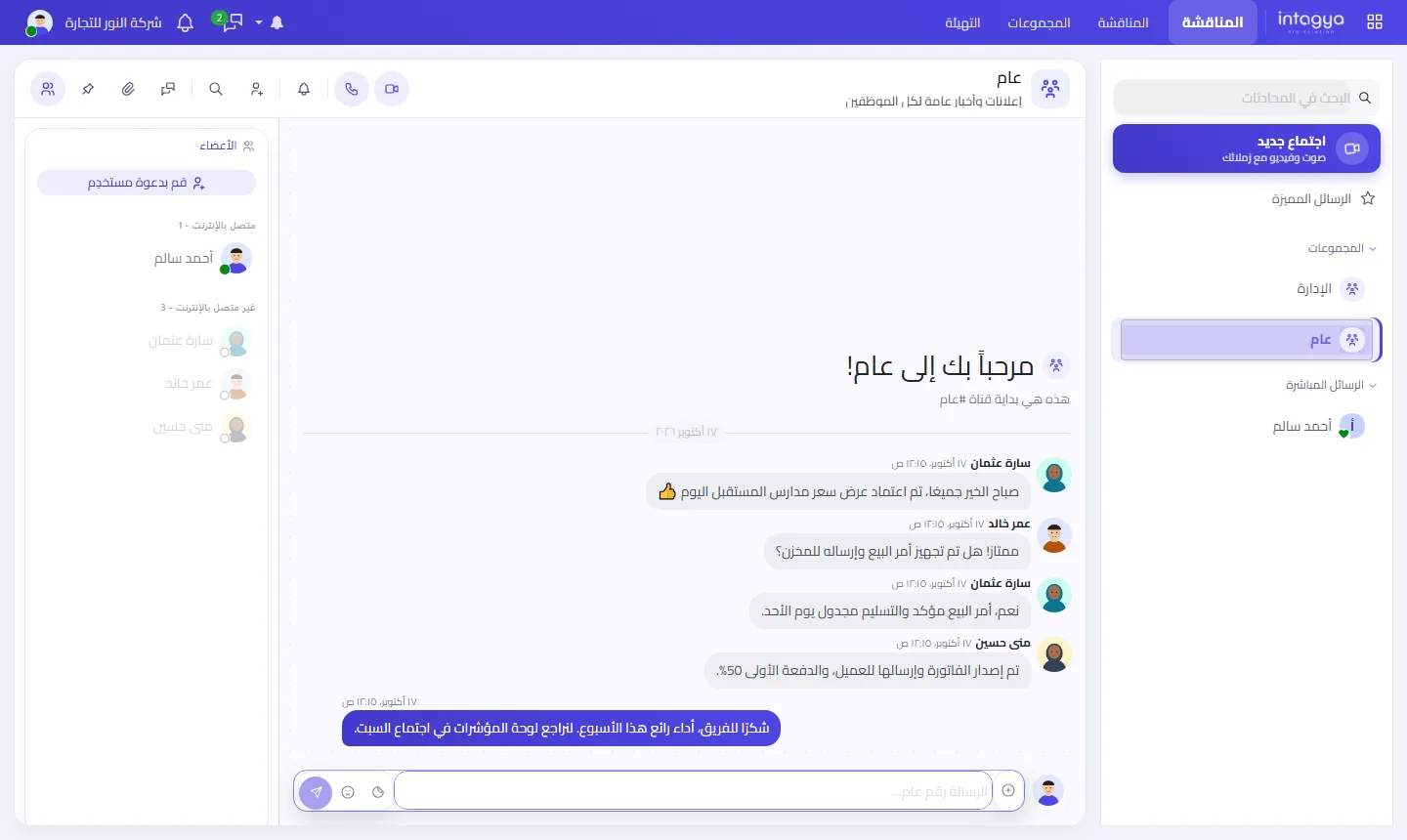
Written channels work when each one has a clear purpose: a general channel for announcements, one per team, and direct messages for things that concern two people. Agree on a simple format: what I finished yesterday, and what is blocking me.
Be honest about one thing: writing takes discipline. In the first two weeks some people will post and others will go quiet. Don't bring the daily meeting back; send the quiet ones a private nudge.
How do I keep calls short and useful?
A call stays short when it has one goal written down before it starts.
- Post the question for the call in one line in the channel.
- Invite only the people who can make the decision.
- Share your screen and show the actual record instead of describing it.
- Hang up once you have the answer, even with ten minutes left on the clock.
Where should I write a decision so it doesn't get lost?
On the record it belongs to. Not in the manager's notebook, not in a side chat.
Agreed a discount for a customer? It goes on the quotation. Moved a delivery date? It goes on the task, with the new date. A month later, when the accountant asks why the price is lower, he opens the record and finds the decision and the reason.
No meeting ends until its decision is written on a record with an owner and a date.
How does Intagya ERP support this way of working?
Intagya ERP includes Discuss, with channels, direct messages, voice and video calls and screen sharing inside the system, and calls work across different networks such as mobile data and office Wi-Fi. You can record a call for free with the Record button in a computer browser; the file is saved on the recorder's own device, and others can see the call is being recorded.
Because orders, tasks and customers live in the same system, the decision goes straight onto its record.
Tomorrow morning, try this: cancel the daily status meeting for one week as an experiment, and ask everyone for two lines in the team channel before ten. At the end of the week, decide together if anyone missed anything.
FAQ
Do written channels mean no meetings at all?
No. Meetings stay for decisions that need discussion. Writing replaces routine updates only.
Can I record a call inside Intagya ERP?
Yes, for free, using the Record button in the call bar on computer browsers such as Chrome, Edge and Firefox. The file is saved on the recorder's device.
Do calls work if someone is on mobile data?
Yes. Calls work across different networks, such as mobile data and office Wi-Fi, through the Intagya relay.
Is this your business?
Want to see IntagyaERP on your own workflow?
Book a demo, tell us how your business runs, and watch the system handle a real scenario from your company.
Book a demo