
Can my company have an official email on its own name, right inside the ERP?
| Intagya ERP
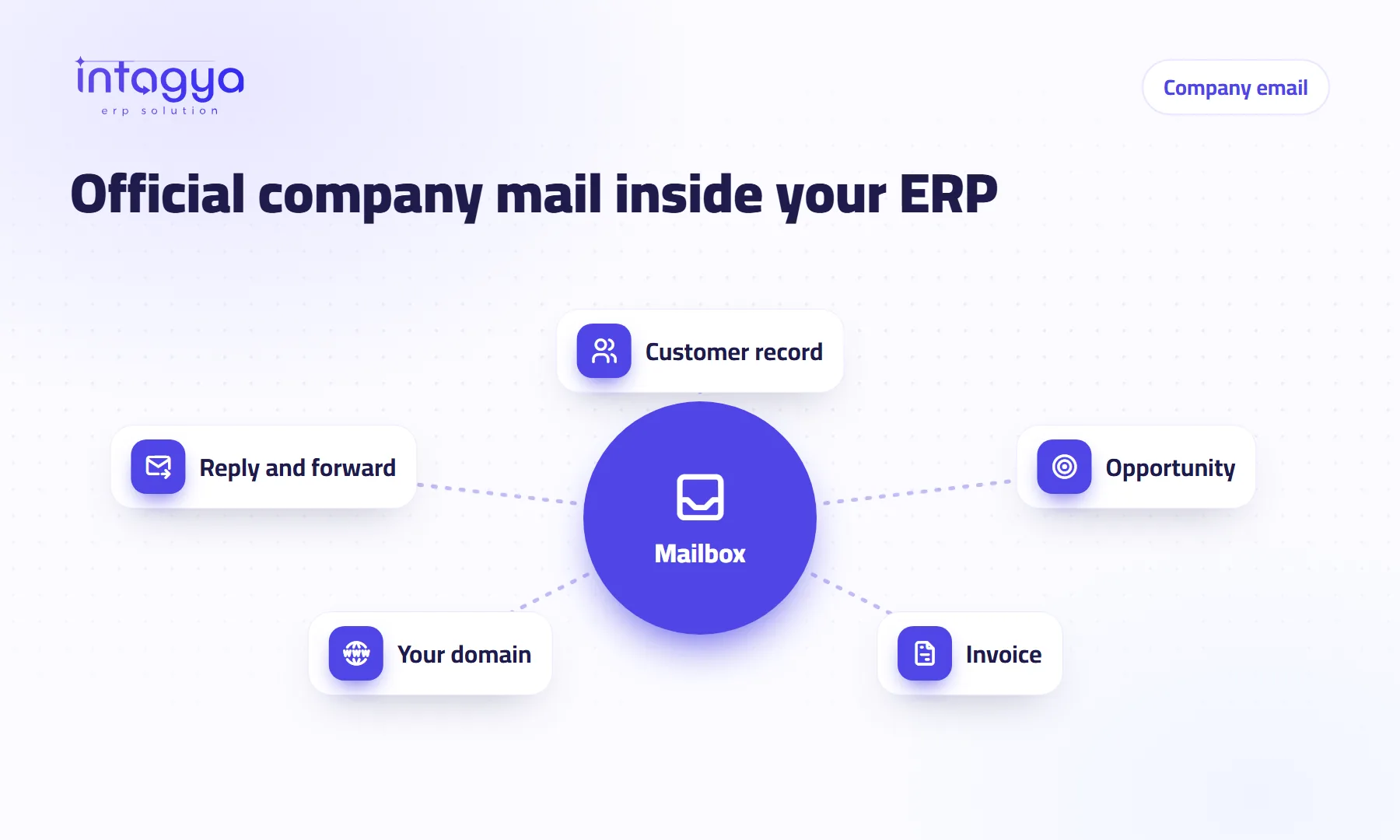
Yes. Intagya ERP includes an Email app, a real mailbox inside the system: you read, send and reply, and link any message to a customer, an opportunity or an invoice. You can connect your existing mailbox for free with no limit, or buy hosted mailboxes on your company domain from inside the system.
Why do I need an official company email instead of a personal one?
Because a personal inbox leaves with its owner. A salesperson quits, and his threads with your three best customers stay in a free account under his name that nobody else can open. A week later a customer calls about the quote he was sent, and no one in the office has ever seen it.
An address on your own domain stops that before it starts. The mailbox belongs to the company. You hand it to the next person in minutes.
There is trust, too. A quote from sales@yourcompany gets read differently from one sent by a free address with random digits in it. Small detail, but it is often the first thing a customer sees of you.
What do I gain from having email inside the ERP itself?
The message sits next to the work it belongs to. A quotation request comes in, you link it to the opportunity. A question about an invoice, you link it to the invoice. Any colleague who opens that customer later sees what was said and sent without chasing anyone.
My view: what eats a small company's time is rarely the work itself. It is hunting for an old email in somebody else's inbox.
Can I keep my current email address?
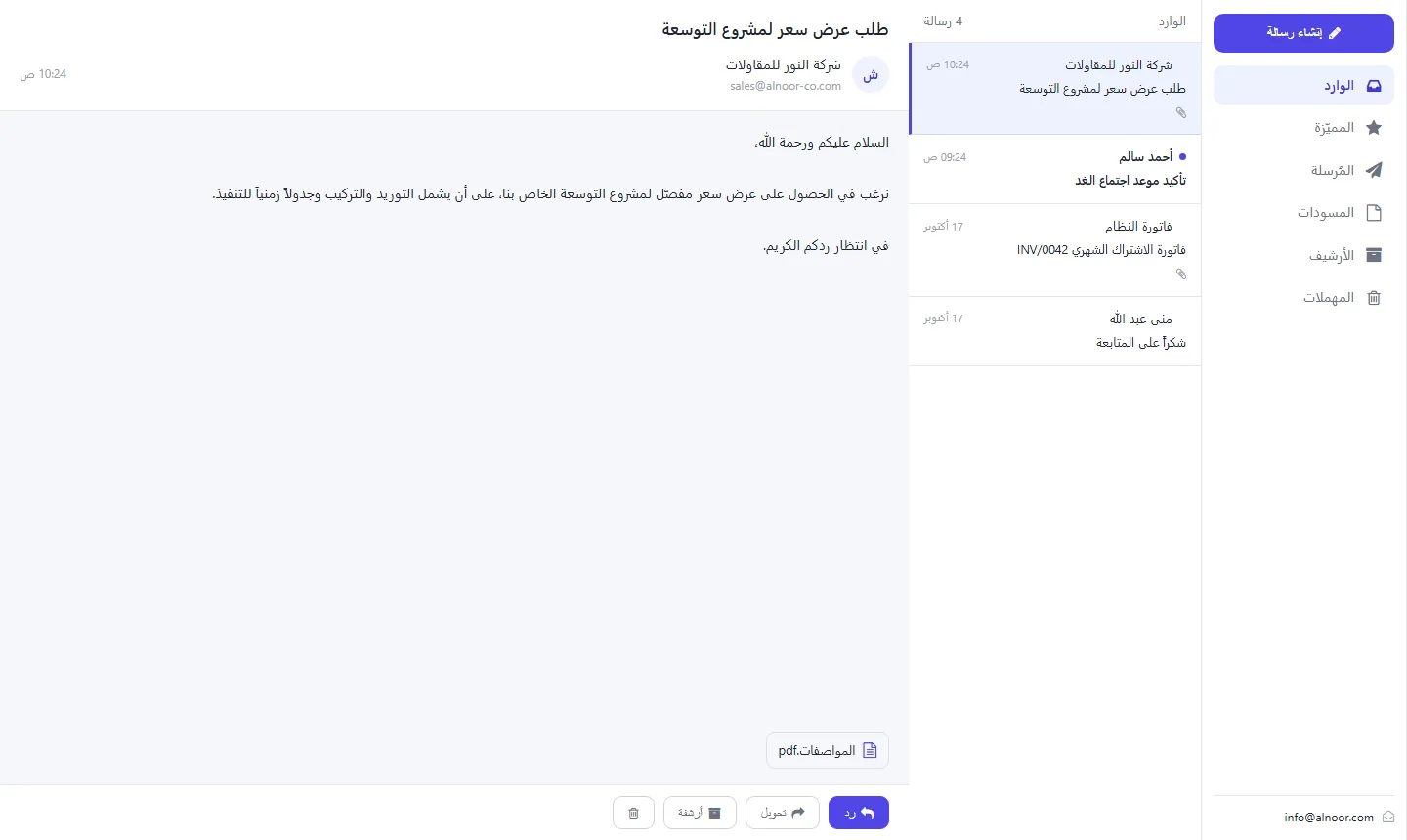
Yes. Connect your existing mailbox from another provider, such as Gmail or Outlook, for free and with no limit on the number of mailboxes. The addresses stay the same, and their messages show inside the system, ready to be linked to customers and invoices.
If your team is attached to its current addresses, start here. You do not have to change everything on day one.
How do I get hosted mail on my company domain?
It is a paid add-on you buy from inside the system, under Email, then Hosting.
- Pick a package, monthly or yearly.
- Pay from inside the system.
- Add your domain; the system shows the DNS records to add at your domain provider.
- The system checks the records, then you create mailboxes for the team.
There are three packages: Basic with 8 GB, Business with 25 GB, and Teams with 25 GB starting from 15 mailboxes. Be realistic about timing. Activation waits for the domain check, which depends on when the records go in at your provider. Your first day may go on that step alone.
Read the domain setup guide, with pictures
Is an in-ERP company mailbox a good fit for a small business?
Yes, maybe more than for anyone. A company of five or six people has nobody whose job is to run separate tools. A mailbox inside the same system that issues your invoices means fewer tools and shorter training.
One limit worth knowing: if each person needs a very large mailbox or very advanced mail features, compare the packages first. The pricing page has the details.
Do not create a mailbox for everyone on day one. Start with the addresses customers see, sales and accounts, and add the rest when you need them.
Where do I start tomorrow morning?
Open the Email app in Intagya ERP and connect the inbox where customer requests land today. During the week, link every customer message to its opportunity or invoice. After a week you will know whether it is time for hosted mail on your own domain.
FAQ
Is connecting my existing mailbox free?
Yes. Connecting a mailbox from another provider is free, with no limit on the number of mailboxes.
Is hosted mail on my domain active right away?
No. You first add the DNS records the system shows at your domain provider, and the system checks them before you create mailboxes.
Can I link a message to an invoice or an opportunity?
Yes. Link it to a customer, an opportunity or an invoice, and the team finds it in context.
Where do I see the mail package prices?
On the pricing page; billing is monthly or yearly.
Is this your business?
Want to see IntagyaERP on your own workflow?
Book a demo, tell us how your business runs, and watch the system handle a real scenario from your company.
Book a demo