
Cloud ERP or a server in the office: which is safer?
| Intagya ERP
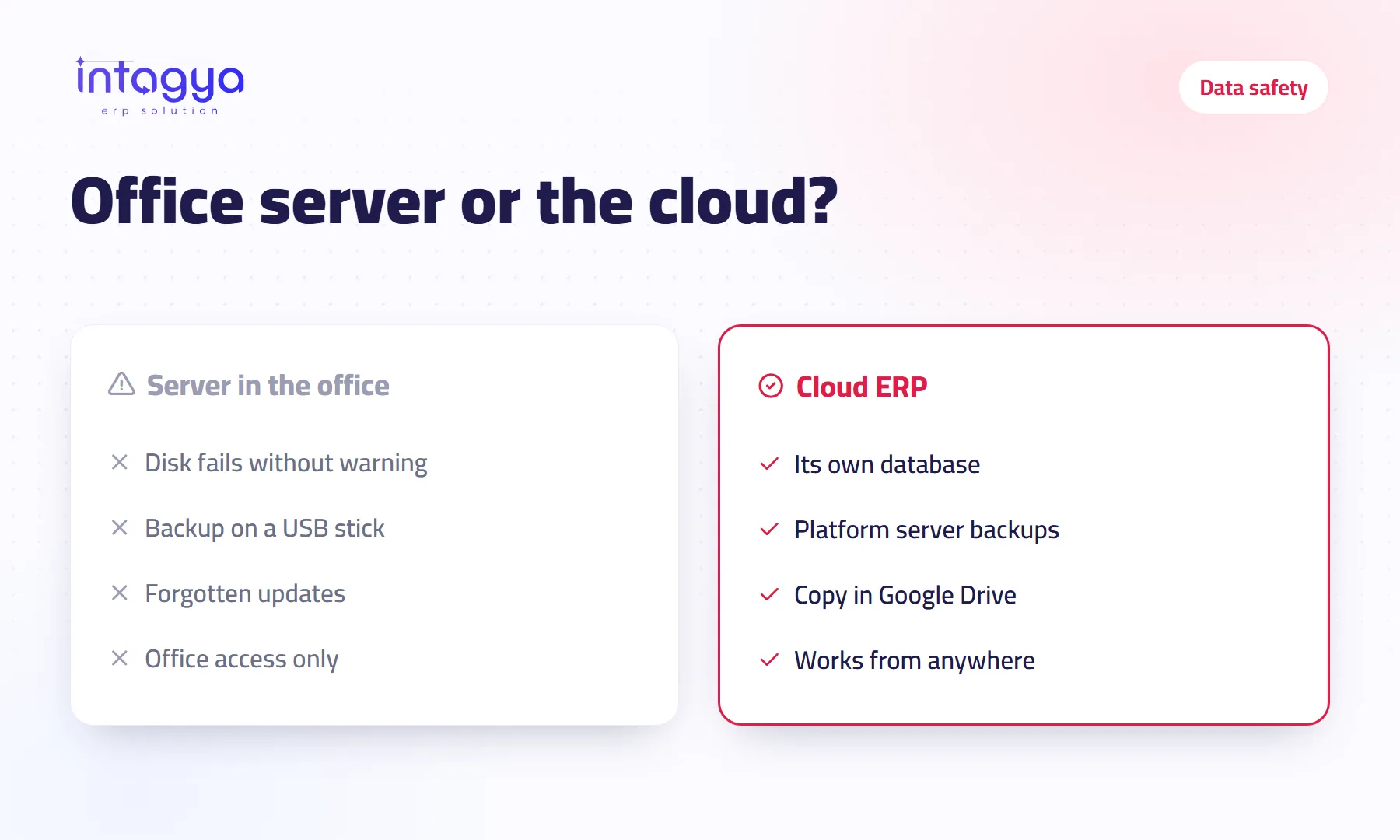
For most small and mid-sized companies, cloud ERP is safer than a machine in the office, provided your data sits in its own database, the provider keeps backups, and you hold a second copy outside it. A local server is safer only if someone updates it, backs it up and protects it every day.
In a trading company's office, the server is a box under the accountant's desk. It holds the program, the database and five years of invoices. The last backup is on a USB stick in the manager's drawer, and nobody remembers its date. Then the power cut out twice in one day, and the machine stopped booting.
The owner had refused the cloud because he “did not want his data with someone else”. A fair concern. But he was weighing a risk he imagined against one he lived with every day without seeing it.
Which is really safer: cloud ERP or a server in the office?
The safer one is the one somebody looks after every day. Most small companies have no one in charge of the server, so it goes without updates and without regular backups. That is where the cloud wins: looking after the server is the provider's job, not yours.
If you have an IT team, written backup rules and a spare machine, a local server is a reasonable choice. The question is not where the data sits. It is who is guarding it.
What threatens company data on a machine in the office?
- Hard disk failure, which comes without warning.
- Repeated power cuts and the corrupted files they leave.
- Theft, fire or a water leak in the office.
- Ransomware that gets in through one opened email on the same network.
- A backup stored next to the server, so it is lost with it.
And a quieter one: the employee who has the server's admin password and then leaves.
What are the real risks of cloud ERP?
We will not sell you the cloud as flawless. First, you need internet to work; if the line drops at a branch, that machine waits until it returns, so keep a backup line, even a phone data plan.
Second, you are trusting a provider. Ask before you sign: where is my data stored? Is it in its own database or mixed with other companies? How often do you back it up? Can I take a full copy whenever I want? If they dodge one of these, look elsewhere.
How is my company's data kept apart from other companies in Intagya ERP?
Every company on Intagya ERP gets its own workspace with its own subdomain and its own database. Your invoices and customers never share a table with another company, and nobody outside your company sees them. The platform also keeps backups of the databases on its servers.
Can I keep my own copy of my data?
Yes, and we recommend it. The Google Drive backup service, a paid add-on with a free trial, sends a daily copy of your company database and its attachments to a Google Drive account you own. You connect your account in one click, pick the backup time and how many days to keep copies, and can run a backup on demand. Intagya can see only the files it creates in your Drive.
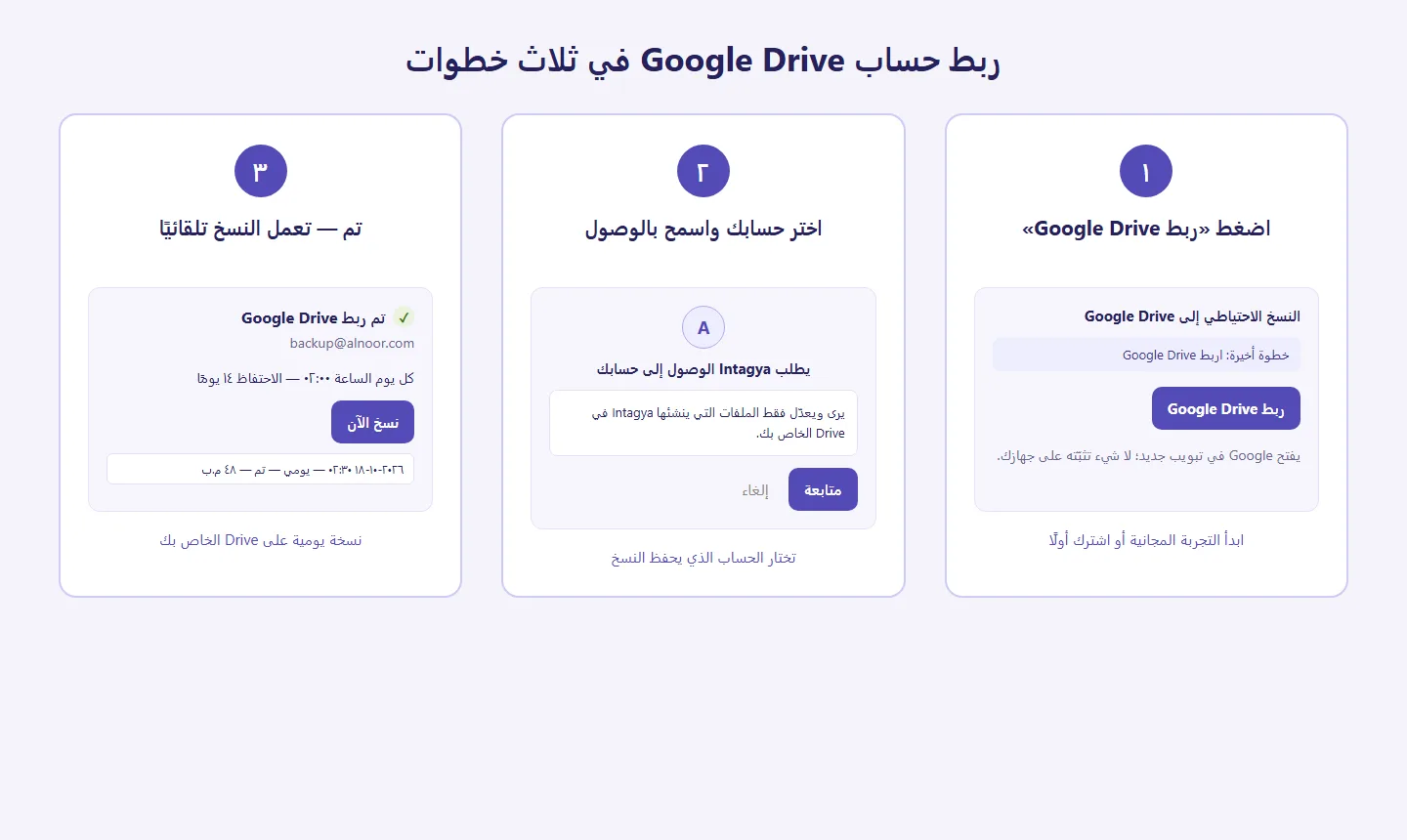
That gives you the best of both sides: a server someone looks after, and a copy in your hands that depends on nobody.
Who can see what inside my company?
The biggest risk to data is often internal: an employee who deletes an invoice by mistake, or a salesperson who can see the whole company's profit. Each Intagya ERP user has access rights that decide which apps they open and what they can do there. Give each person what their job needs, and review the list when someone leaves.
A backup you have never tried to restore is only a hope. Every few months, open the backup file and check that it exists and that its size makes sense.
This week: write down where your company data is today, when the last copy was taken and who holds the password. If you cannot answer one of these, start there. Then try Intagya ERP and connect Google Drive on day one.
Read how backup works in the user guide
FAQ
What happens if the internet drops while I work in cloud ERP?
You cannot work from that machine until the line returns, but your data stays safe on the server. Keep a backup line; some of your team can carry on from the phone app over mobile data.
Is the Google Drive backup free?
It is a paid add-on with a free trial; the price is on the pricing page. Backups on the platform's own servers come with every workspace.
Can Intagya staff see my Google Drive files?
The service asks for access only to the files it creates, in its own backup folder. The rest of your Drive is out of its reach.
Can I stop an employee from seeing the accounts?
Yes, with access rights. You decide which apps each user opens, so a salesperson works in Sales without seeing the financial reports.
Is this your business?
Want to see IntagyaERP on your own workflow?
Book a demo, tell us how your business runs, and watch the system handle a real scenario from your company.
Book a demo