
Where should my company start with AI?
| Intagya ERP
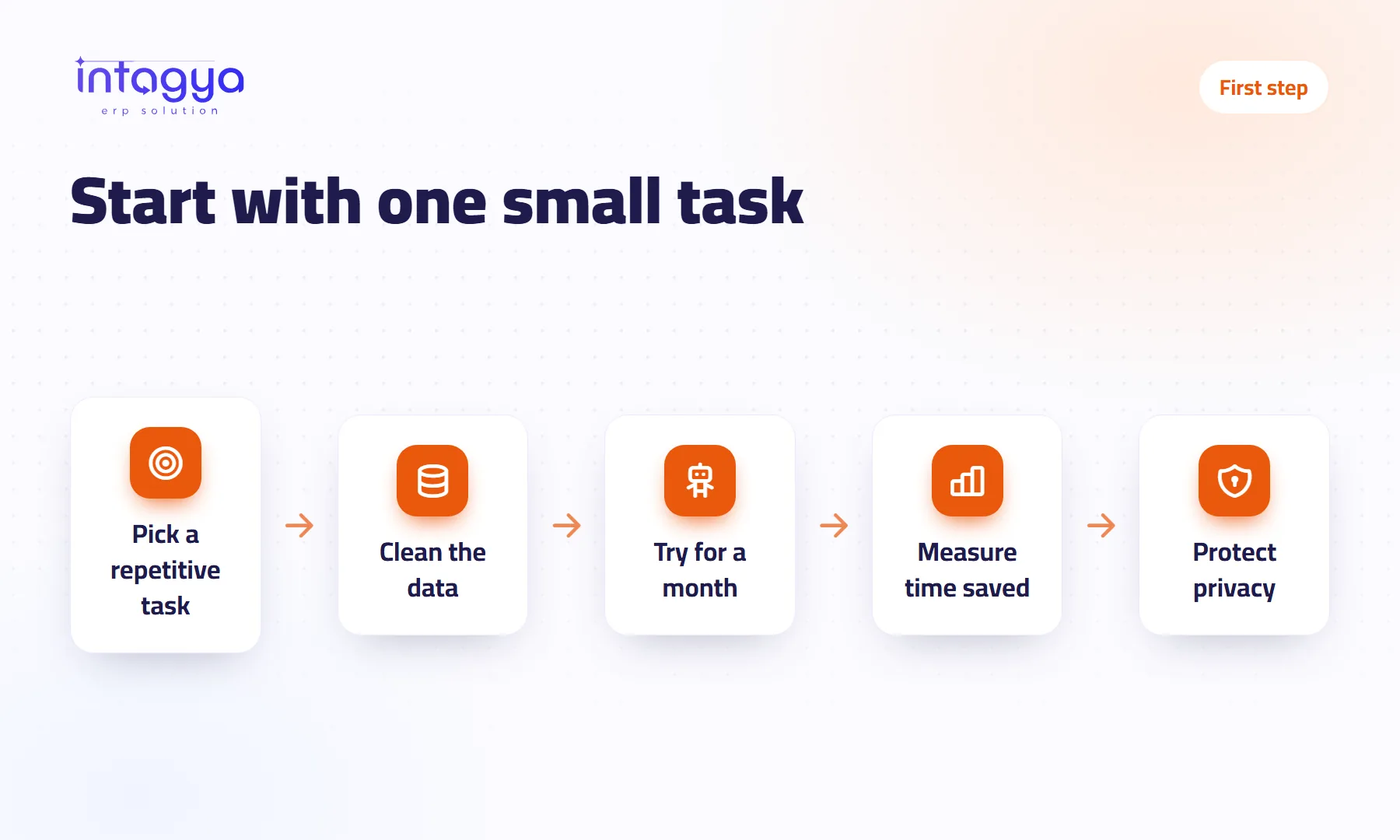
Start with one repetitive task your team dislikes, such as the weekly sales report someone builds by hand every Thursday. Make sure its numbers live in one system, try one tool for a month, and record the time before and after. If your invoices are still on paper or in scattered files, fix that first; AI will not fix it for you.
The owner of a distribution company once told me: “Everyone around me talks about AI, and I have no idea what to do with it on Monday morning.” I asked what wasted most of his time. He answered straight away: the sales report he waits for from his accountant every week.
That is where you start. Not with a tool. With a problem.
Do I need a big budget to start with AI?
No. The first month needs one trial on one task, not new platforms or a specialist hire. If it works, expand. If it fails, you lose little and learn something about how your company actually runs.
Which task should I try AI on first?
Pick dull work that repeats, follows clear rules, and is easy to check by eye. Do not start with something sensitive, like approving a large discount for a customer.
Examples I have seen work: a weekly sales and collections summary nobody has to type up. A short explanation of why expenses jumped this month. A list of customers whose invoices are late and who deserve a call today.
Choose one. Run three trials at once and you will never know which one worked.
Why do people say data comes before AI?
Because the tool can only analyse what it finds. If sales sit in a salesperson's spreadsheet, invoices in the accountant's file, and the same customer is entered under two names, you get an answer that looks tidy and is wrong.
My view is simple: do not start with AI while your invoices are still on paper. Get the work into one ERP first, then put analysis on top.
How do I know whether the trial worked?
Compare the same task before and after. Before you start, write down who does it, how many hours a week it takes, and how often you found a mistake in it last month.
- Note the current weekly time
- Use the tool for four weeks, with the employee checking every output before it is used
- Compare time and errors, and ask that employee whether the work feels lighter
- Decide: expand, adjust or stop
Give the trial one owner and one review date. A trial with no owner fades out without anyone noticing.
How do I protect customer data when using AI?
One rule covers most of it: never send a tool personal data the task does not need. Customer names, phone numbers and salaries should not be pasted into a public online tool because someone wanted a quick reply. Write two lines for the team: what may be entered, and who approves a new tool. That is enough to begin.
Should I start from inside my ERP?
Often that is the easiest route, because the data is already there and organised. Intagya ERP has the intagya AI add-on: an “Analyse with intagya AI” button on dashboard reports such as diagnosis, revenue, receivables, pipeline, projects and team, plus a side panel with suggested questions in Arabic. It sends aggregated figures only. It explains and suggests; it does not post entries or change your data.
What to do tomorrow morning: ask your team one question, “Which task would you happily never do again?”, and write down the answers. Pick one and time it before you open any tool.
Read: what does AI actually do inside an ERP?
FAQ
Do I need a technical hire to start with AI?
Not at first. You need someone who knows the task well and checks what the tool suggests, plus clean data.
How long should the first trial run?
About a month for most repetitive tasks. Shorter than that rarely gives a clear picture.
Does intagya AI change my data?
No. It reads aggregated figures, explains and suggests. It does not post entries or edit records.
My data is spread across spreadsheets. What now?
Bring it into one system first. Analysis on messy data gives you confidence in wrong numbers.
Is this your business?
Want to see IntagyaERP on your own workflow?
Book a demo, tell us how your business runs, and watch the system handle a real scenario from your company.
Book a demo