
How do I connect my website and email to my company domain?
| Intagya ERP
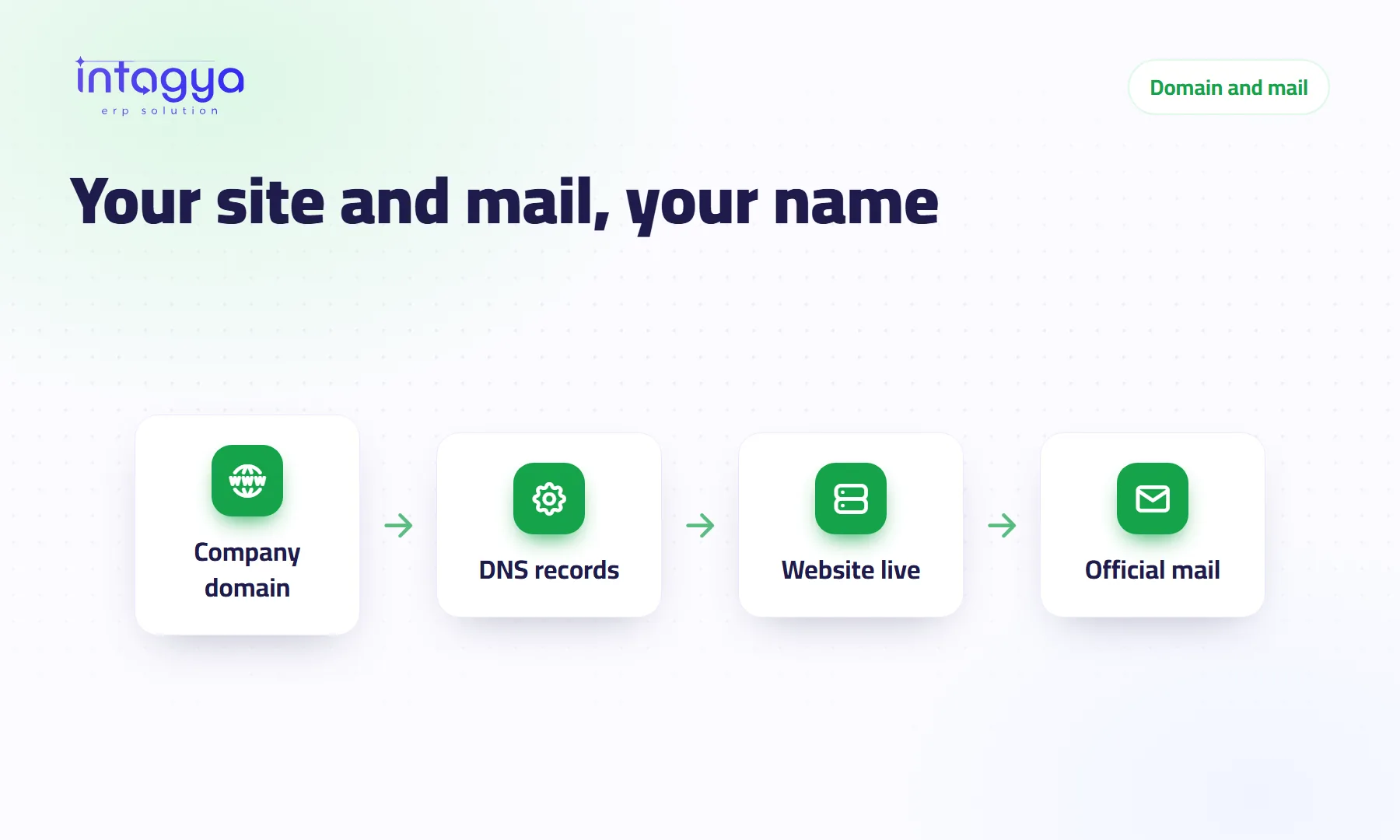
You add DNS records at the company where you bought the domain: website records point to the site's server, mail records point to the mail server. In Intagya ERP the domain guide shows each step with pictures, and if you buy mail hosting the Email app lists the records it needs and checks them for you.
Why put my website and email on my company domain?
A salesperson sends a large quotation from a free personal mailbox. The customer hesitates and wonders whether this is a real company at all.
An address like sales@yourcompany.com answers that before anyone asks. There is a quieter benefit too: when the salesperson leaves, the mailbox stays with the company and the customer history does not walk out with him.
What are DNS records, in plain words?
They are your domain's address book. You are not moving a website or a mailbox; you are writing down, in the domain panel, where visitors and messages should go. Three types cover most cases:
- A record: links your domain to the server that shows the website
- MX record: names the server that receives company mail
- TXT record: text that proves you own the domain and helps keep your mail out of spam folders
How do I point my domain at my Intagya ERP website?
In the panel of the company you bought the domain from. Add the website records listed in the guide and remove old ones that pointed at a previous host. Leave the mail records alone if your mail lives somewhere else.
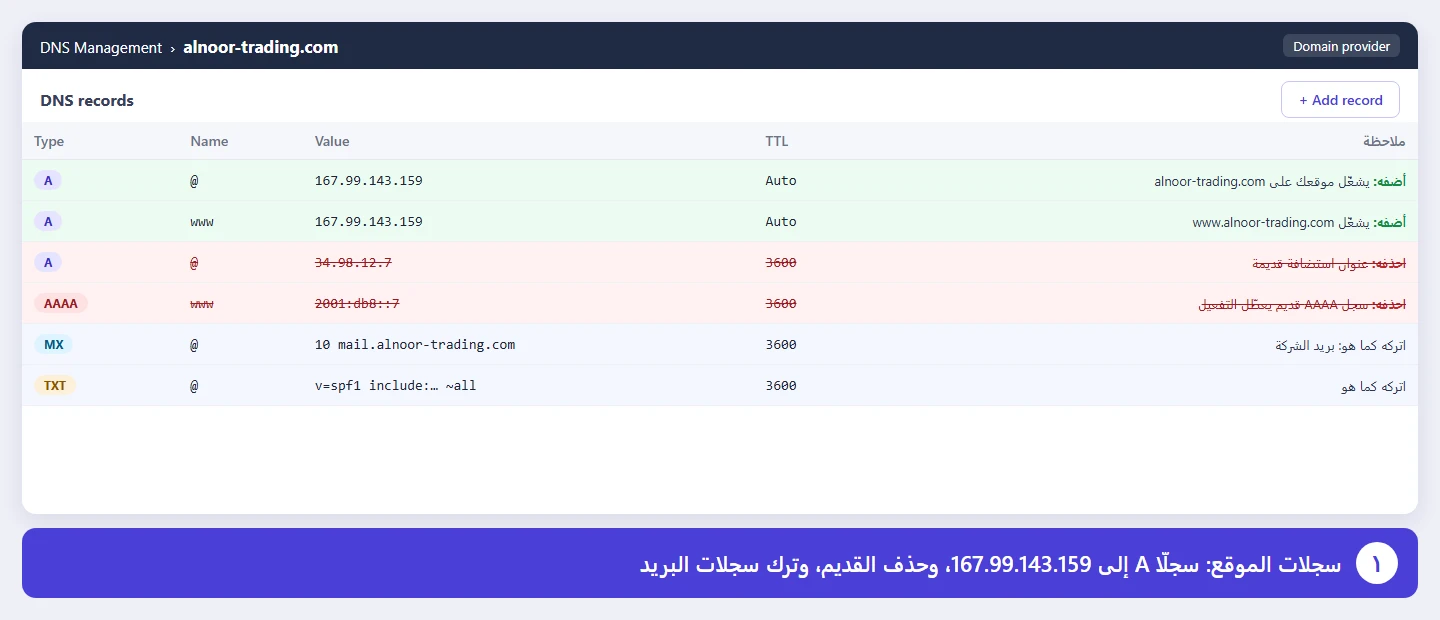
The domain guide in the documentation walks through this with one picture per step. No technical background needed.
How do I create official mailboxes on my domain inside the system?
In the Email app, under Hosting. Pick a package, pay, add your domain, and the system shows the mail records to add at your domain panel, then checks them. Once the check passes you create mailboxes for your team. Hosting is a paid add-on; packages are on the pricing page.
Can I keep my current mailbox with another provider?
Yes, and it costs nothing. Link your existing mailbox, Gmail or Outlook for example, to the Email app, with no limit on the number of mailboxes. You read and reply inside Intagya ERP and link messages to customers, opportunities or invoices. My advice: if your mail works fine where it is, link it now and leave moving it for later.
How long does it take, and what should I avoid?
Adding records takes minutes. The change can take hours to spread, depending on your provider, so do not panic if the site does not open straight away. The mistakes I see most often are an old record nobody removed, and mail records deleted by accident while editing the website ones. Mail then stops for a day and nobody knows why.
Who should own the domain account in my company?
The company. Not an employee, and not the designer who built the old website. It sounds obvious, yet it is the most common problem I run into: the owner has no idea where the domain was registered, and the account is in the name of a designer who no longer answers the phone.
If that is you, start there, before any record. Ask for the domain account to be moved to an official company address, and store its password in the password manager inside the system. Check the renewal date too; an expired domain takes the website and the mail down together, and no correct record will save you then.
Before you touch anything, take a screenshot of your current records. If something goes wrong you can put them back in a minute.
Tomorrow: sign in to your domain panel and make sure you can actually reach the DNS records page. Then open the guide and follow the pictures one by one.
FAQ
Do I have to buy the domain from Intagya?
No. Use your existing domain from any provider and add the records in its panel.
Will my mail stop when I connect the website?
Not as long as you leave the mail records in place.
Does hosted mail work right after payment?
No. You add the records the system shows first; once they spread and the system has checked them, you create the mailboxes.
Is this your business?
Want to see IntagyaERP on your own workflow?
Book a demo, tell us how your business runs, and watch the system handle a real scenario from your company.
Book a demo