
How do I make sure my sales team never forgets to follow up with a customer?
| Intagya ERP
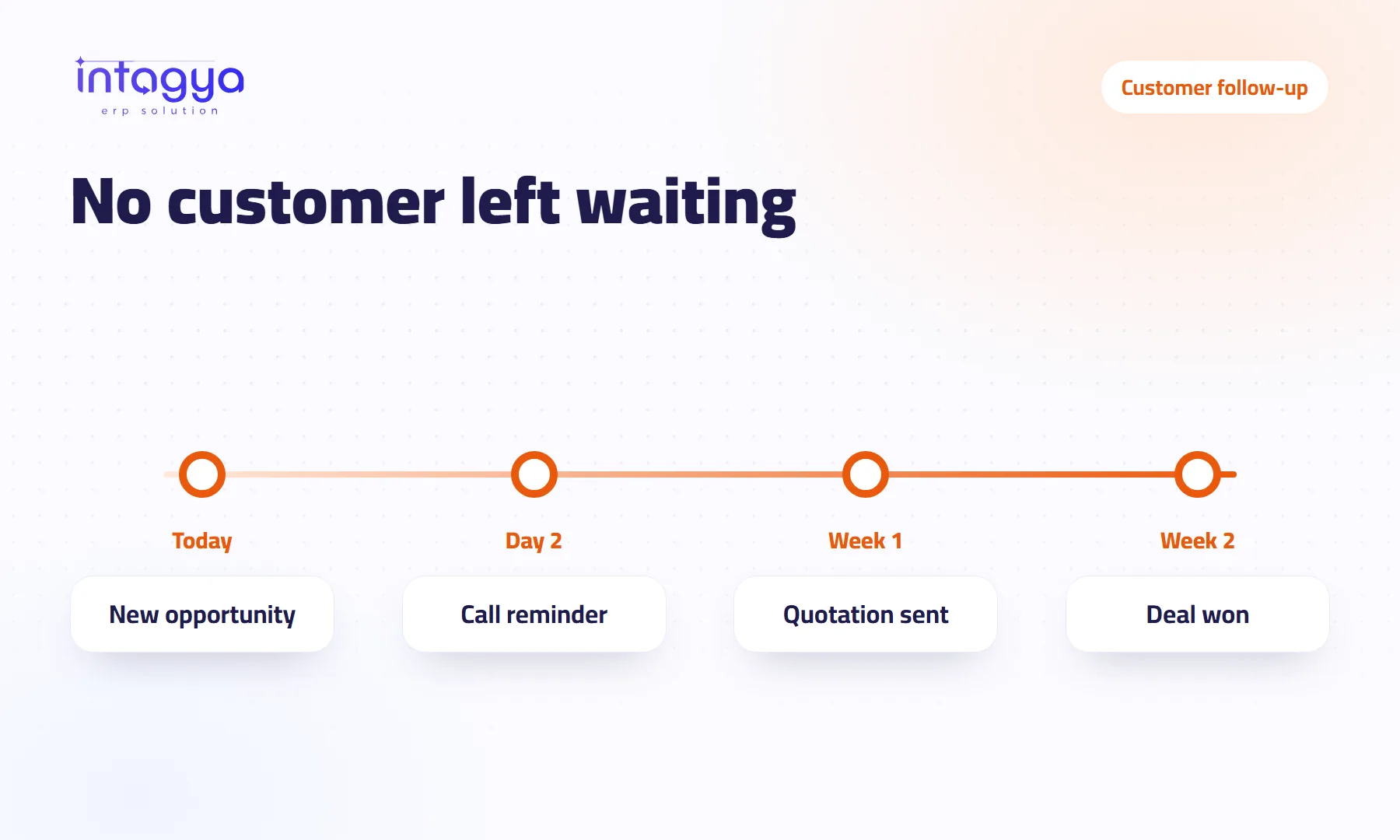
Give every opportunity a next activity with a date and an owner inside the CRM, not in the salesperson's head. In Intagya ERP the salesperson schedules a call or meeting on the opportunity; a reminder arrives on time with a sound, a phone alert opens that exact opportunity, and the manager sees what is late before it is lost.
Why do sales teams forget to follow up?
Sam is a good salesperson. He keeps customer numbers in his phone and writes appointments on a sticky note on his monitor. Tuesday was packed with visits, and the note fell behind the desk. The customer who said “call me next week” bought from a competitor ten days later.
Sam is not lazy. The follow-up simply depended on his memory and nothing else.
What does one missed follow-up cost my business?
An interested customer, which is the most expensive kind. You already paid to reach them through an ad, a visit or a trade show, and then you let them go. Say you have 40 open opportunities and 5 follow-ups slip in a month: you need better follow-up far more than you need new leads.
How do activities and reminders work in Intagya ERP?
An activity is the next step with a customer, written on the opportunity itself: a call, a meeting or a quotation to send, with a date and an owner. Opportunities sit on a stage board and each card shows the state of its next activity, so every morning a salesperson sees what is due and what is late.
Above the list there is a small strip of figures: open opportunities, deals won this month, expected value. One glance.
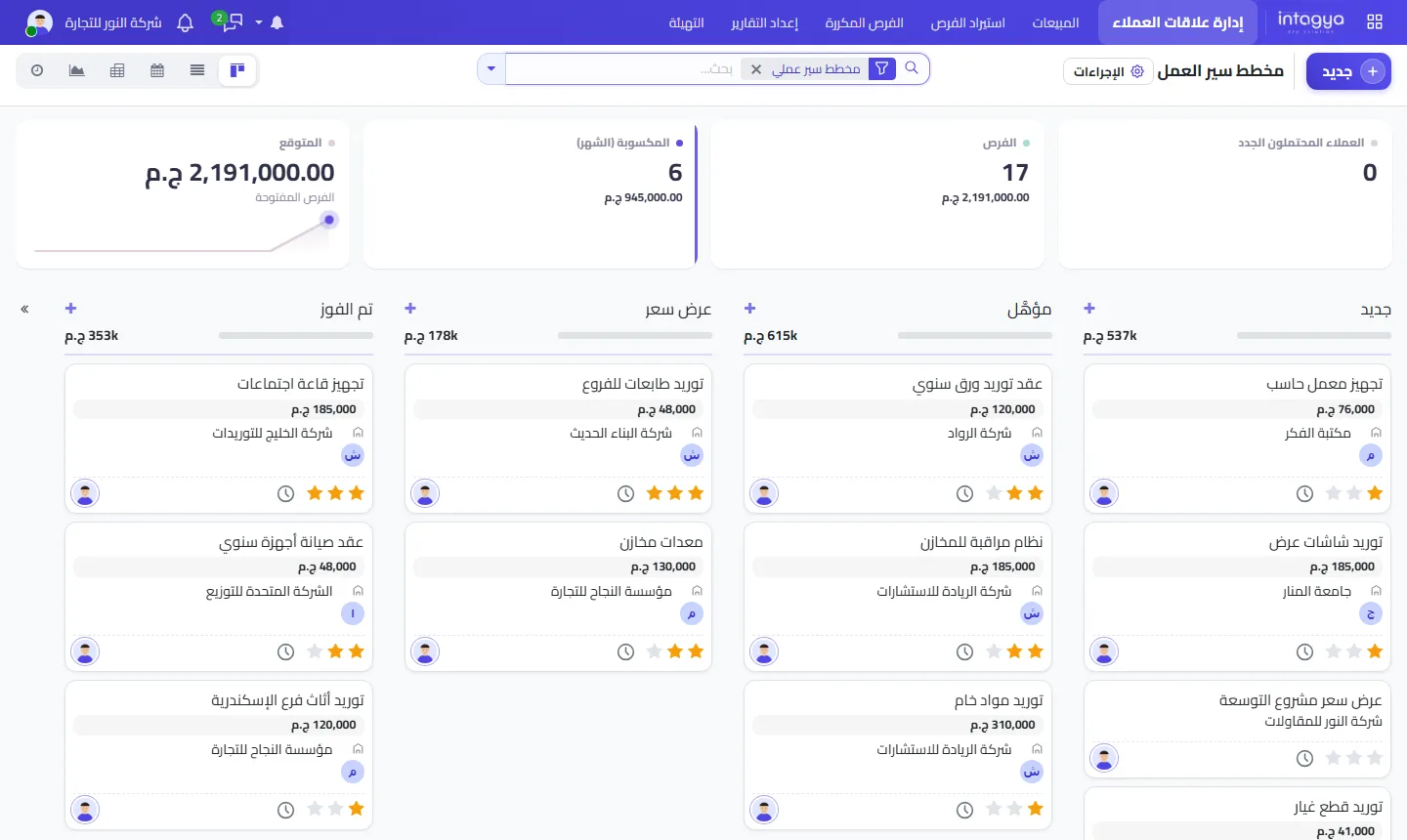
Activities are not limited to opportunities. You can put them on tasks and invoices as well, for instance a reminder to chase an overdue invoice.
How does a reminder reach a salesperson who is out of the office?
On his phone, through the Intagya ERP Android app. The alert arrives when the activity is due, and one tap opens the opportunity: the customer's name and the last note, right before he dials. On the computer, every notification plays a sound, so reminders do not slip by silently behind ten open windows.
How does a manager know follow-ups are really happening?
Open the overdue activities for each salesperson, then look for opportunities with no next activity at all. In my view the second list matters more; those are deals that died quietly. One question about a specific customer in the morning meeting does more than a long report at month end.
What if my salespeople refuse to log activities?
Some will push back at first. That is normal; a good salesperson feels his time belongs in the field, not in front of a screen.
Do not argue. Show him the system works for him before it works for the manager: the reminder lands on his phone, the opportunity opens with one tap and the last note is right there, so he needs neither sticky notes nor a perfect memory. Keep logging short, too. Two words and a date beat nothing. And go first yourself: if the manager keeps asking about customers in a side chat instead of the system, the team will conclude the system is for show.
Where do I start with my team?
With one rule everyone keeps: no opportunity without a next activity. The rest follows.
- Enter your current opportunities in the CRM
- Install the phone app for each salesperson and turn on notifications
- Review overdue activities in a short weekly meeting
When you mark an activity done, schedule the next one right then, before you close the opportunity. That habit alone prevents most lost follow-ups.
Tomorrow morning: open the pipeline, filter the opportunities with no activity, and ask each salesperson to schedule one for every card before lunch.
FAQ
Does the phone alert work on iPhone?
The Intagya ERP app is currently for Android; the system also opens in the browser on any phone.
Can I schedule an activity for a colleague?
Yes. You pick the owner when scheduling, and the reminder goes to them.
Can the notification sound be turned off?
Each user controls the sound on their own device and browser, though we suggest sales teams keep it on.
Is this your business?
Want to see IntagyaERP on your own workflow?
Book a demo, tell us how your business runs, and watch the system handle a real scenario from your company.
Book a demo