
How do I protect my company's data from being lost?
| Intagya ERP
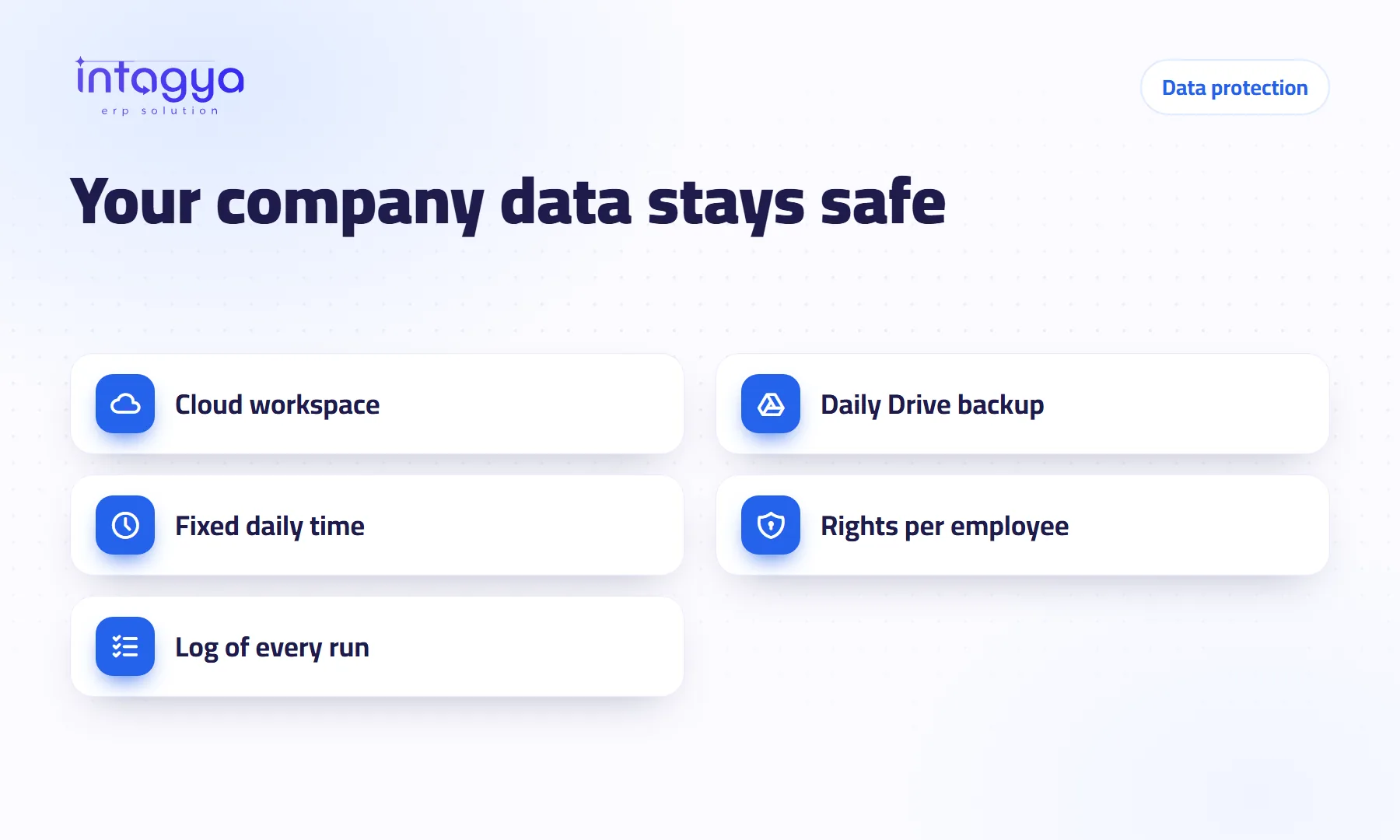
Three things: work in a cloud system rather than on one computer, keep a daily backup in an account you own, and do not give every employee rights to everything. In Intagya ERP your company runs in its own cloud workspace, and you can add a daily backup to your company's own Google Drive.
How do companies usually lose their data?
The owner of a distribution company once called me to ask whether a file could be rescued from a dead hard drive. It was the only spreadsheet holding customer balances. No other copy. No paper to fall back on.
That is how data usually goes. Not through some dramatic attack, but through a broken laptop, a file saved over by mistake, or an employee who leaves with files on his own machine.
What is the difference between cloud data and files on office computers?
A local file lives and dies with the machine it was saved on. Copy it to three laptops and you have three different versions and no idea which is right.
In Intagya ERP each company has its own workspace and database on the server, and the team works from the browser or the phone app. If the accountant's laptop fails, he opens another one and carries on. The platform also keeps its own backups on its servers.
Why do I need a backup in an account I own?
Because the old rule still holds: never keep every copy in one place. The platform's backups protect you, and a copy on your company's Google Drive adds something more: your data, in your hands, whenever you want it.
How does the daily Google Drive backup work?
Every day at the time you choose, the system saves your company's database and attachments into an intagya-backup folder on the Google Drive you connected. Intagya can see only the files it creates there.
- Connect your Google account with one click; nothing to install
- Pick the daily time and how many days of backups to keep
- Press Back up now when you want a copy before a big change
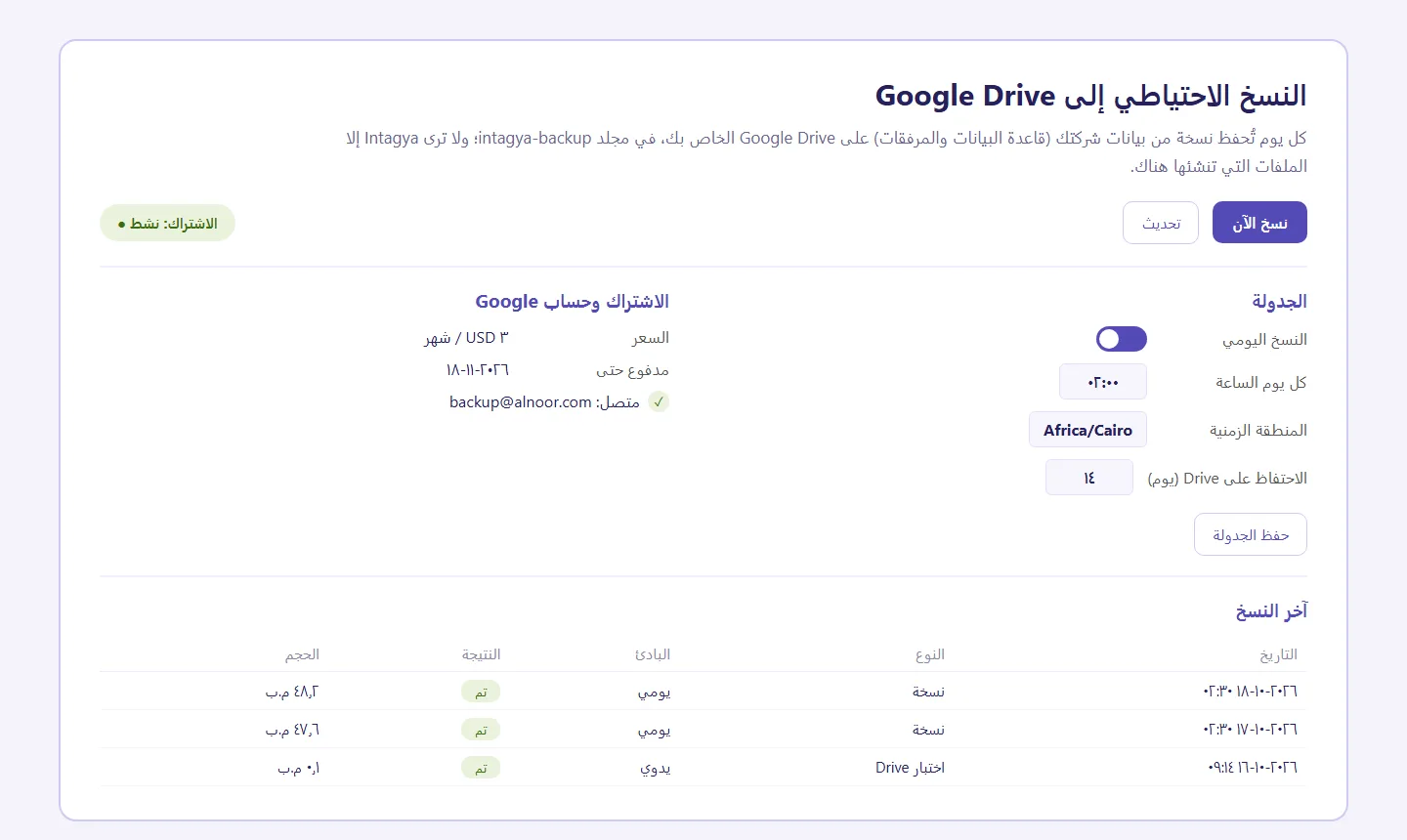
Below that, a table lists every run with its date, result and size. It is a paid add-on with a free trial; the price is on the pricing page.
How do access rights protect my data from mistakes inside the company?
A lot of loss does not come from outside. It comes from someone deleting a record they should never have reached. The storekeeper does not need payroll; a salesperson does not need to edit journal entries. In the system you give each user what their job needs, and accidental deletions drop. Passwords for outside accounts get their own protected place too.
Is a backup enough on its own?
No. A backup nobody checks can stop for a month and nobody notices until the day it is needed. Real protection is a small habit: a weekly look at the panel.
Think about the Google account itself, too. Connect the backup to an employee's personal account and you may lose access the day he leaves. Use an account that belongs to the company, keep its password somewhere safe inside the system, and turn on two-step verification for it. Keep an eye on the free space on Drive as well; the number of days you choose to keep decides how many copies sit there.
And there is one thing no backup protects: data that was never recorded. The receipt a sales rep sends over chat and nobody enters will not appear in any backup.
Make checking the backup panel a weekly task with one person's name on it: open the table and confirm the latest run says Done.
Tomorrow morning, ask yourself where your most important company files sit right now. If the answer is “on so-and-so's laptop”, that is the first thing to move into the system.
See Intagya ERP add-ons and pricing
FAQ
Can Intagya see all my files on Google Drive?
No. Only the files it creates in the intagya-backup folder.
What does the backup contain?
Your company's database and its attachments, for your company only.
Do I need it if the platform already backs up?
It is not required, but it is an extra copy in an account you own, which is worth considering.
Is this your business?
Want to see IntagyaERP on your own workflow?
Book a demo, tell us how your business runs, and watch the system handle a real scenario from your company.
Book a demo