
Why is AI no use to me if my data is messy?
| Intagya ERP
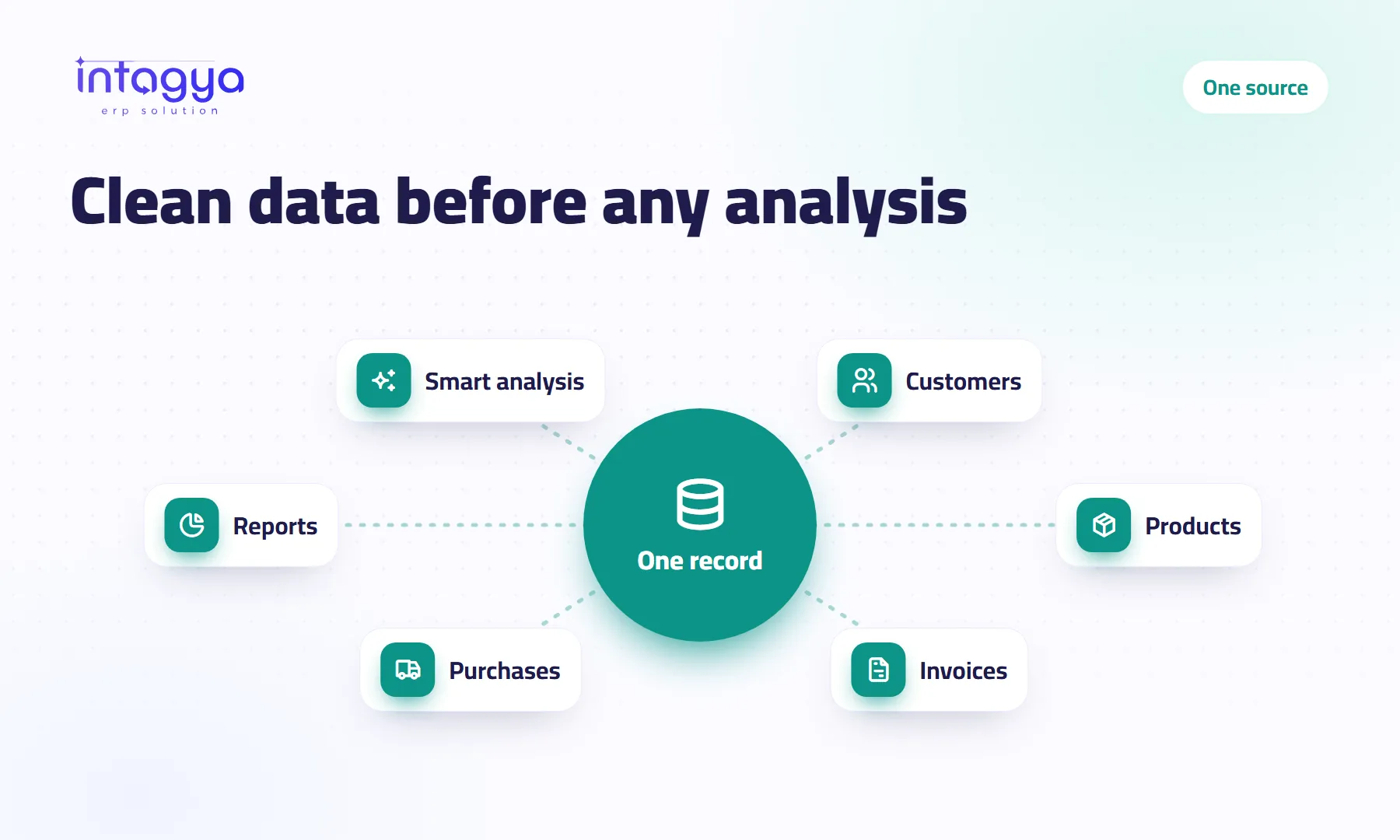
Because AI cannot tell that “Al Amana Co.” and “Al Amana Contracting” are the same customer, or that last year's price list is out of date. It analyses what it finds and presents it as fact. The fix is not a smarter tool but one source of truth: one record per customer and product inside your ERP, cleaned once and kept clean with simple rules.
A sales manager asked an AI tool for his top ten customers. A customer he knew was number one came in sixth. Why? It existed three times: once under its official name, once under a short name, and once under the phone number of its accountant. Its sales were split across three records.
The tool did not get it wrong. The data did.
How does messy data ruin AI results?
Quietly, with no error message. Duplicates split one customer's figures. An old price in a side file throws off the profit maths. An invoice the accountant wrote in his ledger but never entered is invisible to everyone. What you get is a report that looks convincing.
What I see most in companies: a salesperson who keeps customers in his phone, an accountant who waits for receipts on WhatsApp, a warehouse with its own spreadsheet. Everyone has their own version of the truth.
What does one source of truth mean for a company?
Every piece of information has one home that everyone uses. A customer has one record. A product has one card with an approved price. An invoice is recorded in the system, not in a side file. When sales, accounting and management ask the same question, they get the same number.
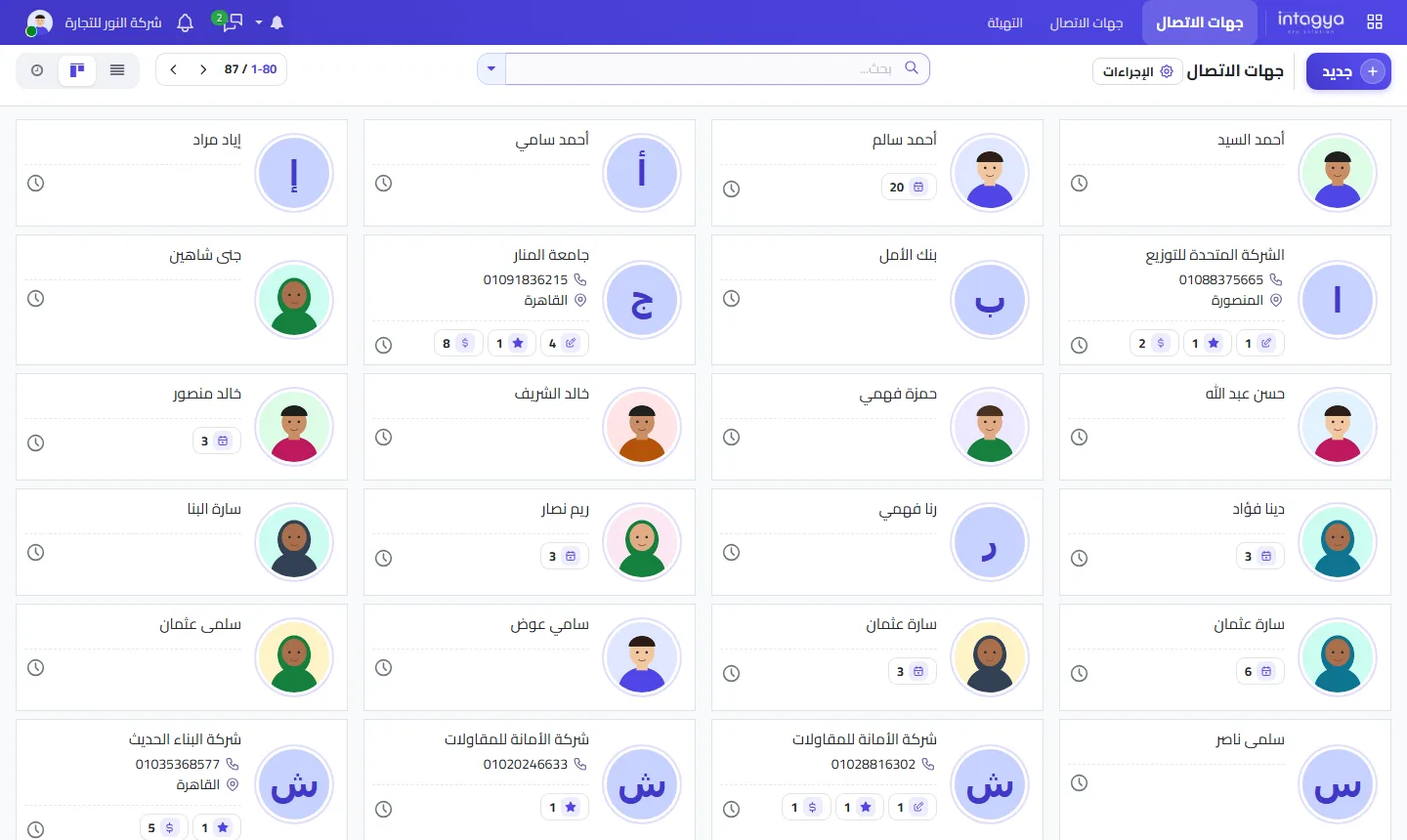
Where do I start cleaning customer and product records?
Do not try to clean everything. Start with customers who bought from you in the last year and products that actually move. The rest can wait.
- Gather the scattered lists in one place before editing anything
- Look for similar names and repeated phone numbers
- Pick one correct record per customer and move missing details into it
- Standardise product names, units and prices
- Retire the old files and tell the team the system is now the only reference
That last step is the hardest and matters most. Leave the old file open and someone will go back to it.
How do I stop duplicates from coming back?
One habit first: search before you create. Then decide who may add a new customer or product, and agree how names are written, for example the full official company name. Review new customers once a month; ten minutes is enough.
Before you click “New”, type the first two words of the name or the last four digits of the phone into search. Those seconds save hours of clean-up later.
What do I gain from clean data even without AI?
A lot, and honestly this is the bigger gain. You see a customer's real balance in one record. You never send them two invoices. Two of your staff never call the same customer on the same day with the same question. The monthly report comes out right the first time, instead of being patched by hand the night before the meeting.
How does Intagya ERP help keep data clean?
In Intagya ERP, sales, purchases, inventory, invoicing and customers run on one database of your own, so no side file can contradict the system. The smart dashboard reads from that same source, and the intagya AI add-on explains revenue, receivables and the pipeline from aggregated figures taken from the same place. The system will not clean the data by itself, though. That is your team's call and daily habit.
What to do tomorrow morning: ask someone to list your twenty biggest customers and search for each one in the system. How many turn up twice? That number tells you where to start.
Try Intagya ERP free for 14 days
FAQ
How long does cleaning customer data take?
It depends on volume. Start with active customers only; they are usually a small part of the list and you see results fast.
Should I delete duplicate records?
Move their details into one correct record first, so you do not lose linked invoices or notes.
Will AI fix duplicates by itself?
Do not count on it. intagya AI reads and explains; it does not edit data.
Who should own data quality?
Give it a clear owner: the sales lead for customers, the stock lead for products.
Is this your business?
Want to see IntagyaERP on your own workflow?
Book a demo, tell us how your business runs, and watch the system handle a real scenario from your company.
Book a demo