
How do I know my team is productive without watching them all day?
| Intagya ERP
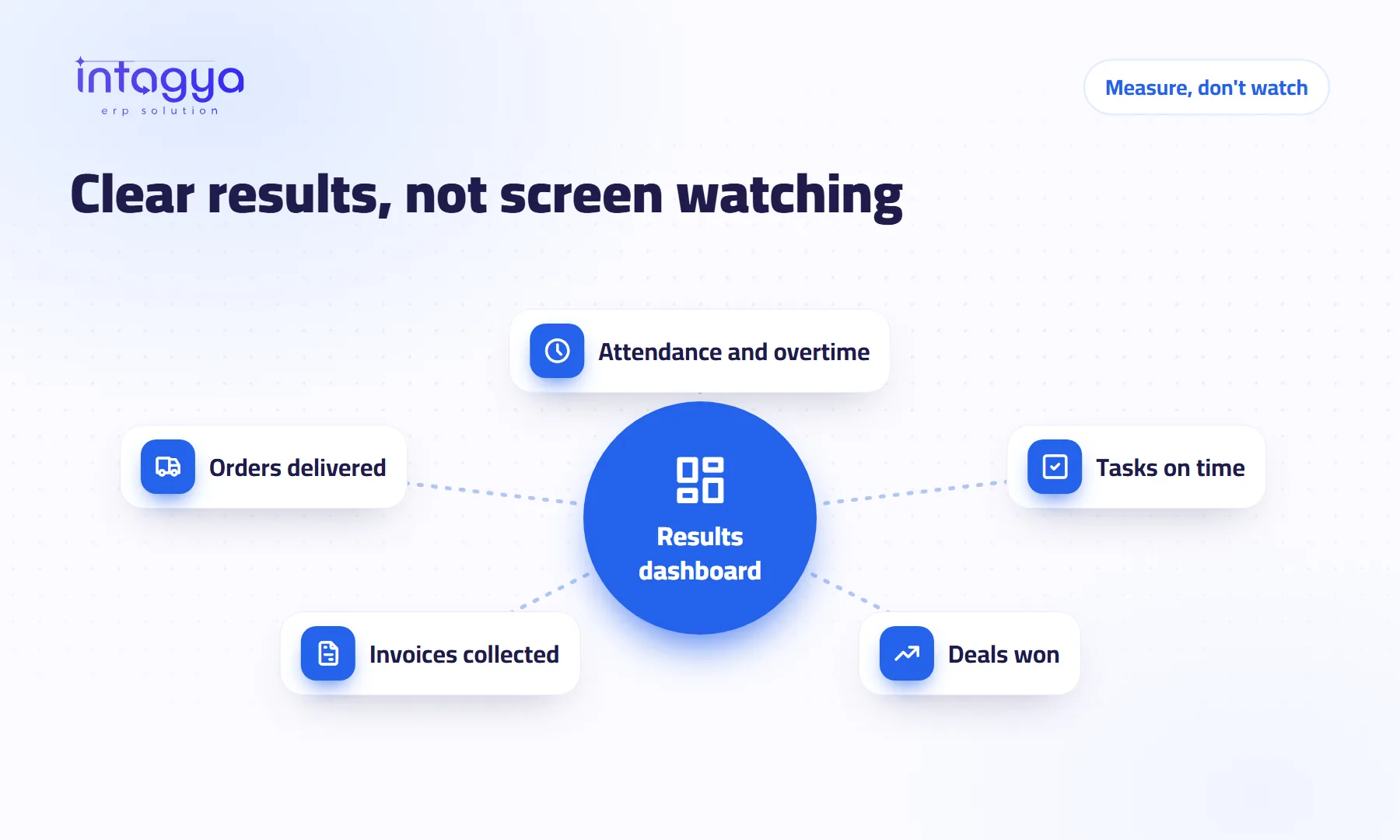
You judge productivity by results, not by watching. Give each role two or three clear indicators, such as tasks finished on time, orders delivered or invoices collected, and review them weekly on one dashboard. Attendance records complete the picture without turning into surveillance, and trust holds because everyone sees the same measures.
Why doesn't constant monitoring raise productivity?
A business owner checks the office cameras on his phone to make sure everyone is at their desk. They are. Meanwhile the important quote went out two days late, and no camera told him.
Monitoring measures time in the chair, not the value of the work, and people who feel watched all day put their energy into looking busy. So my advice is blunt: don't buy software that records your staff's screens. Spend that money and attention on measuring results.
What is the difference between outcome and activity measures?
An activity measure tells you how much someone moved; an outcome measure tells you what changed because of their work. Messages sent are activity. Deals won are an outcome.
- Sales: opportunities won this month, quotes turned into sales orders.
- Purchasing and stock: orders received on time, items that never ran out.
- Accounting: fewer overdue invoices, faster collection.
- Projects: tasks done before their deadline, fewer late tasks.
How do I choose the right indicators for each person?
Pick two or three per role: things the person can influence directly and the system can count, not a manual report. Write one sentence on what makes the role successful, turn it into a number, and agree on it with the employee before you start.
Know the limit of this approach: any indicator can be gamed. Judge a salesperson only on the number of quotes and you will get plenty of quotes that never become sales. Review your indicators monthly and change any that start rewarding appearances over results.
Is tracking attendance a form of surveillance?
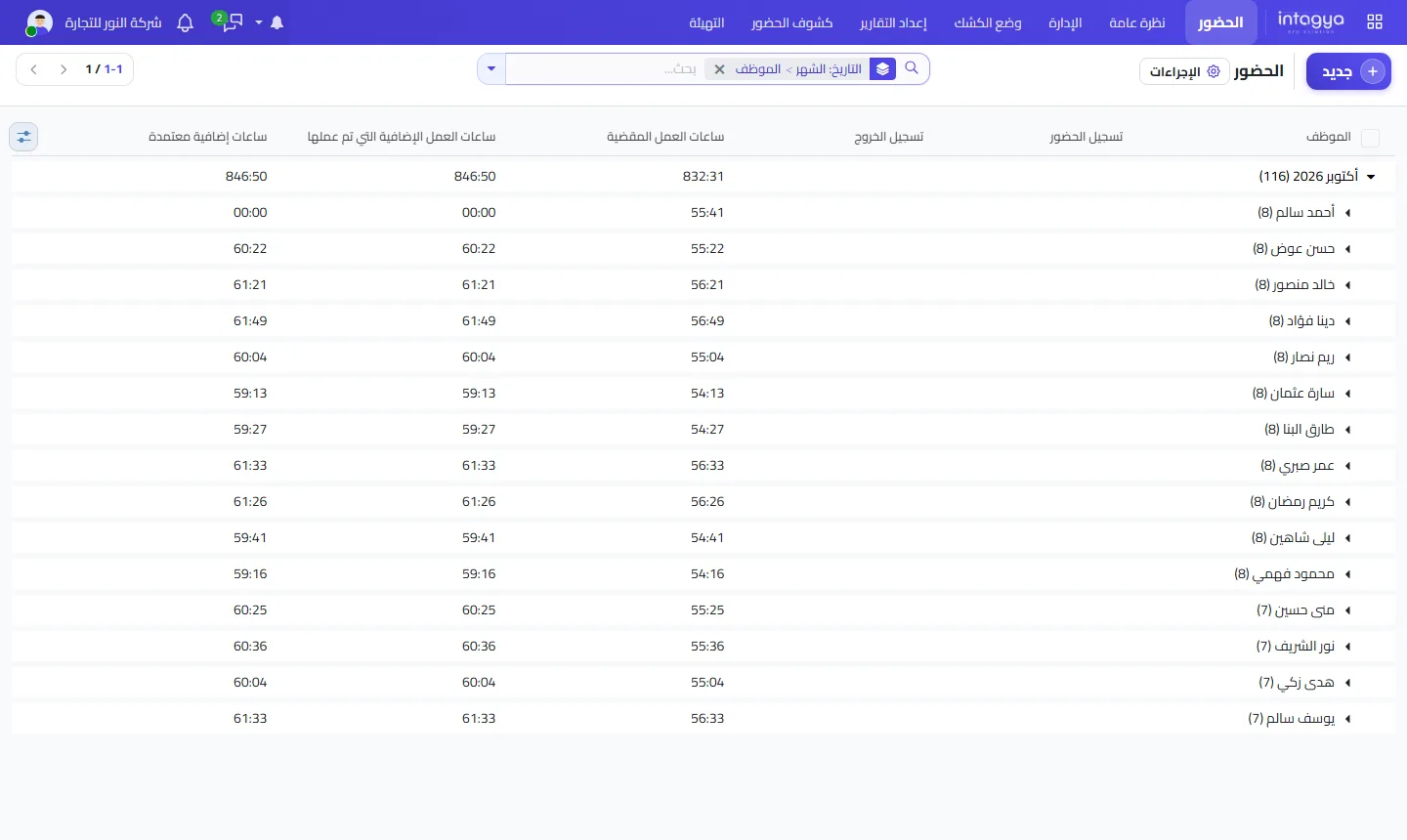
Not when it is used for its purpose: knowing working hours and overtime, fairly, for everyone. It settles payroll and overtime disputes, and it shows when a team regularly works longer than it should, which is a sign of workload that needs fixing.
How can I review team productivity in a few minutes a week?
One dashboard, same time every week. Look at what changed since last week and only ask questions where there is a clear gap. The rest doesn't need you.
Ask what is blocking you before you ask why something is late. Most delays come from how work is set up, not from people slacking.
How does Intagya ERP help me measure results without watching?
In Intagya ERP the Attendance app records check-in, check-out, hours worked and overtime for each employee, and Projects shows each task with its owner and deadline. A strip of key figures sits at the top of the Sales, Purchases, Inventory, CRM and Projects lists, computed with the user's own access rights. The smart dashboard gives a company overview, including open tasks and the team, and its Diagnosis tab shows where work is stuck.
Tomorrow morning: pick one employee, sit down for ten minutes, and agree on two indicators for their work that you can both see in the system. Review them together in a week. Then do the same with the next person.
FAQ
Can every employee see their colleagues' figures?
The key figures strip is computed with each user's own access rights, so people only see what their permissions allow.
How many indicators does each person need?
Two or three are enough. Too many scatter attention and make the weekly review long.
Is there a mobile app?
Yes, Intagya ERP has an Android app; check the app page for what it includes.
Is this your business?
Want to see IntagyaERP on your own workflow?
Book a demo, tell us how your business runs, and watch the system handle a real scenario from your company.
Book a demo