
How do I move my company to a digital system without stopping work?
| Intagya ERP
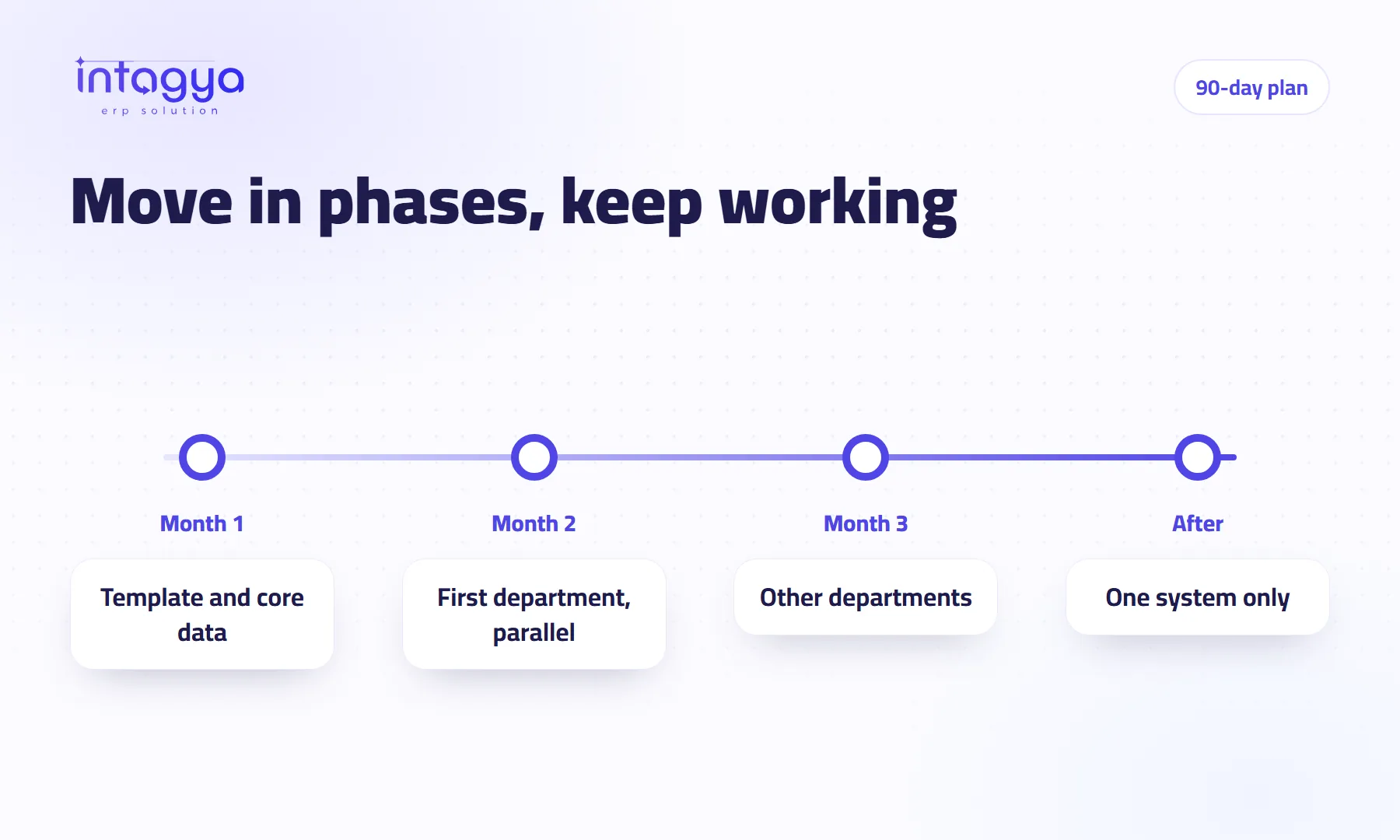
Do not move everything on one day. Split it into three phases over about 90 days: set up from a ready template for your sector with your core data, then run one department on both the system and the old method for a short time, then bring in the rest. Switch off the old method once the numbers have matched for a few weeks, not before and not long after.
A trading company decided to switch every department to the new system on a Saturday. By Sunday the warehouse could not find some stock balances, the accountant did not know where to record a payment that had just arrived, and one salesperson went back to his old notebook “for now”. “For now” lasted six months.
The system was not the problem. Saturday was.
Why does work stop at some companies when they change systems?
Because they move every department and every record in one go, with no training and no fallback. The team learns under customer pressure and mistakes show up at the worst moment. A phased move is a little slower at the start and much faster overall, because nothing has to be redone.
What does a 90-day ERP plan look like?
Three phases. Treat the numbers as a frame: a five-person company may finish in weeks, a company with branches may need longer.
Month 1: set up
Pick the sector template closest to your business so the right apps come ready. Enter or import your core data from spreadsheets: active customers, products, suppliers and open balances. Create users and set each person's access. Then choose one department to go first; usually sales and invoicing.
Month 2: the first department
That department records its daily work in the system while the old method keeps running beside it for a short time. Compare the numbers every week. Every question or problem becomes a task with an owner and a date, not a message lost in someone's phone.
Month 3: everyone else
- Bring in departments one at a time: purchasing, then inventory, then projects
- Turn on the KPI strips so each manager sees their own figures
- Find the side files someone is still using and move them in
How do I keep the move itself on schedule?
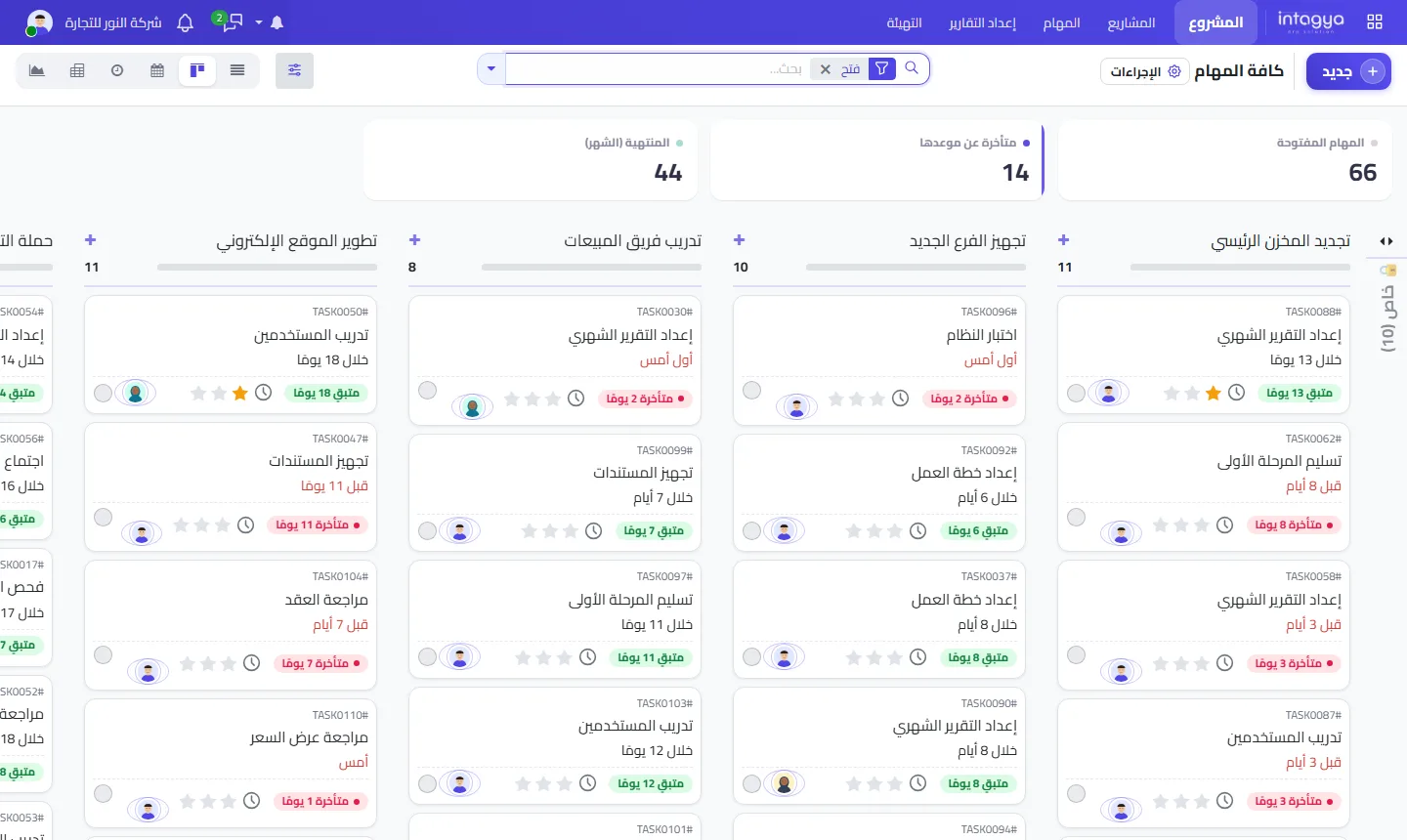
Run it as a project inside the system. Each step is a task with an owner and a date. From week one you see what is late and who is waiting on whom, instead of finding out at the end-of-month meeting.
How much training does the team need?
Less than you think, as long as it covers only what each person will use. A salesperson does not need to understand all of accounting. Train each team on its own screens, then let them work on real data.
Pick one keen person in each department to be the go-to for colleagues. A small question gets solved in a minute instead of stopping work for an hour.
When do I switch off the old method for good?
When the system's numbers have matched it for several weeks in a row and the team gets through the day without help. Do not drag the parallel run out. Double work is tiring, and tired people go back to old habits. That is the trade-off: more safety for more effort, so keep it short.
How does Intagya ERP make the move easier?
Your company gets its own workspace and separate database, started from a ready template for your sector, with an Arabic and English interface. There is a user guide in the documentation, an Android app for field staff, and a free 14-day trial with no credit card. Those days are enough to get through much of phase one before you commit.
What to do tomorrow morning: write down three lines. Which department goes first, who owns the move, and the start date. Without those three lines the plan is just an idea.
FAQ
Do I have to move all my old data?
No. Move what daily work needs: active customers, products and open balances. Keep the old archive for reference.
When is the best time to start?
A quiet period in your year, ideally the start of a month, because comparing numbers gets easier.
Can field staff use the system on their phones?
Yes. There is an Intagya ERP Android app on the app page.
My company is tiny. Do I need 90 days?
Probably not. Same steps, but they may take weeks because there are fewer departments and less data.
Is this your business?
Want to see IntagyaERP on your own workflow?
Book a demo, tell us how your business runs, and watch the system handle a real scenario from your company.
Book a demo