
How do I end late approvals and paperwork in my company?
| Intagya ERP
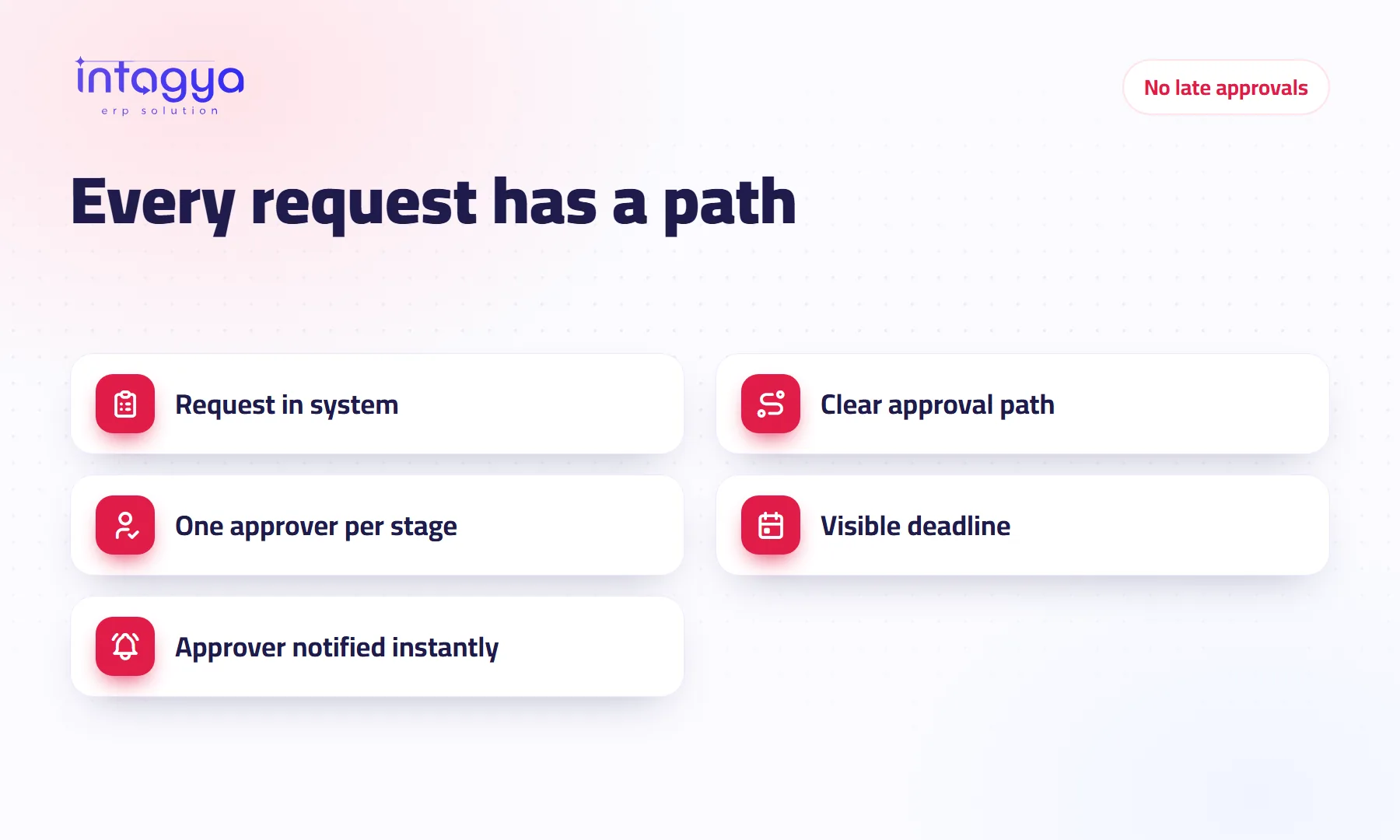
Late approvals end when every request follows a written path inside the system: who approves, in what order and by when. Approvers see a list of what waits for them, and requesters see where their request stands without asking. Once expenses, time off and approvals move from paper and chat into the system, requests stop getting lost and the chasing drops.
Why do approvals get delayed in my company?
A maintenance technician paid for a spare part out of his own pocket a month ago. The receipt is in his wallet, and the refund request is a chat message to his manager, buried under twenty others. The manager isn't careless. He simply never saw it.
Approvals run late because a request has no clear home: a sheet of paper on a desk, a message in a busy chat. The approver doesn't know how many requests are waiting, and the requester doesn't know where theirs is.
A hypothetical example: a purchase request needs the department head and then the finance manager, and waits two days with each. The purchase is four days late, and a customer delivery may slip with it.
Which requests should go through an approval path?
Only the ones where a mistake costs money or a commitment. Don't overdo it; an approval step on everything is worse than none.
- Sales orders with a discount or special terms.
- Purchases above a set amount.
- Expenses an employee paid and wants refunded.
- Time off requests.
How do I design an approval path that doesn't slow work down?
Use the fewest stages that still protect the company. Every extra stage is extra waiting.
Set an amount threshold: below it the department head is enough, above it the request goes higher. Give each stage one person and a deadline, and agree in advance who signs when that person is away. If you find one manager approving everything in the company, the problem is the design of the path, not the manager.
How does a manager know what is waiting for their approval?
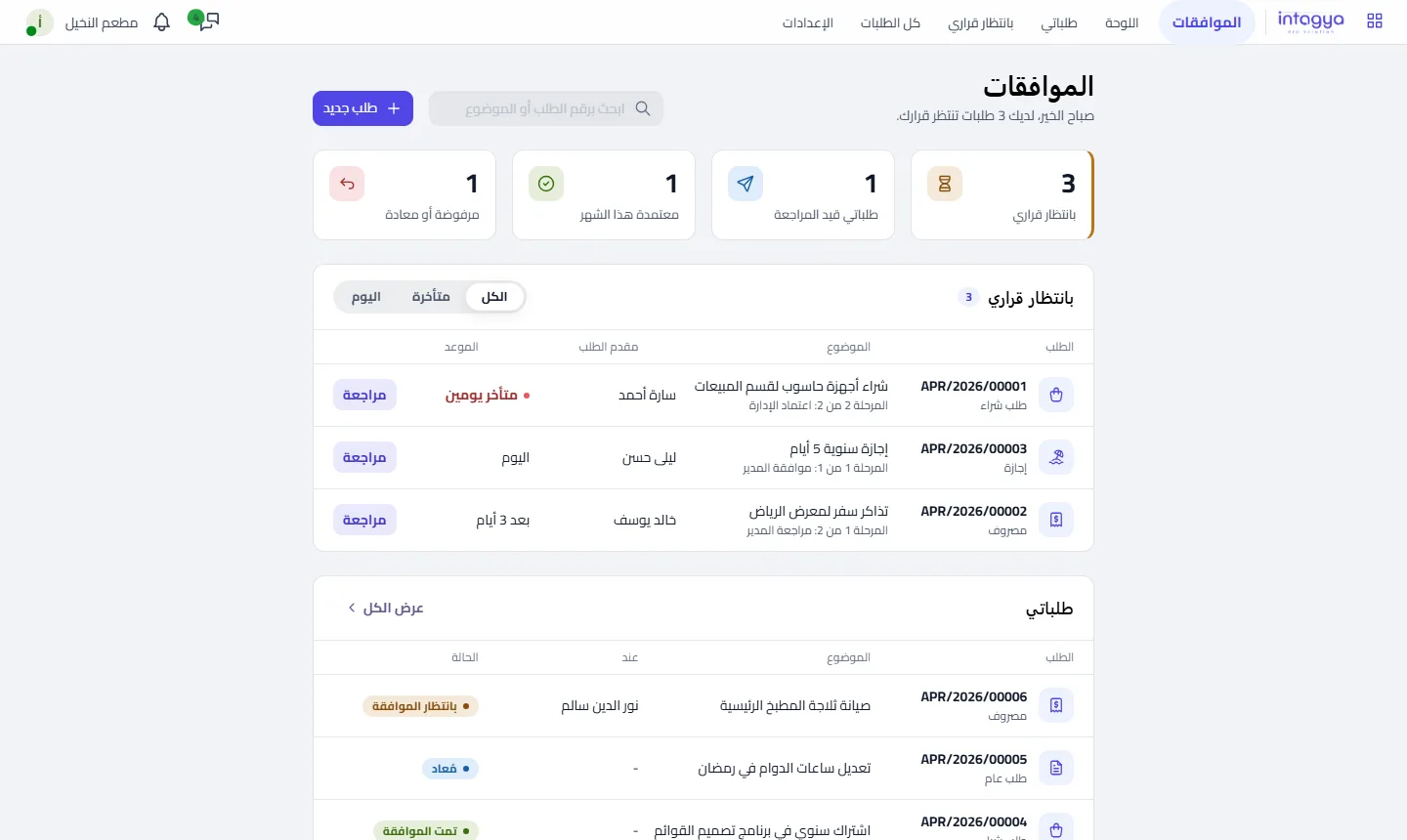
From one list of everything waiting for them, instead of digging through email and chats. It shows the request number, the linked document, the stage, the sender and the deadline, and the manager opens the request from there and decides.
How do I move expenses and time off from paper into the system?
Let employees submit requests in the system and attach a photo of the receipt to the expense. The request goes to the approver, then to accounting or HR once approved. Nothing gets printed.
The hard part here isn't technical. Some employees, and some managers too, will keep sending requests by chat out of old habit.
Move one request type fully into the system, such as expenses, then announce that requests of that type outside the system won't be approved. Apply the rule to yourself first.
How does Intagya ERP replace paper and chat for approvals?
Depending on your sector template, Intagya ERP includes Approvals, Expenses and Time Off in the same workspace. The Approvals dashboard shows requests by status, plus a list of what awaits your approval with stage and deadline. Each request is linked to its document, such as the sales order, so the approver sees the details without asking. With activities, reminders and phone notifications from the app, no request gets lost in the noise.
Tomorrow morning: ask your accountant about the last three requests that were late, how many days each one waited, and with whom. You will know straight away which stage needs to change.
FAQ
Can an approver reject or return a request?
Yes. The Approvals dashboard shows rejected and returned requests alongside pending and approved ones, so everyone knows each request's status.
Does every request need the general manager's approval?
No. Set an amount or request type that needs higher approval and leave the rest with the department head, so nothing piles up on one person.
Will the approver know a new request has arrived?
Yes. In-system notifications and phone notifications from the app alert the approver, so the requester does not need to send reminders in chat.
Is this your business?
Want to see IntagyaERP on your own workflow?
Book a demo, tell us how your business runs, and watch the system handle a real scenario from your company.
Book a demo