
Where do I keep my company's account passwords safely?
| Intagya ERP
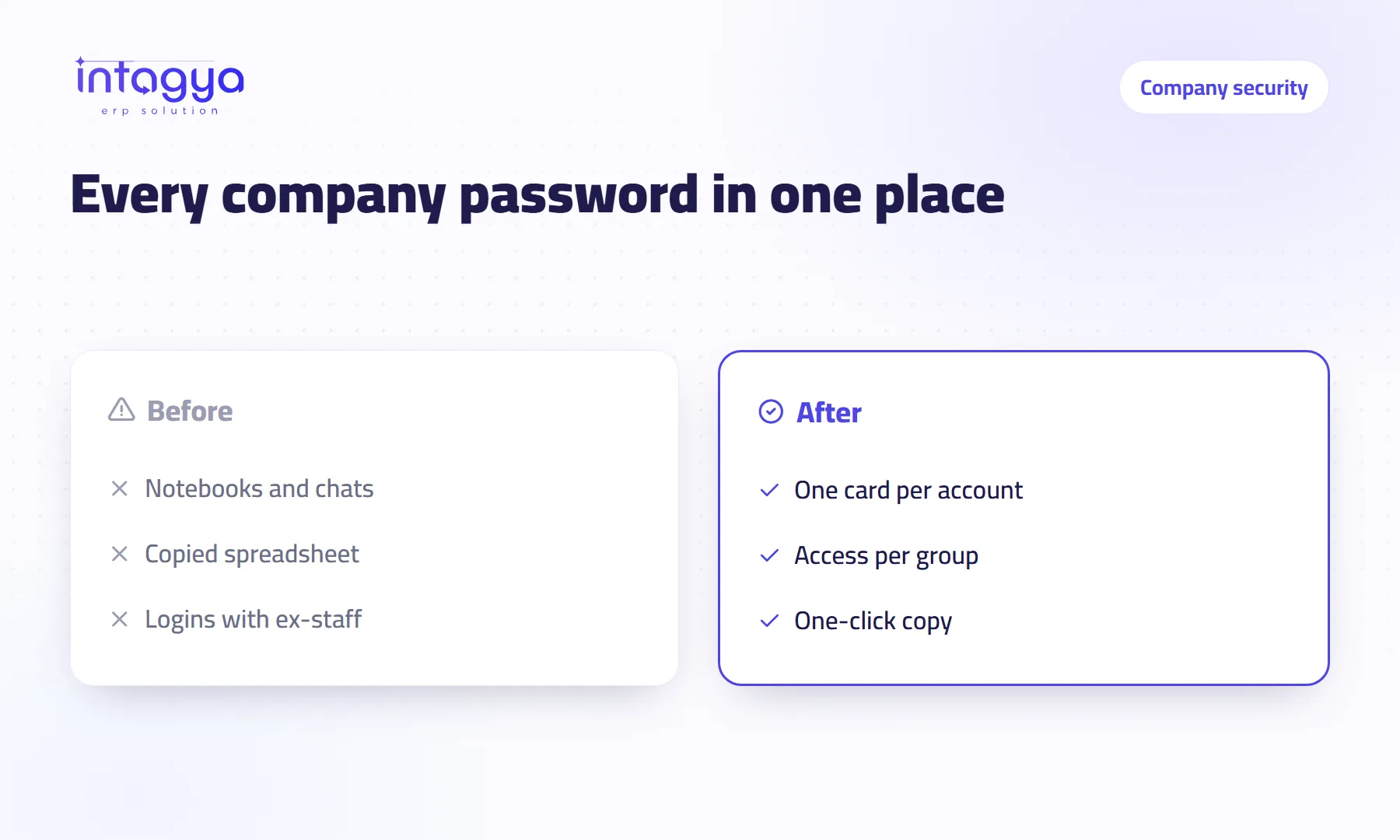
Keep them in a password manager inside your own business system, not in a notebook, a chat or a spreadsheet. In Intagya ERP passwords live in one place and you decide who sees each account, by user or by group. People copy what they need from the card, and the password stops travelling from phone to phone.
Why is it risky to keep passwords in notebooks and chats?
Picture this. Your accountant is on holiday, the bank wants a transfer confirmed today, and nobody else knows the portal password. You scroll back through the team chat for a message he sent last year. You find it. So can everyone else in that group.
That is the problem. A password sent in a chat never comes back under your control. It stays on an employee's phone after they leave, and you have no idea who opened the account or when. Most of the trouble I have seen in small companies did not start with a clever hacker. It started with a forgotten password sitting in plain sight.
Which company accounts actually need protecting?
Any account that would cost you money or stop work if it went missing. Spend ten minutes writing the list; it is usually longer than you think:
- Online banking
- The official company mailbox
- Tax and social insurance portals
- Ad accounts and your Facebook and Instagram pages
- Website hosting and the domain registrar
- Supplier and shipping accounts
- Office Wi-Fi and the attendance device
How does Intagya ERP store company passwords?
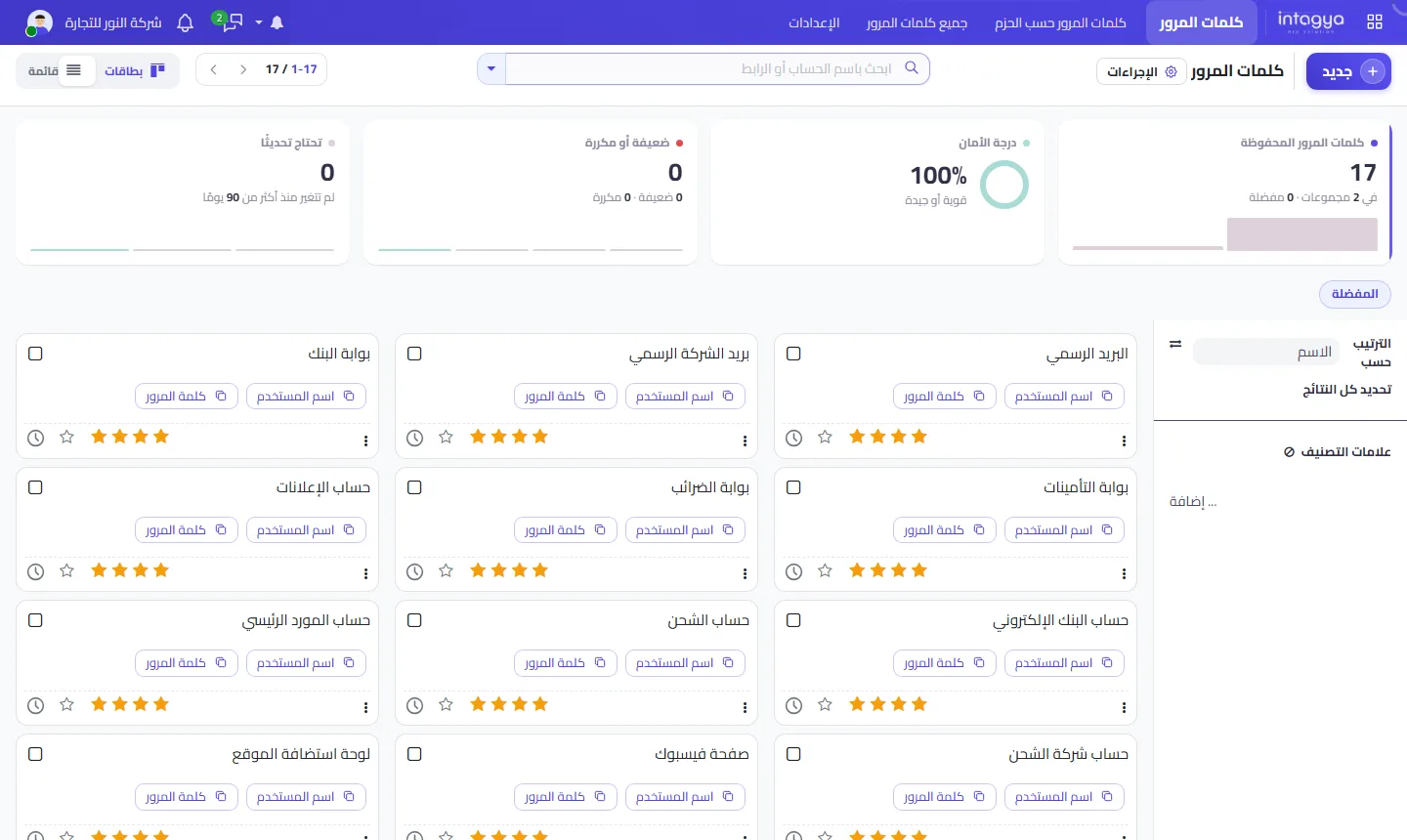
Each account gets a card in the system with the account name, the username and the password, plus tags so you can sort and search. Nobody asks a colleague in a chat anymore. They open the card, press copy, done.
Can every employee see every password?
No, and that is the whole point. You decide who reaches each account, by user or by group. Your accountant sees the bank and tax logins. Marketing sees the ad accounts. The storekeeper needs neither, so he sees neither.
What do I do when an employee leaves?
Deactivate their user the same day and their access to stored passwords goes with it. Then go through the accounts they shared and change those passwords. The difference is that the system tells you which accounts those were; you do not have to remember what you sent them three years ago.
What about passwords everyone needs, like the office Wi-Fi?
Put them in a group the whole company can see and move on. Not every login is a state secret, and the Wi-Fi password does not need the same care as online banking.
The mistake I see more often is the opposite: a company drops every account into one group open to all, so that “nobody gets stuck”. That is the chat problem again, just tidier. Use three simple levels instead: what everyone sees, what one department sees, and what only you and the people you pick can see. If you are unsure where an account belongs, start with the narrowest level and widen it later when someone actually needs it.
One more thing. A password manager does not fix a weak password. “123456” stored neatly is still “123456”, so use the moment you enter each account to replace the old weak ones.
Organised storage is not enough on its own. Change the bank and mailbox passwords whenever someone who used them leaves, even if you trust them.
Is this worth the effort for a small company?
Yes, more than for a big one, because in a small company each account usually sits with one person. Imagine a 10-person firm whose ad campaign stalls for two days because the only person with the password is travelling. The fix is not complicated software. It is one stored card shared with the marketing team.
Tomorrow morning, start with your five most important accounts: bank, mail, tax, ads and hosting. Put them in the password manager in Intagya ERP, then delete the old messages that contain them.
Try Intagya ERP free for 14 days
FAQ
Is the password manager a separate program to install?
No. It is part of Intagya ERP and runs in the browser like the other apps.
Can I organise passwords by department?
Yes, with tags and groups, giving each group only what belongs to it.
Does this replace changing passwords?
No. It makes changing them easier, but you still need to do it, especially when someone leaves.
Is this your business?
Want to see IntagyaERP on your own workflow?
Book a demo, tell us how your business runs, and watch the system handle a real scenario from your company.
Book a demo