
How do I close the month's accounts in days instead of weeks?
| Intagya ERP
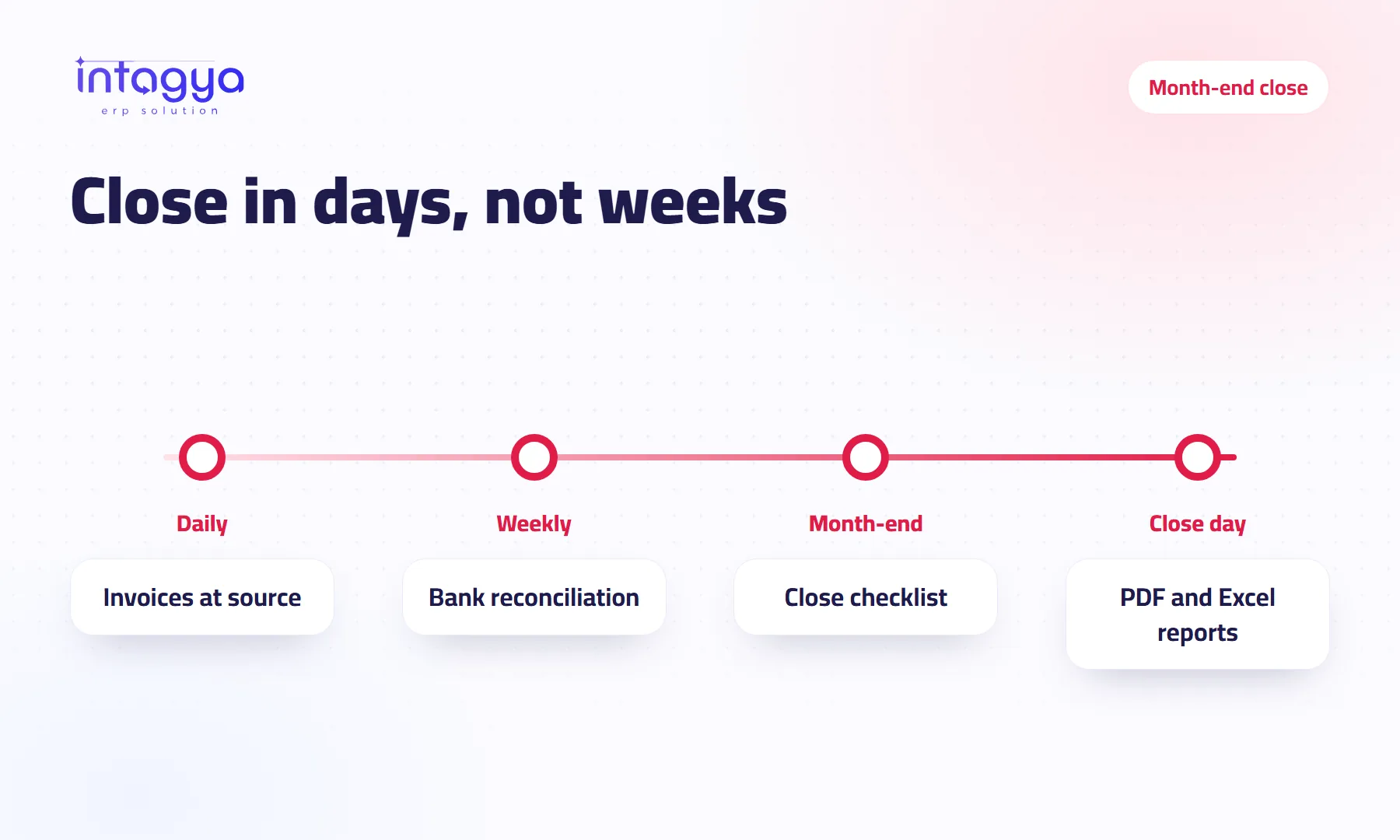
You close in days when most of the work happens during the month, not at the end of it. Record invoices at the source when you sell and buy, reconcile the bank weekly, follow up overdue invoices continuously, and use a fixed close checklist. Month-end then becomes a quick review and a report export, not a paper chase.
Why does month-end close take weeks in most companies?
It is the tenth of the new month. The accountant is still waiting for the sales reps to send photos of their receipts on WhatsApp, and the bank statement on his desk is covered in yellow highlighter. For the third time, the owner asks: how much did we make last month?
Closing takes weeks because accounting starts after the month ends instead of during it. The close becomes a hunt for paper and a round of corrections, not a review.
Which month-end close steps do I really need?
A fixed list, run in the same order every month, where everyone knows their part and their deadline:
- Make sure every sales and purchase invoice for the month is recorded.
- Reconcile every bank account and cash.
- Record approved expenses and the month's payroll.
- Review what customers owe you and what you owe suppliers.
- Review the tax due for the period.
- Produce the balance sheet and profit and loss, and review them.
How do I record invoices at the source instead of collecting them at month-end?
Issue the customer invoice from the sales order itself, and record the supplier bill when goods or services arrive. Accounting waits for nobody and retypes nothing.
There is a side benefit people often miss: when a supplier bill is tied to its purchase order, the supplier who sends the same invoice twice stands out quickly.
Why reconcile the bank weekly rather than monthly?
Because one week takes minutes and a whole month can take a day. Nobody remembers an unrecorded payment from three weeks ago. Reconcile as you go and the bank is nearly done by month-end.
How do I follow up overdue invoices before they become a problem?
Make them a figure you see every day, not a line in a month-end report, and give each overdue invoice a follow-up activity with an owner and a date. Collection is not officially part of the close, but a month heavy with overdue balances always closes slower, because every balance needs checking.
Pick one fixed day a week for bank reconciliation and overdue review. Fifteen minutes a week saves days at month-end.
How do I produce the financial reports after closing?
From one menu, not a spreadsheet you build by hand. When every entry is in the system, the balance sheet and profit and loss appear on screen, ready to export as PDF for management or Excel for analysis.
Be realistic, though: the system does not replace an accountant's review. It removes the collecting and copying, and leaves the accountant the part that actually needs expertise.
How does Intagya ERP help me close faster?
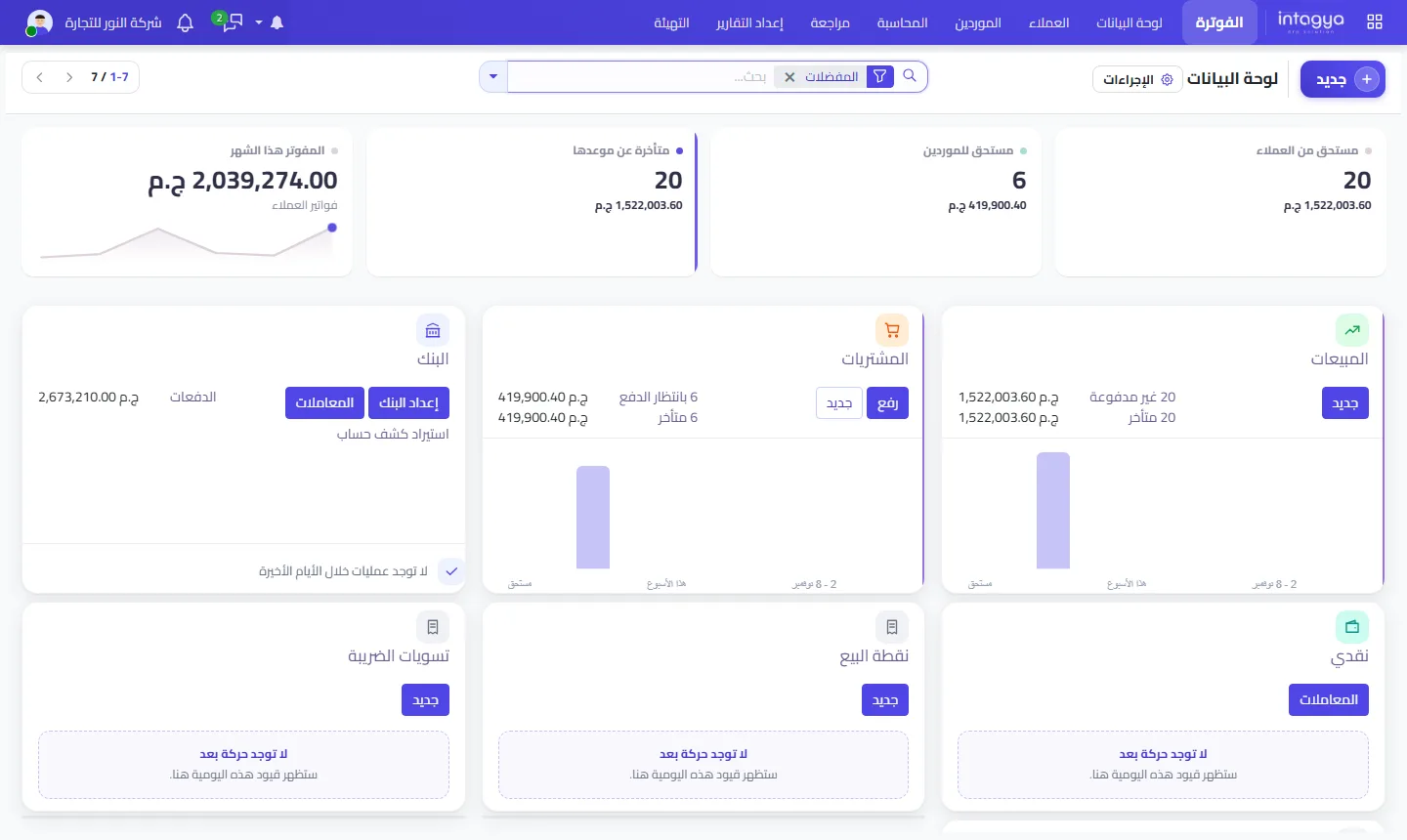
In Intagya ERP the invoice comes from the sales order, supplier bills come from purchasing, and the Invoicing dashboard shows customer balances, overdue amounts, supplier balances, bank and cash. One Financial Reports menu brings together the balance sheet, profit and loss and more on screen, with PDF and Excel export. Expenses and payroll are recorded in the same system, depending on the apps in your sector template.
Tomorrow morning: write down the close steps you follow today, exactly as they are, even if they only live in your accountant's head, and put a name next to each one. Then pick a fixed weekday for bank reconciliation and start this week.
Try Intagya ERP free for 14 days
FAQ
Can I export financial reports to Excel?
Yes. The Financial Reports menu shows reports on screen and exports them to PDF and Excel.
Do I need a full-time accountant to use the system?
The system cuts manual work, but reviewing entries, tax and the close still needs someone who understands accounting, in-house or external.
What if my past months are in Excel sheets?
Start from clear opening balances and work inside the system from the new month. Aim to close one full month in the system first.
Is this your business?
Want to see IntagyaERP on your own workflow?
Book a demo, tell us how your business runs, and watch the system handle a real scenario from your company.
Book a demo