
How do I know where my company's money goes every month?
| Intagya ERP
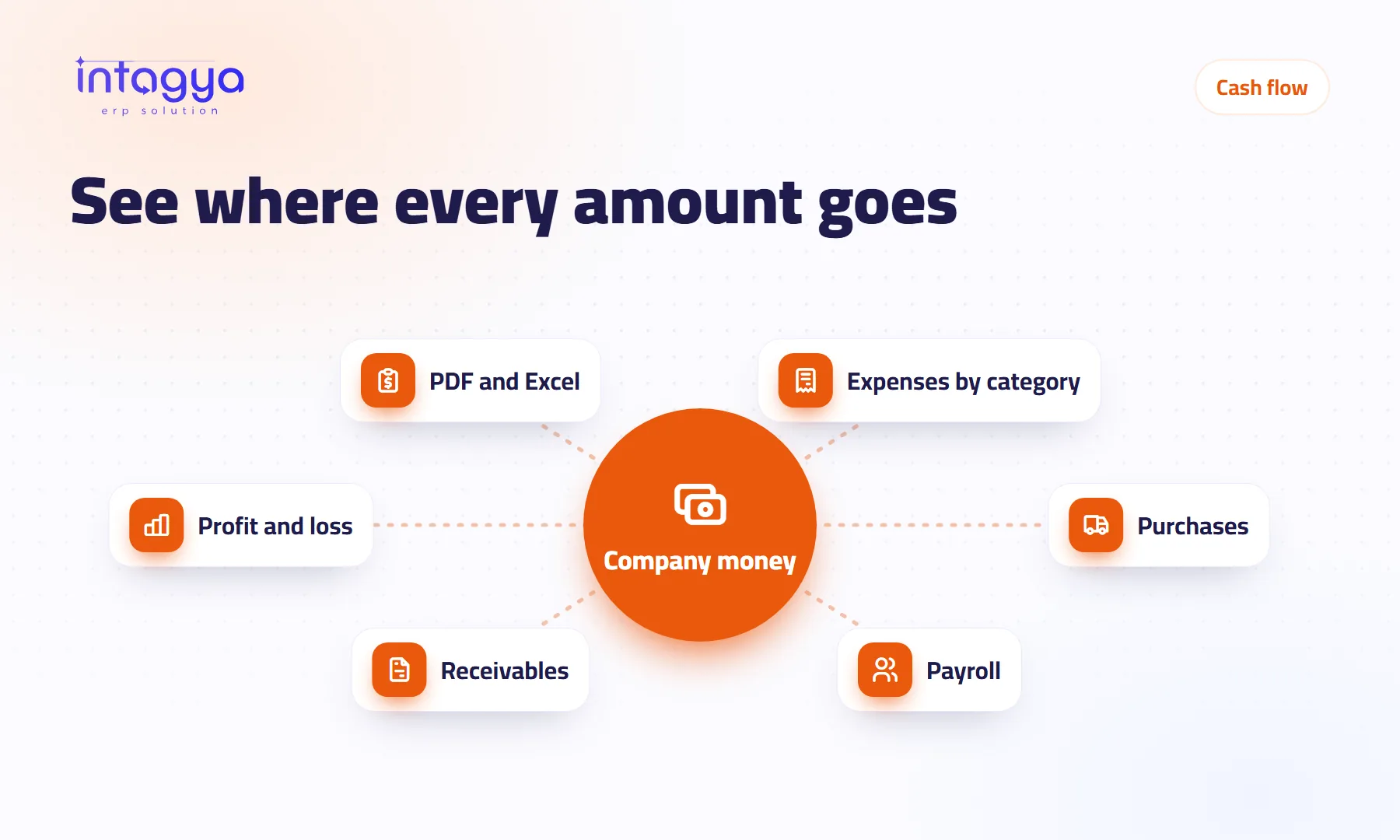
You know it when every amount leaving the company passes through one system with a clear category: employee expenses, supplier bills and payroll. Then the profit and loss shows where the money went, you can set what customers owe you against what you owe suppliers, and the smart dashboard shows revenue, purchases and expenses and net profit without waiting for anyone's spreadsheet.
Why can't I tell where the money went when the bank statement is right there?
Month-end. The owner looks at the bank balance and it is much lower than he expected. He asks the accountant, who says: “Give me two days and I will put a sheet together.” Two days later the sheet arrives, with one big line called “Miscellaneous”.
A bank statement gives you the amount and the date, not the reason. A transfer to a supplier might be stock, rent or an advance to an employee. If the reason is not recorded when the money goes out, you spend month-end guessing.
Which categories should I split company expenses into?
A handful you understand at a glance: travel, meals and hospitality, office supplies, fuel, rent. Around ten covers most small companies. Nobody picks accurately from forty.
My view on “Miscellaneous” is simple. Once it grows beyond a small slice of spending, it is not a category, it is where unsorted costs hide. Check it every month and move anything that repeats into a category of its own.
How do I record an expense when it happens, not at month-end?
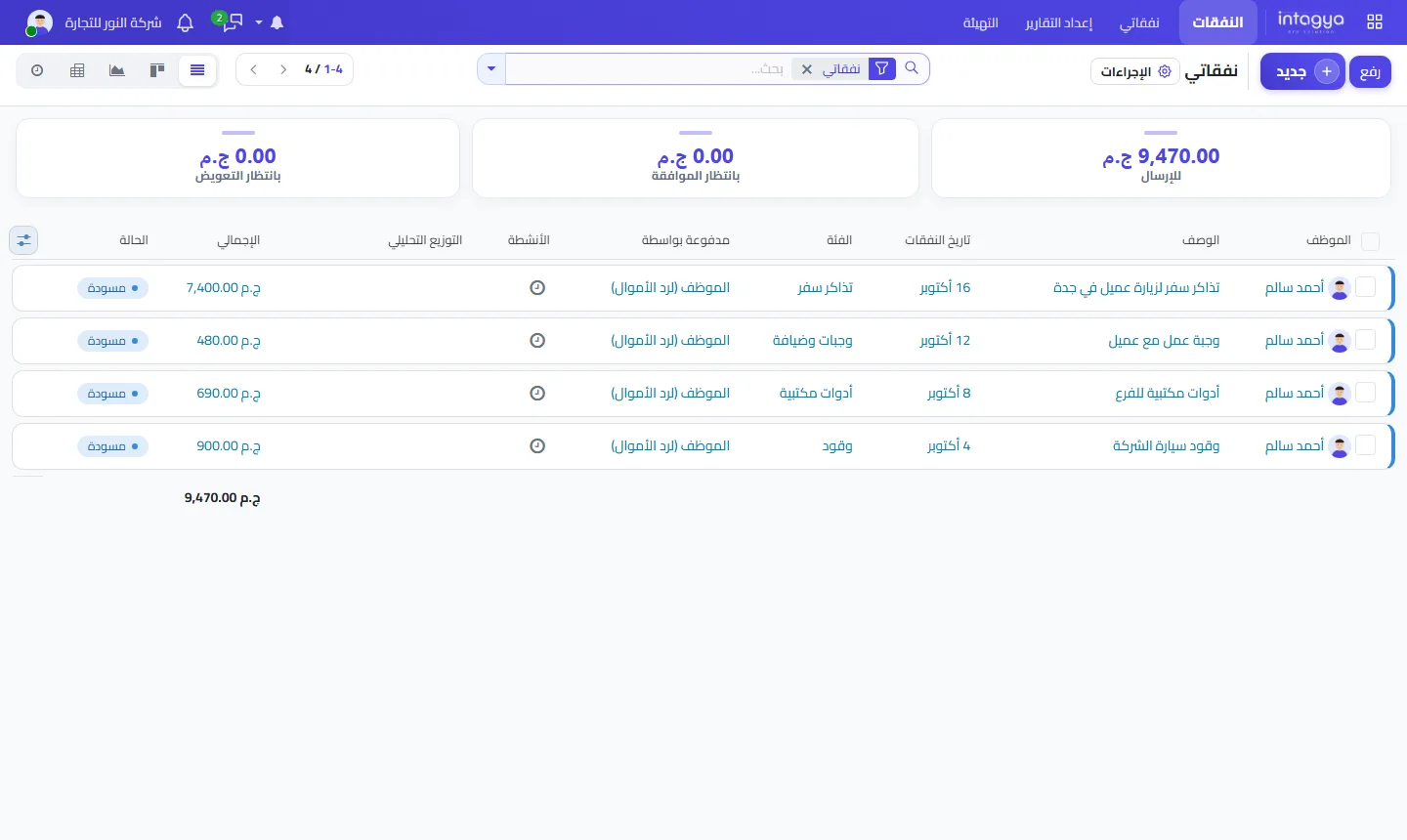
Let the employee record it on the day. They submit the expense with a photo of the receipt from the system or the phone app, choose the category and send it for approval. The manager approves and accounting reimburses. At any moment you see how much is waiting to be submitted, approved or reimbursed.
If you have branches or projects, use the analytic distribution on each expense so you can later see what each branch spent, not only the company total.
Do purchases and payroll belong in the same picture?
Yes, and they are usually the biggest part of it. Supplier bills come from purchase orders, and the payroll entry reaches the books when payslips are confirmed. With all three in one system, the profit and loss is a real picture instead of an estimate.
Why do I make a profit on paper but find no cash in the bank?
Because profit is counted when you invoice and cash arrives when customers pay. A made-up example: you sold well this month and made a profit, but half the invoices are still unpaid, while you paid your suppliers in cash. The profit is real. The cash is sitting with your customers.
So always read two figures together: what customers owe you and what you owe suppliers. The Invoicing dashboard shows both, along with overdue invoices.
Which report should I read every month to see where the money went?
Two reports, twenty minutes. Start with the smart dashboard: revenue, purchases and expenses, net profit and unpaid invoices. Then open the profit and loss under Financial Reports and compare it with last month.
- Which line grew the most since last month, and why?
- How big is Miscellaneous?
- Did receivables grow faster than sales?
- Which cost did nobody expect?
If you need the figures for a meeting or your outside accountant, export the report to PDF or Excel.
Ask your accountant for one line with each monthly report: “the three biggest changes and why”. That line is worth more to you than ten pages of numbers.
How does Intagya ERP help me see where the money moves?
In Intagya ERP, expenses, purchases, payroll and invoices sit in one database for your company, depending on the apps in your template. The smart dashboard shows the month at a glance, and the Financial Reports menu brings together profit and loss and the balance sheet with PDF and Excel export. The system will not categorise spending for you, though; the right category starts with the person who records it.
Tomorrow morning: pull last month's bank statement and write, next to the twenty biggest outgoing amounts, the reason in two words. Whatever you cannot name quickly is the first thing to organise.
Try Intagya ERP free for 14 days
FAQ
Can I export the profit and loss to Excel?
Yes. The Financial Reports menu shows reports on screen and exports them to PDF and Excel.
Can employees submit expenses from their phone?
Yes. They submit the expense with a receipt photo from the Android app when the Expenses app is installed in your workspace.
Can I see spending per branch or project?
Yes, if you use analytic distribution on expenses and bills and the team agrees to fill it in every time.
Does the system replace my accountant?
No. It removes the collecting and copying, but reviewing entries and explaining the numbers is still an accountant's job.
Is this your business?
Want to see IntagyaERP on your own workflow?
Book a demo, tell us how your business runs, and watch the system handle a real scenario from your company.
Book a demo