
What is an ERP system, and does a small company need one?
| Intagya ERP
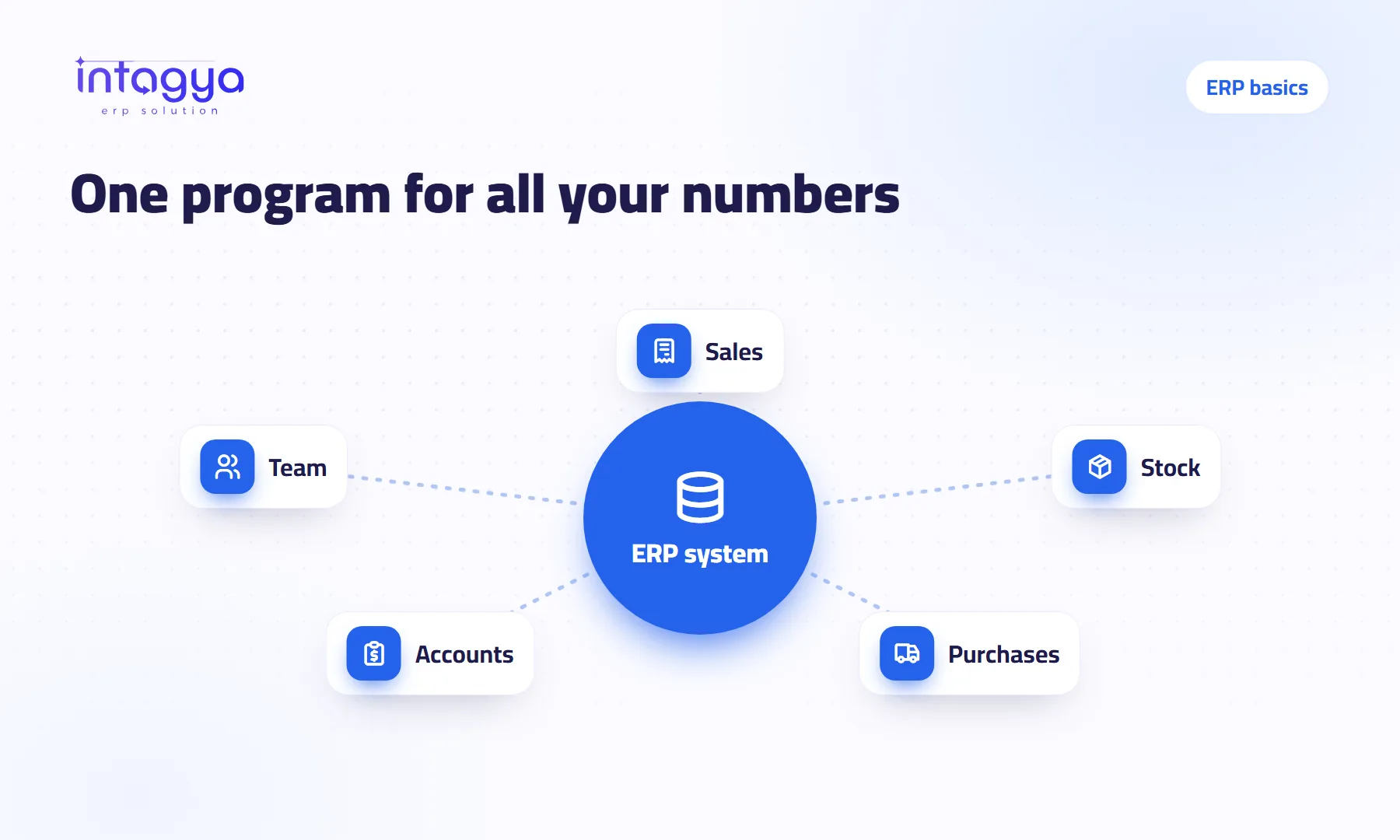
An ERP system is one program where a company records its sales, purchases, stock, accounts and staff work, so the numbers connect instead of living in separate notebooks and files. A small company needs one when its numbers start to disagree, or when collecting them eats your time. If you work alone with a handful of transactions, you may not need it yet.
A small distribution company with six people. Invoices live in one program, stock in a spreadsheet the storekeeper updates when he remembers, and customer numbers in the salesman's phone. At month end the owner asks one question: how much did we make? The accountant needs three days to answer, and the answer does not match the cash box.
That is the problem an ERP system was built to solve. It is not a big-company problem.
What is an ERP system, in plain words?
An ERP system is one program that records every business event once and reuses it wherever it is needed. When a salesperson sells an item, stock goes down, the invoice reaches the accountant and the amount lands in the profit report, without anyone typing the number again.
The name sounds heavy. The idea is simple: one source for your numbers instead of five that contradict each other.
How do I know my small company needs an ERP system now?
You need one when collecting numbers has become a job in itself. Check these signs; if three of them describe your company, you are already a little late:
- The stock in the file does not match the shelves, and you find out when a customer asks.
- You ask for a customer's balance and hear: give me a minute to check.
- Invoices are written twice, once for the customer and once for the books.
- When one person is off, part of the work stops, because the information is in his head or his phone.
- The monthly report arrives a week late or more.
- You cannot say which product makes you money and which one only takes your time.
When does my company not need an ERP system yet?
If you work alone, sell one service to a few clients and hold no stock, a simple invoicing tool and a tidy spreadsheet may be enough. Do not buy a full system because you heard serious companies use one.
And do not switch during your busy season or a few days before closing the year. Pick a quiet month. A good system needs two weeks of attention at the start, and it is unfair to load your peak season on top of that.
Is an ERP system too complex and expensive for a small company?
It used to be, when it meant a server in the office, a programmer visiting every month and a licence paid up front. Most systems now run in the browser on a monthly or yearly subscription, so you buy no hardware and install nothing.
The real complexity is in the setup, not the software. That is why Intagya ERP builds your workspace at signup from your sector template: a retail shop starts with point of sale and warehouses, a services firm starts with projects and tasks. You fill in your data; you do not build the system from scratch. Prices are published on the pricing page, and the price follows the number of users.
What does a small company gain from ERP in the first month?
Your profit will not double in a month, and anyone who promises that is selling words. What you gain is plainer and more useful:
- You see every customer and supplier balance at once, so you call the late payer instead of waiting for him.
- You see real stock before you promise a delivery date.
- You stop typing the same number in three places.
- You open the dashboard in the morning and see sales and unpaid invoices without asking anyone.
Start only with the apps that hurt today, usually sales, stock and invoicing. Add the rest once the team is used to it.
How do I start without drowning in setup?
Take your product list and customer list as they are in your spreadsheet and load them into the trial. Then ask one employee to record a full day of sales in the system next to your current method. In the evening, compare the two. That small test tells you more than any demo.
Tomorrow morning: open a 14-day trial workspace, pick your sector, and enter ten real products and five real customers. If you find you do not need it yet, you learned that for free.
FAQ
Is an ERP system the same as accounting software?
No. Accounting software records entries and invoices. An ERP system holds accounting plus sales, purchases, stock and staff, and links them together.
How many employees do I need before ERP makes sense?
There is no fixed number. Three people with a large stock may need it more than an office of ten consultants. What matters is how many transactions you have and how much they overlap.
Do I need special hardware or a server?
No. Intagya ERP runs in the browser on any computer, and there is an Android phone app.
What happens if I stop after the trial?
The trial is free and asks for no credit card, so nothing is charged if you do not subscribe.
Is this your business?
Want to see IntagyaERP on your own workflow?
Book a demo, tell us how your business runs, and watch the system handle a real scenario from your company.
Book a demo