
How do I know an ERP is worth what I pay for it?
| Intagya ERP
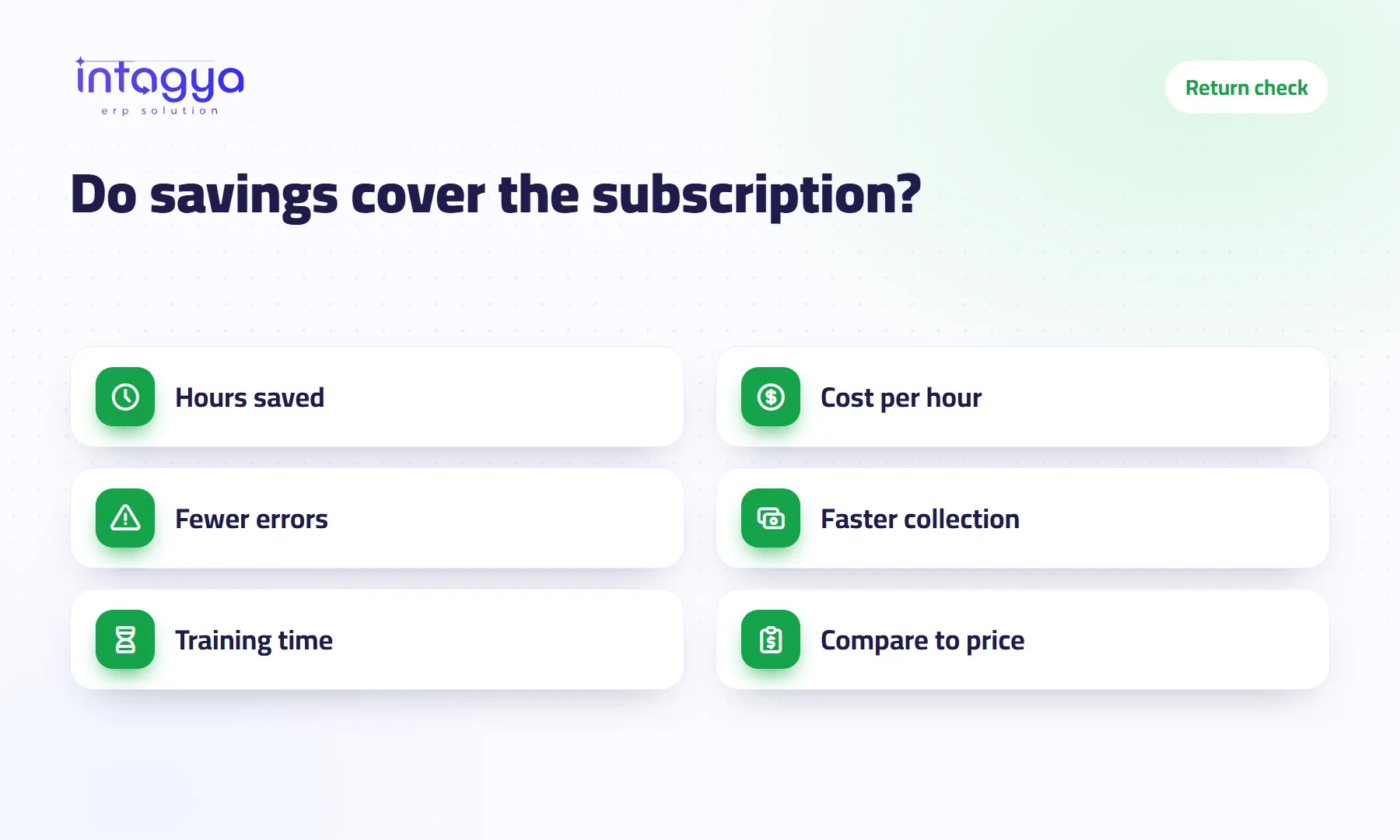
An ERP is worth its price when what it saves each month is more than the subscription. Work out three things from your own numbers: hours saved times the cost of an hour, the cost of mistakes avoided, and what faster collection does to your cash. Compare the total with the right plan on the pricing page, then redo the sum after three months with real figures.
A workshop owner told me: “The monthly subscription is half an employee's salary. Why would I pay it?” Fair question. So I asked him how many hours his accountant spends each month matching supplier invoices against the ledger. He paused, then said: “I don't know. A lot.”
“I don't know” is the real problem. This article helps you find out.
What should I count to work out an ERP's return?
Three things: time lost to re-typing and manual reports, mistakes that cost you money, and invoices that get paid late because nobody chases them on time. Each one can become a rough number.
How do I put a value on the time an ERP saves?
Multiply the hours saved per month by the cost of an hour of staff time. Here is a hypothetical example with simple numbers, not an average from real companies:
- A company with 5 staff, each spending 4 hours a week copying data between files and building reports
- 5 × 4 × 4 weeks = 80 hours a month
- Assume the system saves half: 40 hours
- If an hour costs the company 10 currency units, the time saved is worth 400 units a month
Do not copy these numbers. Use yours: your headcount, their real hours, and the hourly cost from payroll.
How do I count the cost of mistakes?
Go back three months and count. A supplier sent the same invoice twice and you paid it twice. A customer was billed at last year's price. Something was sold that was not in the warehouse, so you paid for a rush delivery. Every mistake has a price, even when it never shows up in the books.
When price, stock and invoice sit in one system, these mistakes happen less because everyone sees the same number. They will not all disappear. Anyone who tells you that is overselling.
Does faster collection raise my profit?
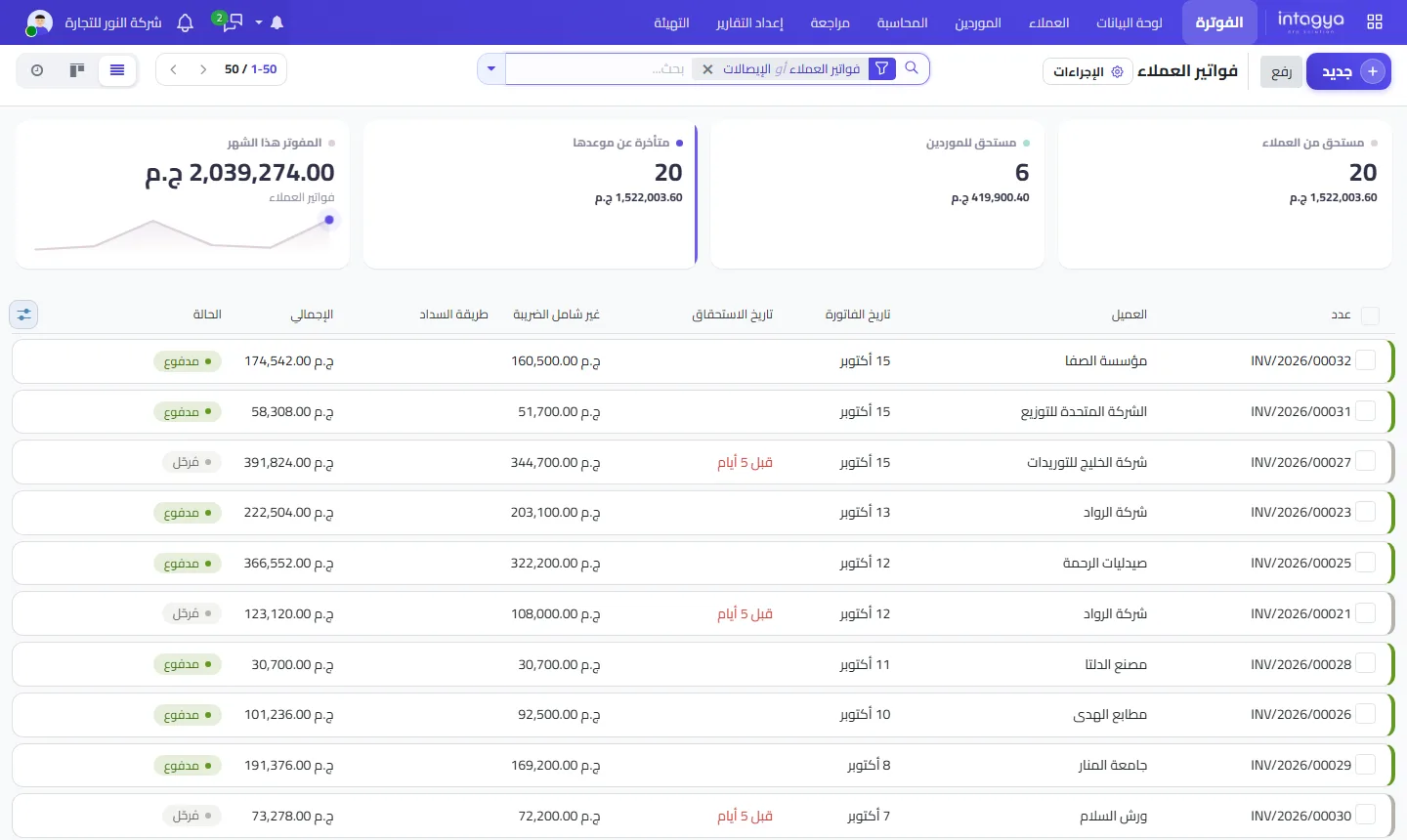
Not on paper. But it puts money in your hands sooner, which means less borrowing and fewer late supplier payments. When overdue invoices sit in one list with their due dates, the team calls about them before they turn three months old.
How do I compare the return with the subscription?
Add time, mistakes and collection into one estimated monthly figure and set it against the monthly subscription for the plan that fits your number of users. If the return is clearly bigger, the decision is easy. If it is close, start with fewer users and fewer apps and grow when you see results.
Before you subscribe, write down three numbers today: hours spent on manual reports, mistakes per month, and average collection delay. In three months you will need them to know whether anything changed.
Which cost do most people forget?
The time it takes to move over and train. The first weeks ask extra effort from the team, and work may slow a little before it speeds up. Count it honestly. A decision built on a rosy sum disappoints the person who made it.
How can I test this in Intagya ERP before paying?
Intagya ERP has a free 14-day trial with no credit card, on a workspace of your own built from your sector template. Use it on the task that eats the most time today, such as the sales report or chasing late invoices, and measure the difference. The smart dashboard shows revenue, unpaid invoices and net profit in one place. Plans and prices are on the pricing page.
What to do tomorrow morning: ask your accountant the workshop question, how many hours a month go into matching and reports? Write the number down. It is the first line of your sum.
FAQ
When will I see a return on an ERP?
There is no fixed date. Review your numbers three months after full use; the first weeks go into learning and moving over.
Are the numbers in the example real?
No. They are a hypothetical example to show the method. Use your own.
Where do I find the subscription price?
On the pricing page, where you pick a plan by users and apps, monthly or yearly.
Can I start with only a few users?
Yes. Start with the people who need the system every day and grow when you see results.
Is this your business?
Want to see IntagyaERP on your own workflow?
Book a demo, tell us how your business runs, and watch the system handle a real scenario from your company.
Book a demo