
How do I spot dead stock before it ties up my capital?
| Intagya ERP
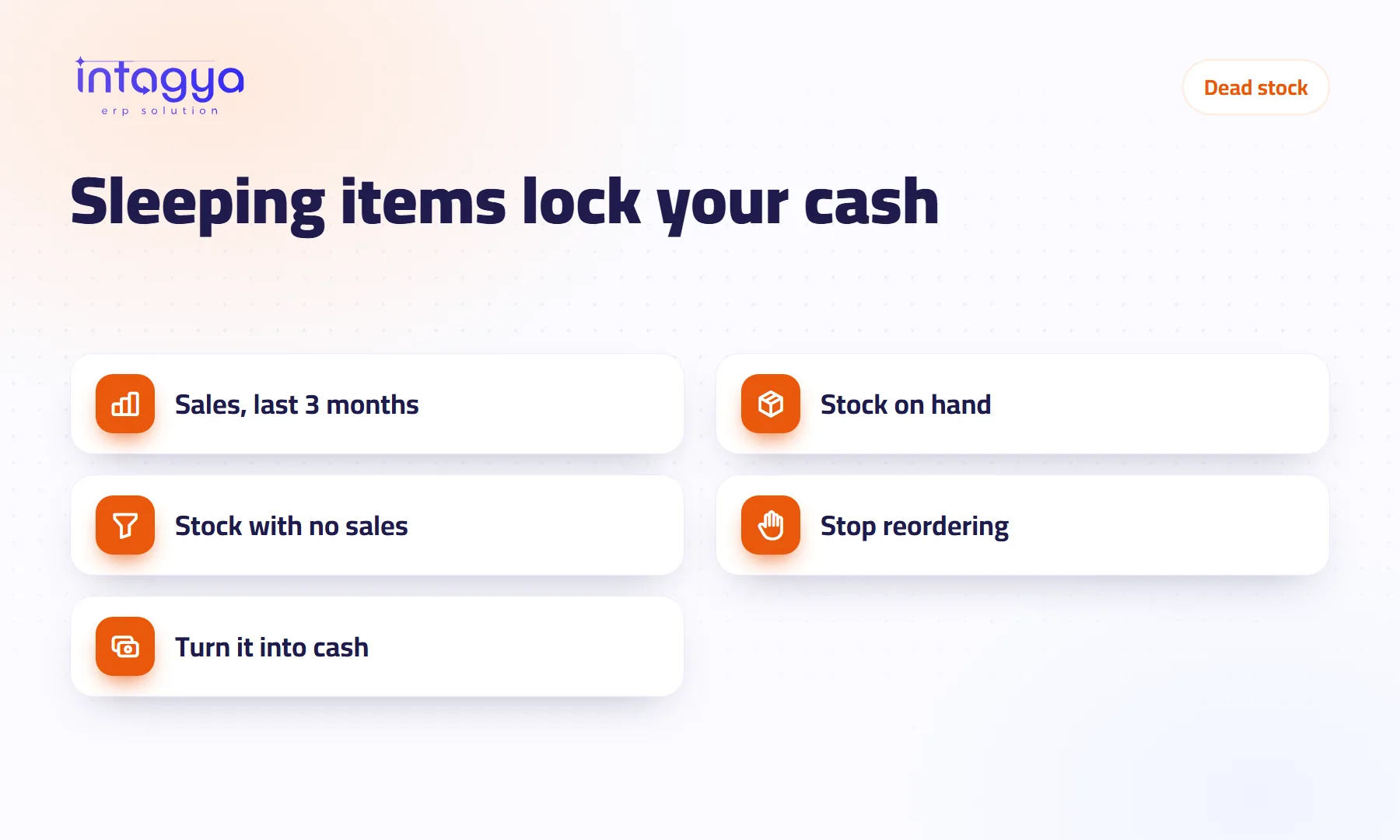
You spot dead stock by comparing what is in the warehouse with what actually sold over a set period, say three months. An item with stock and no sales in that period is dead. Then stop it from being reordered by changing its reordering rule, and decide what to do with it: discount it, bundle it, or return it to the supplier.
In a plumbing supplies shop, an employee orders five boxes of one mixer tap every month because “that is what we always order”. At year end the owner finds twelve boxes of it in the back room. Customers stopped buying it when a newer model came out, and nobody told the employee.
What exactly counts as dead stock?
An item you hold in stock that has not sold at all, or has sold very little, over a period you choose. There is no single number that fits everyone.
In a grocery, one month without a sale is a warning. In a heavy equipment parts shop, six months can be normal. Start with three months and adjust it to your trade.
Why does an item hurt me if I have already paid for it?
Because it is money standing still. What you paid could have bought items that sell in a week. It takes shelf space, needs counting at every stock-take, and may get damaged, expire or go out of fashion.
Worse, dead stock is quiet. An item that runs out gets noticed because customers ask for it. An item that never sells just sits in the corner.
How do I find dead stock in the system?
You need two lists and a comparison.
- In the sales analysis report, set the period to the last three months and group by product. That is what sold.
- In the inventory product list, show the quantity on hand for each item. That is what you hold.
- Every item on the second list that is missing from the first, or sells far less than it holds, goes on your review list.
Export both lists to Excel if that makes the comparison easier. What matters is doing it every month, not once a year.
Start with your most expensive items. Ten slow, pricey items lock up more cash than a hundred cheap ones.
How do I stop the system from reordering something that does not sell?
If an item has a reordering rule with a minimum and maximum, the system suggests buying it whenever stock drops below the minimum. Great for fast movers, risky for items whose demand has changed.
For a dead item, set the minimum to zero or remove the rule. If the item will not come back, archive it so it stops appearing on new quotations and purchase orders. Archiving keeps its history.
My advice: review the reordering rules themselves once a quarter. A rule set two years ago knows nothing about today's market.
What do I do with the dead stock I already have?
Do not wait for it to sell by itself. Every month it loses value.
- Offer it at a lower price for a set time and tell your customers.
- Bundle it with an item that sells well.
- Ask the supplier about a return or exchange; some agree.
- If it is damaged or expired, record the scrap in the system so quantity and value are right.
Selling at a small loss hurts. Keeping something for two years and then throwing it away hurts more.
How does Intagya ERP help me keep an eye on dead stock?
In Intagya ERP, sales, point of sale, purchasing and inventory are one system, so the sales report and stock on hand come from the same transactions, and every list exports to Excel. Reordering rules per item decide when the system suggests a purchase, and the figures strip above the inventory lists shows what is waiting to be received or delivered and the stock value.
This week, take your twenty most expensive items and check how many of each sold in the last three months. If you find one with no sales and an active reordering rule, you just saved the cost of its next order.
FAQ
How many months without a sale make an item dead stock?
It depends on your trade. Three months is a sensible start for most shops; adjust it to how fast your goods turn over.
Should I delete a dead item from the system?
No. Archive it: it leaves the daily screens and its sales and purchase history stays.
Does scrapping stock affect my accounts?
If stock valuation is linked to accounting, the scrap shows in the journal entries, so your accountant sees its value.
Is this your business?
Want to see IntagyaERP on your own workflow?
Book a demo, tell us how your business runs, and watch the system handle a real scenario from your company.
Book a demo